Making a video used to mean finding footage, recording a voiceover, editing scenes, and hoping everything looked consistent. AI can now handle much of that, but choosing the wrong tool still leaves you with plenty of work.
The best AI video generators in 2026 solve different problems. Some create cinematic footage from prompts. Others turn scripts into presenter videos or assemble content for YouTube, ads, and social media.
Our quick answer: start with HeyGen for avatar-led marketing, Google Veo for cinematic clips with audio, InVideo AI for complete content workflows, and Synthesia for business training.
This VegaReview shortlist compares their documented capabilities, practical use cases, and limitations. It combines our existing reviews with official product information; it isn't a claim that we've benchmarked every model. The numbers organize the list, while the best-for labels help you choose.
Best AI video generators at a glance
| Tool | Best for | Main consideration |
|---|---|---|
| HeyGen | Avatars and localized marketing | Premium features consume credits |
| Google Veo 3 | Cinematic clips with native audio | Model access varies by product and plan |
| Seedance 2.0 | Video guided by multiple reference types | Access and pricing depend on the provider |
| InVideo AI | Turning ideas into complete videos | Generated drafts still need editorial review |
| Kling 3.0 | Multi-shot scenes and dialogue | Advanced controls take practice |
| Pika | Short creative clips and visual experimentation | Features depend on the selected model |
| Frameloop | Faceless shorts and product ads | Verify consistency across your own scenes |
| Runway Gen 4 | Reference-led cinematic production | Budget for repeated generations |
| Luma Dream Machine | Image animation and visual exploration | Check credits and commercial-use terms |
| Synthesia | Training and internal communications | Compare usage allowances and team features |
These entries include both video models and platforms. A model generates footage; a platform may also handle scripting, narration, captions, and editing. That difference matters more than a long feature list when you're deciding what to pay for.
1. HeyGen
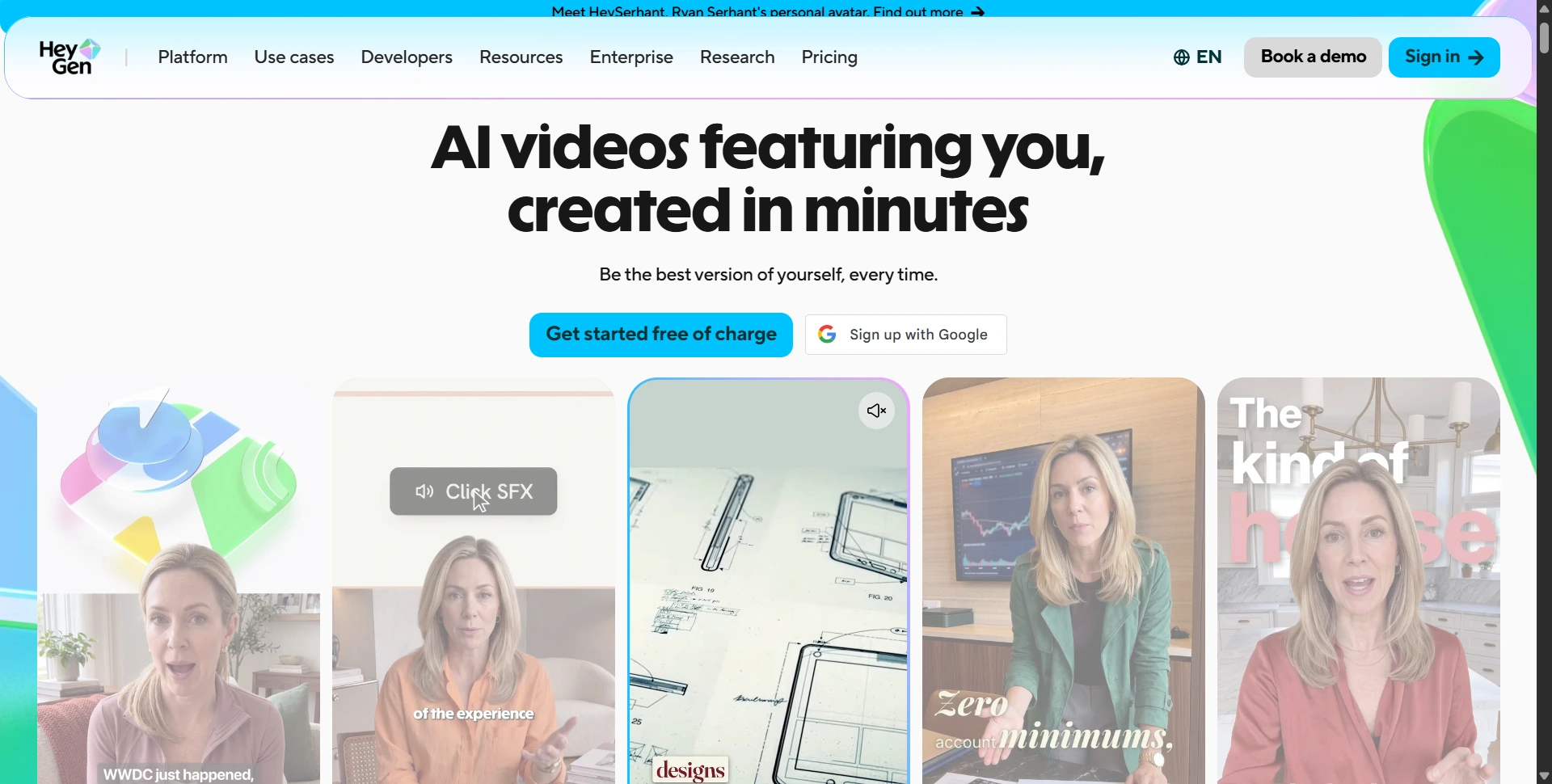
Best for: AI presenters, marketing videos, and localization.
HeyGen makes sense when your video needs someone explaining an idea. You can use stock avatars, create a Digital Twin, or build presenter-led content without recording yourself every time the script changes.
Its appeal goes beyond talking heads. Video translation, voice tools, branding, and integrations make it useful for businesses adapting content for different audiences.
We'd shortlist it for SaaS explainers, customer education, sales videos, and multilingual campaigns. Reusing a presenter can save a lot of filming when you're publishing regularly.
Watch out for: credit consumption. Advanced generation and translation can affect how much you get from a subscription. Compare your intended workload against the current plans, and read our HeyGen review for a closer look at the workflow.
2. Google Veo 3
Best for: Cinematic footage with generated sound and dialogue.
Google Veo is a strong option when you want to generate a scene rather than put an avatar in front of a script. Veo 3 introduced native audio, including ambient sound, effects, and dialogue alongside the visuals.
That makes it interesting for advertising concepts, short narrative scenes, and footage where sound helps sell the setting. Think rain hitting a window or a conversation inside a busy cafe.
Watch out for: version differences. Google's current product page highlights Veo 3.1, so don't assume every feature there belongs to the original Veo 3. Access through Gemini, Flow, and developer tools also differs. We'd choose it for individual shots and build the finished video around the usable results.
3. Seedance 2.0
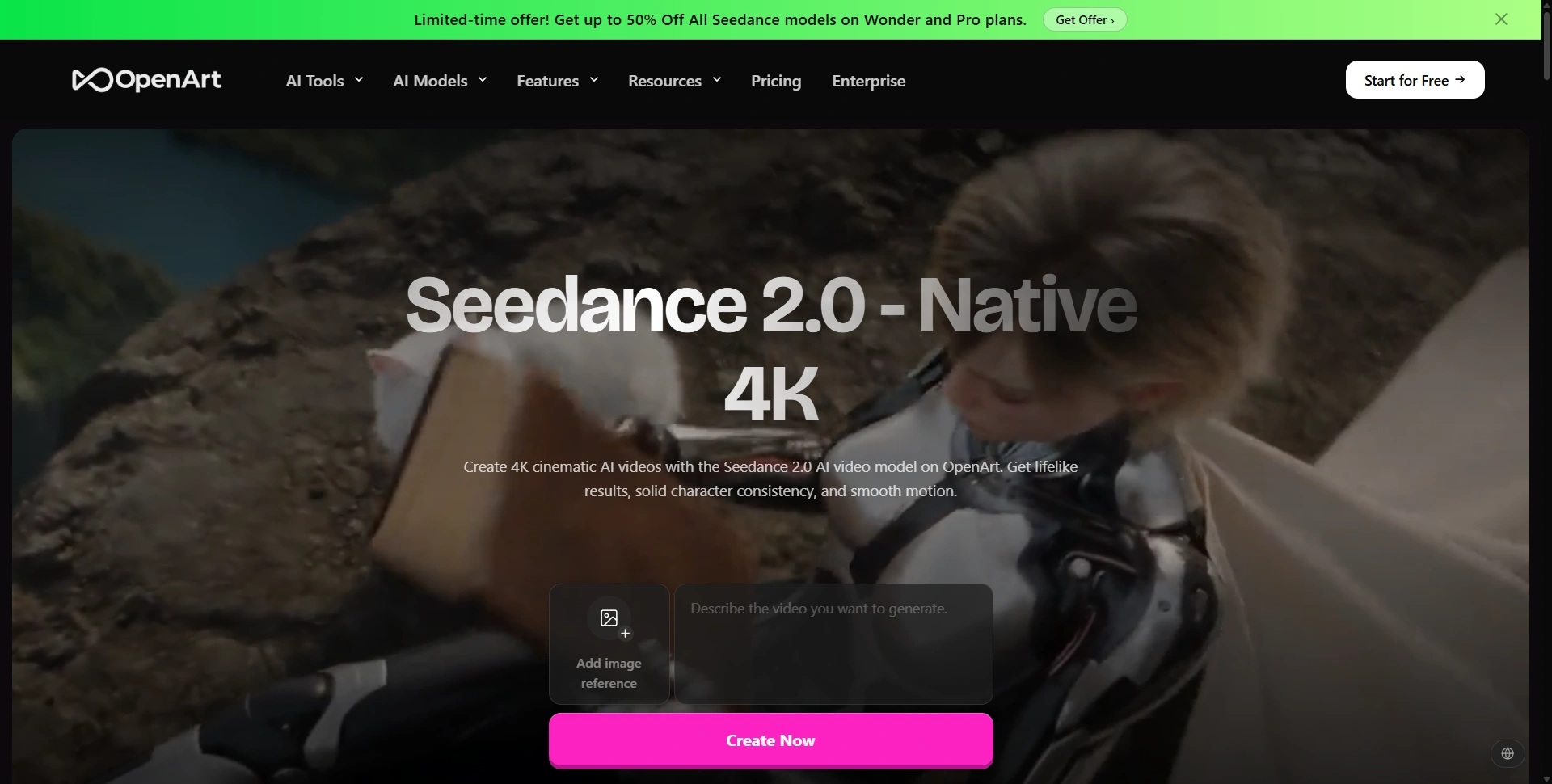
Best for: Generating video from a detailed creative brief and references.
Seedance 2.0 is ByteDance's audio-video generation model. It supports text, image, audio, and video inputs, giving you more ways to communicate what a scene should look and sound like.
That's useful when a text prompt alone leaves too much open to interpretation. You might have a visual reference, a motion example, and an audio direction that need to work together.
We'd consider it for story scenes, stylized campaigns, and projects where reference control matters more than templates.
Watch out for: the service providing access. The screenshot above shows OpenArt, not ByteDance's own interface. Available settings, credits, and pricing can differ between providers. Start with the official model page to understand what Seedance itself supports.
4. InVideo AI
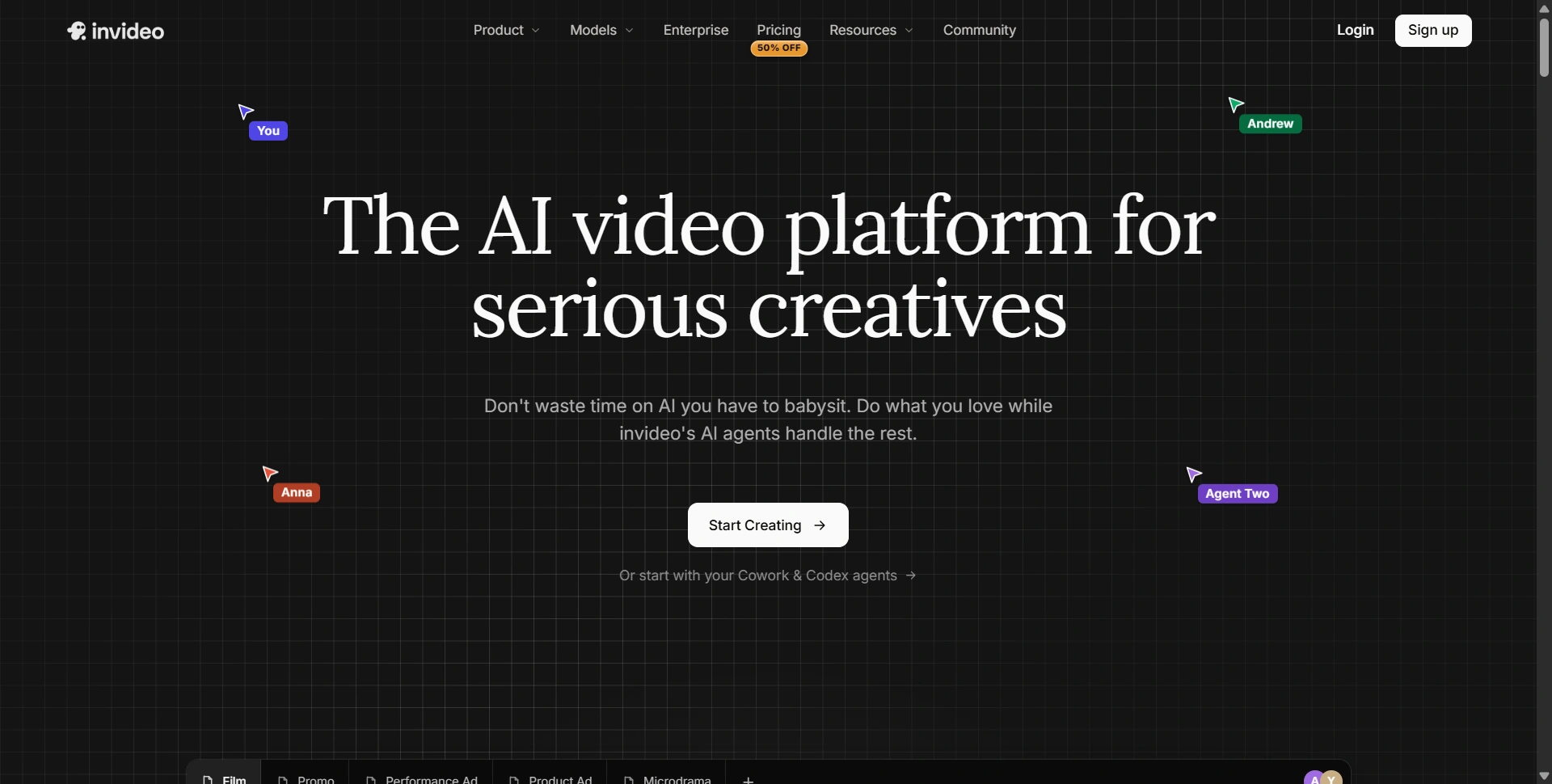
Best for: Turning an idea or script into a complete content draft.
InVideo AI is worth considering if your biggest problem is assembling the video. Its script-to-video workflow brings together media, narration, and music rather than leaving you with one isolated clip.
For explainers, YouTube content, and marketing videos, that can remove several steps from the first draft. You can focus on the message before refining the scenes and pacing.
We'd pick it when publishing speed matters and you want help across production, particularly if you don't want to start from an empty timeline.
Watch out for: generic visuals and unchecked scripts. Treat the output as something to edit. Replace weak footage, verify factual claims, and make sure the narration sounds like your brand before exporting.
5. Kling 3.0
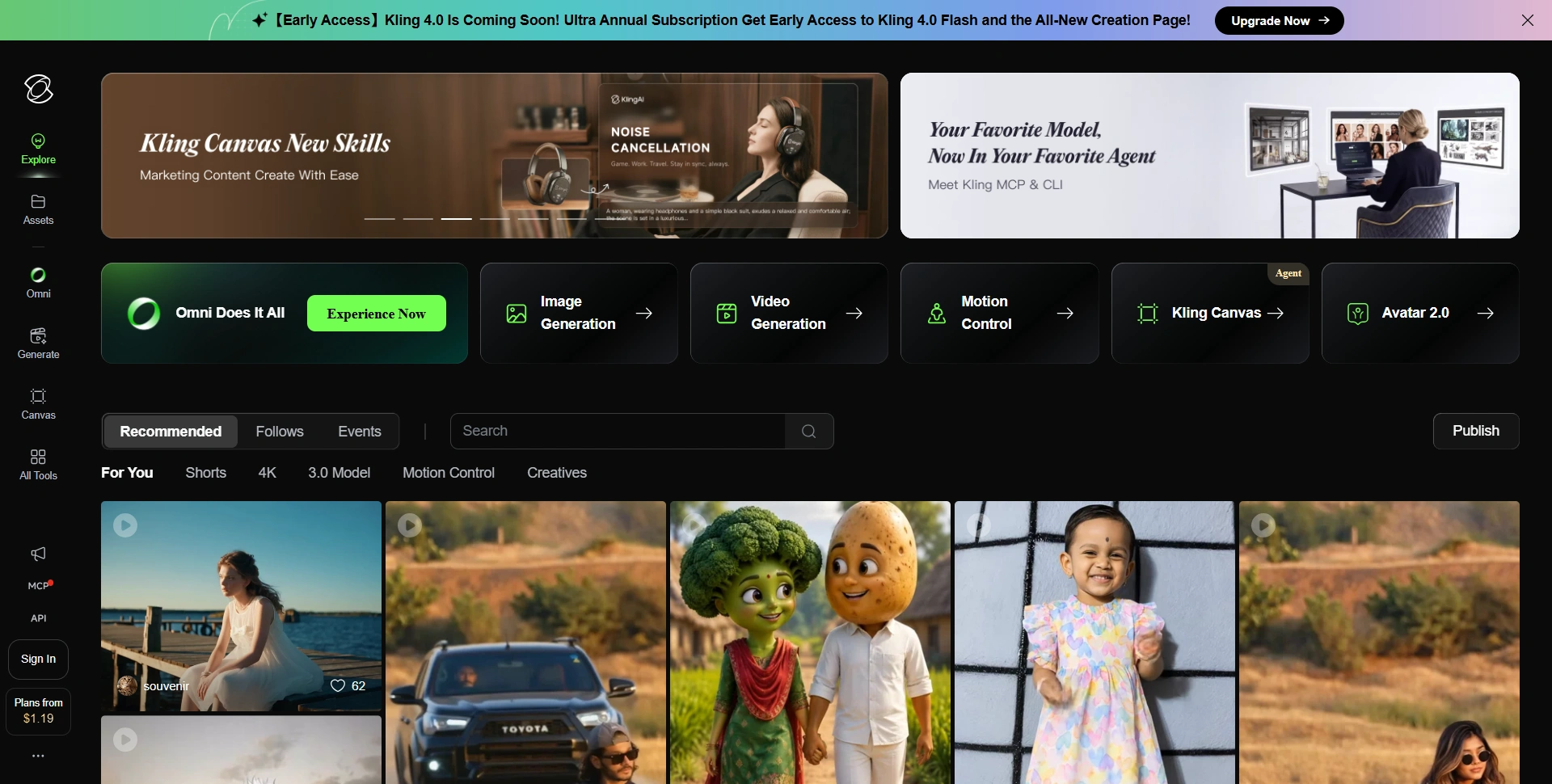
Best for: Multi-shot scenes, dialogue, and planned camera changes.
Kling AI goes beyond generating a single moving image. The Kling 3.0 launch announcement describes native audio, clips up to 15 seconds, and multi-shot storytelling.
Its 3.0 Omni variant adds reference-based character control and more detailed storyboarding. Those capabilities make it worth investigating for short narratives and ads that need several connected shots.
We'd shortlist it when the sequence matters: who speaks first, when the camera changes, and how one moment leads into the next.
Watch out for: differences between 3.0 and 3.0 Omni. Check which model your account actually includes. More control also means more decisions, so plan a simple sequence before attempting an elaborate scene with multiple characters.
6. Pika
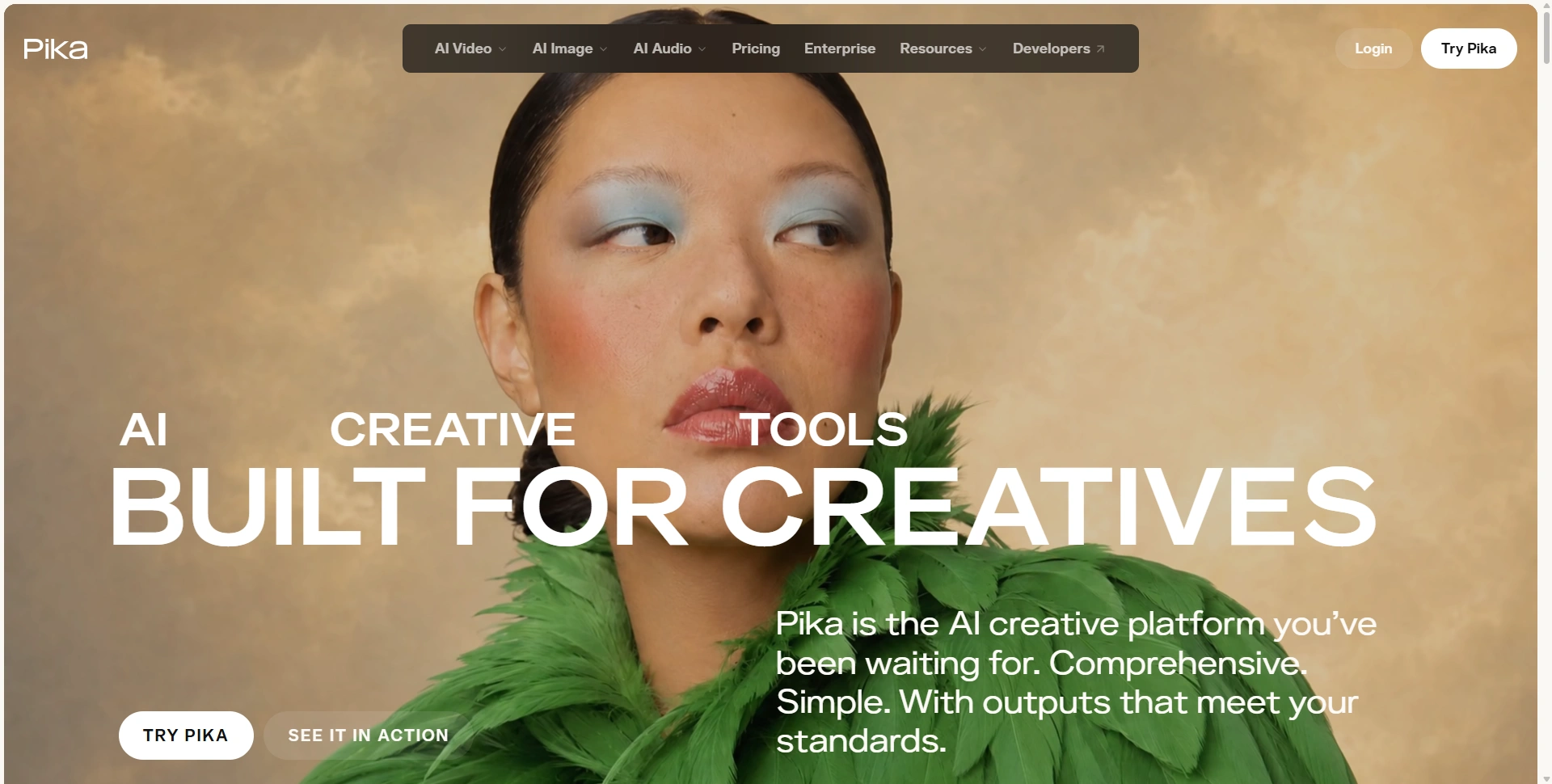
Best for: Short creative clips and experimenting with visual ideas.
Pika is worth a look for creators making attention-grabbing visuals. Its current platform includes video generation, clip extension, character tools, and audio features alongside image creation.
That gives you room to try a visual concept, adjust its look, and develop something suitable for a social post or campaign. We'd shortlist it for creative variations and short pieces where the visual idea is the main attraction.
The platform now offers several models, so Pika is broader than its own video model alone.
Watch out for: assuming every tool has the same capabilities. Check the model, duration, resolution, and credit cost attached to the feature you're using. Judge the result against your brief, especially if a product or character needs to stay recognizable.
7. Frameloop
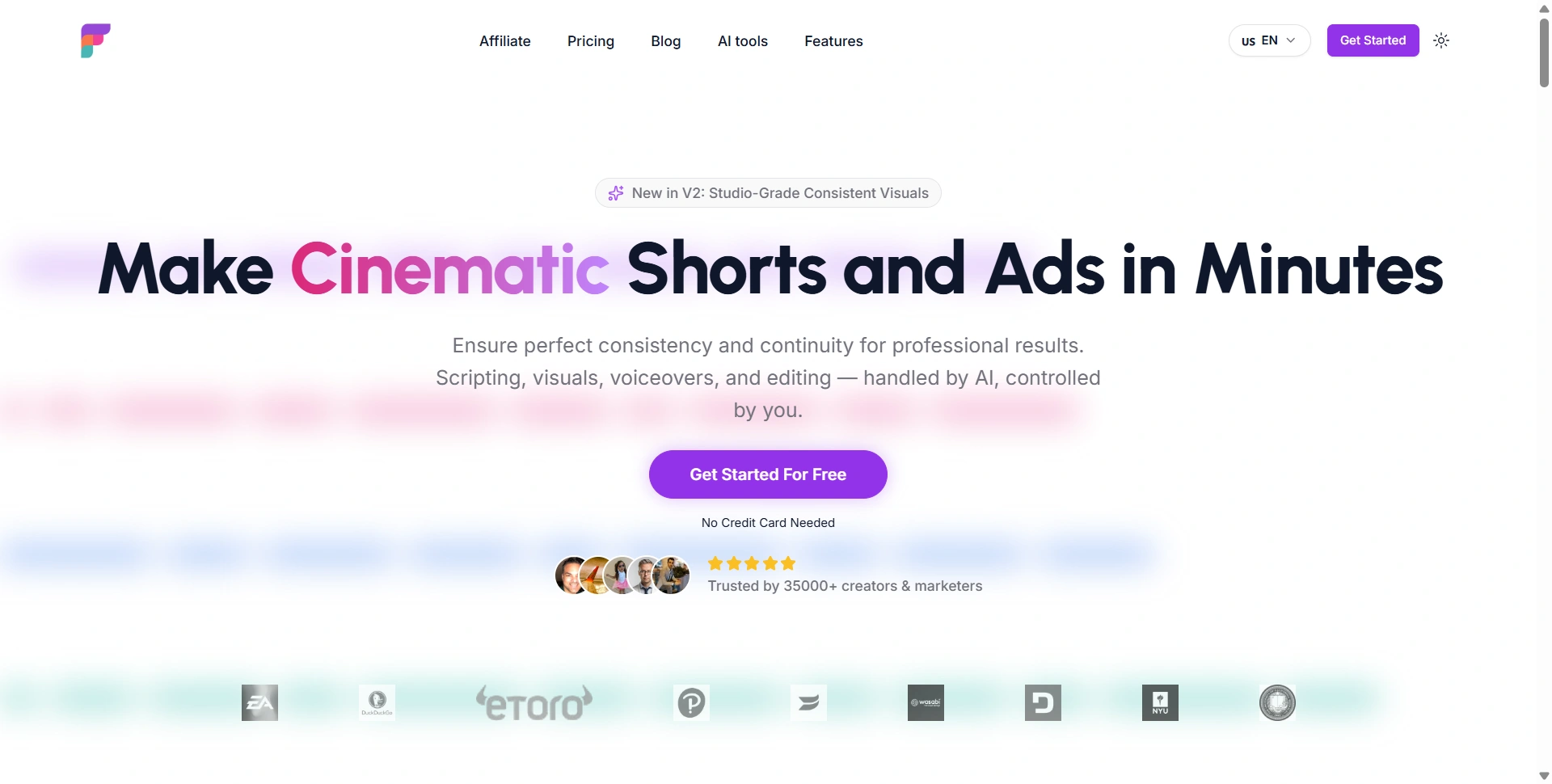
Best for: Faceless shorts, product ads, and repeatable social content.
Frameloop combines scripting, visuals, voiceovers, and editing in a scene-based workflow. Its positioning is straightforward: help creators turn an idea into shorts and ads without managing every production step separately.
The scene-based editor is the part we'd pay attention to. If one scene is weak, being able to change its media or text makes the draft easier to improve.
We'd consider it for narrated stories, product promotions, and recurring social series where you need a familiar format each week.
Watch out for: taking consistency claims at face value. Try a project with the same product or character across several scenes. Check whether details survive the changes and how much manual work the final video needs before buying a larger plan.
8. Runway Gen 4
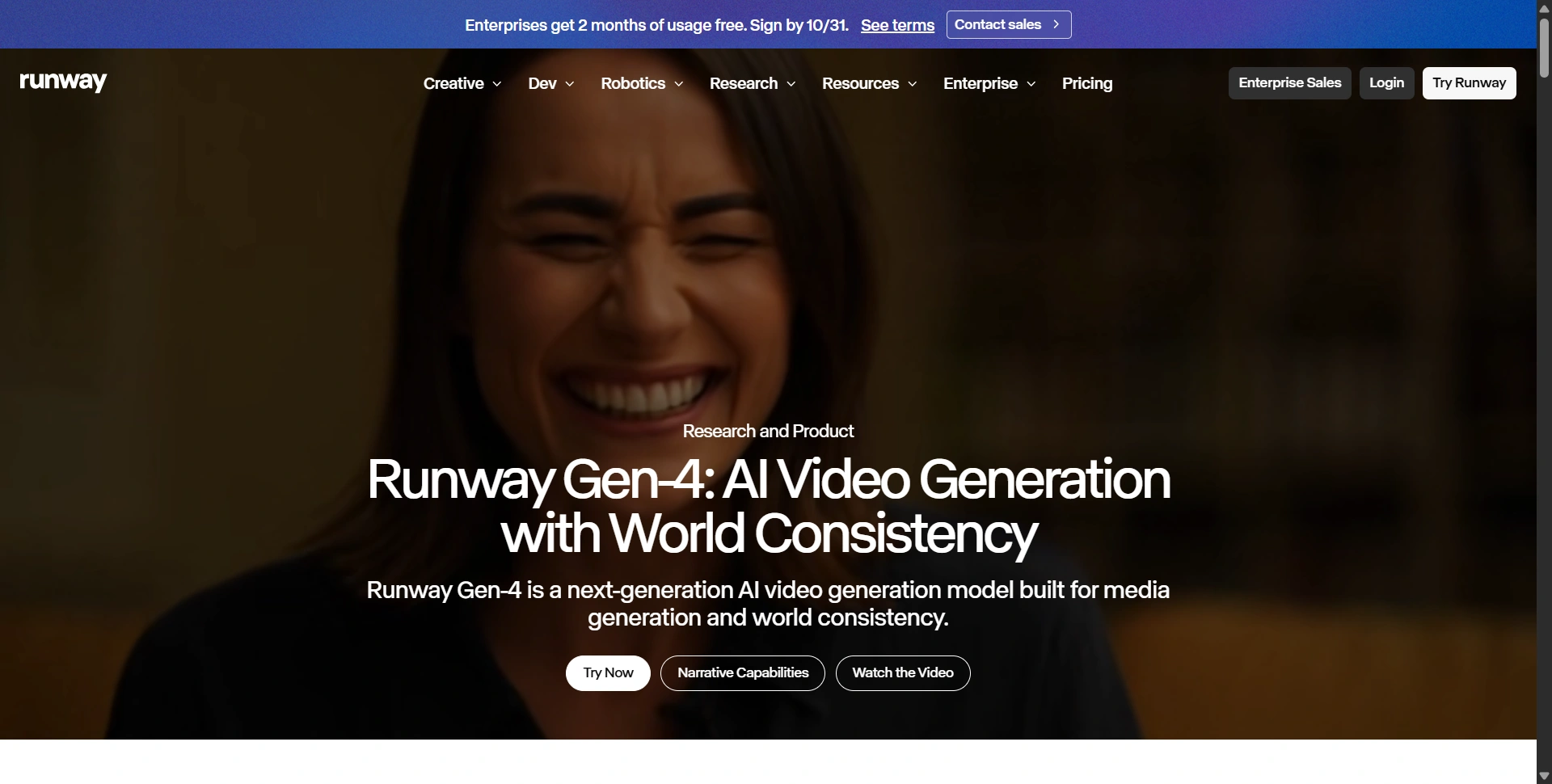
Best for: Reference-led footage and cinematic visual continuity.
Runway Gen-4 focuses on consistent characters, objects, and locations. Its reference workflows make it relevant when you're developing several shots that need to belong to the same visual world.
The Gen-4 video workflow uses an input image and a prompt. That makes the starting image an important creative decision, with the prompt directing what happens next.
We'd consider it for campaign concepts, storyboarding, and footage you intend to finish inside a wider editing workflow. Gen-4 is a specific model, rather than a label for everything currently available in Runway.
Watch out for: iteration costs. A useful shot may take several attempts. Budget for revisions and compare available models before choosing the plan around one impressive example.
9. Luma Dream Machine
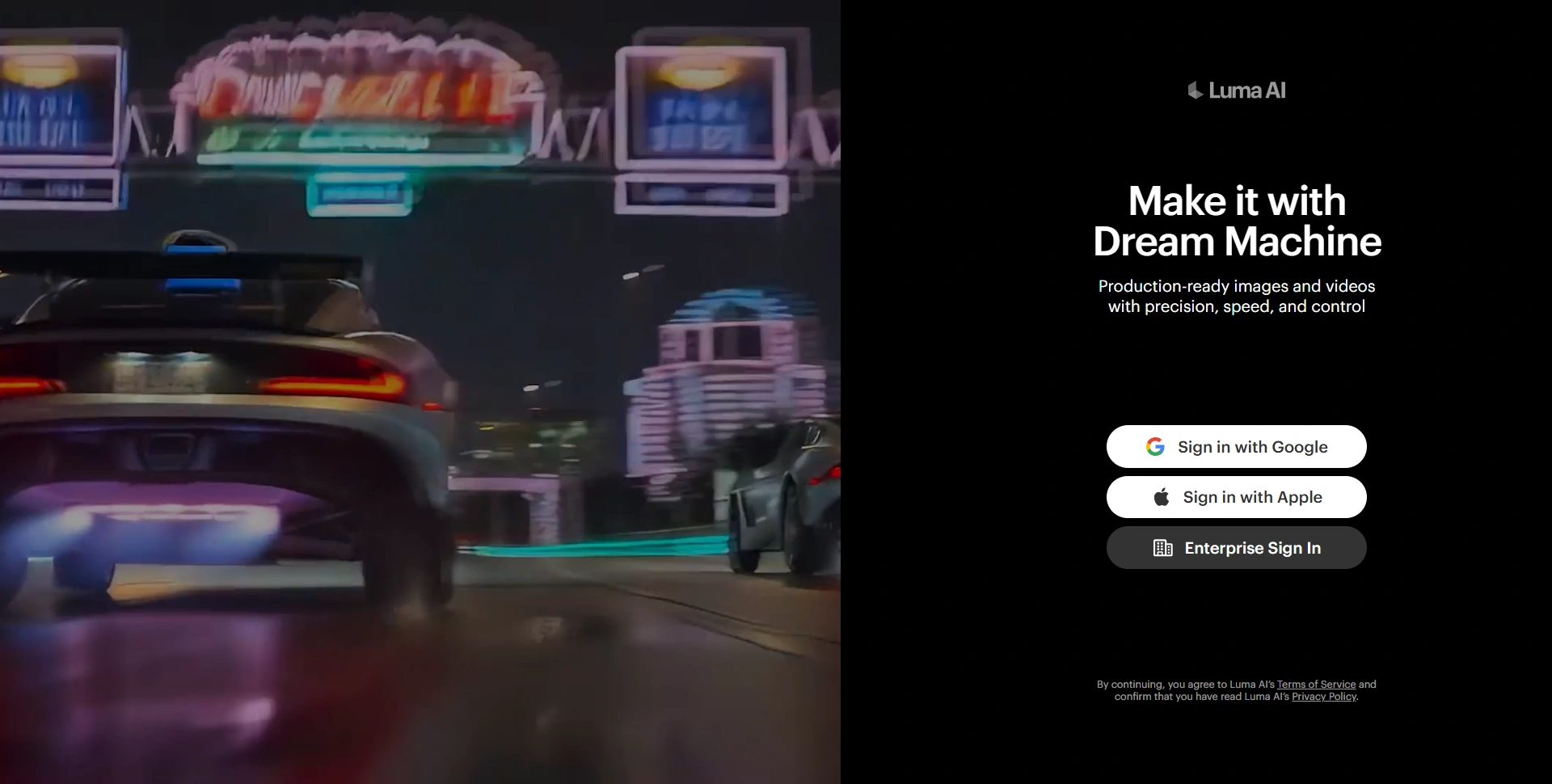
Best for: Animating images and exploring cinematic visual directions.
Luma Dream Machine gives creators ways to generate and reshape footage. Its keyframe workflow helps guide transitions using images, which is useful when you already know how a shot should begin or end.
Luma also documents Ray3 Modify, which brings video-to-video and character-reference controls into Dream Machine.
We'd shortlist it for visual exploration, image animation, and adapting an existing shot into a different creative direction. It makes particular sense when the starting material is visual rather than a long script.
Watch out for: model and plan restrictions. Check the controls available for your selected workflow, how generations use credits, and whether your plan permits the intended commercial use before producing client deliverables.
10. Synthesia
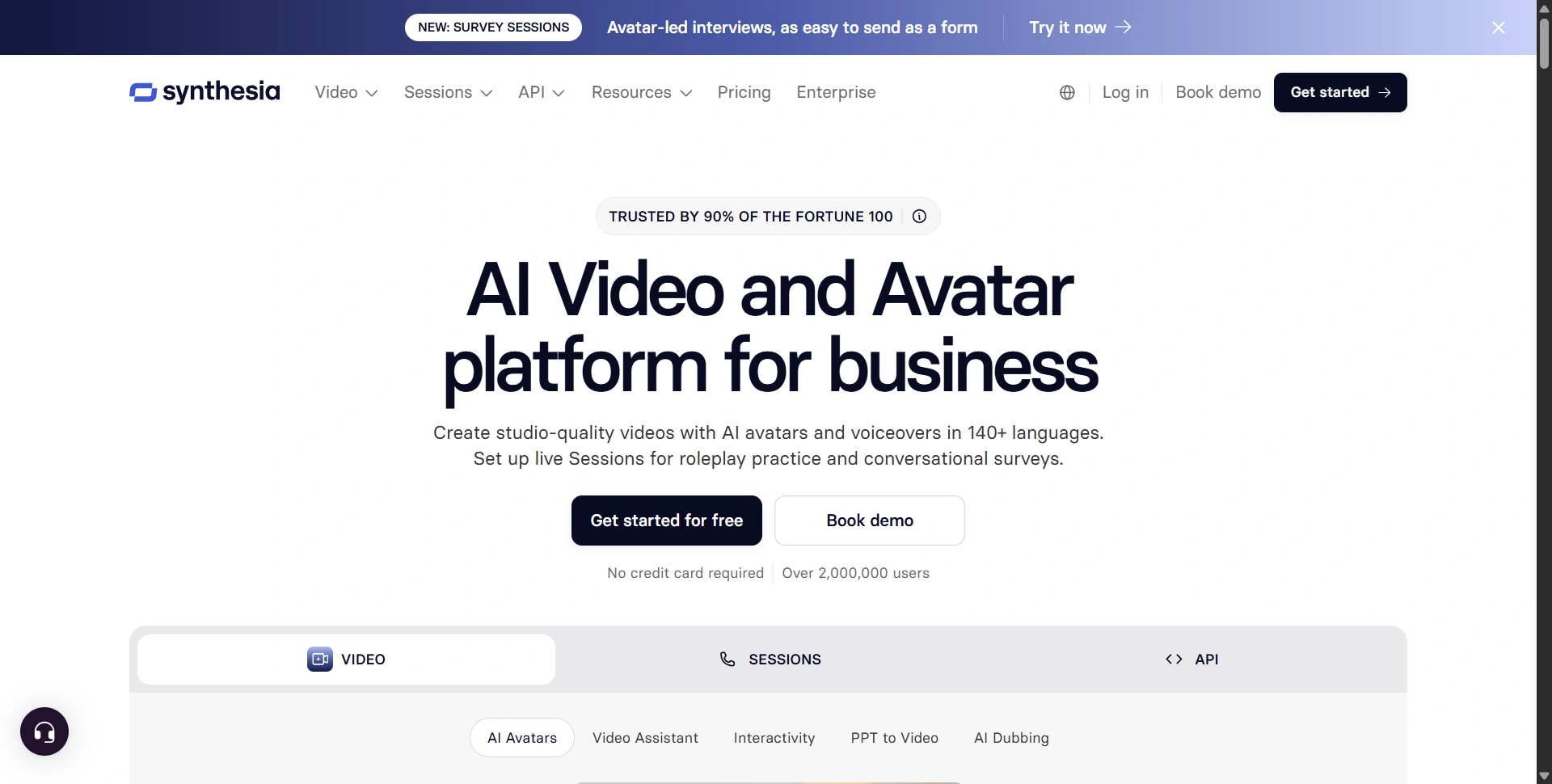
Best for: Training, onboarding, and internal communications.
Synthesia is our shortlist pick for teams that need a presenter explaining something clearly. Avatars, voiceovers, translation, and business-focused production tools help turn scripts into videos you can update without another filming session.
That matters for employee onboarding, customer education, and training that changes whenever your product or process does. We'd compare it with HeyGen when evaluating recurring business video production.
Watch out for: using older plan comparisons. Synthesia changed its plans on October 1, 2026, including renaming Creator to Pro. Check current allowances rather than relying on historical prices or minute limits. Our Synthesia review covers the product's broader strengths and limitations.
How to choose the right AI video generator
Start with the video you actually need to publish. A training module, a narrated YouTube video, and a cinematic ad require different workflows.
Then test one real brief in two shortlisted tools. Compare the usable output, editing time, credit consumption, export quality, and consistency. Include failed attempts when calculating what a finished video costs.
If you mainly need to edit existing footage, add subtitles, or resize recordings, our VEED review covers another workflow worth considering.
Our recommendation: choose the tool that gets your specific video closest to publication with the least cleanup. Start small, finish a real project, and upgrade once you understand what regular production will cost.