If you've ever tried to make a professional business video, you already know the problem: the script is usually the easy part.
You still need a presenter, camera, microphone, lighting, editing, voiceover, and subtitles, plus multiple versions of the same video if your audience is international.
Synthesia takes a very different approach. You write what you want the presenter to say, choose an AI avatar and voice, customize the video, and generate it without filming yourself.
But that leads to the more important question:
Is Synthesia actually worth paying for in 2026, or are you better off with a cheaper AI video generator?
We looked at Synthesia's current features, pricing, usage limits, and recent user feedback to answer exactly that.
Our short answer: Synthesia is one of the strongest AI video platforms for businesses, training teams, L&D departments, and companies producing multilingual content, but it is not automatically the best choice for every creator.
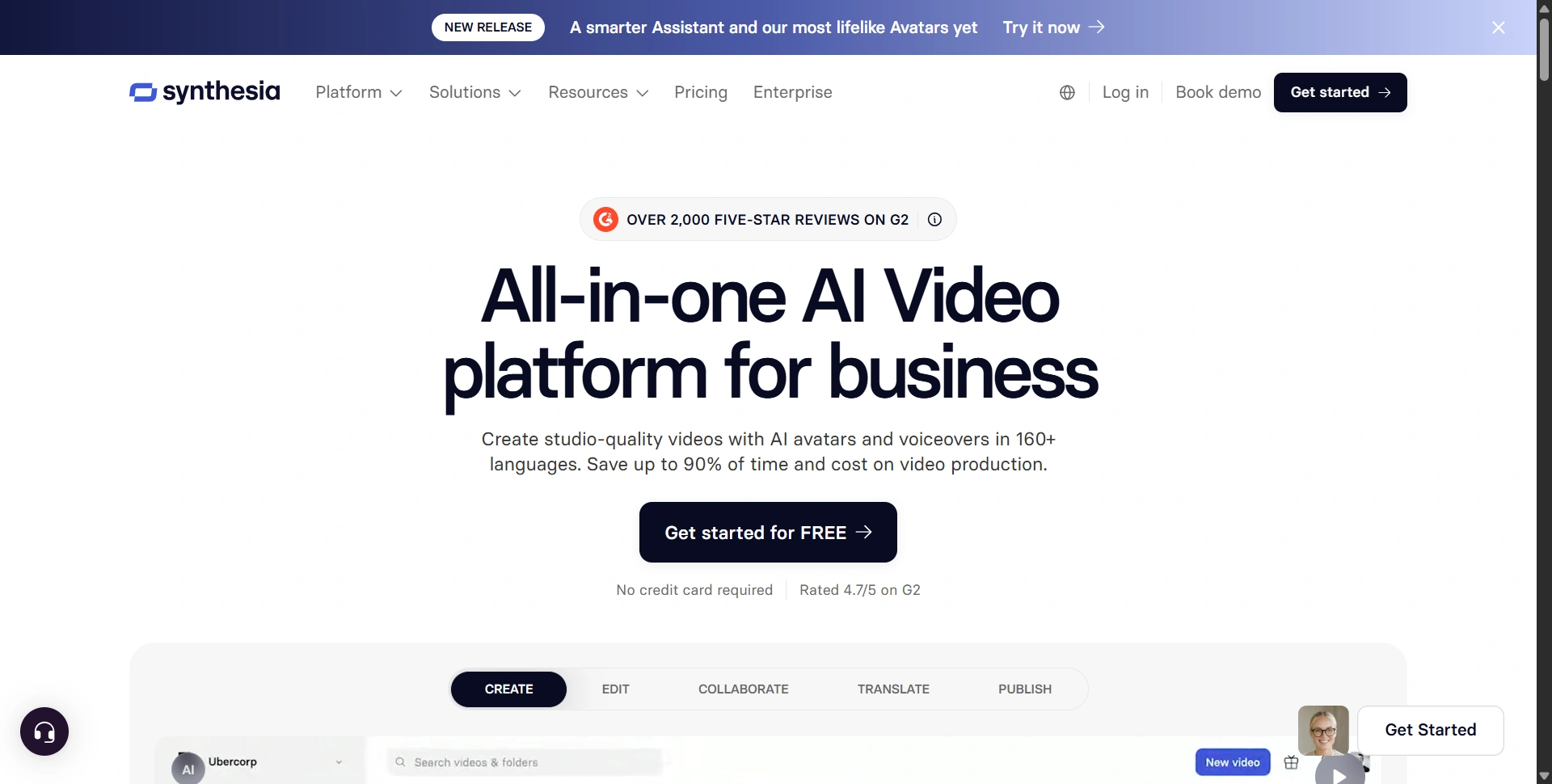
Synthesia Review 2026: Our Verdict
Overall rating: 4.5/5
Synthesia is best understood as a business-focused AI video production platform, rather than simply an AI avatar generator.
It combines AI avatars, text-to-video creation, AI voices, voice cloning, screen recording, video translation, dubbing, templates, interactive video features, collaboration, analytics, and enterprise controls in one platform. Synthesia currently advertises 240+ AI avatars and 160+ languages, although the number of avatars available depends on the plan you choose.
The biggest advantage is the production workflow.
Instead of organizing a traditional shoot every time you need to update an onboarding video, training module, product explanation, or internal announcement, you can edit the script and regenerate the video.
That makes Synthesia particularly compelling when you're producing lots of business videos, not just one impressive demo.
Best for:
- Corporate training and L&D
- Employee onboarding
- Sales enablement
- Product demos
- Internal communications
- Multilingual video production
- Marketing explainers
- Companies that need repeatable video production
Not ideal for:
- Cinematic filmmaking
- Highly expressive entertainment content
- Creators primarily making short-form social videos
- People who only need one or two videos occasionally
- Buyers who want unlimited production at a low monthly price
What Is Synthesia?
Synthesia is an AI video generator that turns text, documents, presentations, prompts, and other content into professional videos featuring AI presenters.
The platform is designed primarily around business communication. Synthesia says its technology lets users create videos without cameras, microphones, actors, or a studio.
You can start with a script, prompt, document, PowerPoint, PDF, or URL, then customize the resulting video with avatars, voices, visuals, layouts, and branding through its Text to Video workflow.
That distinction matters.
If you're looking for an AI tool to create a cinematic TikTok from a sentence, Synthesia may be more than you need.
If you're responsible for turning 50 pages of training material into employee videos, however, the platform becomes much more interesting.
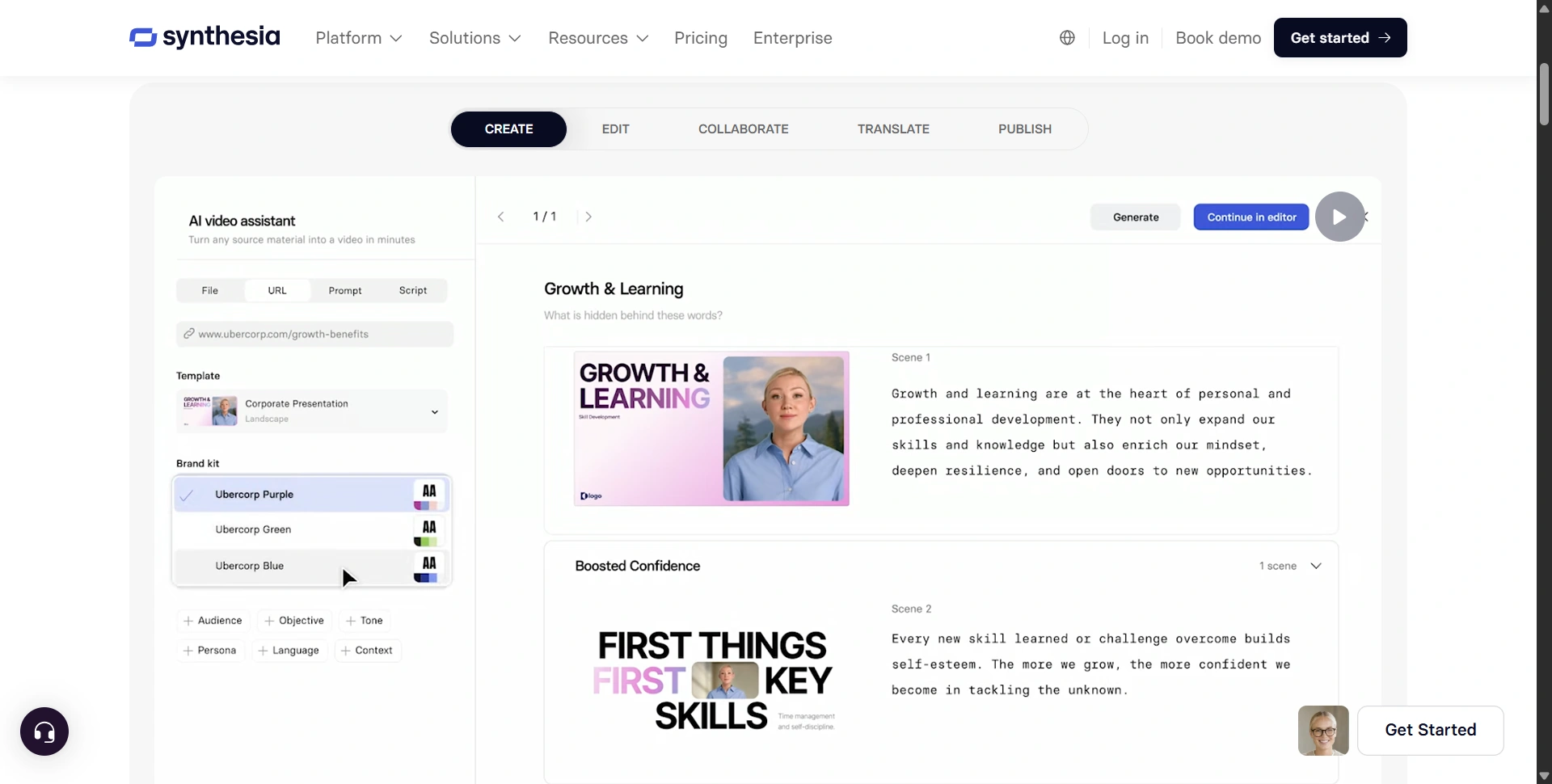
Synthesia Features: What Do You Actually Get?
1. AI Avatars
Avatars are still the center of Synthesia's product.
The current platform offers 240+ stock AI avatars, with the exact number available depending on your subscription. Starter includes 125+, Creator includes 180+, while Enterprise provides the full 240+ avatar library.
The newer avatar experience goes beyond a simple talking head. Synthesia now emphasizes expressive avatars that can gesture and perform actions, as well as customizable environments and outfits.
You can also create a Personal Avatar, essentially a digital version of yourself, and pair it with a cloned voice.
This is particularly useful for founders, trainers, executives, and subject-matter experts who want to appear consistently in videos without recording every update themselves.
Our take: Avatars are one of Synthesia's biggest strengths, but don't expect them to completely replace a human presenter in every situation. For professional training and explanatory content, they're convincing enough to work extremely well. For emotionally demanding or highly creative storytelling, the artificial nature can still become noticeable.
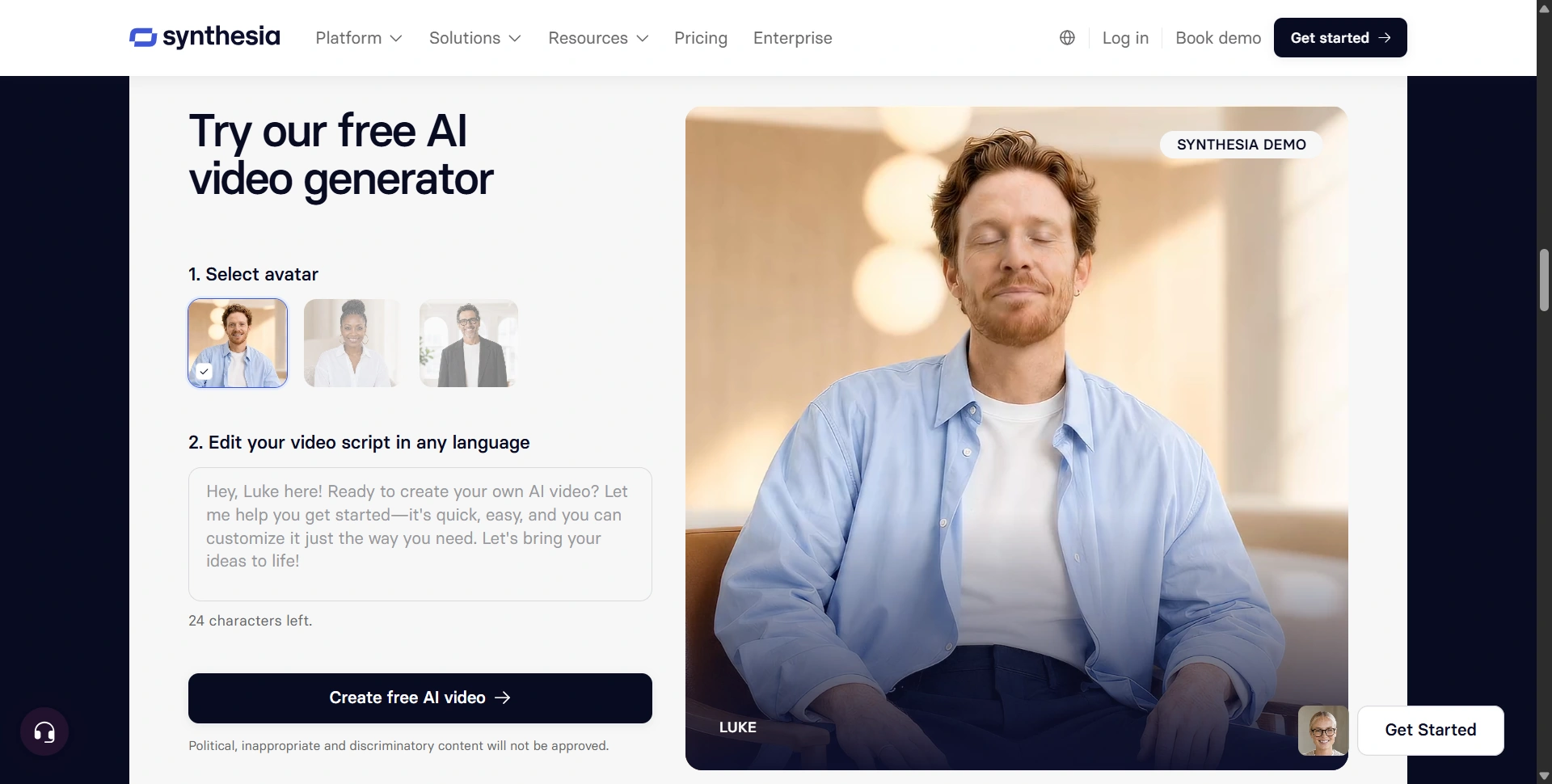
2. AI Voiceovers and 160+ Languages
This is where Synthesia becomes significantly more valuable for global companies.
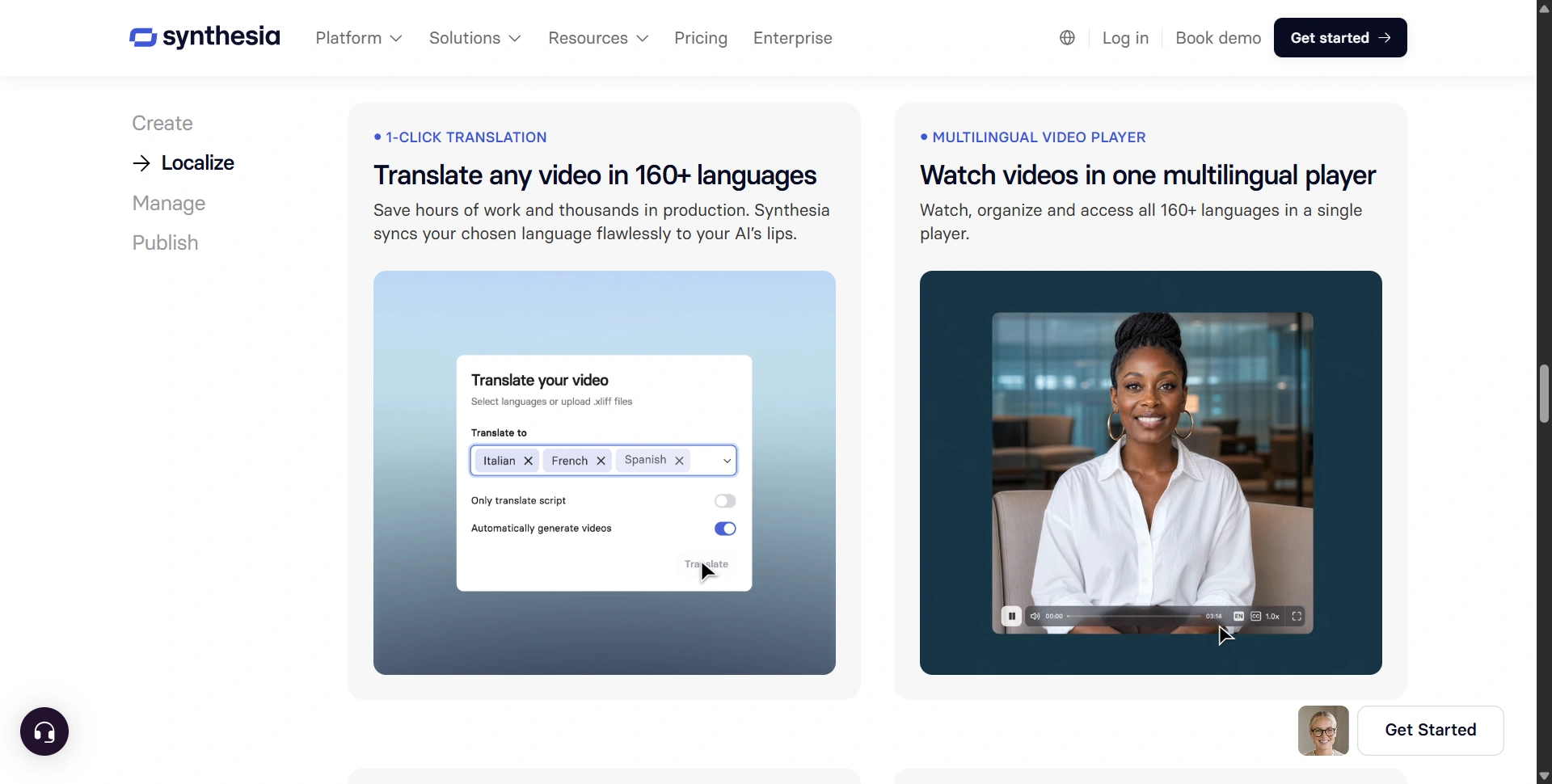
Synthesia supports 160+ languages and voices, while its language offering includes regional accents and variations. Its platform also offers voice cloning so you can pair your personal avatar with your own voice.
The practical benefit is obvious.
You don't have to record the same training presentation in English, French, German, Spanish, Japanese, and other languages separately.
You can create the original video and localize it.
Synthesia also offers AI dubbing, with lip-sync and voice preservation features, although the amount of dubbing available depends on your plan.
3. AI Video Assistant
Synthesia isn't only about generating an avatar video from a script.
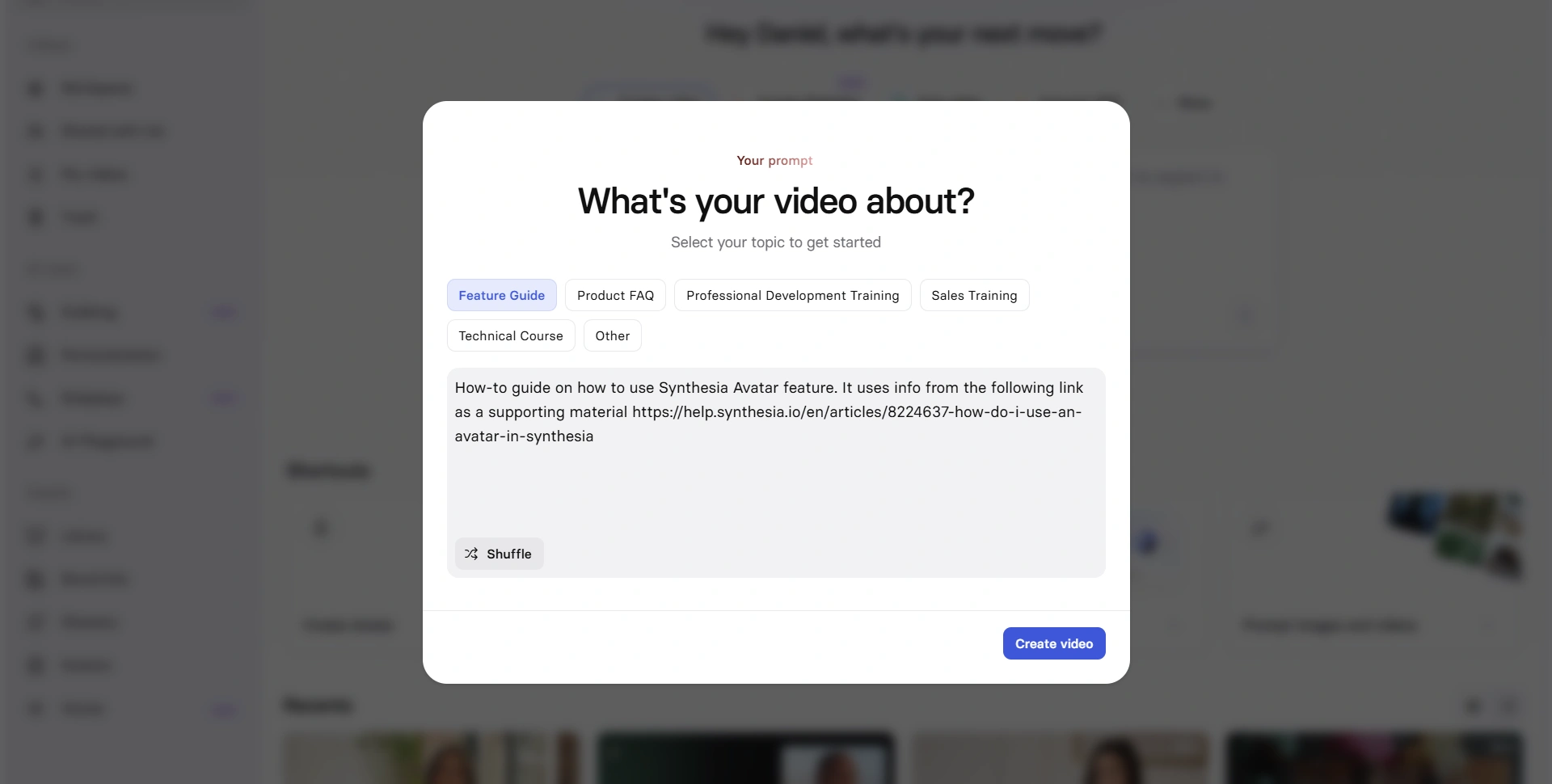
Its AI Video Assistant can help turn existing material into videos. Synthesia specifically supports workflows involving documents, presentations, and other source material.
This is one of the features that makes the platform attractive to businesses.
Imagine your company already has:
- A 30-page onboarding document
- A PowerPoint training deck
- A product manual
- A knowledge-base article
Instead of starting from an empty video editor, you can use that existing information as the starting point.
That's a much more realistic business use case for AI video than simply generating random talking-head content.
Synthesia Pricing 2026: How Much Does Synthesia Cost?
This is the section you should pay the most attention to before buying.
Synthesia currently has Basic, Starter, Creator, and Enterprise plans on its pricing page.
| Plan | Monthly price | Video allowance | Best for |
|---|---|---|---|
| Basic | $0 | Up to 10 min | Testing Synthesia |
| Starter | $29/mo | 10 min/month | Individuals |
| Creator | $89/mo | 30 min/month | Professionals & small teams |
| Enterprise | Custom | Unlimited | Larger organizations |
Annual billing lowers the effective monthly price: the current pricing page shows Starter at $18/month when billed yearly and Creator at $64/month when billed yearly.
Basic: $0
The free plan is useful if you simply want to see whether Synthesia fits your workflow.
It includes 1,200 credits per month and can produce up to 10 minutes of video, with 9 AI avatars and other limitations.
Worth it? Yes.
Start here before spending anything.
Starter: $29/month
Starter is where Synthesia starts becoming a serious production tool.
You get 125+ avatars, AI Video Assistant, AI dubbing, video downloads, logo removal, custom on-brand avatars, and one editor with three guests. The current monthly allowance is 10 minutes of video.
Who should buy it?
Solo consultants, trainers, marketers, founders, and small businesses that regularly need professional videos but don't need a large collaborative workspace.
Creator: $89/month
Creator is the plan we'd consider for serious individual creators and small teams.
It increases the video allowance to 30 minutes per month, provides 180+ avatars, five personal avatars, API access, multiple avatars per scene, interactive videos, branded video pages, and one editor with five guests. The annual price currently works out to $64/month.
This is probably the sweet spot if you're producing videos regularly.
Enterprise: Custom pricing
Enterprise is where Synthesia becomes much more than an AI video generator.
You get unlimited video minutes, 240+ avatars, unlimited personal avatars, SAML/SSO, live collaboration, brand kits, SCORM export, dedicated customer support, implementation services, and other enterprise capabilities.
If your company is producing hundreds or thousands of training and communication videos, this is the plan that makes the most sense.
Building something like this? Get your own product reviewed, compared, and permanently indexed on VegaReview.
See pricing →Is Synthesia Easy to Use?
Yes, and this is one of its strongest selling points.
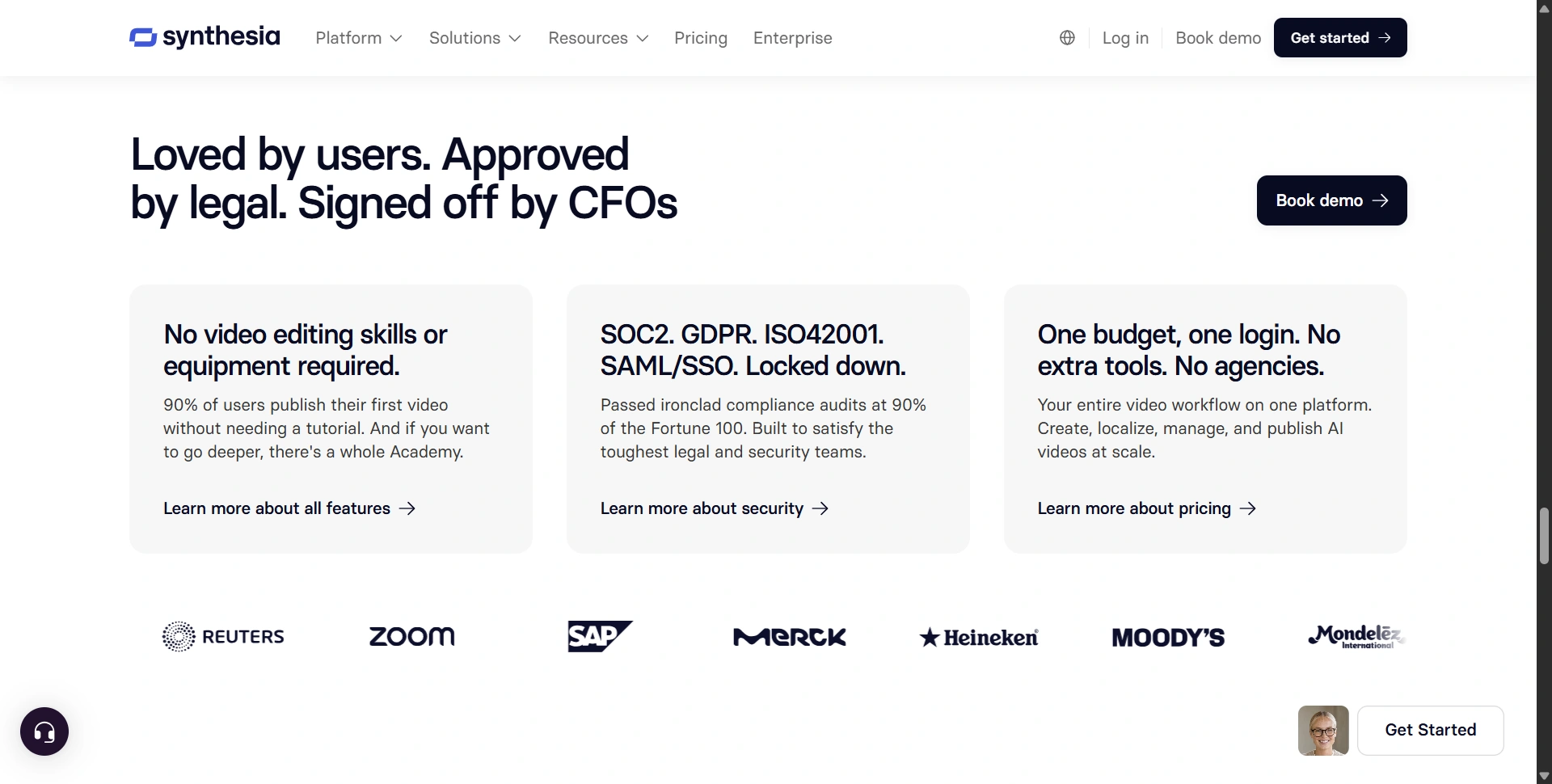
The basic workflow is straightforward:
Choose your input → select an avatar → write or generate your script → customize → generate → edit → publish.
Synthesia's AI video editor is designed so that you don't need traditional video-editing skills. The platform also lets users change scripts, avatars, layouts, colors, and other elements without rebuilding an entire production from scratch.
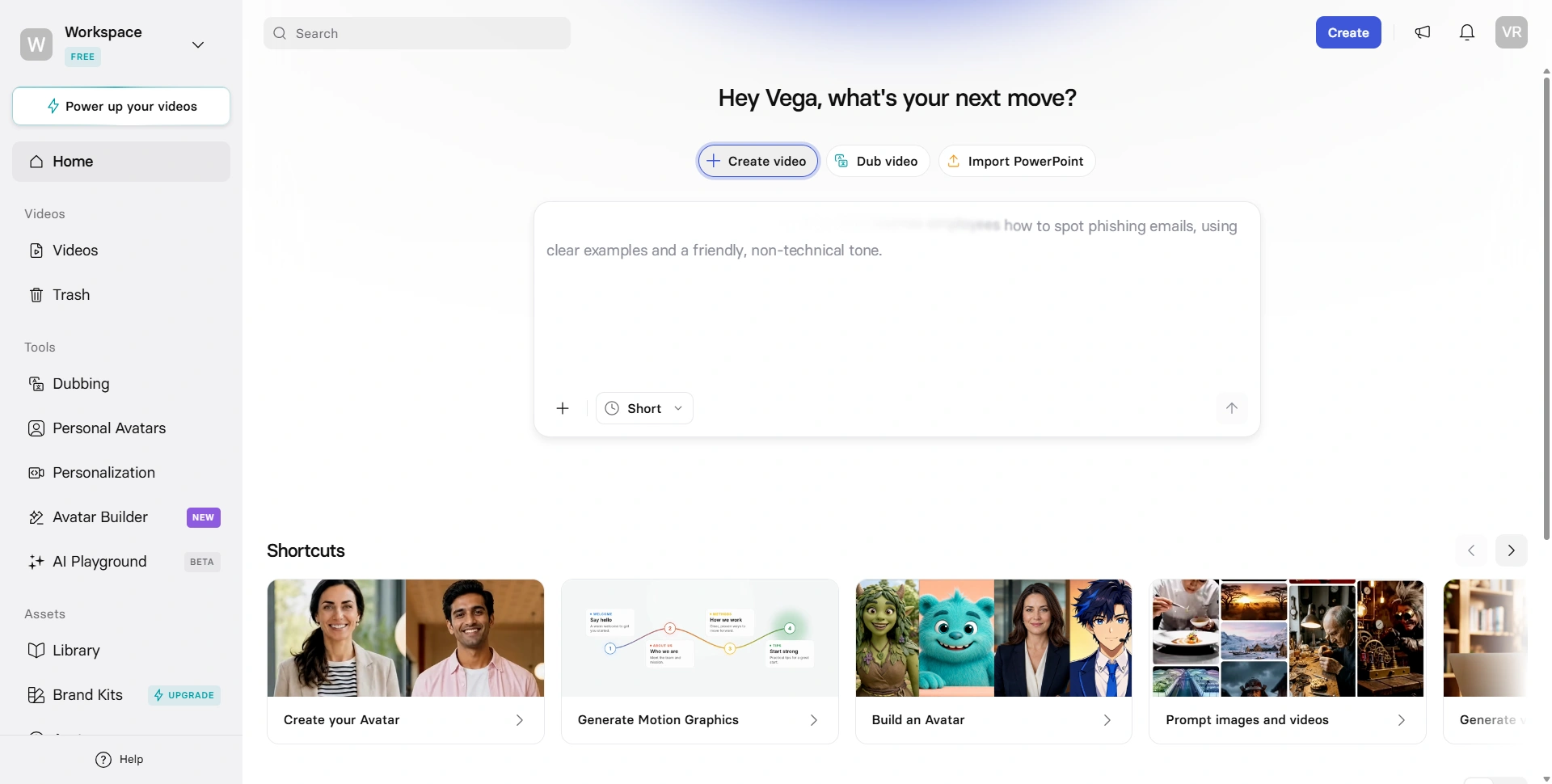
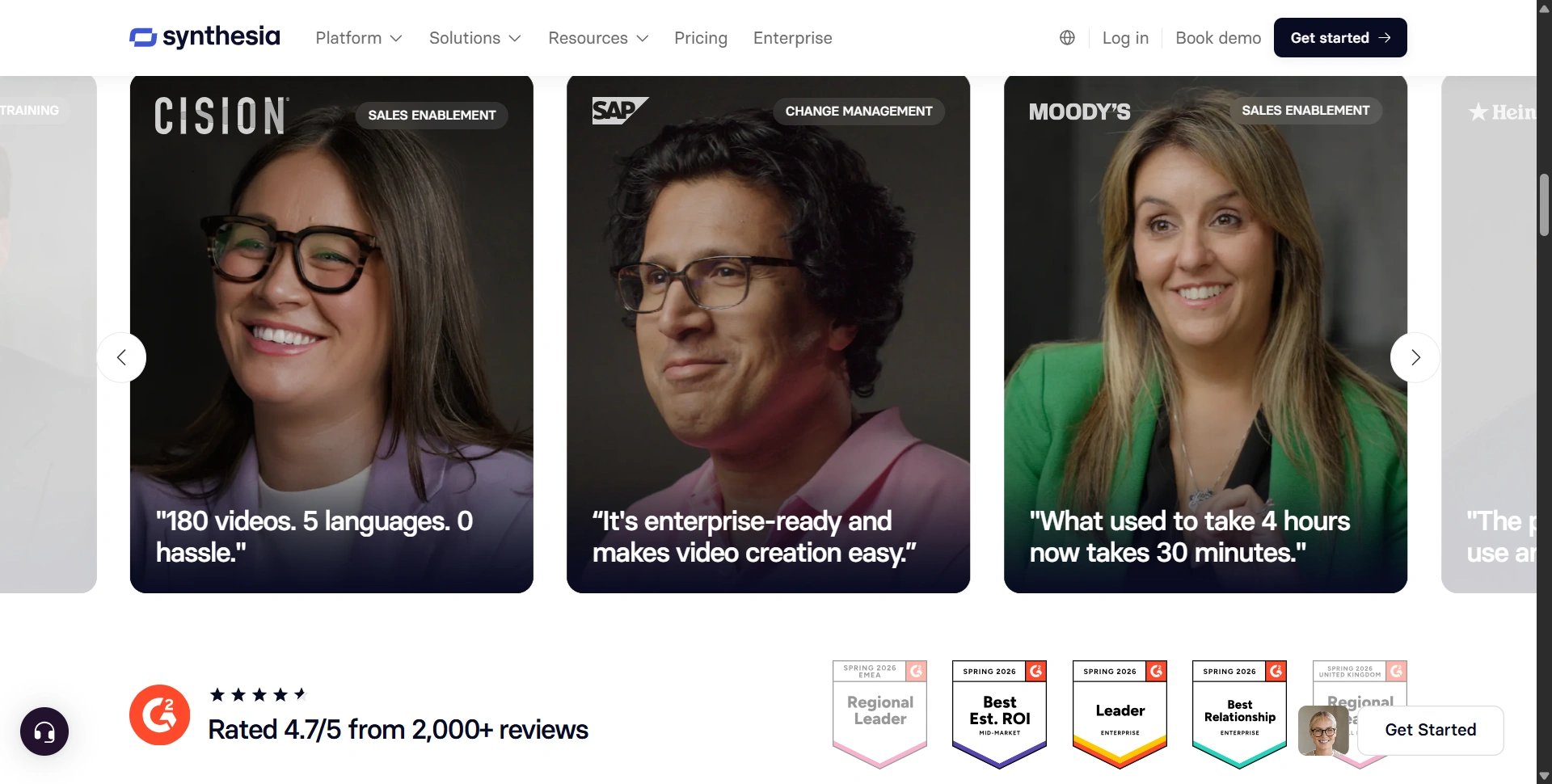
G2 currently shows Synthesia with a 4.6/5 average rating across more than 2,800 reviews, with users frequently highlighting ease of use, professional-looking videos, and realistic avatars.
That doesn't mean the experience is perfect.
Some reviewers still criticize avatar realism, gestures, rendering, or limitations around more natural-looking output.
So the honest answer is:
Synthesia is easy to use, but "easy" doesn't mean every generated video will be production-ready without review.
You should still proofread scripts, check pronunciation, watch the entire video, and verify visuals before publishing.
Synthesia Pros and Cons
Pros
+ Excellent for business video production The platform is designed around training, communication, sales, onboarding, and other business use cases.
+ Strong multilingual capabilities 160+ languages make localization one of Synthesia's biggest advantages.
+ Large avatar library Up to 240+ avatars are available depending on plan.
+ Personal avatars and voice cloning Useful when you want consistent executive or instructor-led communication.
+ Powerful business features Collaboration, brand kits, analytics, interactive videos, SCORM, SSO, and APIs make it more suitable for organizations than many consumer-focused AI video tools.
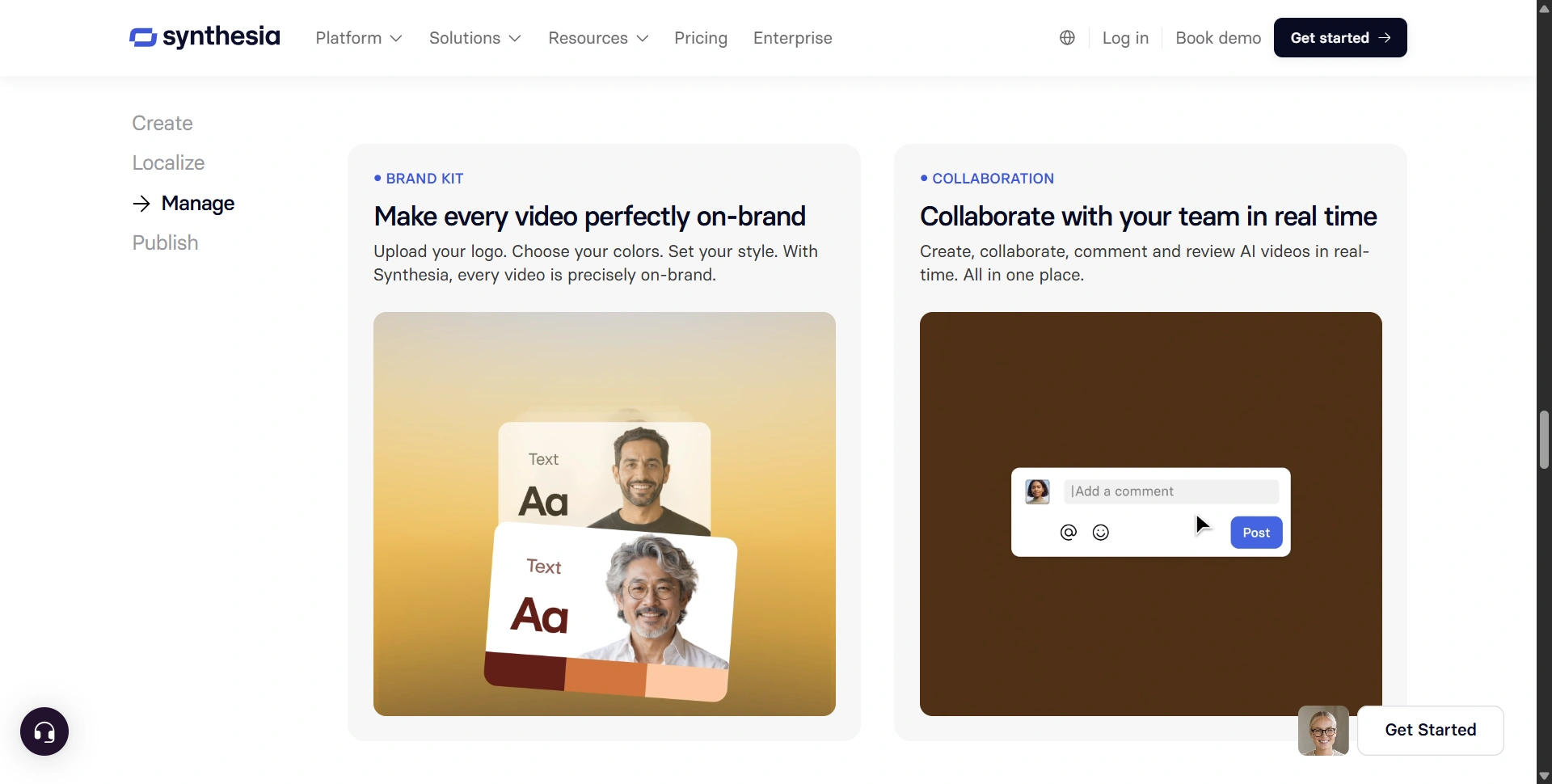
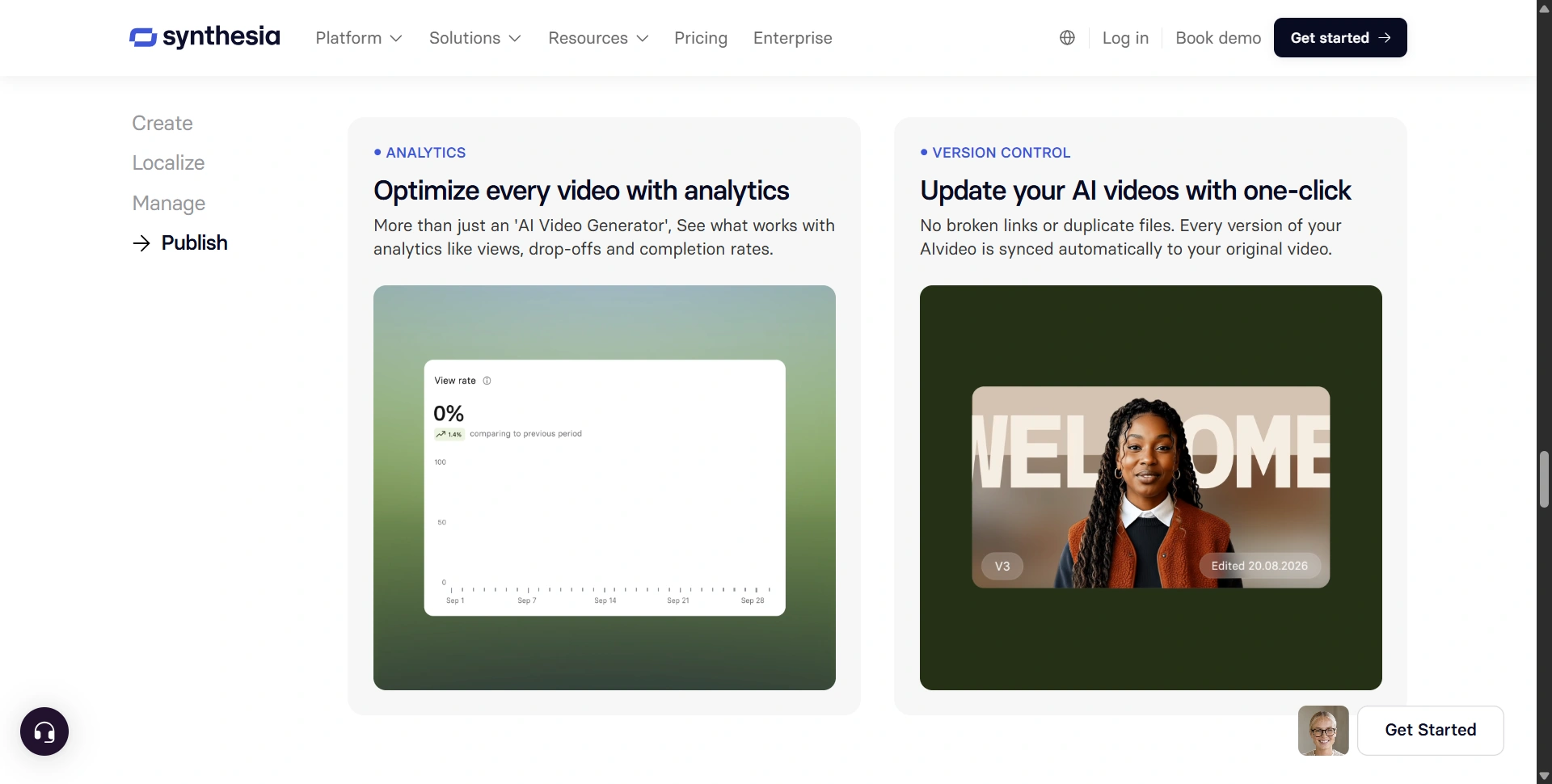
+ Easy updates Changing a script is dramatically easier than reshooting a traditional video. Synthesia syncs every edited version back to the original video automatically, with no broken links or duplicate files.
Cons
− Pricing can become expensive If you only create occasional videos, $29 or $89 per month can be difficult to justify.
− Usage limits matter Starter gives you only 10 minutes of generated video per month, while Creator provides 30 minutes.
− AI avatars aren't perfect humans They have improved substantially, but some viewers can still notice the synthetic quality.
− Not designed primarily for cinematic video If you need highly creative filmmaking, sophisticated camera work, or nuanced human performances, a conventional production workflow, or a different AI video tool, may be better.
− Advanced functionality is concentrated in higher plans Features such as unlimited video, the complete avatar library, SSO, and enterprise collaboration sit higher in the pricing structure.
Who Should Buy Synthesia in 2026?
Here's the easiest way to decide.
Buy Synthesia if you...
- Create training videos regularly
- Need employee onboarding content
- Manage a global or multilingual audience
- Produce product explainers
- Need videos without putting employees on camera
- Frequently update existing videos
- Want a repeatable business video workflow
- Need collaboration and brand controls
Skip Synthesia if you...
- Only need one or two videos a year
- Mainly create entertainment content
- Need highly cinematic productions
- Want unlimited video generation for very little money
- Don't actually need an AI presenter
The platform is particularly compelling for L&D, HR, sales enablement, customer education, and internal communications. Those are exactly the areas where repeatedly filming and updating videos becomes expensive.
Is Synthesia Worth It in 2026?
For the right buyer, yes.
But we'd avoid the generic "Synthesia is amazing for everyone" conclusion.
The real value isn't simply that Synthesia can make an AI avatar talk.
There are dozens of AI tools that can do that.
The value is the complete production system around the avatar: scripting, editing, localization, voice generation, personal avatars, screen recording, collaboration, interactive video, analytics, branding, and enterprise infrastructure.
That's why the price can make sense for a business producing video at scale.
At the same time, $89/month for Creator isn't cheap if you're only making a few videos. And the 30-minute monthly allowance means you should calculate your expected production volume before subscribing.
A useful rule:
If Synthesia replaces repeated filming, editing, voiceover, and translation work, it can easily pay for itself. If you're buying it because AI avatars look cool, it probably won't.
Final Verdict: Should You Pay for Synthesia?
Synthesia is one of the best AI video platforms for business in 2026, but its value depends heavily on how much video you produce.
We'd give it 4.5/5 overall.
For a solo creator who occasionally needs an AI presenter, start with the free plan and test it before paying.
For a professional producing videos every month, Creator is the plan we'd look at first, particularly if you need more avatars, personal avatars, interactive videos, API access, and 30 minutes of monthly production.
For companies producing training and communications at scale, Enterprise is where Synthesia becomes genuinely compelling because unlimited video, collaboration, brand controls, SSO, SCORM, and dedicated support change the economics of video production.
The bottom line?
Synthesia isn't the cheapest way to make an AI video. It's one of the more complete ways to build a scalable business video operation.
And if your alternative is coordinating cameras, presenters, voiceovers, editors, translators, and reshoots every time a sentence changes, $18–$89/month suddenly looks very different.
- Best overall use case: business training and multilingual communications.
- Best value: Creator for regular professional use.
- Best starting point: Basic/free.
- Best for scale: Enterprise.
- Biggest weakness: pricing and usage limits for heavier users.
Try Synthesia Before You Commit
Start with the free plan, create a real video using your own workflow, and then compare your actual monthly video requirements against the Starter and Creator limits. That will tell you far more about whether Synthesia is worth the investment than a generic feature comparison.