Your startup has a website, a few useful pages, and competitors appearing above you.
The best SEO tools for startups in 2026 help you make that decision. Some explain how people find you; others uncover keywords, broken links, backlink opportunities, or gaps in your content. You need a combination that fits your workload and budget.
Our quick answer: start with Search Console, GA4, and Bing Webmaster Tools. Add one paid research platform when you need competitor data, then choose specialist software for technical audits or content optimization.
This VegaReview shortlist compares official capabilities and October 2026 pricing. Customer-loved highlights describe practical appeal, with published user examples where available; they aren't a survey ranking. Paid prices are USD unless marked otherwise, and annual rates mean monthly equivalents billed yearly.
Best SEO tools for startups at a glance
| Tool | Best for | Free access | Paid starting point |
|---|---|---|---|
| Google Search Console | Google visibility and indexing | Free | No paid tier |
| Google Analytics 4 | Traffic and business outcomes | Free standard product | Analytics 360 quote |
| Bing Webmaster Tools | Bing search diagnostics | Free | No paid tier |
| Semrush | Broad SEO research | Limited free account | SEO $139/month |
| Ahrefs | Competitors and backlinks | Verified-site tools | Starter $29/month |
| SE Ranking | Repeatable SEO monitoring | 14-day trial | Core $129/month |
| Screaming Frog | Technical website crawling | 500 URLs per crawl | $279/user/year |
| Ubersuggest | Research on a smaller budget | Three daily reports | Individual $29/month |
| AnswerThePublic | Questions and content ideas | Three daily searches | Regional annual offers |
| SpyFu | SEO and advertising competitors | Limited results | Basic $39/month |
| Surfer SEO | Content optimization | Seven-day trial | Discovery $49/month annually |
| SEOptimer | Guided audits and reporting | Public audit tools | DIY SEO $29/month |
1. Google Search Console
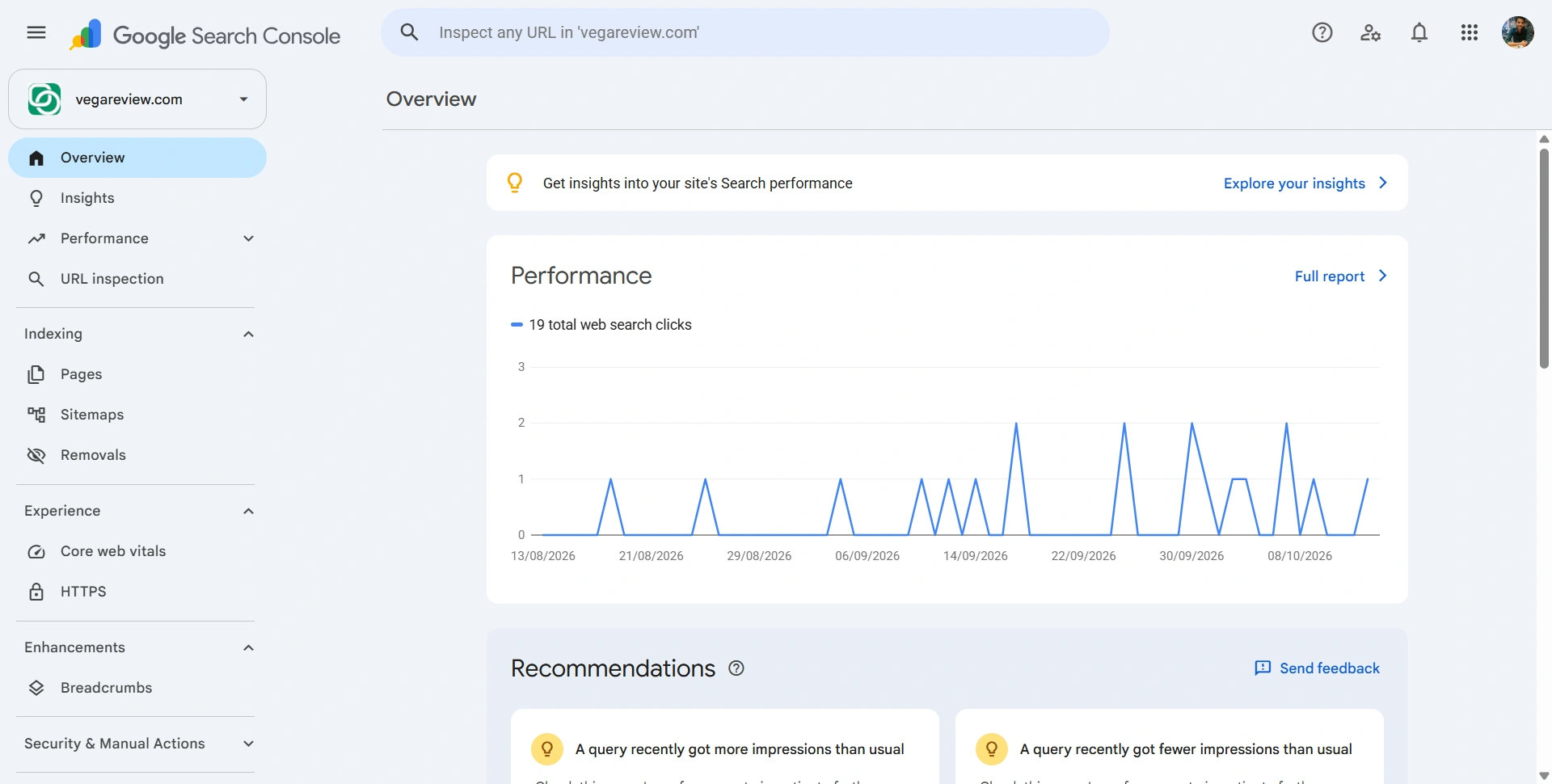
Best for: Finding out how your startup appears in Google Search.
Google Search Console, or GSC, helps you understand how people find your website on Google. Basically, when someone searches for something, sees your website, and clicks through, GSC keeps track of those search impressions and clicks. Its reports show search terms that brought people to your site and which pages they clicked on in Google.
Best features:
- Search queries, impressions, clicks, and click-through rates.
- Page indexing, sitemap reports, and URL Inspection.
Pros:
- Direct Google data helps prioritize pages already gaining visibility.
Cons:
- Limited to properties you can access; it isn't competitor research software.
Customer-loved highlight: Seeing the actual queries behind a page's search impressions gives founders a concrete starting point for improvements.
Free plan: The service is free, including performance and indexing tools.
Pricing and paid plans: $0; there is no premium Search Console tier.
2. Google Analytics 4 (GA4)
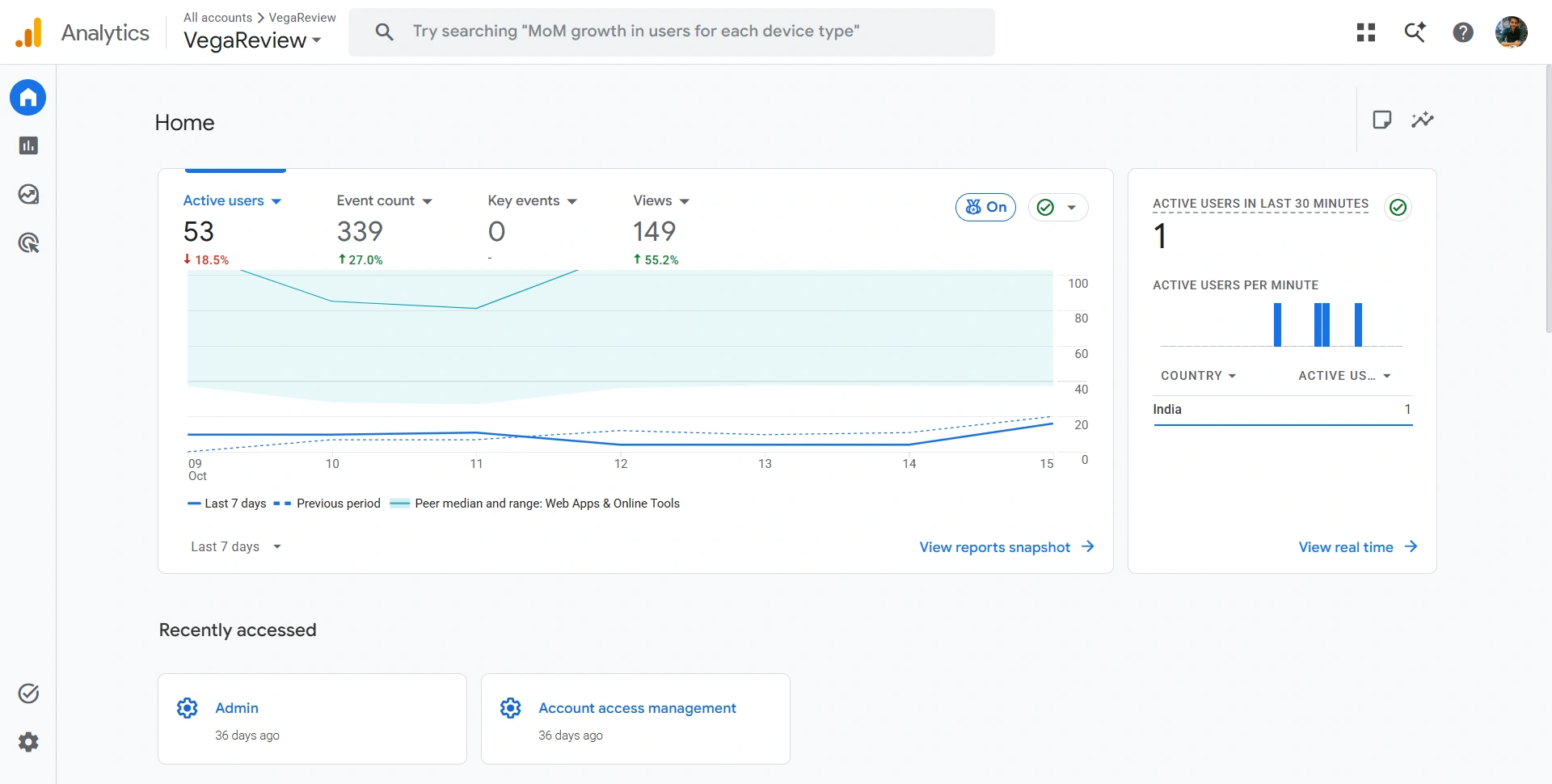
Best for: Connecting organic traffic with signups, purchases, and other useful actions.
GA4 helps you understand what happens after people reach your website. If someone finds you through Google, it can show which country they visited from, which page they landed on first, which other pages they visited, and how long they actively spent on your site.
With the right tracking set up, you can also see which landing-page buttons they clicked, such as "Sign up" or "Pay," and whether they completed a signup or purchase. Button clicks and completed payments are different actions, so track them separately. GA4 doesn't automatically record every click or everything a visitor does.
Best features:
- Acquisition reports, events, key events, and explorations.
- Website and app measurement with attribution reporting.
Pros:
- Helps compare traffic quality across marketing channels.
Cons:
- Incomplete tagging and consent-related gaps can distort your interpretation.
Customer-loved highlight: Following the journey beyond a visit. Google's Minted example illustrates analytics informing business decisions rather than simply counting page views.
Free plan: Standard Analytics provides core measurement and reporting without a subscription fee.
Pricing and paid plans: Analytics 360 requires a quote and expands limits and enterprise capabilities. Separate services such as BigQuery can generate their own costs.
3. Bing Webmaster Tools
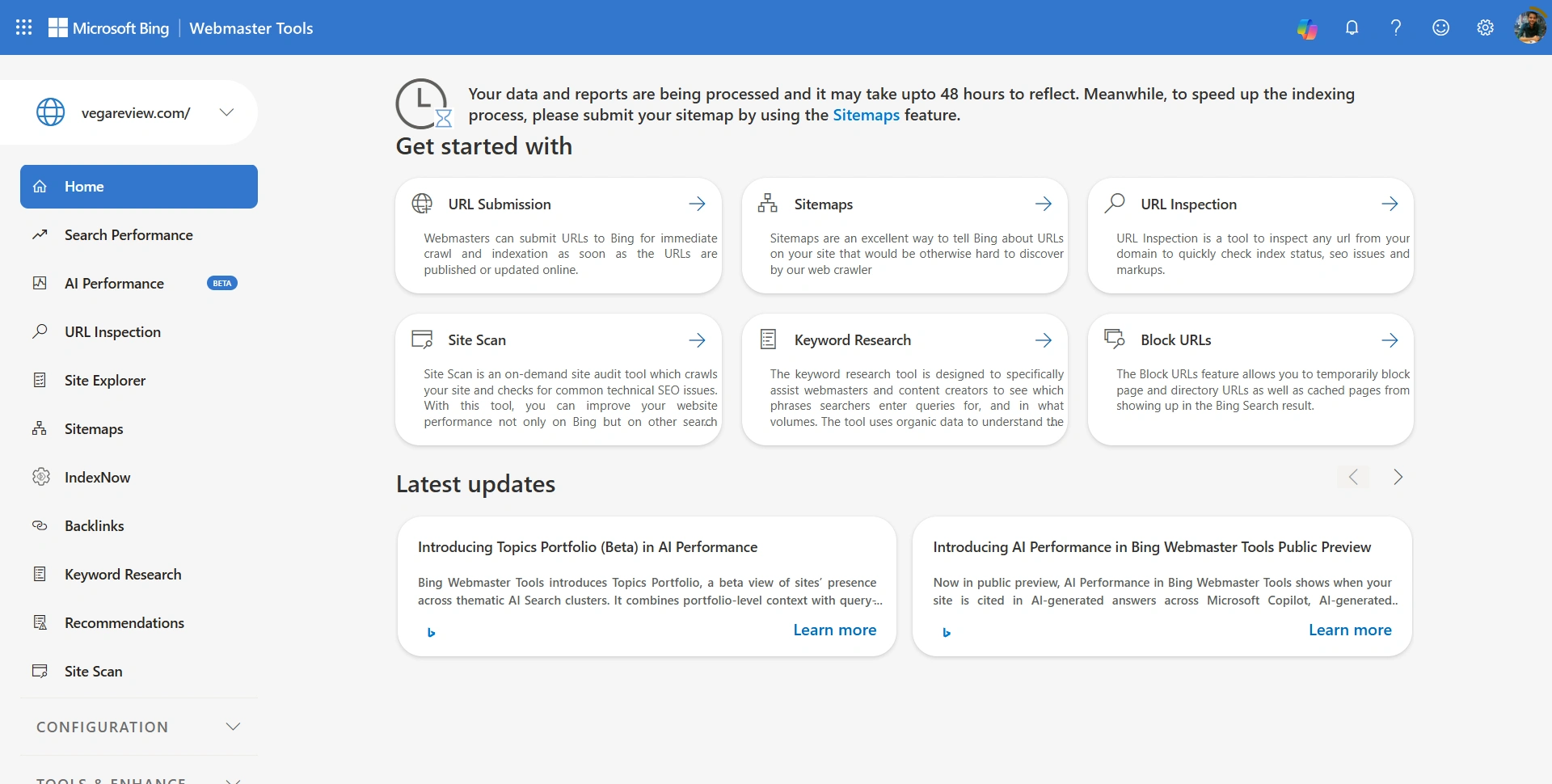
Best for: Monitoring Bing visibility alongside Google.
Bing Webmaster Tools adds another search engine's perspective on your website. It's useful when your audience includes Bing users or you want additional crawl diagnostics.
Best features:
- Search Performance, URL Inspection, and sitemap tools.
- Keyword Research, Site Scan, and AI Performance reporting.
Pros:
- Expands your measurement toolkit without another subscription.
Cons:
- Bing metrics don't represent Google rankings or every AI platform.
Customer-loved highlight: Getting search and technical insights in one free workspace is particularly useful when a founder handles SEO personally.
Free plan: Microsoft's webmaster toolkit is free.
Pricing and paid plans: $0; no premium tier is required. Its AI Performance reporting adds visibility into supported AI experiences; citations shouldn't be treated as visits or conversions.
4. Semrush
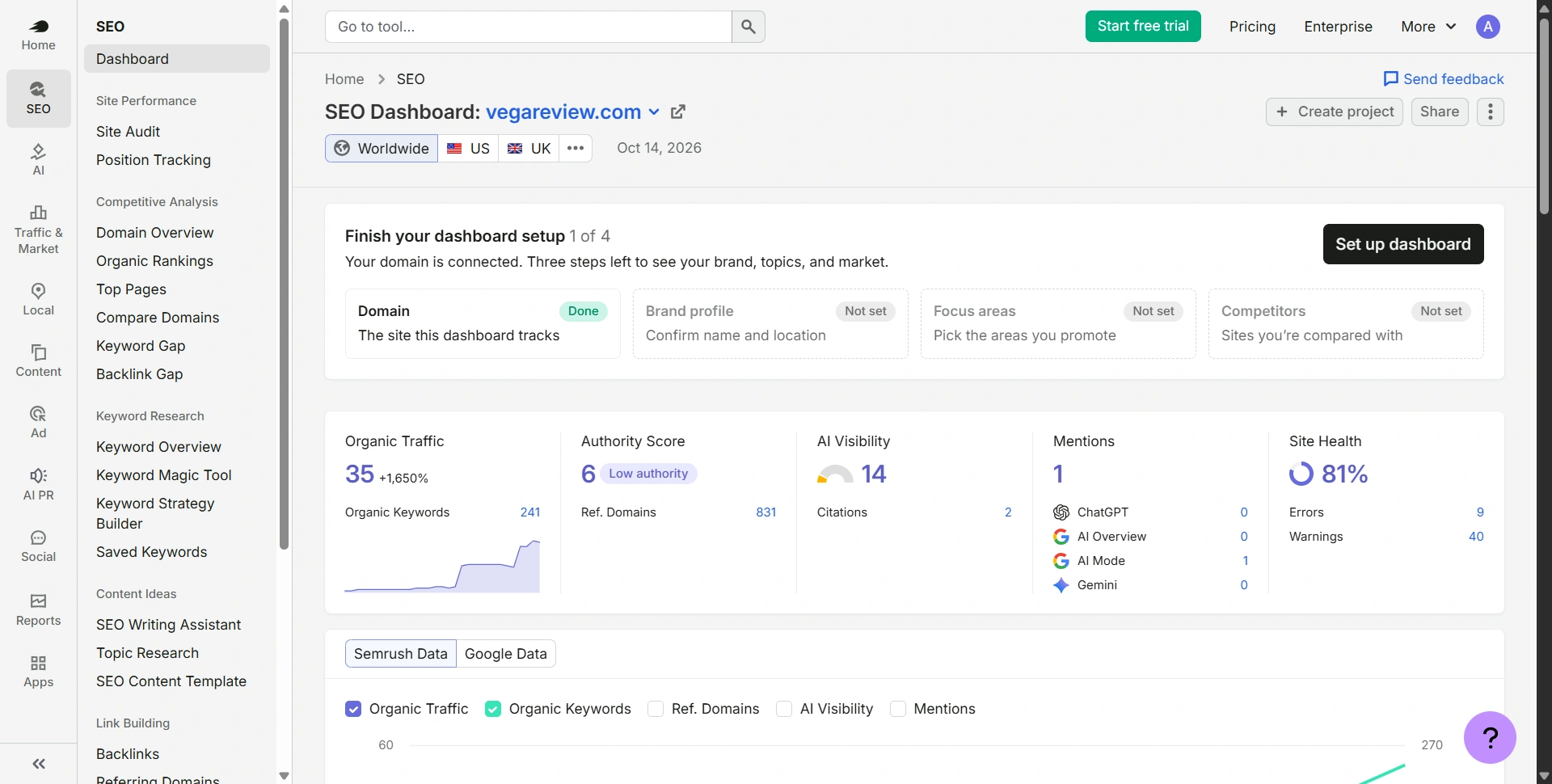
Best for: Startups ready to manage research, audits, and tracking together.
Semrush suits teams building a repeatable organic growth process. Use competitor research to identify opportunities, then monitor the pages and keywords you prioritize.
Best features:
- Keyword research, competitor analysis, Position Tracking, and Site Audit.
- Broader AI visibility capabilities on relevant plans.
Pros:
- Connects research and monitoring across several SEO tasks.
Cons:
- Multiple toolkits and extra users can increase spending quickly.
Customer-loved highlight: More focused content decisions. On the pricing page, Wix's growth lead describes using data to choose the right content and save time.
Free plan: Ten daily reports and a demo project offer limited exploration.
Pricing and paid plans: SEO is $139/month or $117.33 annually, including five websites and 500 tracked keywords. Starter is $199 monthly and adds broader SEO and AI-search functionality. Check the current toolkit names before following older Pro-plan comparisons.
5. Ahrefs
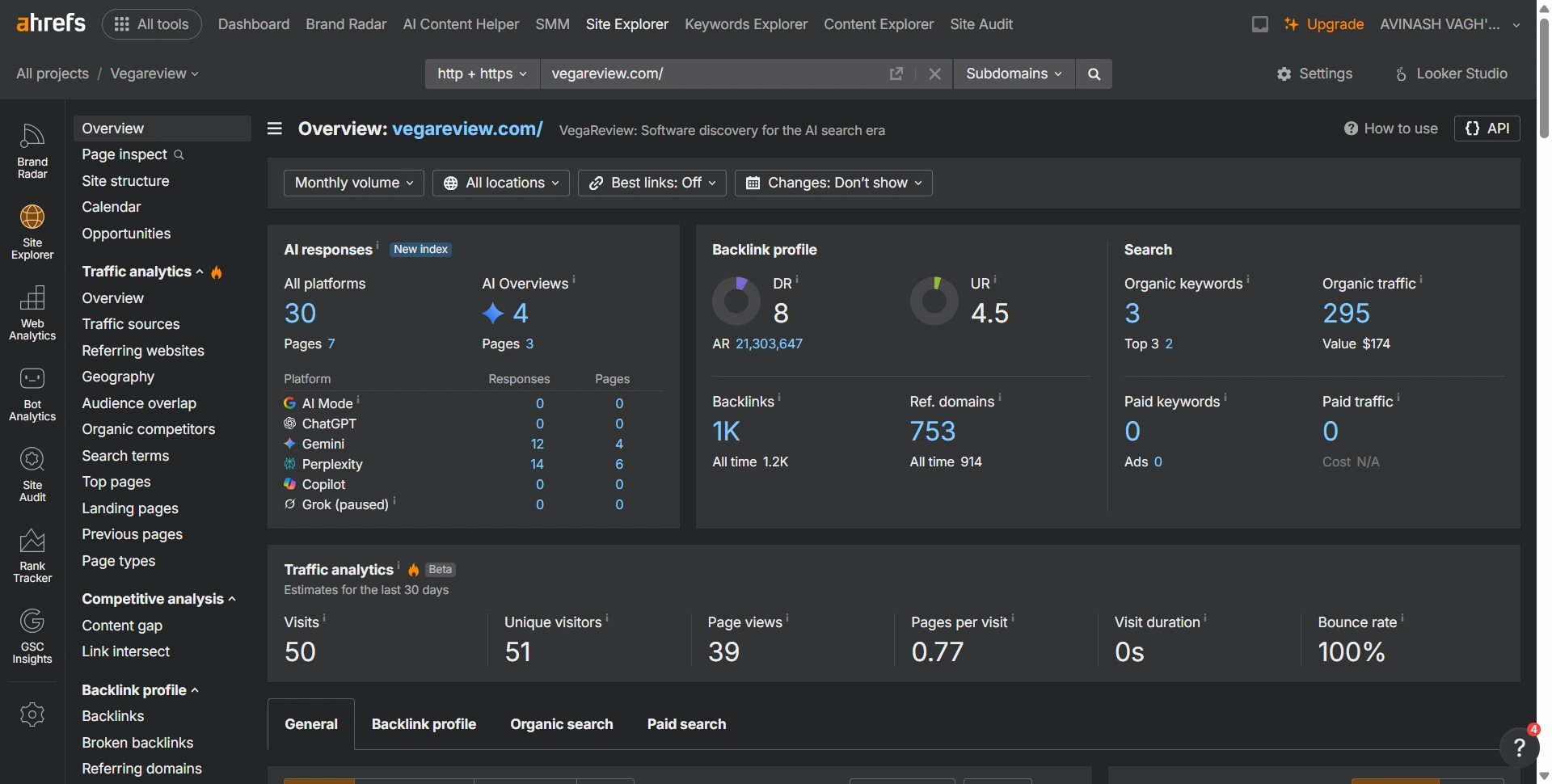
Best for: Investigating competitor pages, referring domains, and keyword opportunities.
Ahrefs helps you examine what other websites rank for and where their links come from. That's useful when your startup needs evidence for a content or outreach plan.
Best features:
- Site Explorer and Keywords Explorer.
- Site Audit, Rank Tracker, and competitive analysis.
Pros:
- Page-level research helps turn broad competitors into specific opportunities.
Cons:
- Starter and Lite use credits; access and export limits vary considerably.
Customer-loved highlight: Connecting a competitor's successful page with its keywords and backlinks makes research easier to turn into an actionable brief.
Free plan: Ahrefs Free includes limited verified-site insights, including audits and backlink data.
Pricing and paid plans: Starter is $29/month, Lite $129, and Standard $249. Paid plans open competitor research; higher tiers expand history, reporting, and limits.
6. SE Ranking
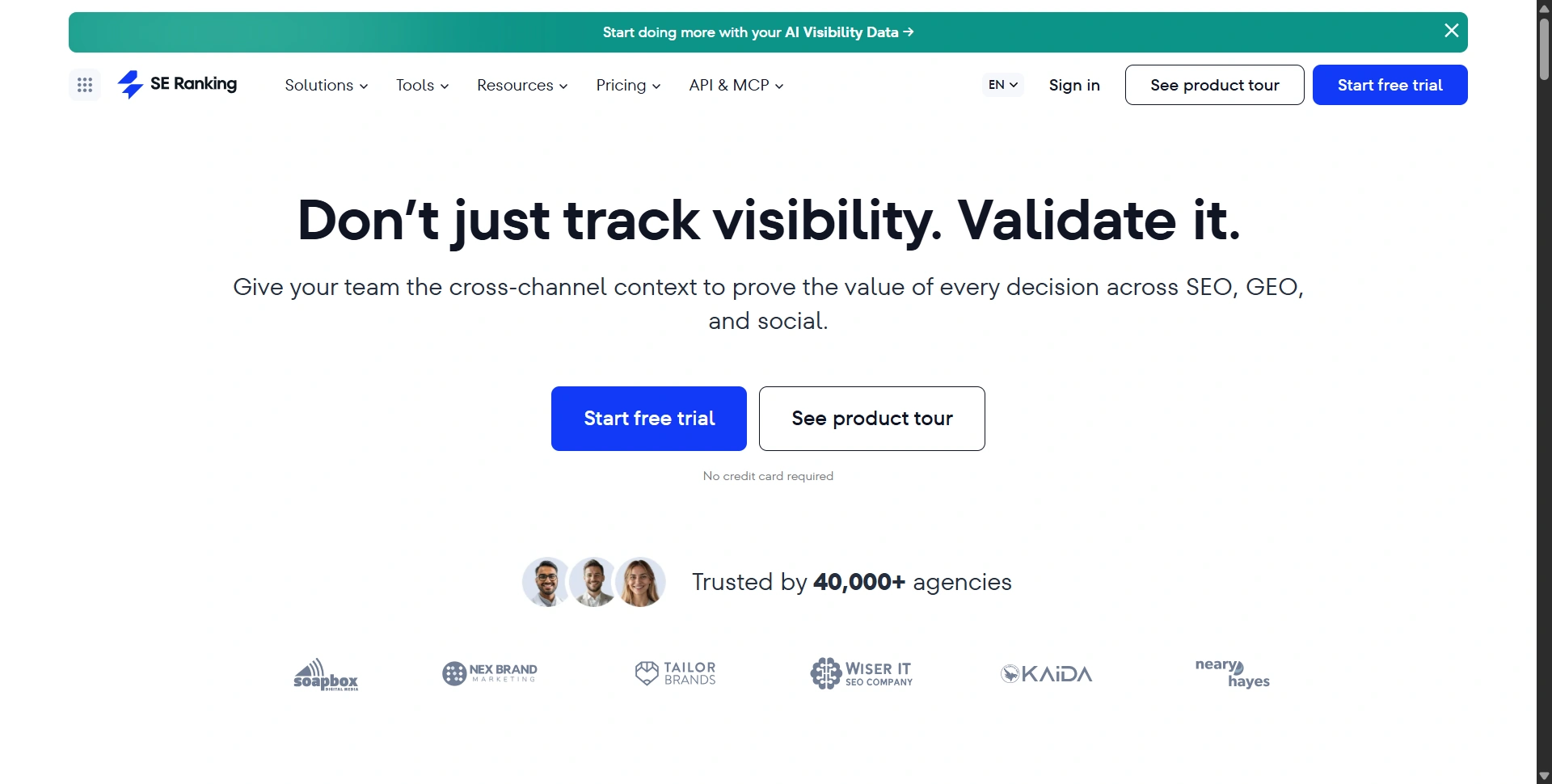
Best for: Teams running regular rank checks, audits, and reporting.
SE Ranking brings recurring SEO tasks into one platform. It fits a startup with an established publishing schedule and someone responsible for reviewing results.
Best features:
- Rank tracking, keyword research, and competitor analysis.
- Website audits, backlink tools, and AI-search monitoring.
Pros:
- Combines several ongoing workflows with shared project data.
Cons:
- Current entry pricing may exceed a solo founder's needs; add-ons need checking.
Customer-loved highlight: Usability across daily tasks. On its subscription page, consultant Aleyda Solis highlights the combination of power and ease of use.
Free access: A 14-day trial is advertised without a credit card; it isn't a permanent full-platform free plan.
Pricing and paid plans: Core is $129/month, showing $103.20 with annual billing; it includes ten projects, one manager, and 2,000 tracked keywords. Growth is $279 monthly, adding capacity and collaboration.
7. Screaming Frog SEO Spider
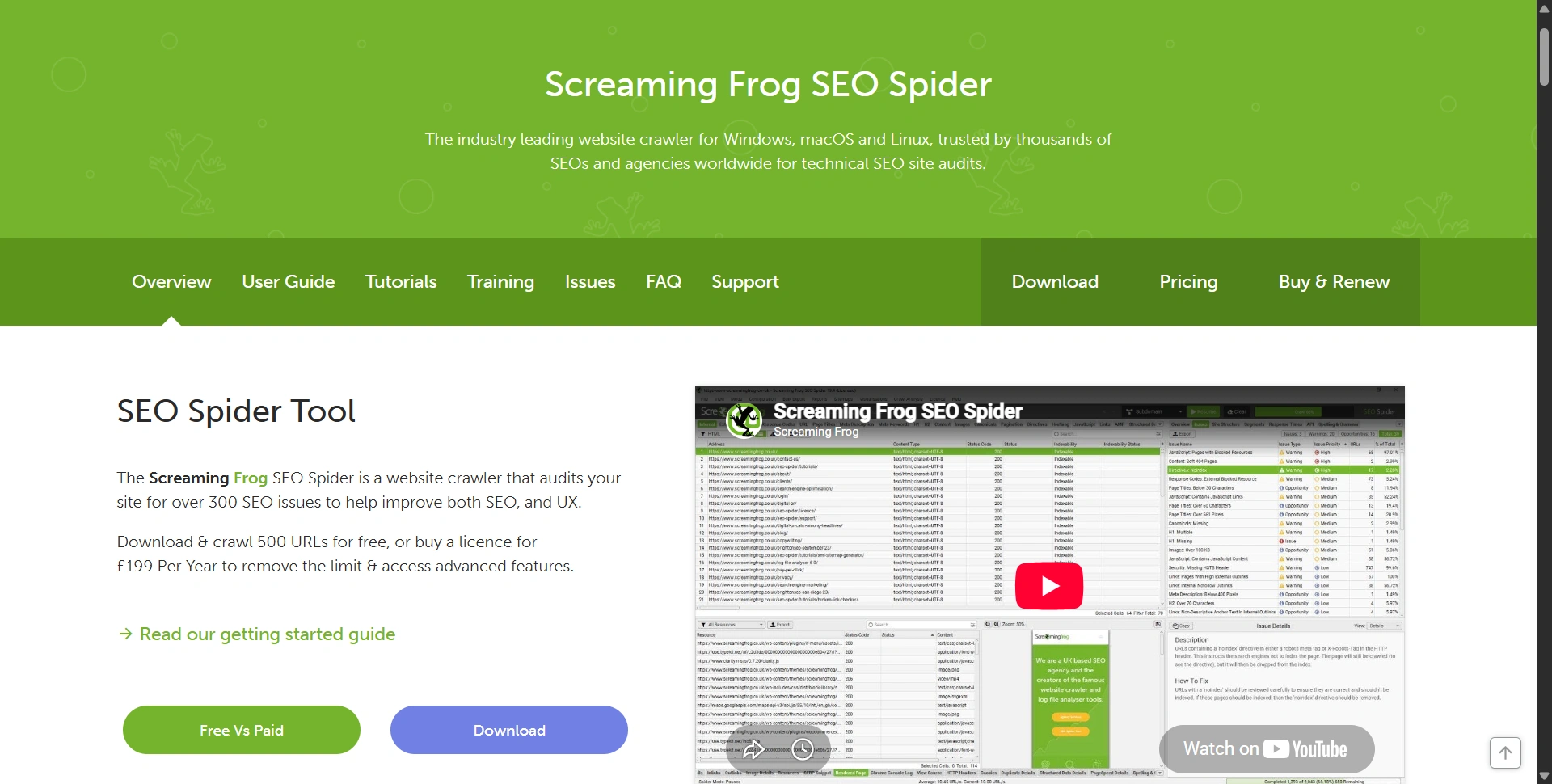
Best for: Finding technical issues before they spread across a growing website.
Screaming Frog is a desktop crawler. Use it to inspect broken links, redirects, metadata, and internal linking after a launch or redesign.
Best features:
- Response-code, canonical, title, and duplicate-content checks.
- Paid JavaScript rendering, extraction, integrations, and saved crawls.
Pros:
- Detailed URL evidence supports clear developer handovers.
Cons:
- Large crawls need suitable hardware and technical interpretation.
Customer-loved highlight: Filtering an entire crawl into a specific fix list makes technical SEO easier to assign and verify.
Free plan: Crawl up to 500 URLs at a time with restricted configuration.
Pricing and paid plans: A licence costs $279/user/year, also listed at £199 or €245. It removes the fixed crawl cap and unlocks advanced features; hardware still constrains scale.
If you need implementation help, our Fiverr alternatives guide compares marketplaces for finding a suitable specialist.
8. Ubersuggest
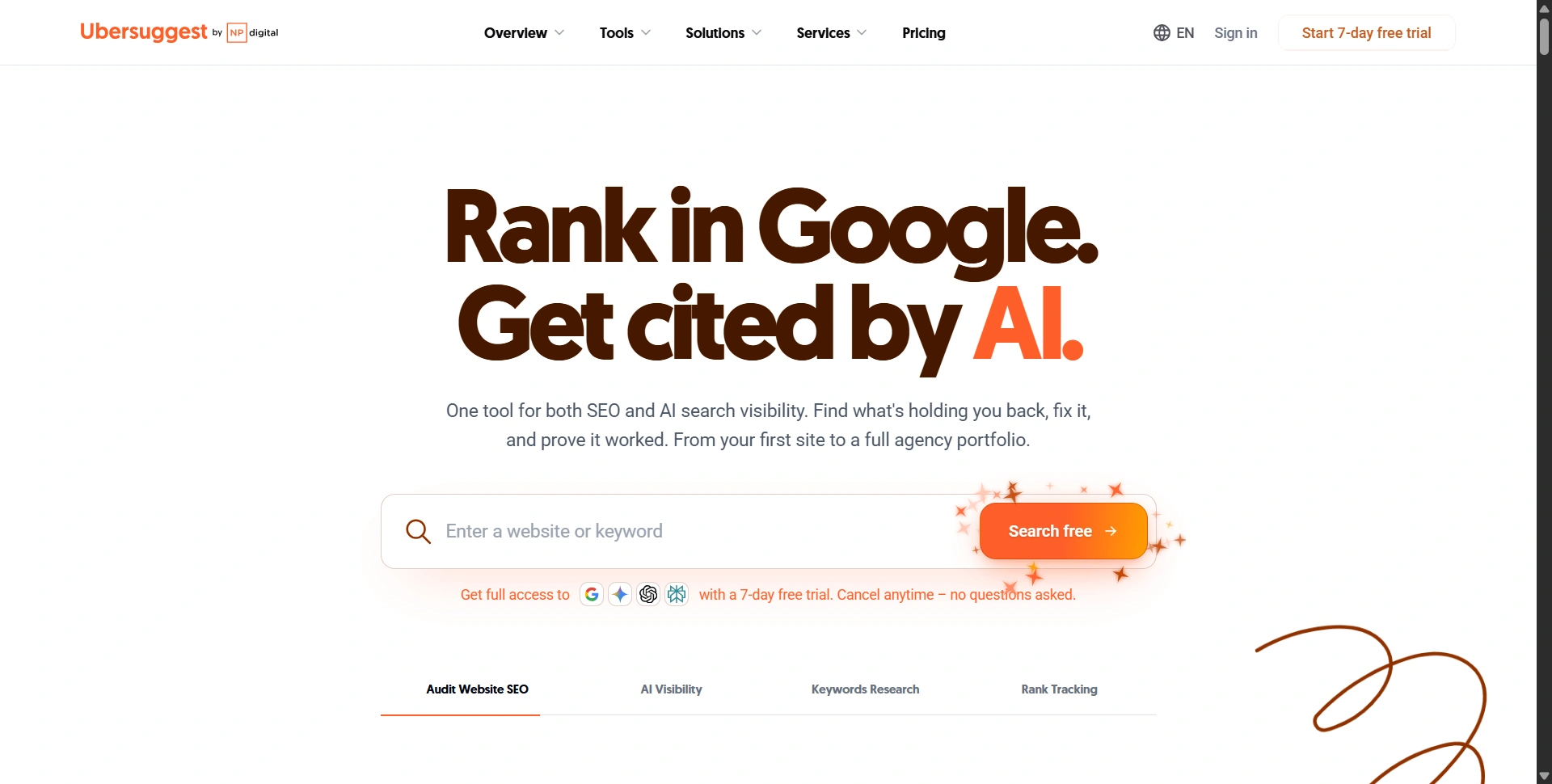
Best for: Founders who need affordable research and a manageable task list.
Ubersuggest combines keyword ideas, competitor research, audits, and tracking. It suits lighter workloads where a premium suite would be difficult to justify.
Best features:
- Keyword suggestions, content ideas, and traffic estimates.
- Site audits, backlink reports, and rank monitoring.
Pros:
- Lower entry pricing makes regular research more accessible.
Cons:
- Report, project, and tracking allowances need checking as your workload grows.
Customer-loved highlight: Clear priorities. A user featured on the pricing page describes its reports as helpful for deciding which SEO tasks to tackle.
Free plan: The free account includes three daily reports and limited keyword and backlink data.
Pricing and paid plans: Published monthly tiers are $29 Individual, $49 Business, and $99 Enterprise. Individual includes one project; higher plans expand projects and research limits. Annual and lifetime offers vary, so compare the checkout terms.
9. AnswerThePublic
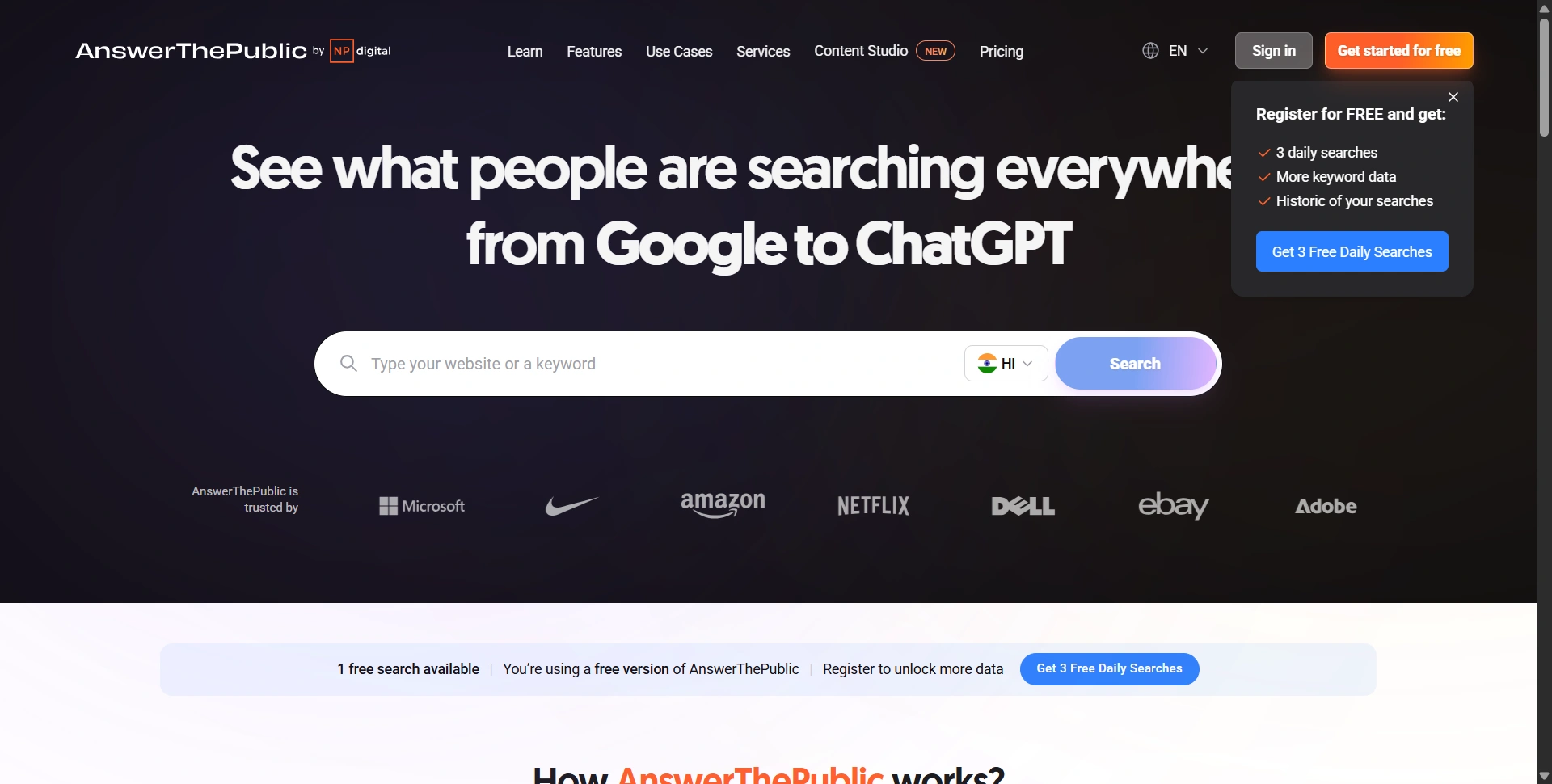
Best for: Finding customer questions for useful pages and FAQs.
AnswerThePublic organizes search suggestions into questions, comparisons, and related themes. Use it to expand a topic before choosing what deserves an article.
Best features:
- Keyword wheels, People Also Ask, and search modifiers.
- Saved lists, listening alerts, and AI-related insights.
Pros:
- Question patterns help structure direct, useful answers.
Cons:
- Suggestions need validation; a question isn't proof of commercial demand.
Customer-loved highlight: Finding audience language. Testimonials on its pricing page highlight creating content around questions people actually ask.
Free plan: Three daily searches with some results and data locked.
Pricing and paid plans: Regional annual offers vary; our pricing-page view displayed Starter at $5/month annually. Starter includes 100 monthly searches, Growth 200, and Business 300. Confirm your currency and offer before buying.
10. SpyFu
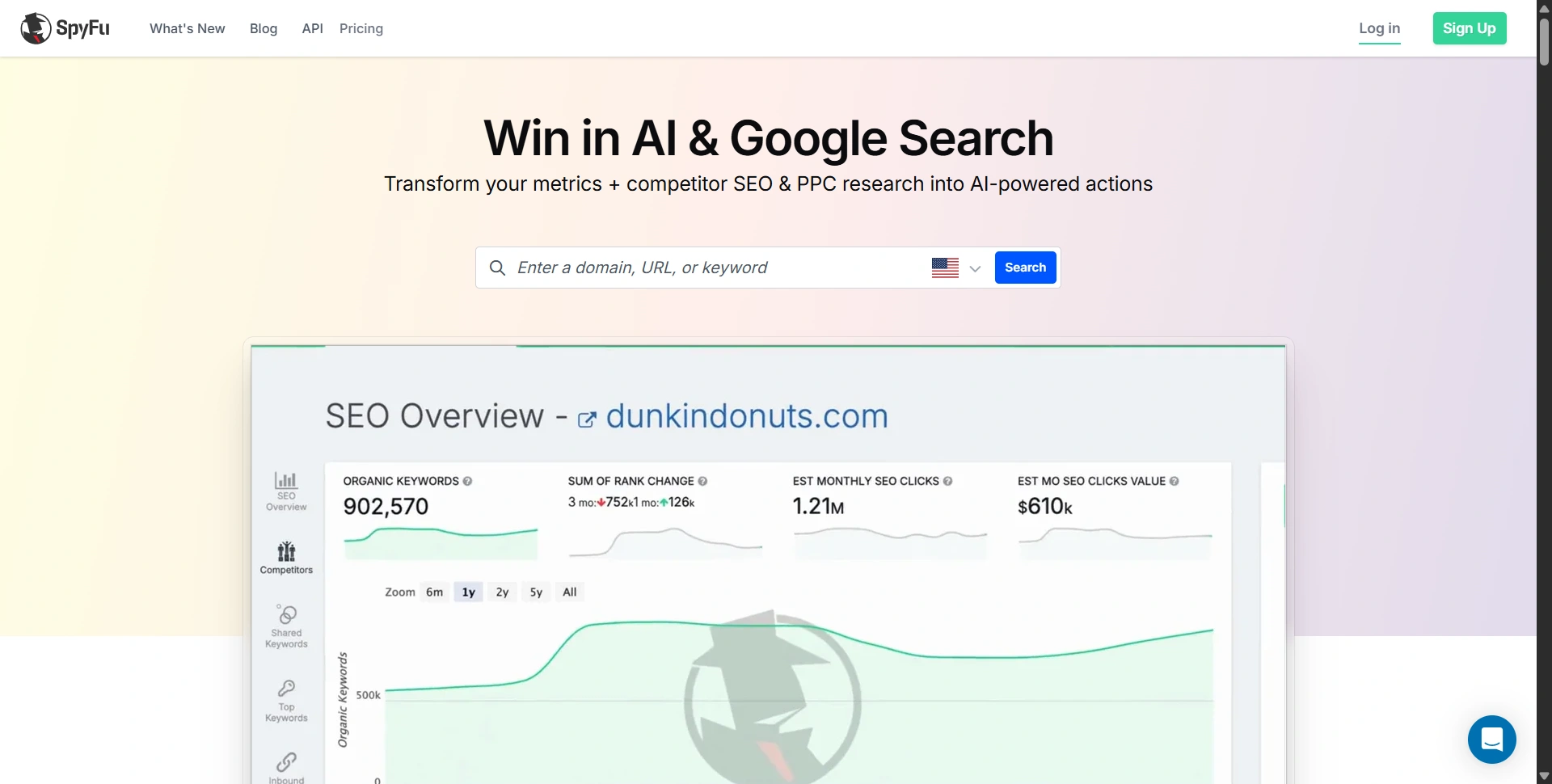
Best for: Comparing competitors' organic visibility and paid-search activity.
SpyFu helps startups investigate competitors before committing to search campaigns. Organic and advertising research can reveal themes worth examining further.
Best features:
- Competitor keywords, domain comparisons, and advertising history.
- Rank tracking, exports, and reports on paid plans.
Pros:
- Combines SEO and PPC research in one workflow.
Cons:
- Competitor estimates don't reveal actual conversions or profitability.
Customer-loved highlight: Reviewing advertising history alongside organic keywords gives teams more context than an isolated keyword list.
Free plan: Limited free searches show a restricted selection of results.
Pricing and paid plans: Basic is $39/month or $29 annually, with capped results and exports. Pro + AI is $119 monthly after a first-month promotion, or $89 annually, expanding results, exports, and AI features.
11. Surfer SEO
Best for: Teams improving content briefs, topical coverage, and existing articles.
Surfer helps writers compare content against search-informed recommendations. It fits a startup already publishing useful material that needs a more consistent review process.
Best features:
- Content guidelines, Content Score, and internal-link suggestions.
- Content auditing and plan-dependent AI visibility tracking.
Pros:
- Gives writers and editors a shared optimization framework.
Cons:
- Scores aren't ranking guarantees; recommendations still need editorial judgment.
Customer-loved highlight: Getting suggestions while editing keeps optimization close to the writing process instead of in a separate spreadsheet.
Free access: A seven-day Pro trial requires billing details and converts unless canceled.
Pricing and paid plans: Discovery starts at $49/month annually, Standard $99, and Pro $182; billing supports USD and EUR. Higher plans expand tracking and collaboration. Check document allowances for the selected billing cycle.
Our AI writing tools comparison covers drafting options to pair with your content review process.
12. SEOptimer
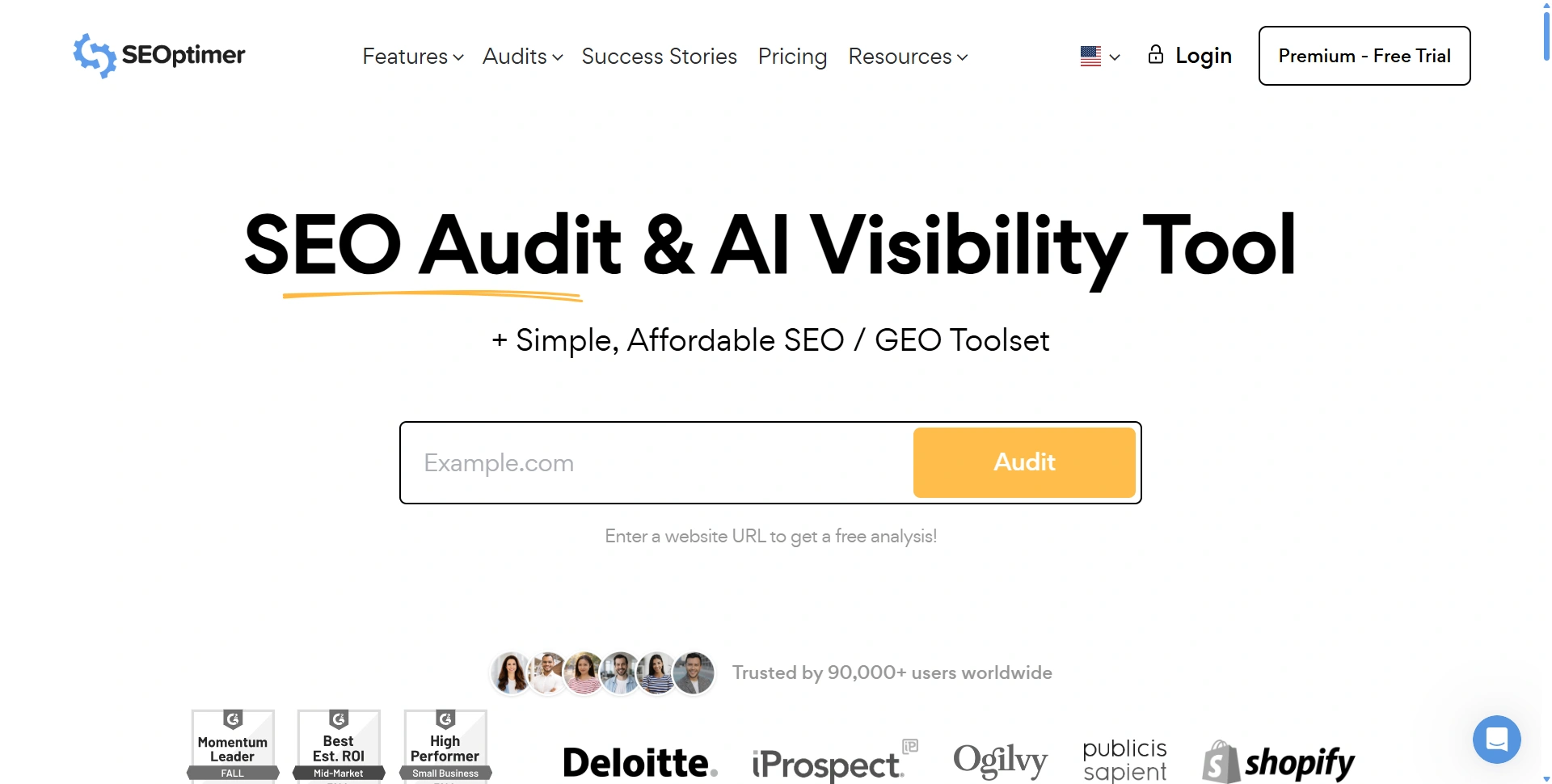
Best for: Founders who want understandable audits and clear next steps.
SEOptimer turns website checks into reports and recommended tasks. It suits teams that need a starting checklist before investing in more specialized analysis.
Best features:
- Website audits, crawling, keyword research, and tracking.
- White-label reports and embeddable audits on higher tiers.
Pros:
- Reports make findings easier to discuss with collaborators.
Cons:
- Entry-level tracking and crawl quotas can be restrictive.
Customer-loved highlight: Having issues translated into recommended actions helps less technical founders move from a score to a work list.
Free access: Public audit tools provide an initial check; the platform advertises a 14-day trial for paid features.
Pricing and paid plans: DIY SEO is $29/month, White Label $39, and White Label & Embedding $59. Higher plans add branded reporting and lead-generation capabilities.
Build a stack you'll actually use
Set up the free measurement tools, run an initial crawl, and choose ten commercially relevant topics. Buy one research subscription when free limits prevent useful work. Add a specialist only when you can name the task it will improve.
Review indexing, qualified organic visits, and business outcomes monthly. Choose your first tool above, fix one meaningful issue, and measure the result before expanding your stack.