Finding a freelancer is easy. Finding someone who understands your brief, communicates clearly, and delivers work you can actually use takes more effort.
Fiverr works well for packaged services, but you might want a different hiring process, clearer costs, or a specialist for an ongoing project. The best Fiverr alternatives in 2026 give you different ways to solve those problems.
Our quick answer: choose Upwork for custom projects, ZinnHub for ready-made services without buyer platform fees, Contra for creative portfolios, and Toptal for screened specialists.
This VegaReview guide compares official platform information, hiring workflows, costs, and practical tradeoffs. The best-for labels matter more than the position of each platform.
Best Fiverr alternatives at a glance
| Platform | Best for | Main tradeoff |
|---|---|---|
| Upwork | Custom projects and ongoing freelancers | Screening takes time; client fees apply |
| Freelancer | Comparing bids and design concepts | Cheap bids need careful evaluation |
| ZinnHub | Packaged services with no buyer platform fees | Check category depth and seller fit |
| PeoplePerHour | Small business tasks and fixed-price Offers | Payment fees increase the final cost |
| Toptal | Screened professional specialists | Subscription plus talent costs |
| Contra | Portfolio-led creative hiring | Commission-free still has transaction costs |
| Guru | Recurring work and flexible payment agreements | Requires your own freelancer screening |
| Turing | Specialized AI expertise | Narrower fit than a general gig marketplace |
1. Upwork
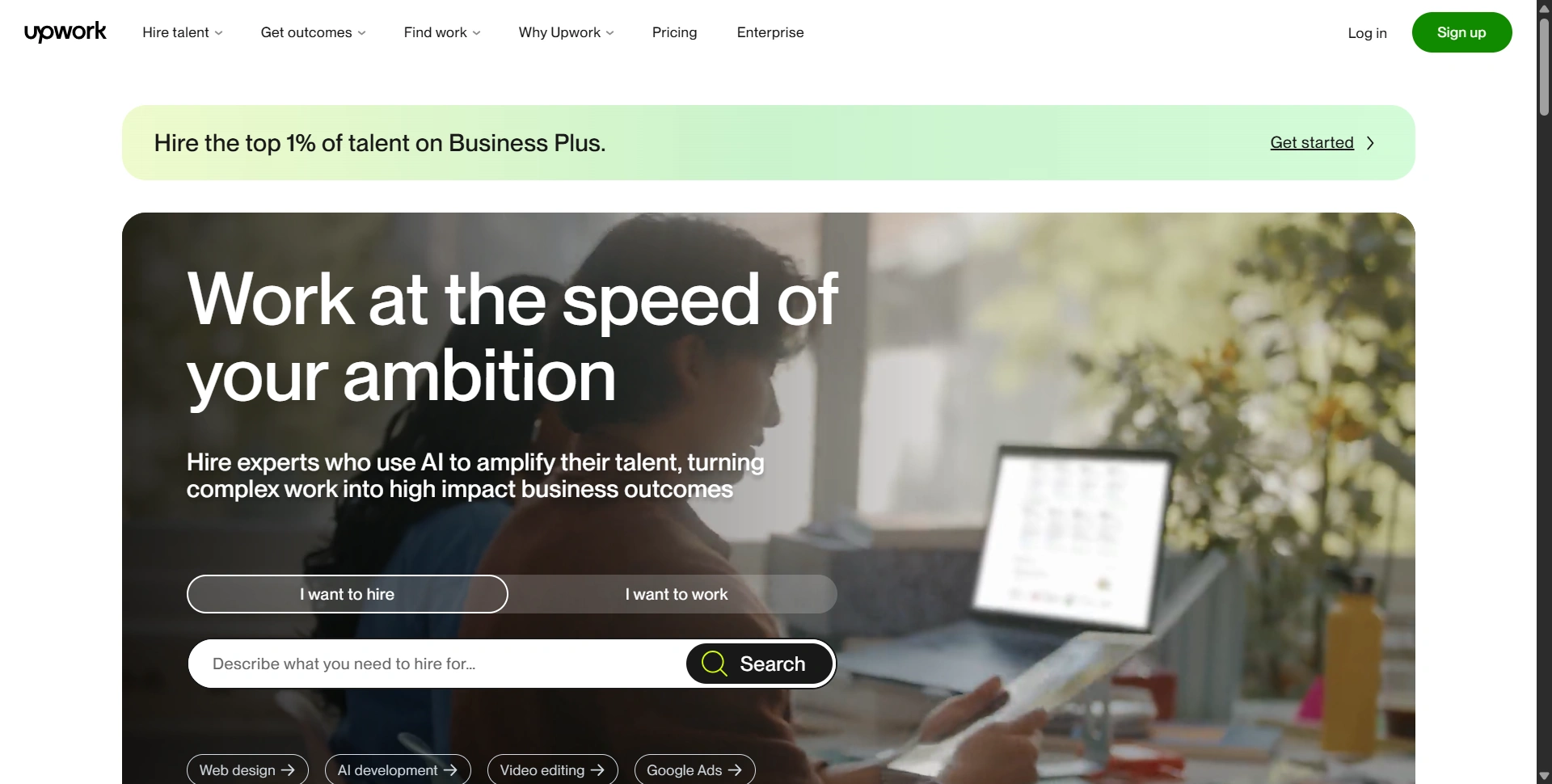
Best for: Custom projects, ongoing support, and building a freelance team.
Upwork is our broad starting point when your job doesn't fit neatly into a fixed package. You can post a brief, compare proposals, interview candidates, and agree on hourly or fixed-price work.
That makes it useful for a website build, recurring content, customer support, or a marketing role that needs more context than a one-off order.
Pros:
- Flexible hiring across technical, creative, and administrative categories.
- Profiles, work history, and proposals give you material to evaluate.
- Hourly contracts and milestones support ongoing relationships.
Cons:
- Sorting proposals and interviewing candidates takes time.
- Platform fees add to the freelancer's quoted rate.
Cost to consider: Upwork's client pricing page lists a 7.99% Marketplace fee for Basic clients. Check the complete charges before budgeting.
If you're hiring someone to validate a simple app idea, our Lovable review can help you compare building an initial version yourself with paying for development.
2. Freelancer
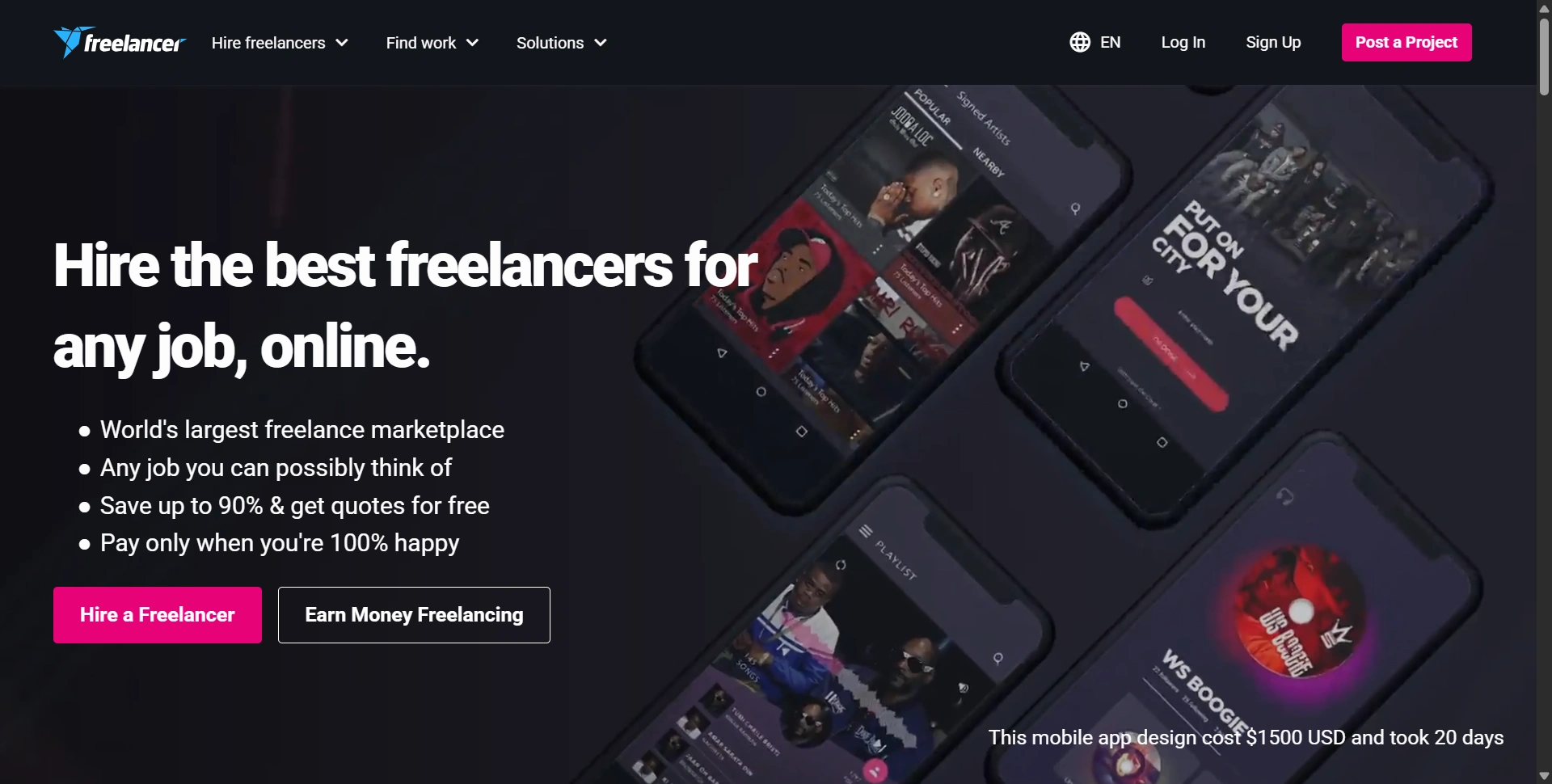
Best for: Comparing proposals and exploring different approaches to a defined project.
Freelancer lets you post projects and receive bids rather than buying a predefined gig. It also offers contests, which can suit visual work where comparing different concepts helps you decide.
We'd consider it when you can describe the deliverable clearly and want several proposals. A precise brief makes quotes easier to compare and reduces disagreement later.
Pros:
- Project bidding gives you multiple approaches and price points.
- Contests provide another route for suitable creative assignments.
- Milestone payments help divide larger jobs into reviewable stages.
Cons:
- The lowest bid may leave out important work.
- Reviewing proposals can become a project of its own.
Cost to consider: Its fee schedule lists employer fees of 3% or $3, whichever is greater, for fixed-price projects, and 3% for hourly payments. Other charges can apply. Compare the complete scope before choosing on price.
3. ZinnHub
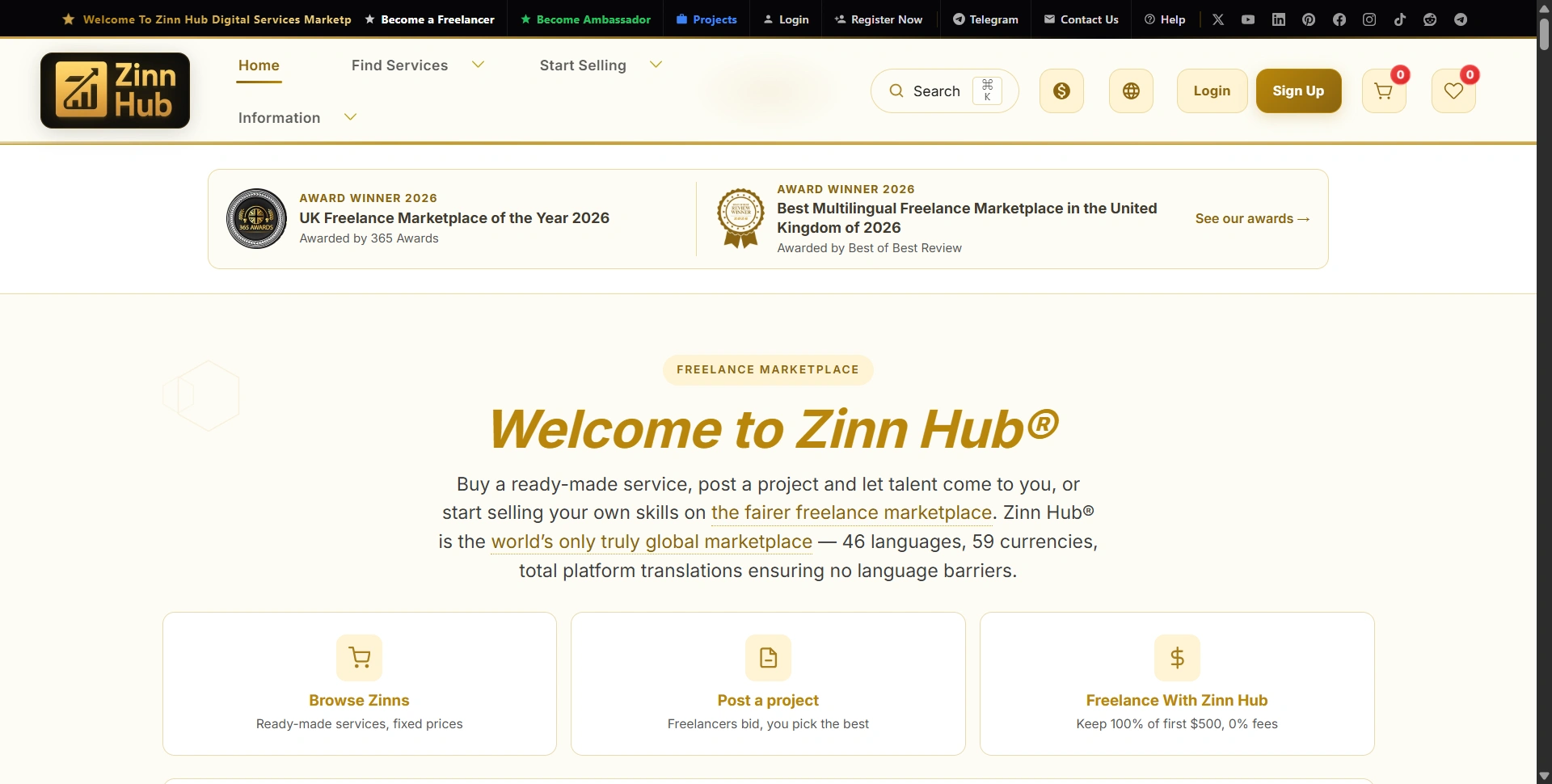
Best for: Buyers who like packaged services and want straightforward platform costs.
ZinnHub, branded as Zinn Hub, deserves a closer look if you enjoy Fiverr's service-shopping format. You can browse ready-made services called Zinns or post a custom project when your requirements need a tailored quote.
The strongest buyer benefit is its zero buyer platform fee policy. That makes the comparison useful for founders purchasing several small services: the platform says it doesn't add a buyer service fee to each order.
Its multilingual marketplace also advertises 46 languages, 59 currencies, and translated messaging. That's a practical advantage if a language barrier would otherwise rule out a suitable freelancer.
Pros:
- Ready-made services and custom projects cover two hiring styles.
- No buyer platform fees makes comparing listed prices easier.
- Small Micro Zinns offer an entry point from $5.
- ZinnHub says sellers undergo identity verification and skill checks.
Cons:
- Check how much choice your specific category offers before committing.
- Verification doesn't replace reviewing relevant samples and agreeing on scope.
For freelancers: The seller fee schedule advertises zero commission on the first $500 in sales. Standard commission then starts at 20% and declines with higher sales milestones; it isn't permanently commission-free.
Our take: ZinnHub is worth shortlisting for a specific design, content, website, or marketing task. Start with a small paid order, assess communication and delivery, then expand the relationship if the freelancer is a good fit.
4. PeoplePerHour
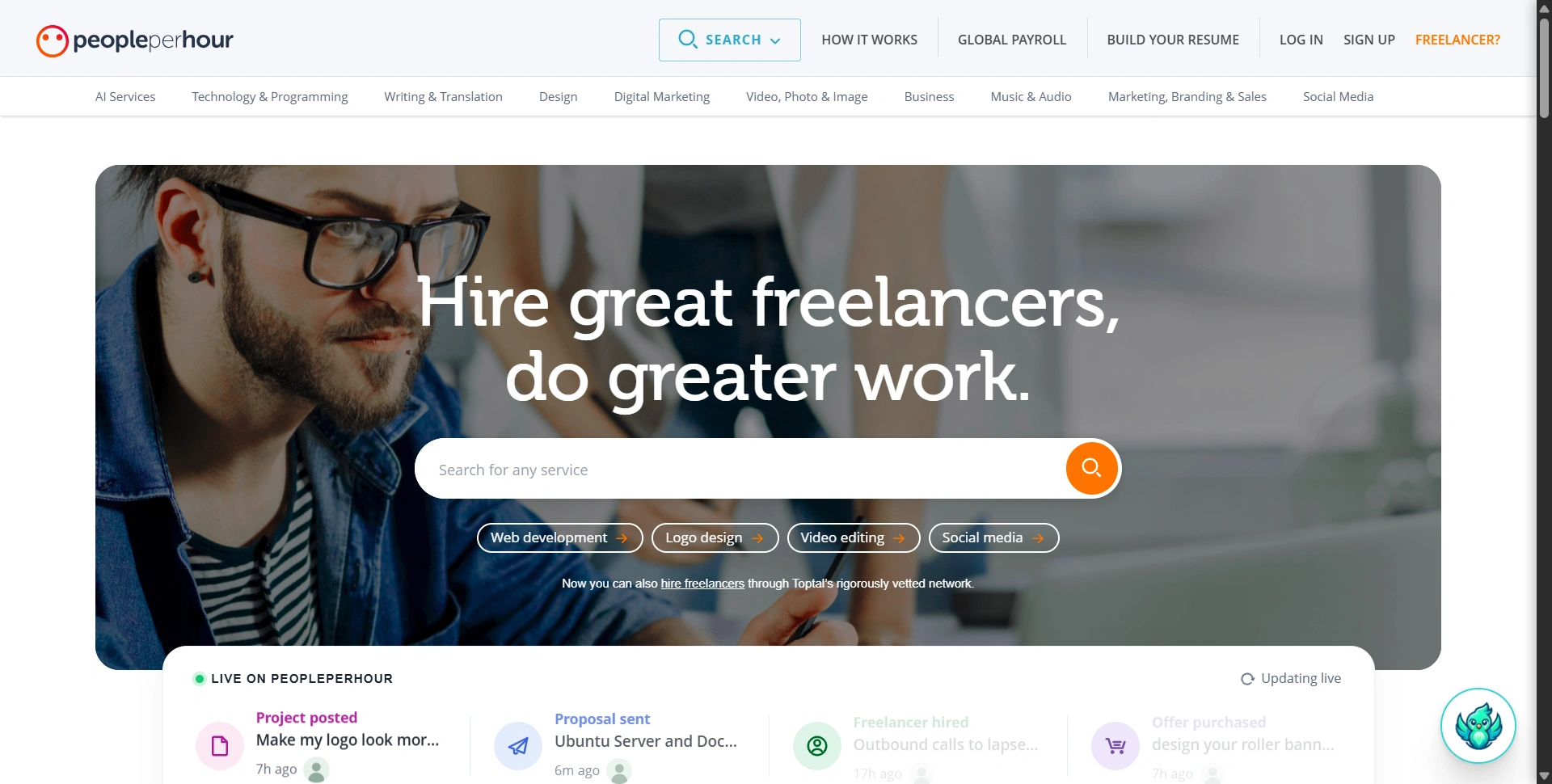
Best for: Small businesses buying defined services or requesting custom proposals.
PeoplePerHour combines fixed-price Offers with project posting. That gives buyers a familiar service-shopping option alongside a way to discuss requirements that don't fit an existing package.
It's useful when you need a defined task, such as a page redesign, a writing assignment, or help with an existing website. Despite the name, you aren't limited to hourly work.
Pros:
- Offers make smaller deliverables easier to browse.
- Custom proposals let you discuss requirements before hiring.
- Its escrow workflow provides a funded payment process for agreed work.
Cons:
- Offer descriptions need checking for exclusions and revision limits.
- Buyer fees can make a small purchase noticeably more expensive.
Cost to consider: The published terms list buyer payment fees, including £0.60 plus 10% for PayPal and cards. Check your checkout currency and applicable charges before treating the listed service price as your final budget.
5. Toptal
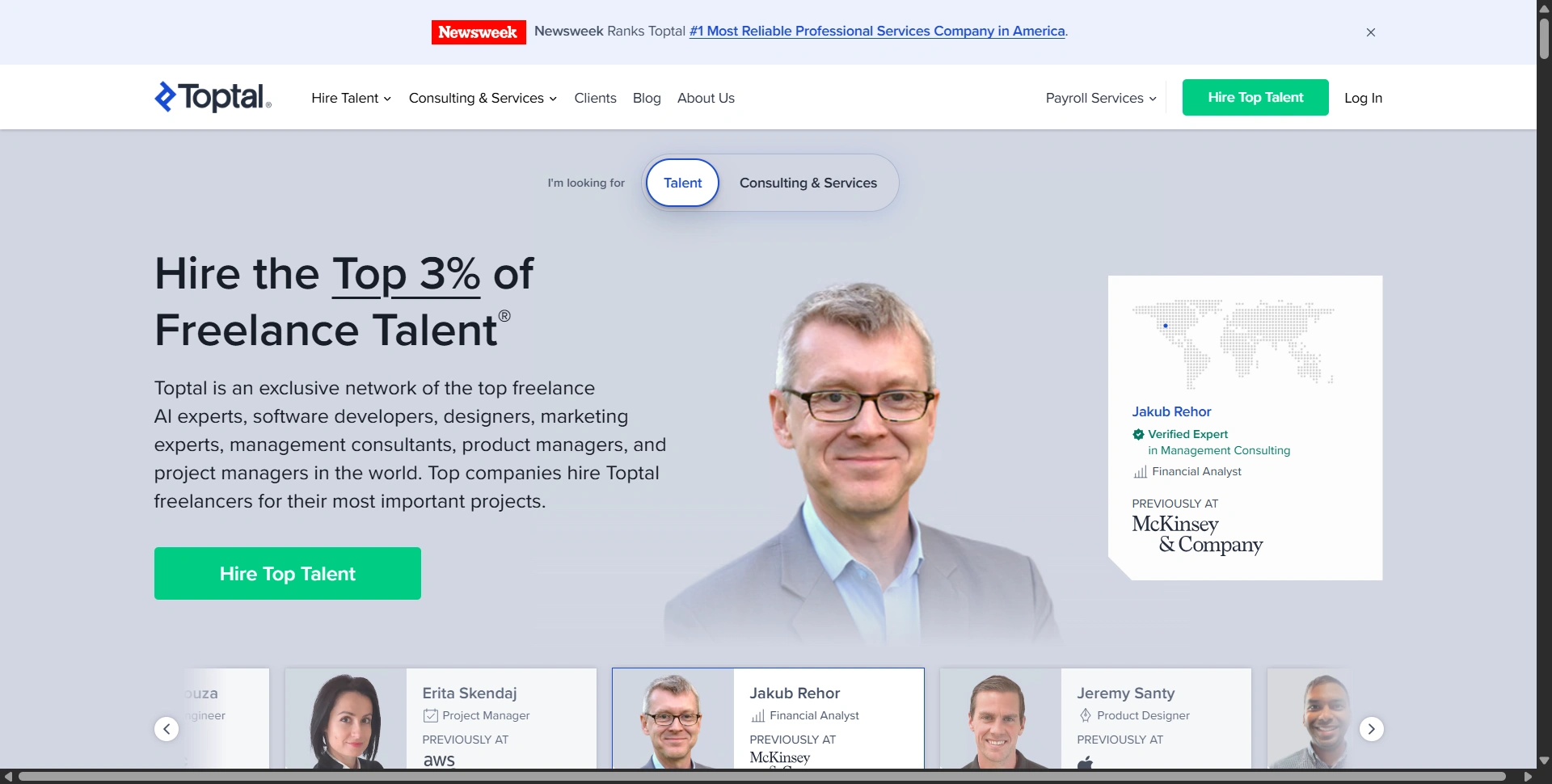
Best for: Businesses hiring screened specialists for substantial professional work.
Toptal takes a different approach from an open gig marketplace. It screens talent and helps match businesses with professionals across areas such as development, design, finance, and consulting.
We'd consider it when the cost of hiring the wrong person outweighs the benefit of finding the cheapest quote. A complex product build or senior specialist assignment fits better than a quick, inexpensive graphic.
Pros:
- A screened network reduces the initial pool you need to evaluate.
- Matching support helps translate your requirements into a candidate search.
- Useful for specialist work requiring substantial experience.
Cons:
- A matching service doesn't remove the need to assess fit.
- The subscription is an extra cost beyond paying the professional.
Cost to consider: Toptal's FAQ lists a $79 monthly subscription when you proceed with talent matching. Request the engagement's full pricing before deciding whether that model makes sense for your workload.
6. Contra
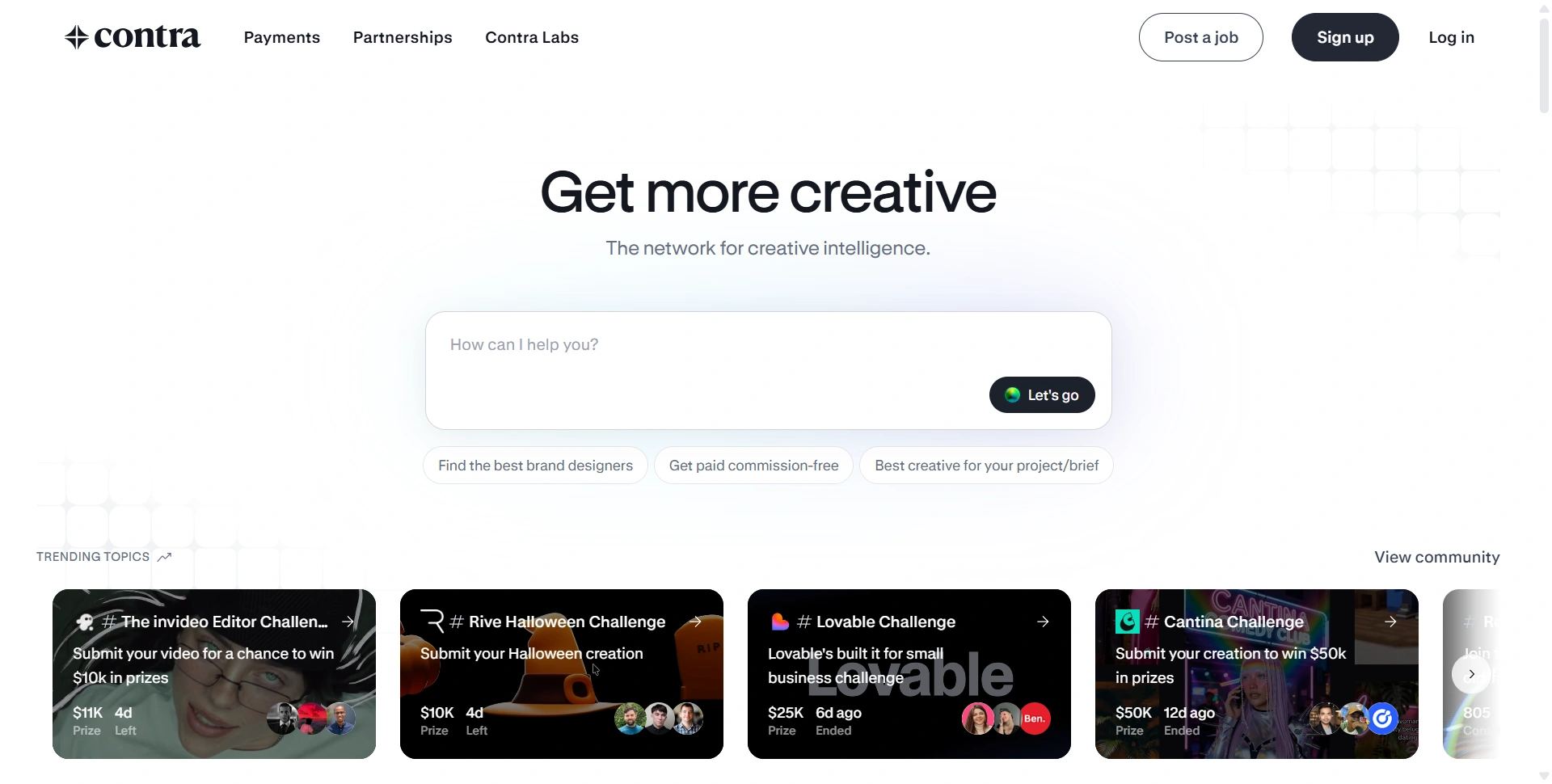
Best for: Hiring creatives through portfolios and managing independent client relationships.
Contra puts portfolios and professional identity at the center of discovery. That's useful for design, branding, websites, and creative projects where seeing someone's past work tells you more than a list of package features.
It also supports project and payment workflows. For freelancers, that means the platform can help manage a client relationship as well as showcase their work.
Pros:
- Portfolios make visual style and relevant experience easier to compare.
- Commission-free positioning is attractive to independent creatives.
- Project tools support working with clients beyond initial discovery.
Cons:
- A polished portfolio doesn't establish communication or reliability.
- Commission-free doesn't mean there are no transaction charges.
Cost to consider: Contra's client fee guide explains platform fees and payment-processing costs. Compare the full payment breakdown, particularly for international transactions, rather than assuming the advertised rate is the only amount involved.
7. Guru
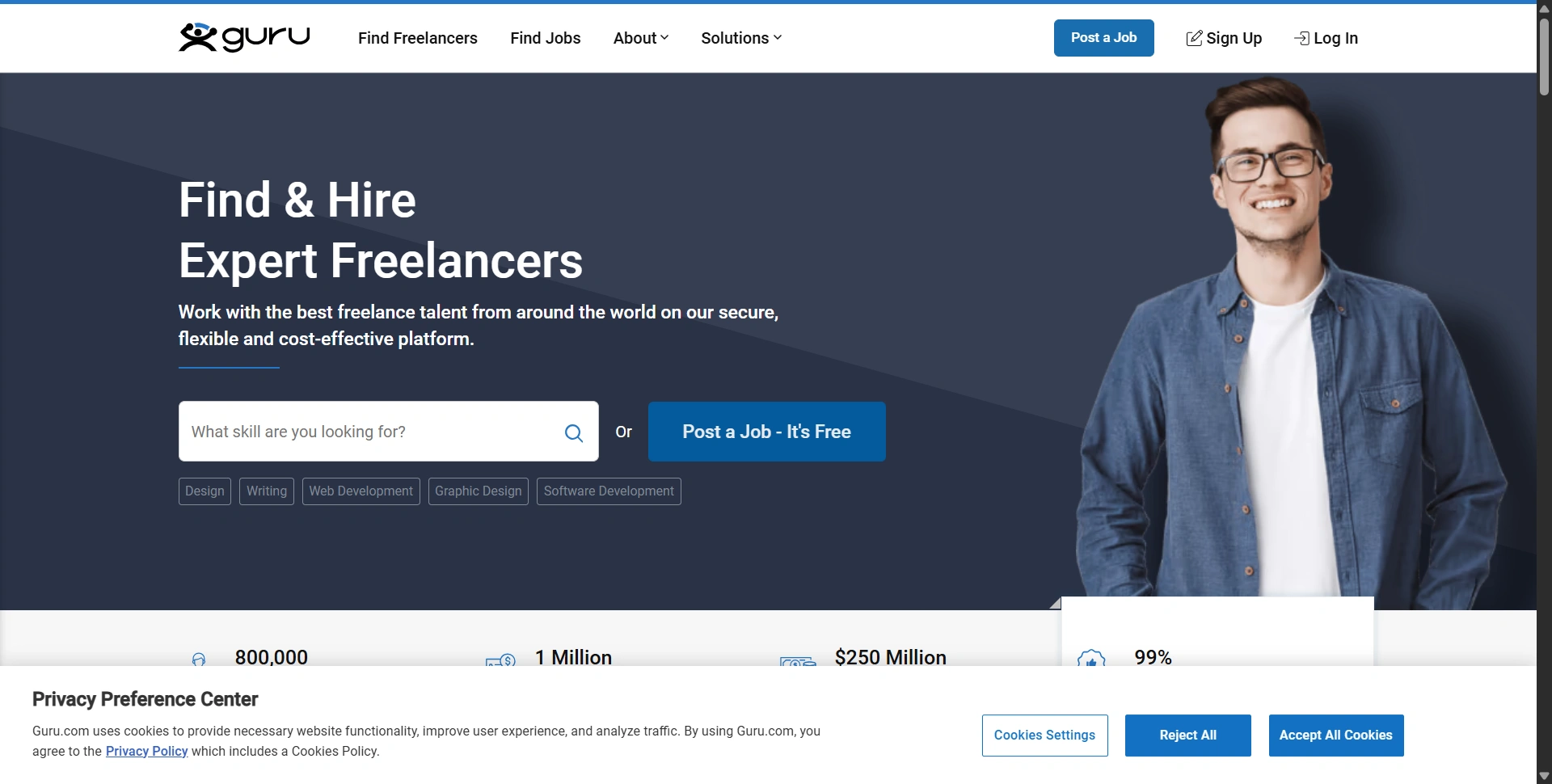
Best for: Repeat freelance work with flexible agreements and payment schedules.
Guru is worth comparing when you expect to keep working with the same freelancer. Its WorkRooms organize collaboration, while payment agreements can cover fixed-price, hourly, task-based, or recurring work.
That flexibility suits ongoing website maintenance, administrative support, and recurring deliverables. You can organize the relationship around how the work actually happens.
Pros:
- Several payment structures support different working arrangements.
- WorkRooms keep project communication and collaboration together.
- SafePay provides a funded payment mechanism.
Cons:
- You still need to shortlist and interview suitable freelancers.
- Payment protection depends on following the platform's process.
Cost to consider: Guru's employer pricing lists a 2.9% invoice handling fee. Check applicable payment-method conditions and agree on milestones before funding work. We'd use it for a repeatable working relationship rather than choosing solely because the headline fee looks attractive.
8. Turing
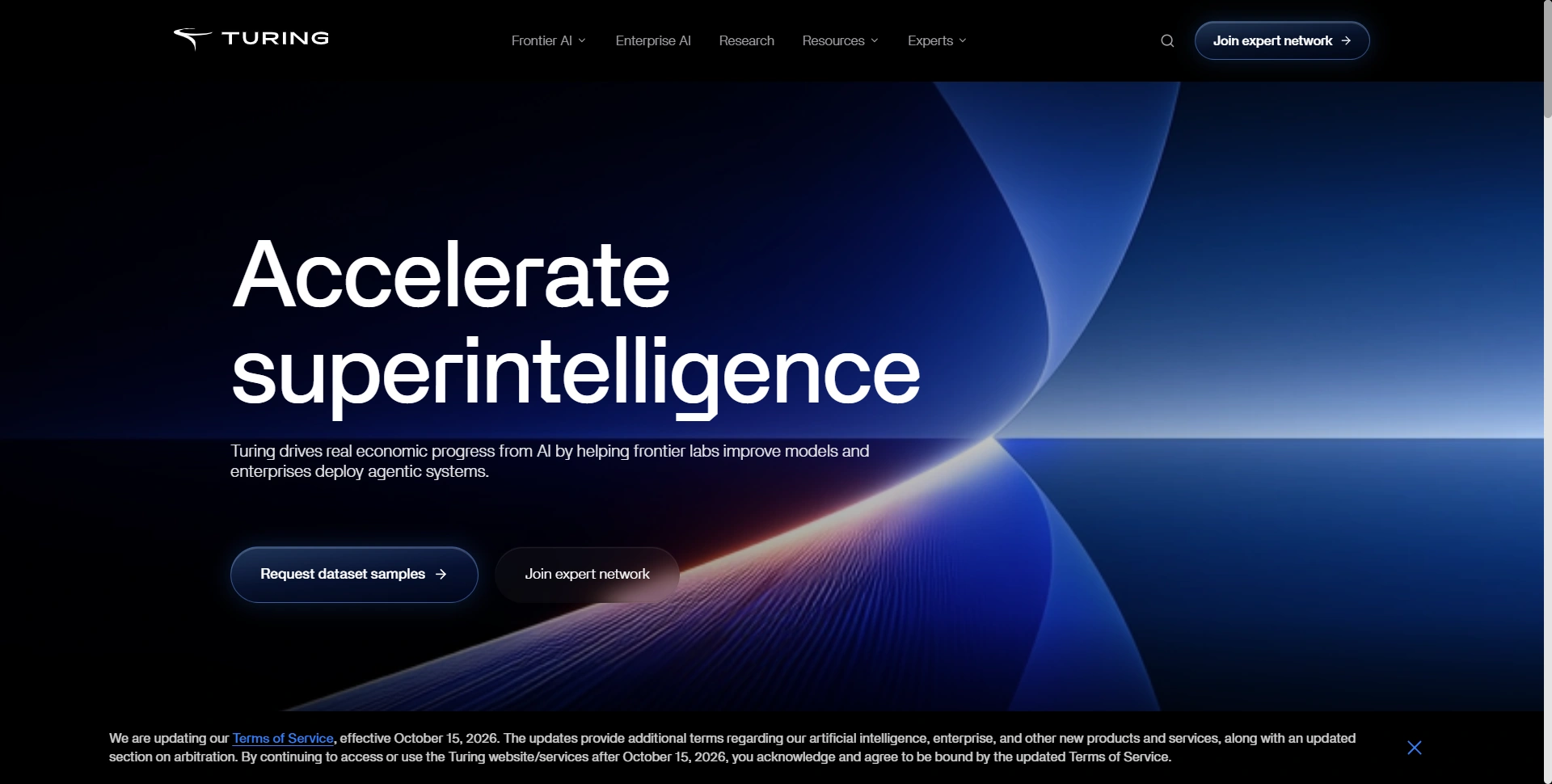
Best for: Organizations seeking specialized expertise for AI work.
Turing has a narrower role in this list. Its current business positioning emphasizes frontier AI and enterprise AI, while its expert network includes software engineering and other specialist domains.
That makes it relevant for organizations evaluating expert support for AI development, evaluation, and related technical work. We'd approach it with a specific capability requirement and discuss whether its service fits the engagement.
Pros:
- Specialist expertise is more relevant to complex AI assignments.
- A vetted expert-network model offers a different sourcing approach.
- Useful when domain knowledge is central to the work.
Cons:
- A poor fit for everyday logo, writing, or small website gigs.
- You need to confirm service availability, scope, and pricing directly.
Cost to consider: Request a scoped quote. Don't compare an enterprise or expert engagement with the starting price of a packaged Fiverr service; they're solving different hiring problems.
How to choose a Fiverr alternative
Write down the deliverable, deadline, budget, revision allowance, and acceptance criteria before comparing platforms. Ask shortlisted freelancers for relevant samples and how they'd approach your brief. Start with a small paid milestone when possible.
Include source files, handover instructions, and ownership in your brief.
Our recommendation: shortlist two platforms around your actual task. Upwork suits custom hiring; ZinnHub is our promoted option for service shopping with no buyer platform fees. Compare the complete quote, communication, and expected delivery before placing a larger order.
Start with one small project
Pick one task you've been putting off and give it a clear brief. Explore services on ZinnHub, compare relevant work samples, and start with a small order. Let the first delivery help you decide who deserves your next project.