A weekly newsletter, an abandoned-cart reminder, and a password reset all travel by email. They don't need the same software.
The best email marketing platforms in 2026 depend on what you send, who receives it, and how much automation your business needs. A creator selling courses has different priorities from a developer sending product notifications.
Our quick answer: start with MailerLite for small-business newsletters, Omnisend for ecommerce, Kit for creators, and Loops for SaaS lifecycle email. Consider Resend or Postmark when application email is the main job.
VegaReview compares their features, pricing, and practical limitations below.
Best email marketing platforms at a glance
| Platform | Best use case | Paid starting point | Our rating |
|---|---|---|---|
| Mailchimp | General marketing and integrations | Essentials $13/month | 4.2/5 |
| Resend | Developer-led email | API $20/month; marketing $40/month | 4.6/5 |
| Omnisend | Ecommerce email and SMS | Standard $16/month | 4.6/5 |
| Brevo | Multichannel small-business marketing | Starter $9/month | 4.5/5 |
| MailerLite | Newsletters and landing pages | Comfort $12/month | 4.6/5 |
| EmailOctopus | Affordable newsletters | Pro $9/month annually | 4.4/5 |
| Kit | Creators and digital products | Creator $39/month | 4.5/5 |
| SendGrid | Campaigns plus email infrastructure | Marketing $15/month; API $19.95/month | 4.2/5 |
| Sequenzy | SaaS email and AI workflows | $19/month | 4.2/5 |
| Loops | Product onboarding and lifecycle email | $49/month | 4.5/5 |
| Postmark | Transactional delivery | Basic $15/month | 4.7/5 |
| Klaviyo | Ecommerce segmentation | Email $20/month | 4.6/5 |
| HubSpot | Marketing tied to CRM | Starter $20/seat/month before offers | 4.4/5 |
| ActiveCampaign | Advanced marketing automation | Starter $15/month annually | 4.6/5 |
Prices are USD examples checked October 18, 2026, before taxes. Starting prices use each vendor's entry allowance, so they aren't quotes for an identical list. Monthly billing applies unless marked annually; contact growth, sending volume, and add-ons can increase costs.
1. Mailchimp
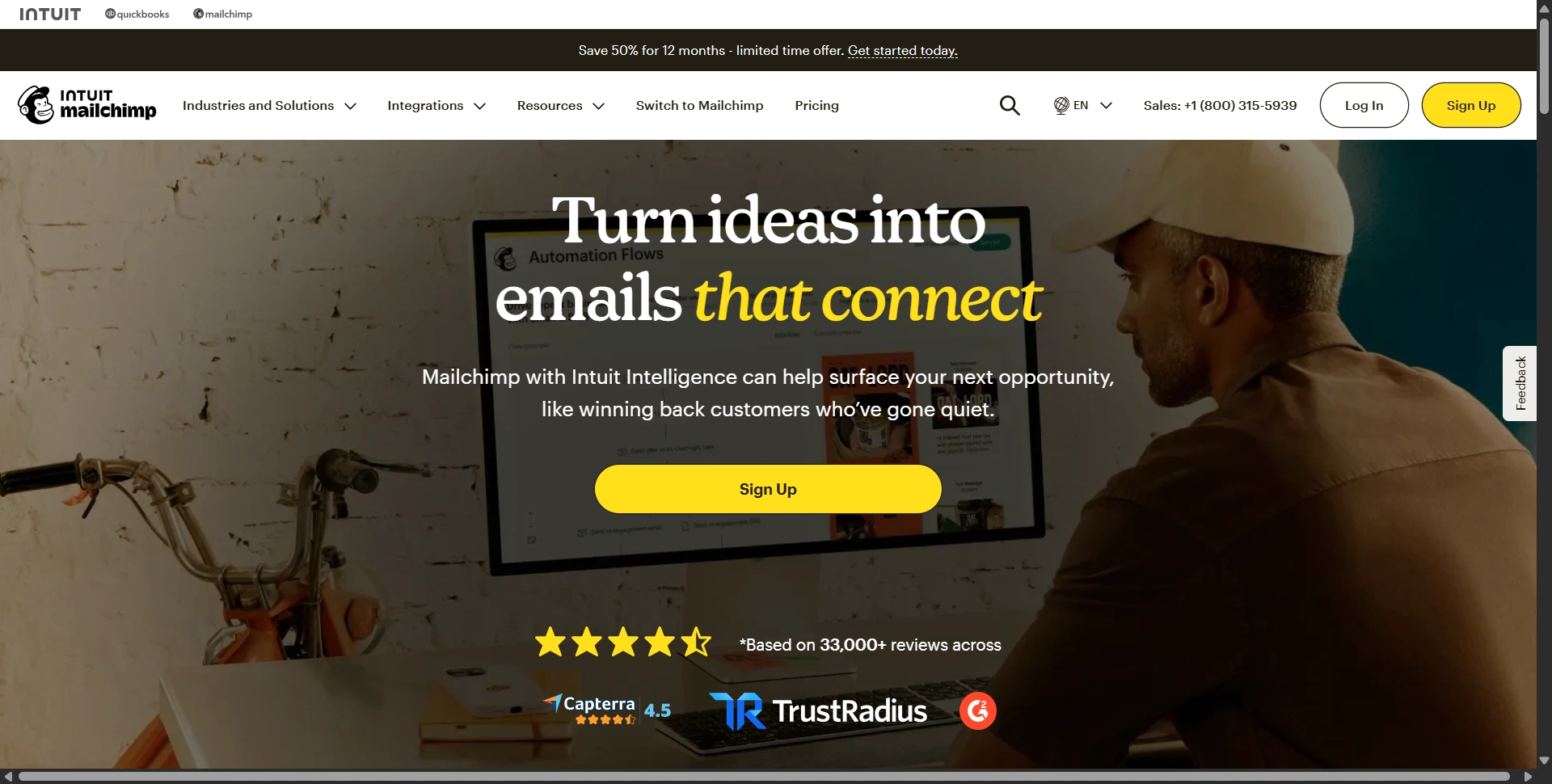
Best for: Small businesses connecting email with an existing marketing stack.
Mailchimp covers newsletters, promotions, and customer follow-ups. We'd shortlist it when connecting existing business tools is a priority.
Key features:
- Email templates and signup forms.
- Audience segments and campaign reporting.
- Plan-dependent automation and testing.
Usecases:
- Send monthly product newsletters to SaaS users subscribed to marketing updates.
- Offer an annual-plan discount to paid monthly subscribers, excluding customers already on an annual plan.
- Follow up with webinar registrants who requested updates, then send a relevant demo invitation.
- Announce a new product to subscribers, using different content for prospects and existing customers.
Customer-loved highlight: Its template editor, which lets a small team prepare branded campaigns without building every layout from scratch.
Pros:
- Broad integration selection.
- Covers several everyday marketing tasks.
Cons:
- Free access is limited.
- Contact tiers and overages need monitoring.
- Some reviewers find paid plans expensive, particularly when they need advanced features.
Pricing: Free supports 250 contacts and 500 monthly sends. Essentials starts at $13/month; Standard starts at $20. Both entry paid examples cover 500 contacts.
Our judgment: 4.2/5. A capable generalist, but compare your renewal cost as the audience grows.
2. Resend
Best for: Developers building application email alongside broadcasts.
Resend fits teams integrating email into product code, with developers owning templates, delivery events, and debugging.
Key features:
- Email API and React Email integration.
- Broadcasts, audiences, and automations.
- Webhooks and delivery diagnostics.
Usecases:
- Send verification links, password resets, and receipts through the transactional API in response to account activity.
- Announce new features to subscribed users through Broadcasts.
- Send an upgrade discount only to free users who opted into offers, using a segment synced from your app.
- Have your app trigger a payment-failure notification and use delivery webhooks to record whether the message was delivered.
Customer-loved highlight: Simple APIs and debugging. Published developer testimonials on its homepage specifically praise these parts of the workflow.
Pros:
- Fits developer-led products.
- Supports both application and marketing email.
Cons:
- Technical setup needs developer involvement.
- Marketing and transactional allowances differ.
- Some G2 reviewers find pricing less competitive, depending on sending volume and usage.
Pricing: Transactional Free includes 3,000 emails/month; Pro is $20 for 50,000. Marketing is free for 1,000 contacts, then $40/month for 5,000.
Our judgment: 4.6/5. Excellent developer appeal; compare the correct pricing track before buying.
3. Omnisend
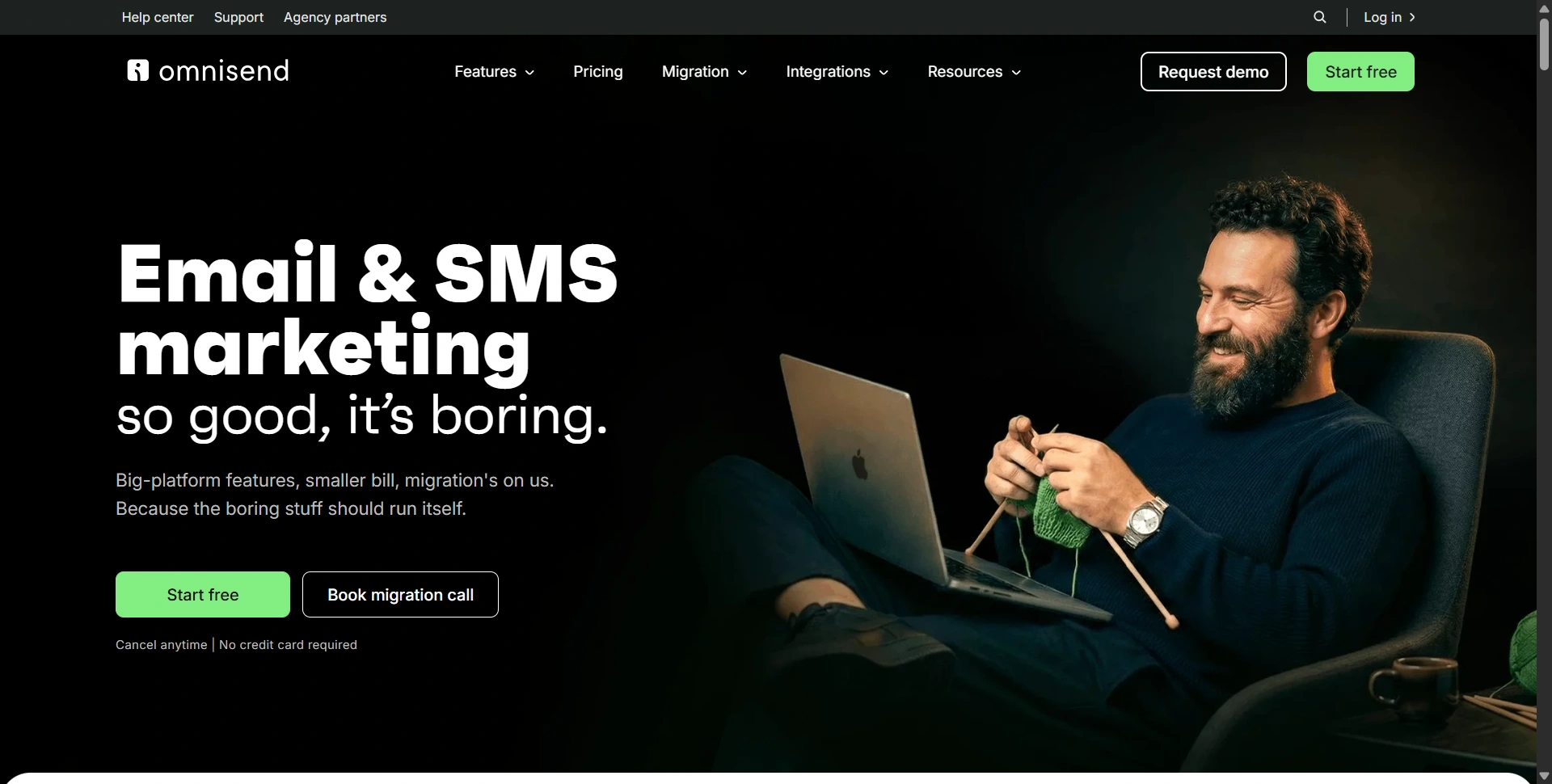
Best for: Online stores setting up coordinated email and SMS campaigns.
Omnisend focuses on shopping behavior rather than generic mailing lists. We'd use it for welcome sequences, cart recovery, and post-purchase follow-ups.
Key features:
- Ready-made ecommerce automation workflows.
- Email, SMS, and web push.
- Store integrations and revenue reporting.
Usecases:
- Recover abandoned checkouts with a reminder, followed by a discount where the shopper's messaging permissions allow it.
- Announce new collections to subscribed shoppers.
- Give repeat customers early access to a sale while sending first-time buyers a different welcome offer.
- Send a post-purchase product-care sequence, then suggest a relevant accessory instead of immediately repeating the original offer.
Customer-loved highlight: Prebuilt ecommerce flows that give a store a useful starting structure instead of an empty automation canvas.
Pros:
- Strong focus on retail workflows.
- Coordinates several messaging channels.
- Customer reviews highlight competitive pricing for ecommerce features, though costs increase as the audience grows.
Cons:
- SMS adds usage costs.
- Less suited to general B2B sales operations.
Pricing: Free includes 500 monthly emails. Standard starts at $16/month for 500 contacts and 6,000 sends.
Our judgment: 4.6/5. A practical ecommerce starting pick. Test your store's purchase and cart events before migrating existing flows.
4. Brevo, formerly Sendinblue
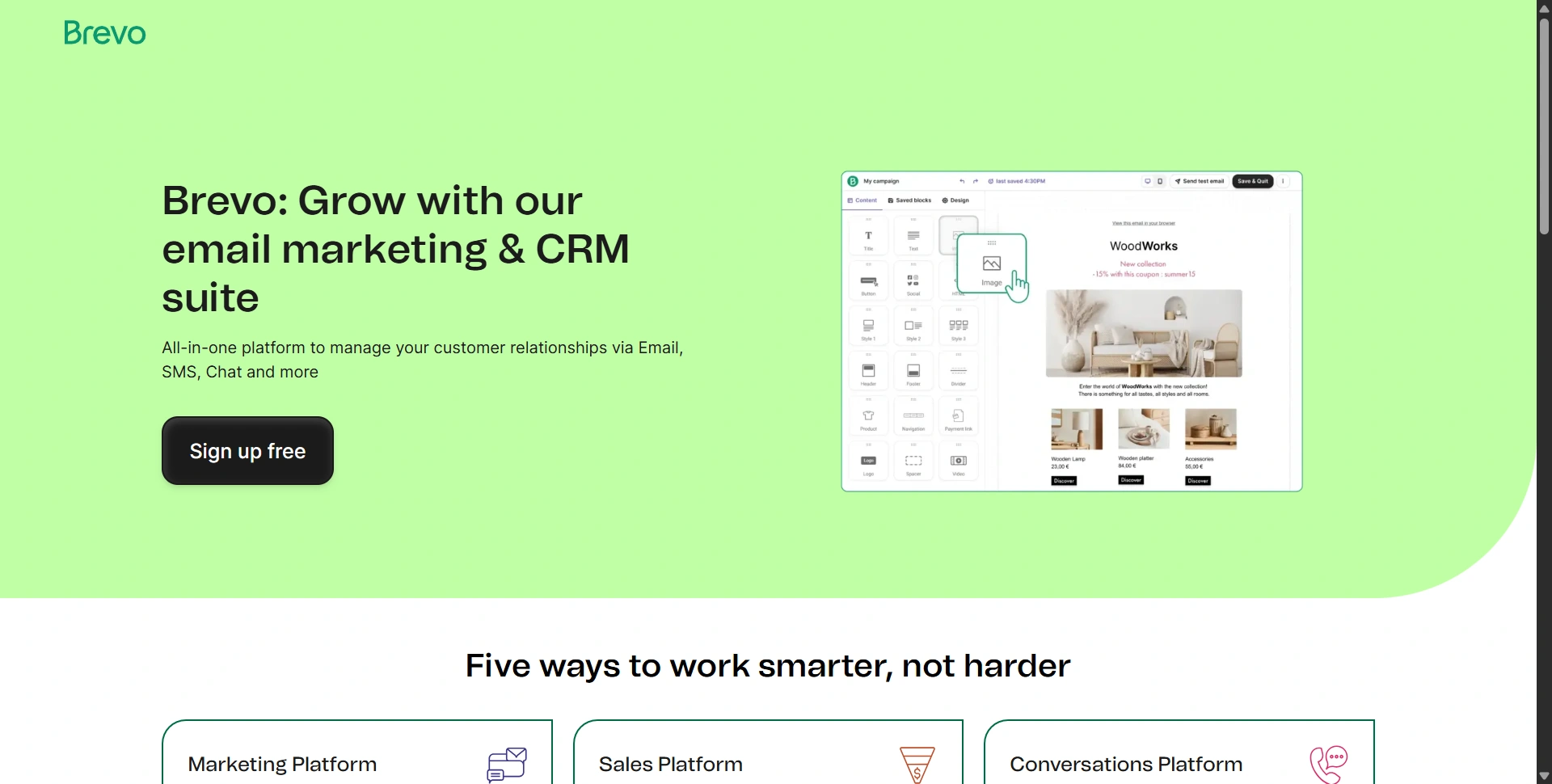
Best for: Small businesses combining newsletters with other customer messaging.
Brevo combines marketing and transactional email with other communication tools. We'd consider it when messages and customer information are disconnected.
Key features:
- Email campaigns and automation.
- SMS and WhatsApp marketing options.
- Transactional email and contact management.
Usecases:
- Send promotional campaigns to subscribed contacts, with capacity matched to your audience and sending frequency.
- Send account confirmations and receipts from your SaaS through transactional email while managing promotional campaigns separately.
- Give subscribed paid customers a loyalty discount and free users a different upgrade offer.
- Follow up with event registrants by email, adding SMS reminders only for people who subscribed to that channel.
Customer-loved highlight: Flexible sending-volume pricing, especially useful when your contact list is larger than the audience you email regularly.
Pros:
- Reviewers describe it as affordable, particularly for small-business email campaigns and automation.
- Several communication channels available.
Cons:
- Branding removal can cost extra.
- Storage and automation limits vary by tier.
Pricing: Free includes 300 emails daily. Starter begins at $9/month for 5,000 emails; Standard starts at $18/month.
Our judgment: 4.5/5. Good value for mixed messaging. Count add-ons alongside the base subscription.
5. MailerLite
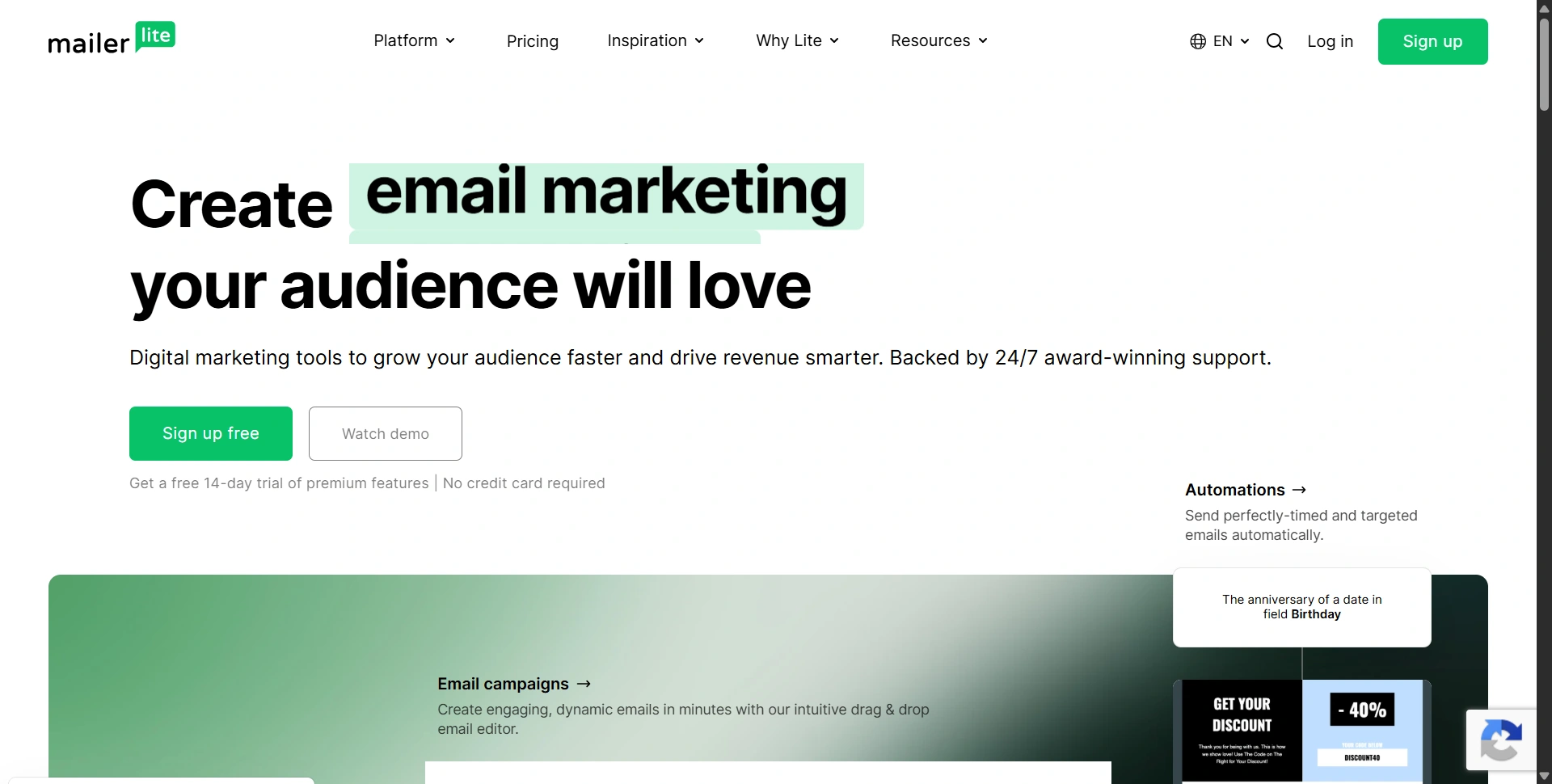
Best for: Solopreneurs building a newsletter and collecting subscribers.
MailerLite combines email with forms and landing pages. We'd start here when you need a manageable publishing routine rather than a full sales platform.
Key features:
- Newsletter editor and automation builder.
- Signup forms, landing pages, and websites.
- Digital products and paid newsletters.
Usecases:
- Publish weekly newsletters, with sending capacity for both scheduled campaigns and automated messages.
- Offer a downloadable SaaS checklist on a landing page and send a welcome sequence to people who subscribe.
- Send a launch discount to interested subscribers, excluding people tagged as existing buyers through your integration.
- Promote a paid newsletter or digital guide to readers who engage with the relevant topic.
Customer-loved highlight: The visual editor and connected signup pages, which make launching a basic newsletter funnel easier.
Pros:
- Useful tools beyond email creation.
- Suits a small team's daily workflow.
- Reviewers praise its affordability and value for a newsletter platform with automation and landing pages.
Cons:
- Free subscriber allowance is small.
- Paid plans have different usage caps.
Pricing: Free includes 250 subscribers and 2,500 monthly emails. Comfort starts at $12/month. Comfort and Power replace Growing Business and Advanced.
Our judgment: 4.6/5. Our small-business newsletter pick. Review current limits rather than relying on older MailerLite comparisons.
Need help drafting campaigns? Compare our best AI writing tools.
6. EmailOctopus
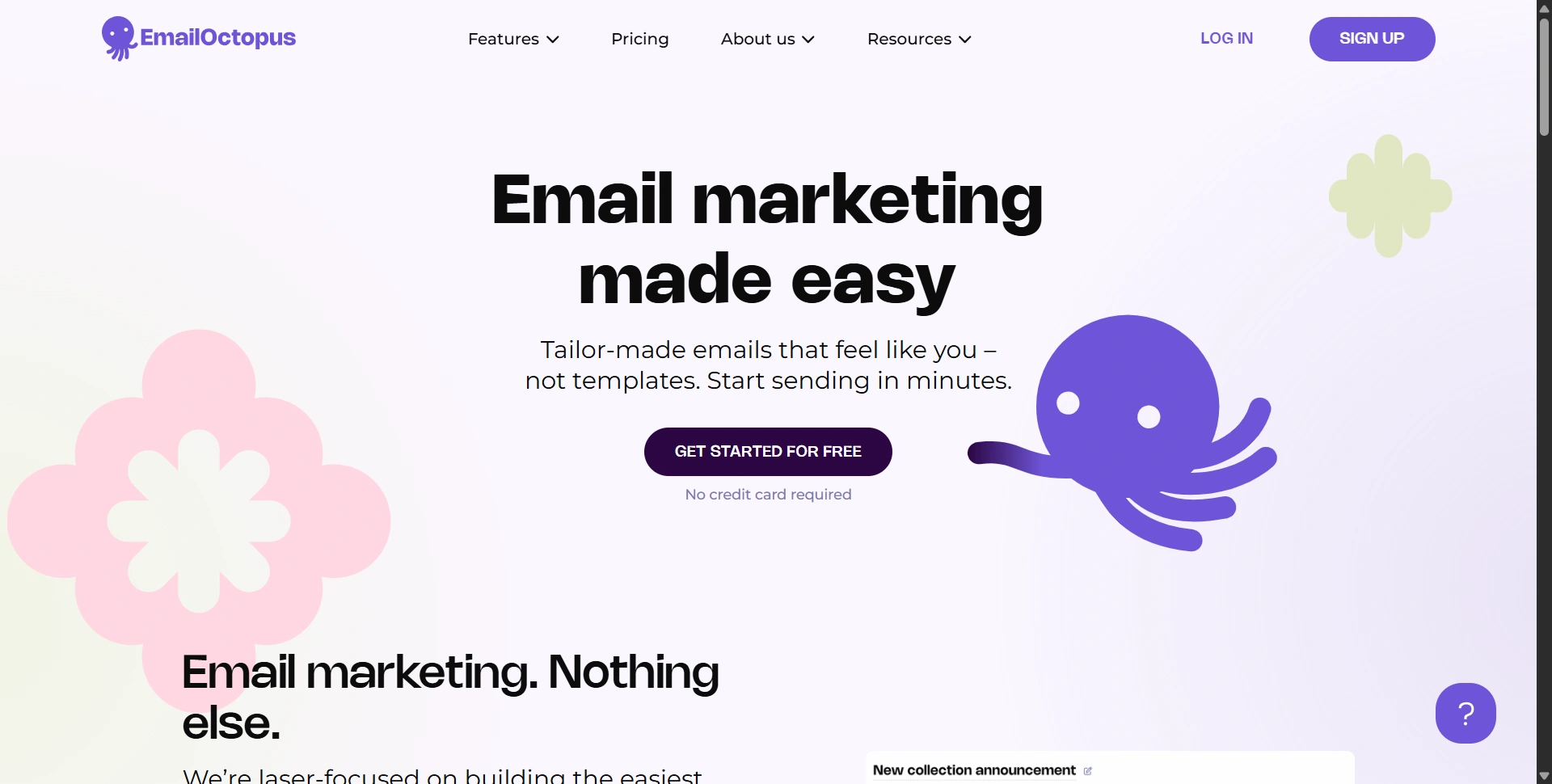
Best for: Authors, community newsletters, and businesses watching subscription costs.
EmailOctopus centers on collecting subscribers, designing campaigns, and sending updates. Consider it for an affordable newsletter workflow.
Key features:
- Campaign editor and email templates.
- Segmentation and automation.
- Signup forms and landing pages.
Usecases:
- Send monthly community newsletters within your plan's subscriber and sending allowances.
- Run an author newsletter with reader segments organized by genre interests.
- Send a welcome series to people who requested your free guide, followed by a relevant paid offer.
- Share member discounts or event announcements with subscribed customers using separate audience segments.
Customer-loved highlight: Straightforward campaign creation with helpful support, both recurring themes in its published customer testimonials.
Pros:
- Generous free subscriber allowance.
- Pro includes unlimited users.
- Users describe its pricing as affordable, especially for small businesses starting a newsletter.
Cons:
- Free emails carry branding.
- Free reporting history lasts thirty days.
Pricing: Starter is free for 2,500 subscribers and 10,000 monthly emails. Pro starts at $9/month billed annually; pricing grows with usage.
Our judgment: 4.4/5. A sensible newsletter value pick. Check automation requirements before choosing it for a complex customer journey.
7. Kit
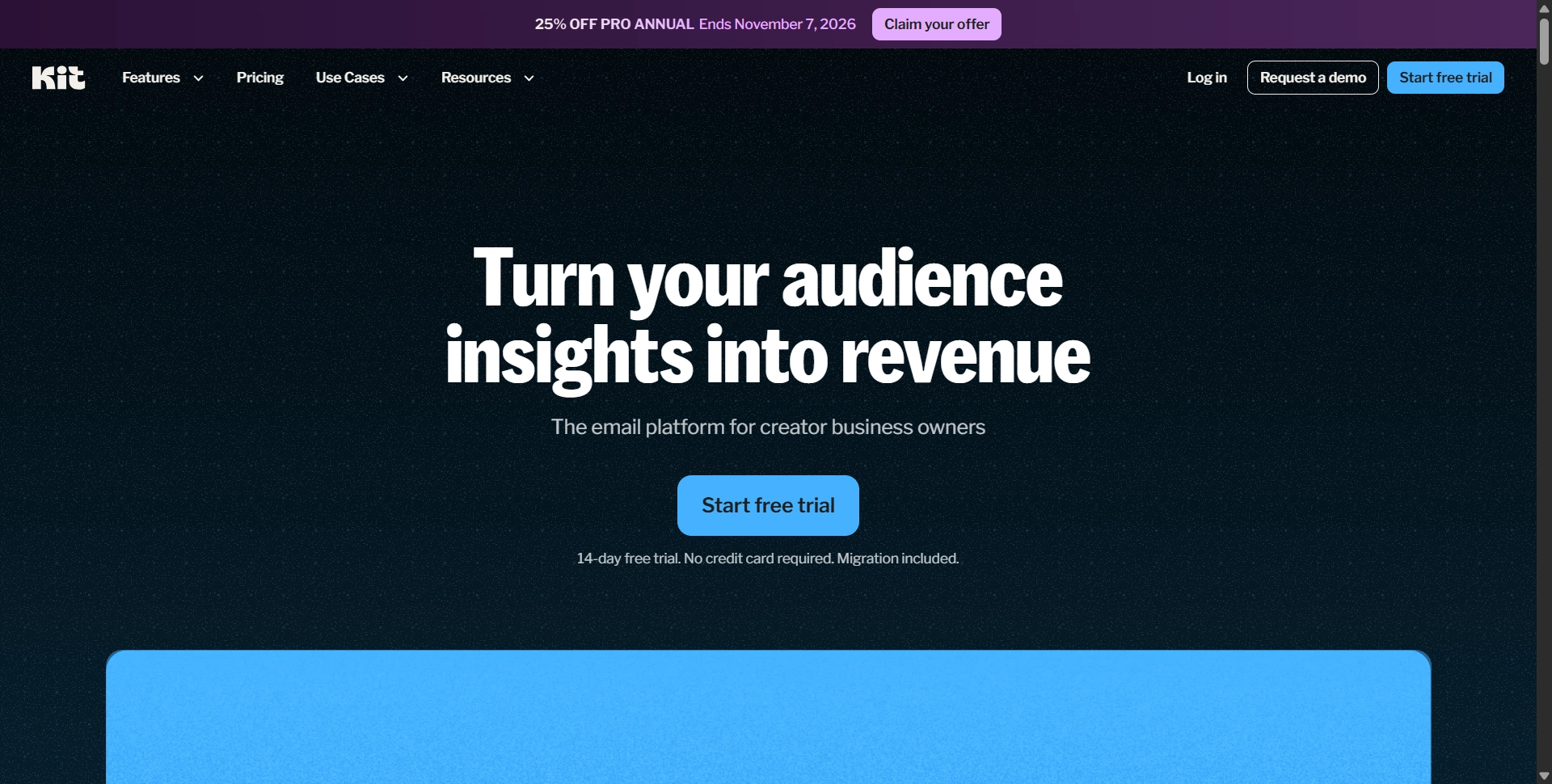
Best for: Creators selling courses, memberships, or digital products.
Kit, formerly ConvertKit, suits lead magnets, educational sequences, and creator launches built around subscribers' interests.
Key features:
- Tags, segments, and visual automations.
- Landing pages and recommendation tools.
- Digital products and paid newsletters.
Usecases:
- Deliver a free lesson to new subscribers and use a paid automation plan for a longer course launch sequence.
- Offer existing students an advanced-course discount while excluding them from beginner-course promotions.
- Promote new ebooks to subscribers tagged with relevant subject interests.
- Send free newsletter readers an invitation to a paid subscription, using customer tags to avoid pitching current paid members.
Customer-loved highlight: Subscriber tagging, which helps send relevant launch messages without treating every reader as the same potential customer.
Pros:
- Clear creator-business focus.
- Combines audience growth and monetization.
Cons:
- Free automation is restricted.
- Paid costs grow with subscribers.
- Some reviewers find paid plans expensive for small businesses and creators who have not yet monetized their audience.
Pricing: Free supports up to 10,000 subscribers. Creator starts at $39/month for 1,000 subscribers; annual billing is discounted.
Our judgment: 4.5/5. Strong for audience-led businesses, with less reason to choose it for an engineering team's notification system.
8. SendGrid
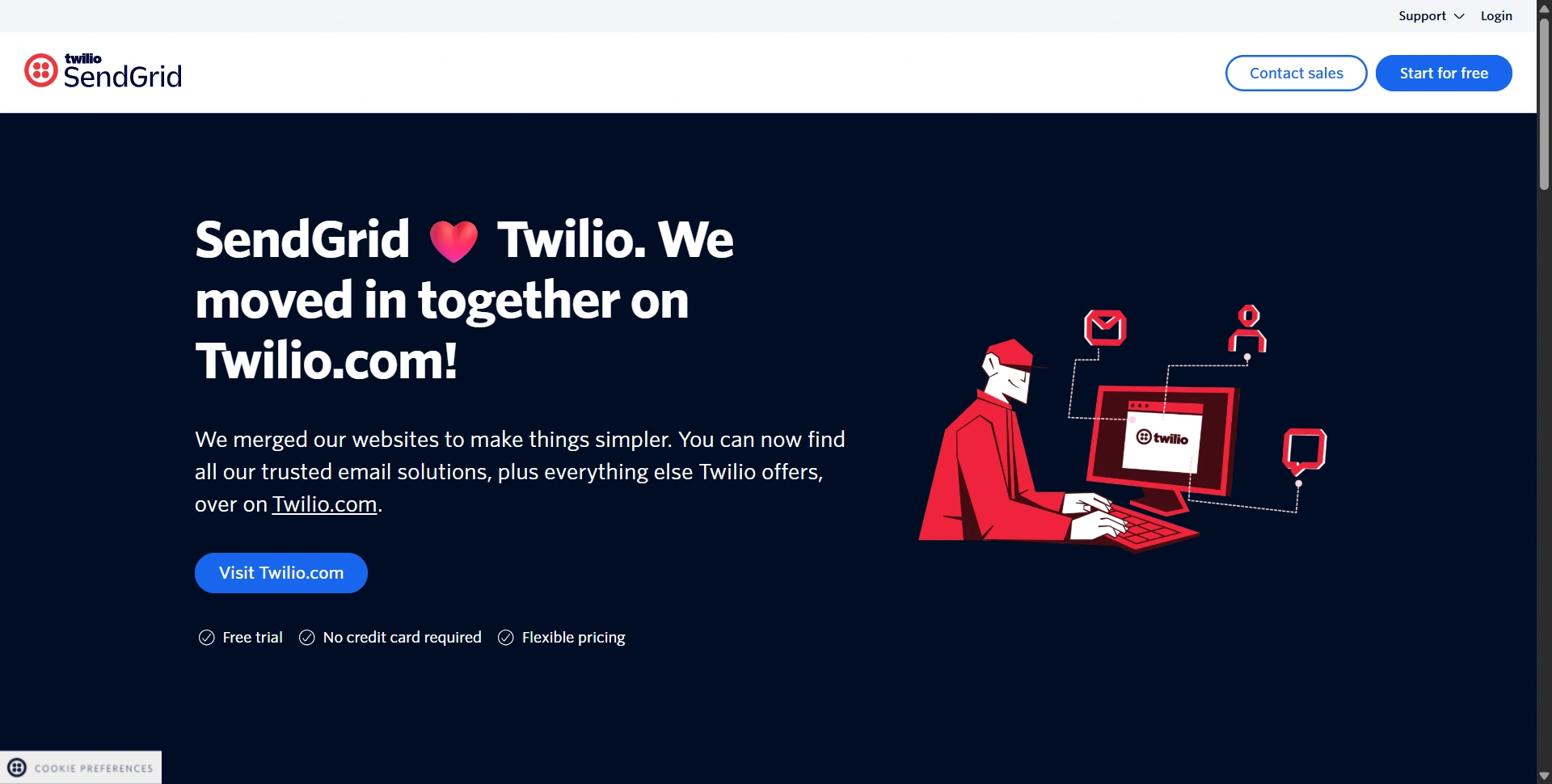
Best for: Businesses evaluating both campaign tools and email infrastructure.
Twilio SendGrid sells Marketing Campaigns and Email API separately. Decide which problem you're solving before comparing its price with a newsletter subscription.
Key features:
- Marketing editor, templates, and segmentation.
- Plan-dependent campaign automation.
- Email API, SMTP, and delivery analytics.
Usecases:
- Use Email API or SMTP for password resets, login alerts, and invoices generated by your SaaS application.
- Send feature-launch campaigns to opted-in users through Marketing Campaigns.
- Sync paid-customer segments from your product database and send a renewal offer through the marketing product.
- Feed delivery and bounce events into your application so support can investigate a missing receipt.
Customer-loved highlight: Delivery visibility through email activity and event data, useful when investigating a missing notification.
Pros:
- Supports technical delivery workflows.
- Offers a separate campaign interface.
Cons:
- Products have separate billing.
- Advanced marketing features require upgrades.
- Reviewers report higher costs at larger volumes and when advanced features are needed, despite affordable entry plans.
Pricing: Marketing Basic starts at $15/month; Advanced at $60. API Essentials starts at $19.95/month. New-account trial access is temporary.
Our judgment: 4.2/5. A flexible infrastructure option. Calculate both products when marketing and product teams need different capabilities.
9. Sequenzy
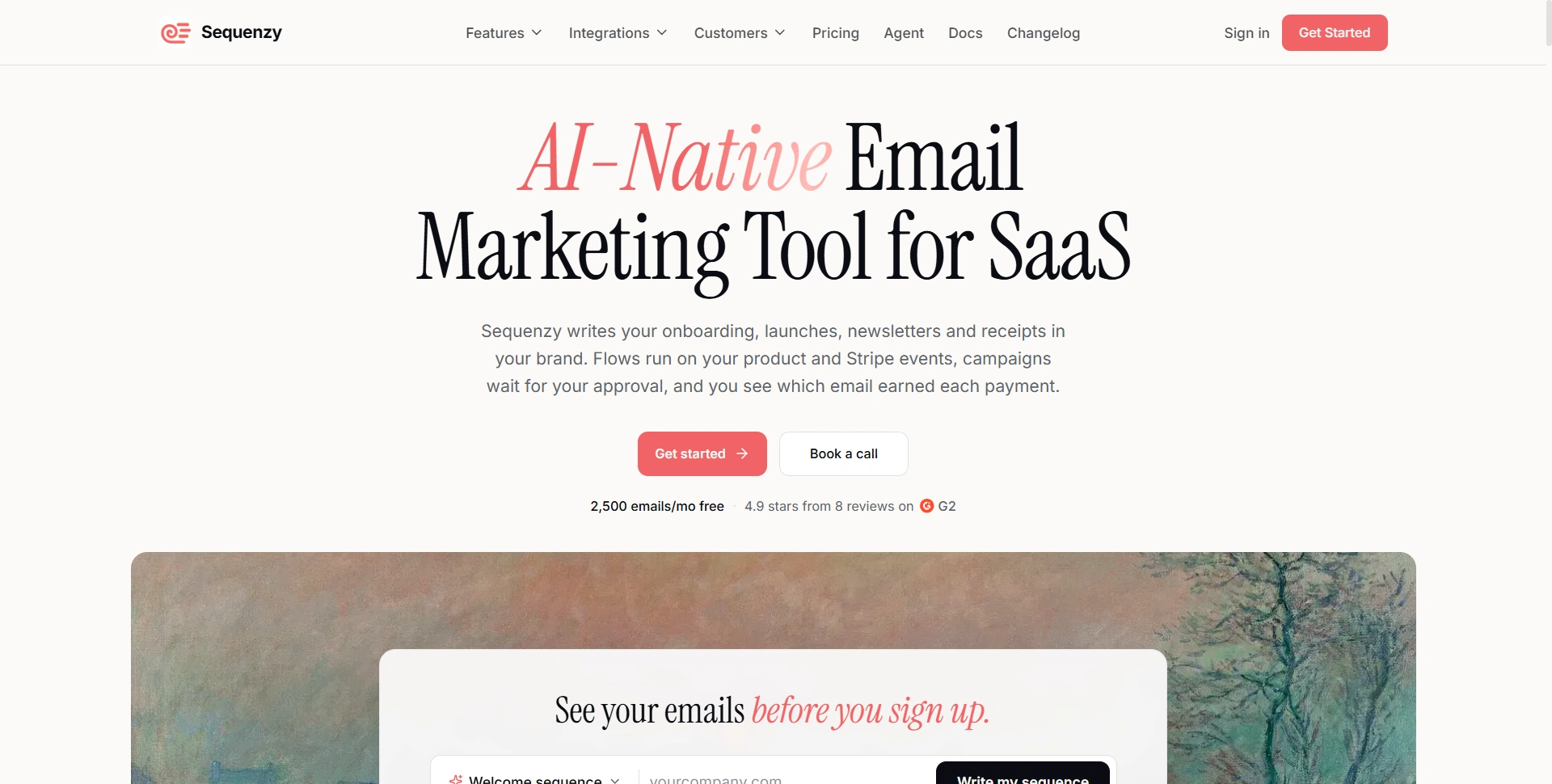
Best for: SaaS founders automating onboarding and subscription-related campaigns.
Sequenzy combines marketing and transactional email with AI-assisted workflows. We'd compare it for automating customer follow-ups.
Key features:
- Campaigns, sequences, and segmentation.
- Payment integrations and revenue attribution.
- AI assistance, API, and SMTP.
Usecases:
- Run onboarding sequences for new SaaS signups, with guidance based on product activity.
- Use synced subscription data to offer monthly customers an annual-plan discount without targeting annual subscribers.
- Send receipts and account notifications through your application integration alongside separate marketing campaigns.
- Re-engage subscribed trial users who have not converted, then track purchases through the connected payment provider.
Customer-loved highlight: AI-assisted campaign management. A published founder testimonial describes creating campaigns and segments through an AI assistant.
Pros:
- Unlimited contacts on all plans.
- Connects billing events with email workflows.
- An early Shopify reviewer praises its affordability; unlimited contacts can suit businesses that send less frequently.
Cons:
- Integrations still need validation.
- Reported attribution depends on its chosen window.
Pricing: Free includes 2,500 emails/month. Paid starts at $19/month for 15,000 emails, with unlimited contacts.
Our judgment: 4.2/5. Test event syncing and migration with real customer scenarios before committing.
10. Loops
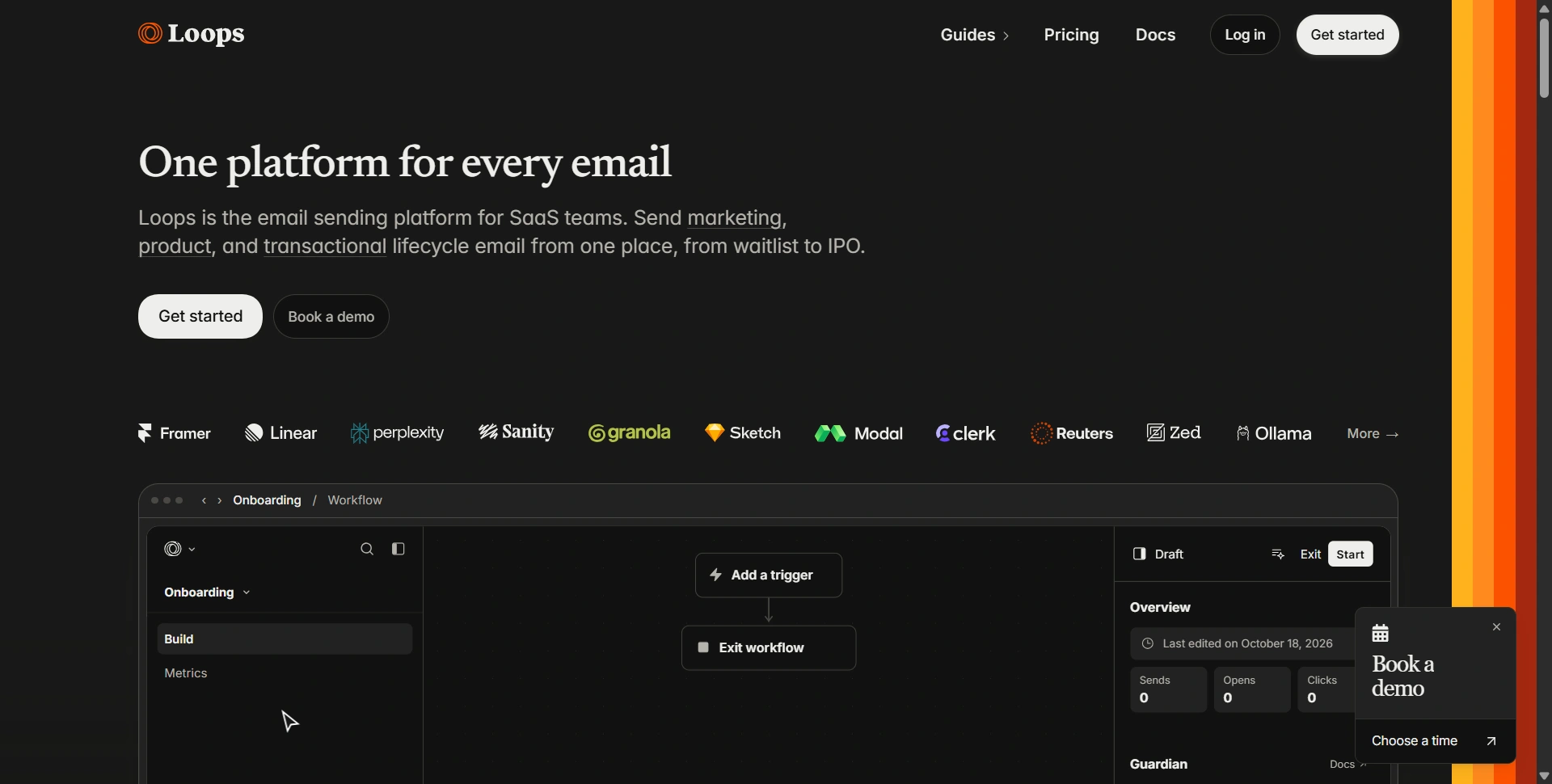
Best for: Product teams connecting onboarding, lifecycle messages, and announcements.
Loops brings marketing and transactional email into one SaaS-focused workspace, turning product activity into relevant follow-ups.
Key features:
- Campaigns and event-triggered workflows.
- Product-property segmentation.
- Transactional email and conversion tracking.
Usecases:
- Onboard SaaS users and stop introductory reminders once the relevant activation event is recorded.
- Announce a paid feature to subscribed free users while showing existing paid customers how to use it.
- Send a limited annual-upgrade offer to eligible monthly subscribers using product properties synced from your app.
- Send transactional account messages alongside lifecycle campaigns, keeping promotional messages tied to subscription preferences.
Customer-loved highlight: A focused, simple interface. Published testimonials from Framer and Cosmos specifically emphasize its simplicity.
Pros:
- Combines product and marketing email.
- All platform features are available free.
- Paid plans include transactional sending without a separate charge, which can reduce the need for a second email subscription.
Cons:
- Free sending has a shared allowance.
- Paid entry is higher than basic newsletter tools.
Pricing: Free sends up to 4,000 emails to the first 1,000 contacts in a rolling thirty-day window. Paid starts at $49/month for up to 5,000 subscribed contacts.
Our judgment: 4.5/5. A clean fit for SaaS lifecycle communication.
11. Postmark
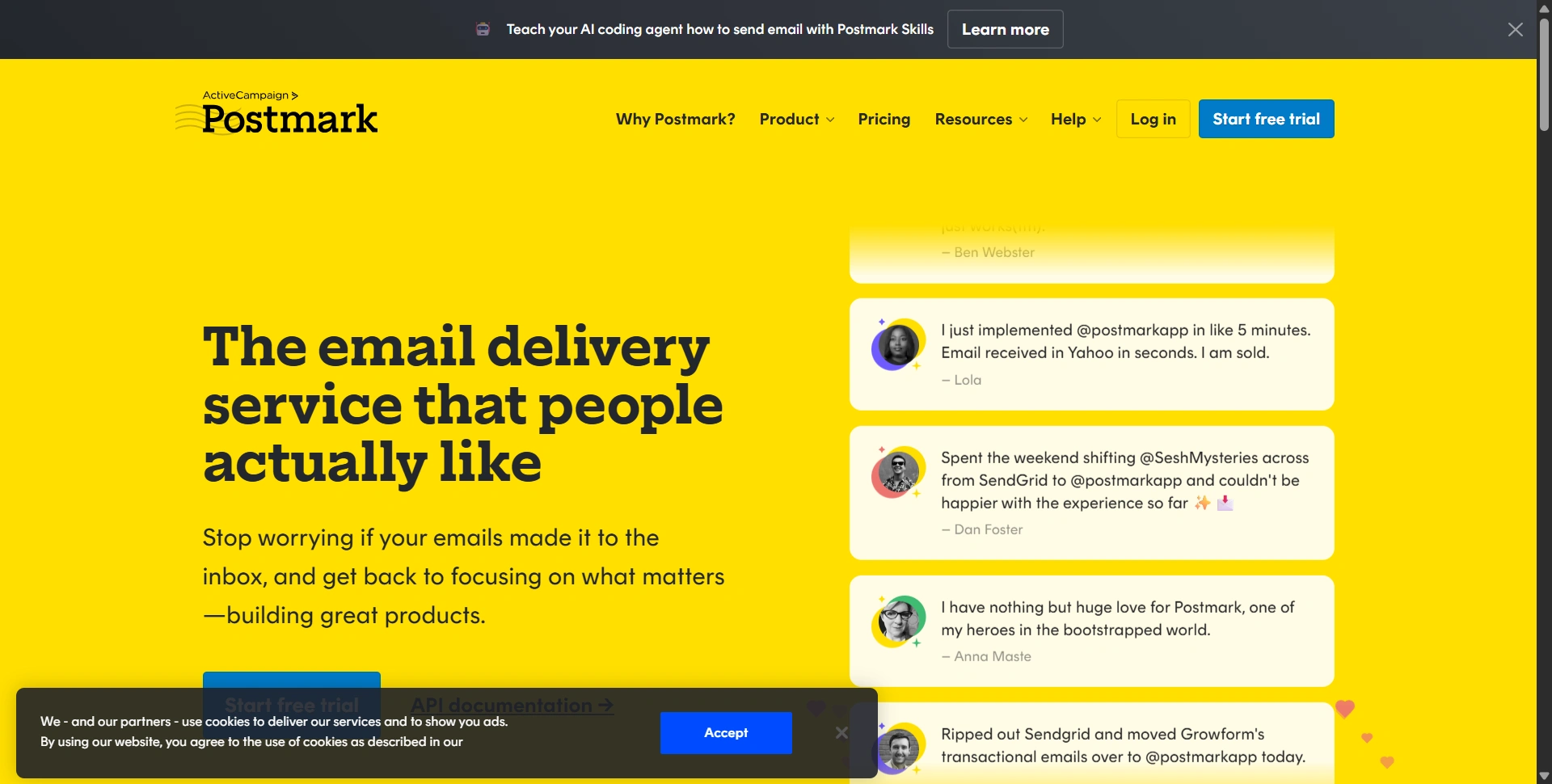
Best for: Password resets, receipts, notifications, and other application messages.
Postmark prioritizes email delivery infrastructure. We'd choose it for critical application messages, pairing it with a marketing platform when richer campaign automation is needed.
Key features:
- Email API and SMTP delivery.
- Separate transactional and broadcast streams.
- Templates, webhooks, and delivery activity.
Usecases:
- Deliver verification links, password resets, and security alerts to SaaS users in response to account activity.
- Send invoices, payment receipts, and subscription confirmations when your application triggers them.
- Send opted-in customers a discount announcement through a Broadcast Message Stream, keeping it separate from transactional traffic.
- Use your app's own segmentation and scheduling logic for promotions; Postmark handles delivery rather than building the marketing journey.
Customer-loved highlight: Dependable application-email delivery. Published customers particularly praise stability and the API.
Pros:
- Separates promotional and transactional traffic.
- Useful delivery troubleshooting tools.
Cons:
- Not a complete visual marketing suite.
- Small production workloads still need a paid tier.
- Some G2 reviewers describe it as a premium-priced service, while finding its delivery and support worth the extra cost.
Pricing: Free allows 100 emails/month. Basic starts at $15/month for 10,000 emails; there is no intermediate volume tier.
Our judgment: 4.7/5. Our transactional-email specialist pick.
12. Klaviyo
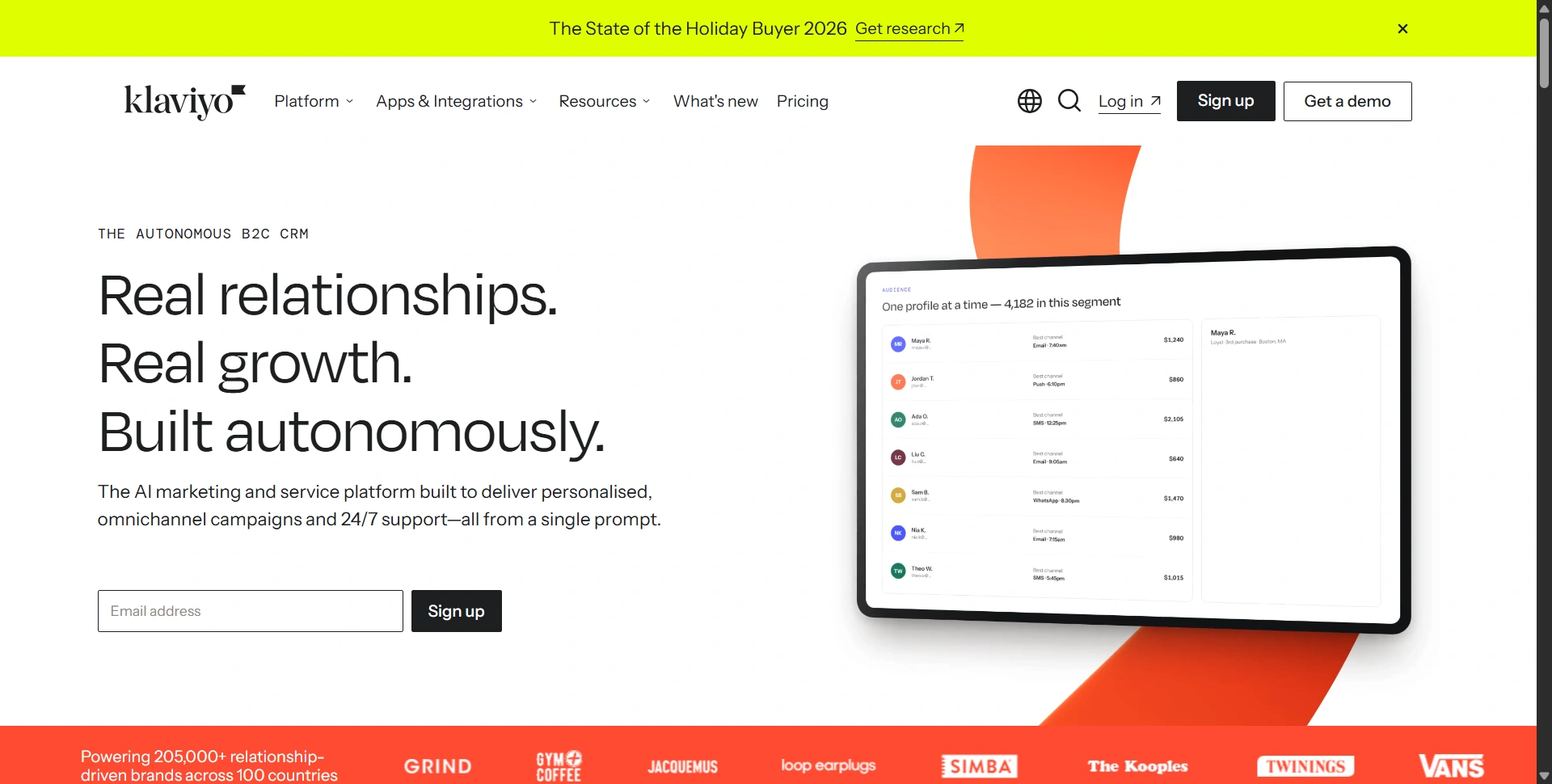
Best for: Ecommerce brands building detailed customer segments and retention flows.
Klaviyo connects customer behavior with messaging. We'd consider it when purchase history, engagement, and product interests should change what each shopper receives.
Key features:
- Behavioral segments and automated flows.
- Ecommerce integrations and personalization.
- Email, mobile messaging, and reporting.
Usecases:
- Announce new collections to subscribed shoppers, segmented by purchase history and product interests.
- Offer VIP customers early access while sending first-time shoppers a different introductory promotion.
- Recover abandoned checkouts and follow purchases with relevant cross-sell messages through connected store events.
- Win back subscribed customers who have not purchased recently, excluding anyone who bought after the segment was created.
Customer-loved highlight: Customer-data segmentation, allowing different messages for first-time buyers, repeat shoppers, and inactive customers.
Pros:
- Strong retail data focus.
- Supports detailed lifecycle targeting.
Cons:
- Active-profile growth increases costs.
- Users report expensive scaling and unexpected price increases, particularly around active-profile billing.
- Setup needs clean, reliable store data.
Pricing: Free covers 250 active profiles and 500 monthly emails. The official Shopify listing shows Email from $20/month; mobile messaging adds separate costs.
Our judgment: 4.6/5. Strong for retention-focused stores willing to invest in segmentation and ongoing campaign analysis.
13. HubSpot
Best for: B2B teams connecting email activity with sales and customer records.
HubSpot connects email with a wider CRM process, giving sales the contact history that informs marketing.
Key features:
- CRM-connected email and signup forms.
- Contact segments and campaign reporting.
- Advanced workflows on higher tiers.
Usecases:
- Nurture inbound demo requests with case studies, then hand qualified leads to sales with their contact history attached.
- Send an upgrade offer to subscribed paid customers segmented by current plan and renewal date in your CRM.
- Run product-launch campaigns for marketing contacts, with a plan matched to your audience size.
- Use a higher-tier workflow to alert an account manager when an engaged lead requests a meeting.
Customer-loved highlight: Shared contact context, reducing the need to move lead information between disconnected sales and marketing systems.
Pros:
- Connects marketing with CRM records.
- Provides a broader growth platform.
Cons:
- Advanced automation is a substantial upgrade.
- Contacts, seats, and onboarding affect costs.
- Reviewers describe higher tiers as expensive, with feature upgrades and growing contact lists increasing the bill.
Pricing: Free includes 2,000 monthly email sends. Starter lists $20/seat/month before promotions. Professional starts at $800/month annually, plus $3,000 onboarding.
Our judgment: 4.4/5. Valuable for coordinated teams; excessive if you only need a newsletter.
14. ActiveCampaign
Best for: Businesses building conditional nurture sequences and complex follow-ups.
ActiveCampaign suits marketers building responses to customer actions beyond a basic welcome series.
Key features:
- Visual automation and behavioral triggers.
- Segmentation, tracking, and campaign testing.
- Plan-dependent predictive and AI capabilities.
Usecases:
- Nurture subscribed SaaS trial users with different messages depending on whether your connected app reports activation.
- Offer monthly customers an annual-plan discount, then stop the promotion when a synced purchase event confirms the upgrade.
- Send new offers to relevant marketing segments based on customer interests and lifecycle stage.
- Build longer follow-up journeys for opted-in webinar or demo leads, using Plus or above when five automation actions are insufficient.
Customer-loved highlight: Its automation builder, which connects conditions and actions into reusable customer journeys.
Pros:
- Detailed automation possibilities.
- Broad integration library.
Cons:
- Advanced workflows take planning.
- Starter limits each automation to five actions.
- Some reviewers find it expensive as contact lists grow, especially for smaller businesses on limited budgets.
Pricing: Starter begins at $15/month billed annually for 1,000 contacts. Check Plus or above for longer automation workflows; CRM enhancements can require add-ons.
Our judgment: 4.6/5. A strong automation shortlist pick when someone owns the workflow design and ongoing maintenance.
Usecases for cold outreach
- Scraped prospect lists: A list collected from third-party websites is a cold prospecting audience. Mailchimp prohibits scraped third-party lists, Resend prohibits unsolicited recipients, and SendGrid requires affirmative consent for non-transactional email. These services do not support campaigns to unsolicited scraped contacts.
- Existing SaaS customers: Use transactional delivery for password resets and receipts triggered by account activity. Send discounts and new offers through marketing campaigns to users subscribed to promotional messages.
- Inbound prospects: Follow up on demo requests and newsletter subscriptions according to each contact's stated preferences. Use relevant nurture sequences and offers to support their evaluation.
How to choose an email marketing platform
Start with newsletters, ecommerce, creator sales, SaaS onboarding, or transactional delivery. Price your expected audience and sends. Allow for both regular newsletters and automated messages; daily limits can matter as much as monthly totals.
Automation deserves a real trial. In Omnisend's analysis of 27 billion emails sent in 2025, automated messages generated 30% of email revenue from 2% of sends. That's vendor-reported ecommerce data, but it makes a useful case for testing relevant triggers alongside newsletters.
Build one welcome sequence, check unsubscribe handling, and measure clicks and conversions. Our startup SEO tools guide explains website measurement; our social media tools comparison covers complementary publishing workflows.
Choose a plan for your actual campaign. Test a real segment before moving your full list.