A customer asks about a delivery, another wants a demo, and somebody sends the same pricing question your team answered yesterday. The inbox keeps growing while the useful work waits.
The best AI chatbots for business in 2026 help answer those questions, qualify leads, and route conversations to the right person. The right choice depends on where customers contact you and what the chatbot needs to do after its first reply.
Our quick answer: shortlist Intercom for integrated support, Zendesk for established service teams, Chatbase for custom knowledge agents, Tidio for ecommerce support, and Manychat for social messaging and lead capture.
This VegaReview comparison uses official product information and pricing checked in October 2026. Customer highlights reference vendor-published stories.
Best AI chatbots for business at a glance
| Tool | Best for | Free access | Paid pricing snapshot |
|---|---|---|---|
| Intercom | AI support with a shared helpdesk | 14-day trial | Essential $29/seat/month annually, plus Fin usage |
| Zendesk | Structured service operations | 14-day trial | Suite Team $55/agent/month annually |
| Chatbase | Custom knowledge-based agents | Seven-day trial advertised | Hobby $40/month; $32 annually |
| Tidio | Ecommerce live chat and AI support | Limited permanent free plan | Starter $29/month; Lyro separately priced |
| Manychat | Social messaging and lead capture | 25 Active Contacts/month | Essential $17/month; AI-enabled Pro $39/month |
Prices are USD examples. Annual figures are monthly equivalents billed yearly. Seats, credits, contacts, AI usage, and messaging charges aren't interchangeable, so compare the complete bill.
1. Intercom
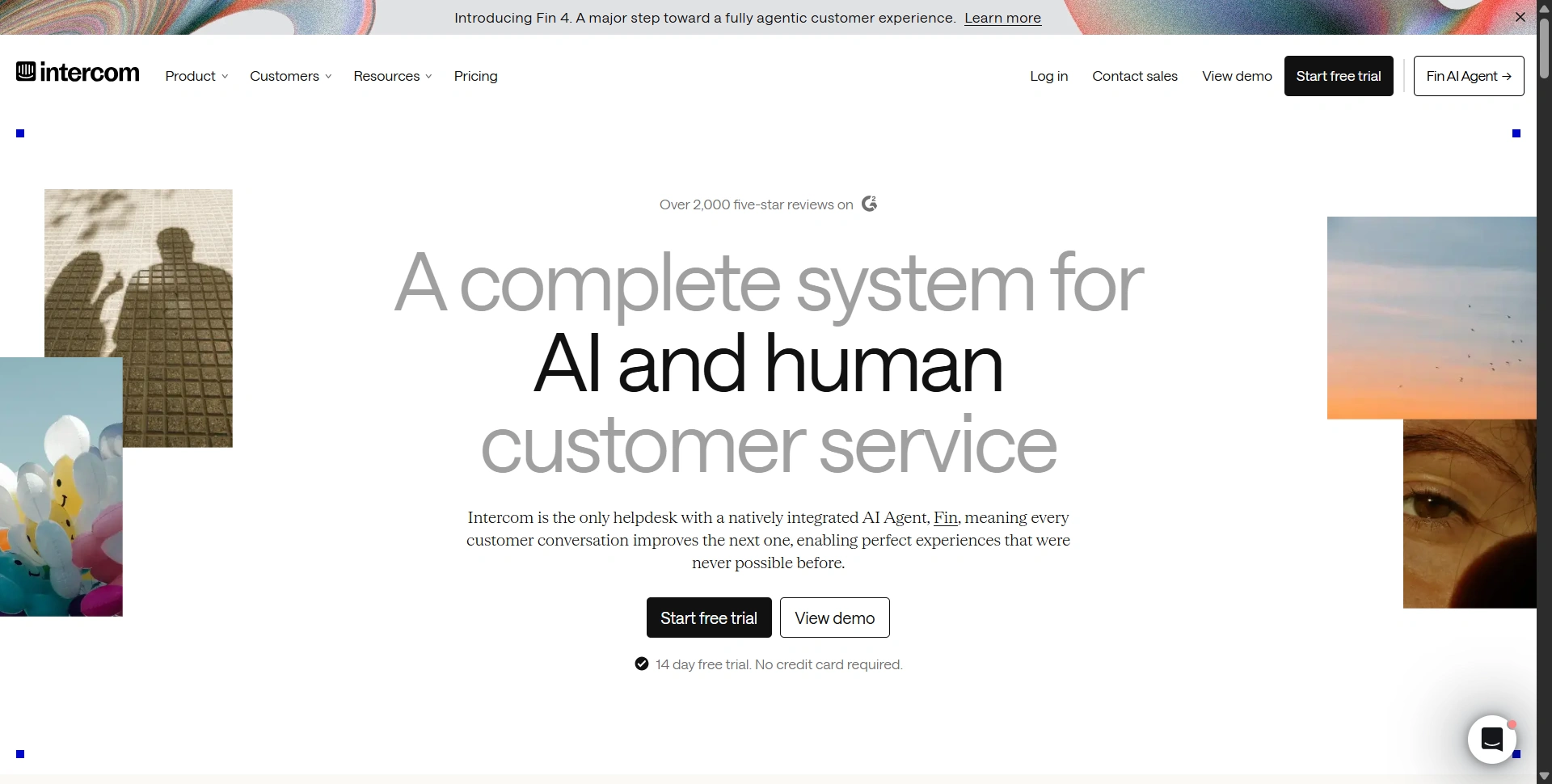
Best for: SaaS companies and growing teams that want AI and human support together.
Intercom combines its Fin AI Agent with Messenger, ticketing, a shared inbox, and help center content. It suits businesses that want automated answers connected to the same workspace their support team uses.
Best features:
- Fin answers questions and can take actions through configured connections.
- Shared inbox and tickets keep human follow-up organized.
- Higher plans add workflow automation and multiple team inboxes.
Pros:
- AI conversations and human support share an operational home.
- Fin can also work with an existing helpdesk, offering another deployment route.
Cons:
- Seat fees, Fin outcomes, and optional extras need separate budgeting.
- Advanced routing and security features require higher plans.
Customer-loved highlight: Less repetitive work. In Intercom's customer stories, support teams describe Fin taking routine questions off their plate so people can focus on issues that need human attention.
Free access: There is no permanent free helpdesk plan advertised. The 14-day trial includes Fin and add-ons for evaluation.
Pricing and paid plans: Essential starts at $29/seat/month annually, Advanced at $85, and Expert at $132. Fin starts at $0.99 per outcome. Advanced adds workflows; Expert adds capabilities such as SSO and service level agreements. An outcome can include a completed procedure, including handoffs, so read the billing definition before forecasting savings.
2. Zendesk
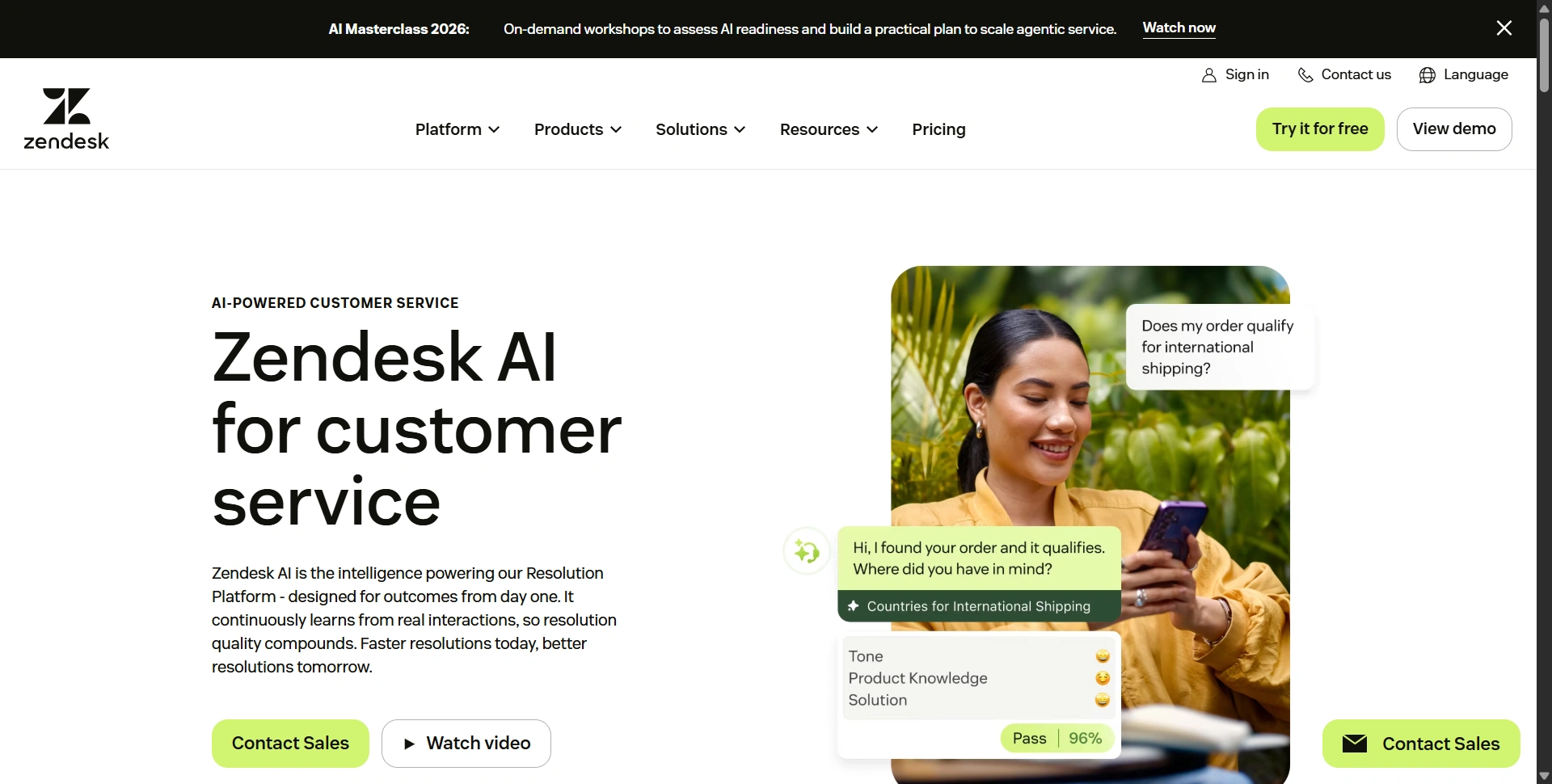
Best for: Support departments that need ticketing, multiple channels, and structured processes.
Zendesk makes the most sense when the chatbot is part of a broader service operation. Its AI agents sit alongside a workspace for managing customer requests, while Copilot assists employees handling conversations.
Best features:
- AI agents automate suitable messaging and email requests.
- Ticketing and routing organize work across support teams.
- Knowledge content, integrations, and reporting support ongoing improvement.
Pros:
- A broad service platform supports more than website FAQs.
- Existing Zendesk teams can evaluate AI inside their current operation.
Cons:
- Configuration and knowledge maintenance require someone to own the setup.
- Agent subscriptions, AI usage, and add-ons can create a substantial combined bill.
Customer-loved highlight: Knowing when to involve a person. On Zendesk's AI page, Fortnum & Mason's customer success lead praises context-aware escalation that lets employees focus on complex interactions.
Free access: No permanent free service plan is advertised. The 14-day trial generally starts on Suite Professional, with AI access provided for evaluation.
Pricing and paid plans: Suite Team is $55/agent/month annually or $69 monthly; Suite Professional is $115 annually or $149 monthly. Team includes five automated resolutions per agent monthly; Professional includes ten, subject to the published annual cap. Extra committed resolutions are $1.50 each. Confirm the required AI capabilities and Copilot add-ons separately.
For improving the help articles behind automated answers, our AI writing tools guide covers drafting and editing options. An accurate policy page gives the chatbot a better starting point.
3. Chatbase
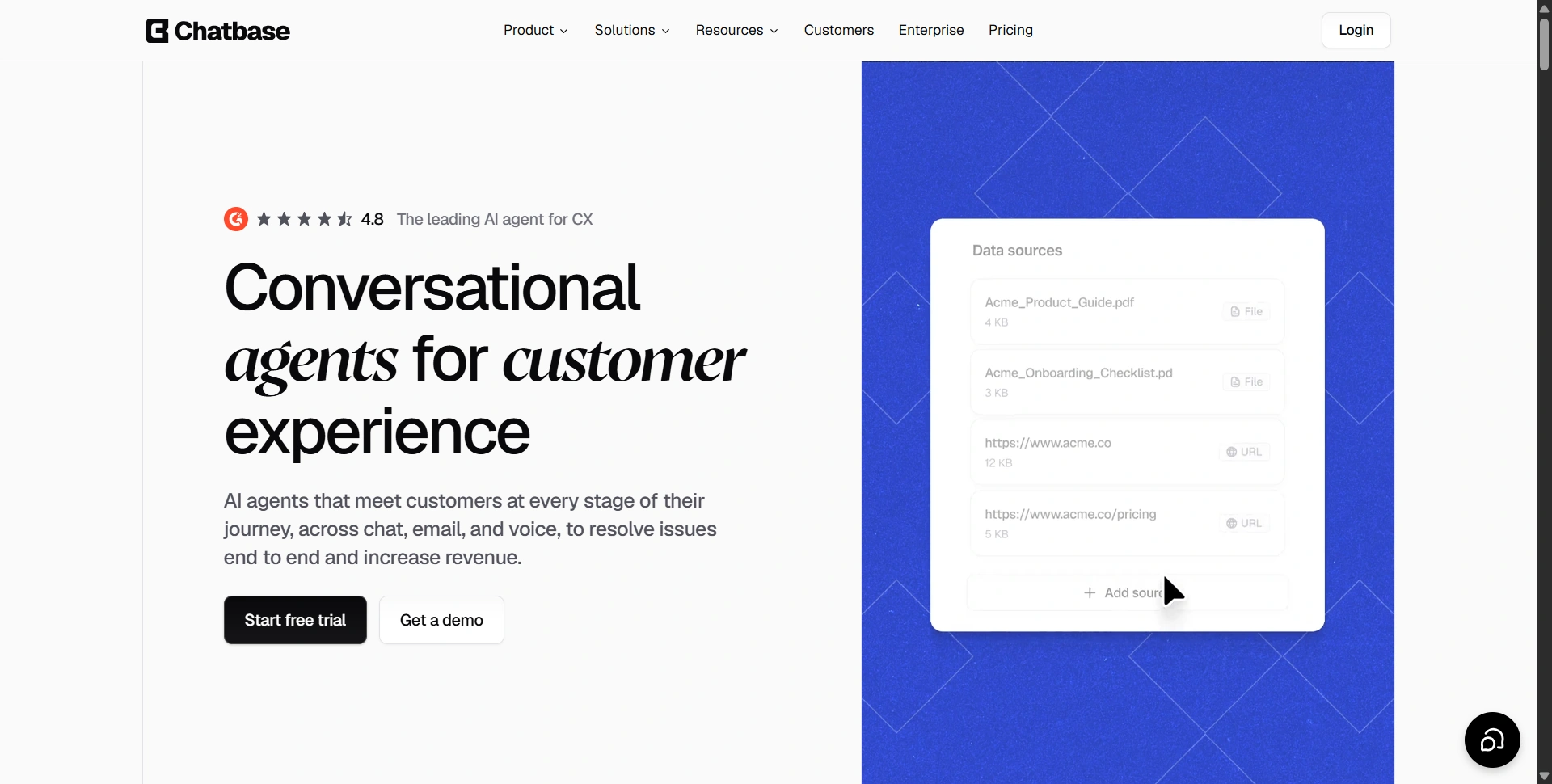
Best for: Businesses building an agent around their own information without a large engineering project.
Chatbase focuses on agents connected to business knowledge and workflows. It's worth shortlisting when visitors need answers from your content and you want control over the agent's behavior, appearance, and available actions.
Best features:
- Knowledge sources and configurable AI actions shape the agent's responses.
- Model choices and analytics help you review behavior and usage.
- Higher plans add API access, automatic source resync, voice, and helpdesk capabilities.
Pros:
- A focused agent builder can simplify an initial deployment.
- Paid tiers offer room to expand beyond a basic website widget.
Cons:
- Message credits need monitoring as usage grows.
- API access and automatic resync require Standard or above; branding removal costs extra.
Customer-loved highlight: Straightforward setup. On Chatbase's homepage, the Testicular Cancer Foundation describes deploying its tool without an engineering team. That's a customer example, rather than a promise that every integration needs no technical help.
Free access: The current public pricing page advertises a seven-day trial. It doesn't list a permanent free tier, so don't budget around older free-plan allowances.
Pricing and paid plans: Hobby is $40/month with 700 monthly message credits and two members. Standard is $150 with 4,000 credits, three members, API access, and advanced integrations. Pro is $500 with 15,000 credits, five members, and advanced analytics. Annual equivalents are $32, $120, and $400. Credits aren't conversation counts.
4. Tidio
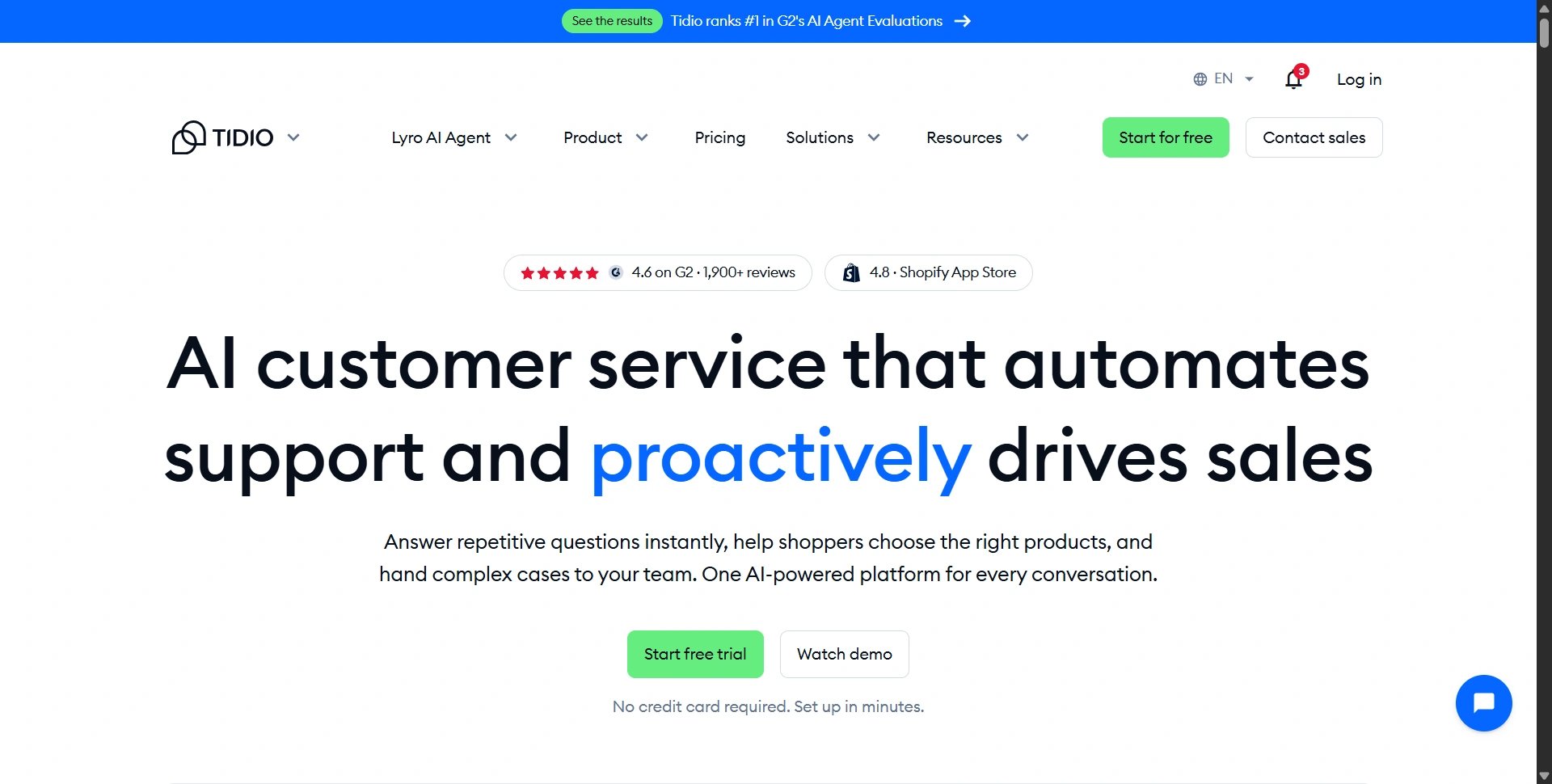
Best for: Small ecommerce teams balancing shopper questions, live chat, and automation.
Tidio combines a human inbox with Lyro AI and Flows automation. That combination suits stores answering delivery, product, and returns questions while still wanting someone to take over when a shopper needs help.
Best features:
- Lyro handles questions using the information you supply.
- Live chat and ticketing support human follow-up.
- Flows and ecommerce integrations support visitor engagement and lead capture.
Pros:
- A permanent free plan makes a small pilot practical.
- Free, Starter, and Growth include ten seats, reducing pressure from operator fees.
Cons:
- Human-handled conversations, Lyro conversations, and Flows have separate allowances.
- The initial free Lyro allowance doesn't refresh monthly without upgrading.
Customer-loved highlight: Fewer routine chats reaching employees. Tidio's customer stories describe AI handling repetitive questions and reducing transfers, leaving teams more time for customers who need direct assistance.
What's free: The free plan includes 50 monthly billable conversations, ten seats, 100 Flows visitors, and 50 one-time Lyro conversations. A seven-day trial also lets you evaluate premium features.
Pricing and paid plans: Starter is $29/month or $24.17 annually, with 100 billable conversations. Growth starts at $59 monthly or $49.17 annually, adding advanced analytics and assignment features. Lyro starts separately at $39/month for 50 AI conversations, or $32.50 annually. Buying Starter alone doesn't renew the AI allowance.
5. Manychat
Best for: Businesses generating leads and sales through Instagram and other messaging channels.
Manychat connects social engagement with automated conversations. It fits a business where a comment, story reply, or direct message starts the buying journey.
Best features:
- Comment and story triggers start relevant follow-up conversations.
- Lead capture, tags, and integrations organize potential customers.
- Pro adds AI-powered automation and access to channels including WhatsApp.
Pros:
- Social triggers shorten the journey from interest to receiving useful information.
- A free plan lets you test basic messaging automation.
Cons:
- Free automation doesn't include the same AI capabilities as Pro.
- Active Contact overages and channel charges can raise costs beyond the subscription.
Customer-loved highlight: Turning engagement into leads. Manychat's Mindvalley story shows how automated Instagram conversations helped an existing audience take the next step. Treat the published result as one campaign's outcome, not an expected return.
What's free: The Free plan includes 25 monthly Active Contacts, four live automations, one user, one Inbox seat, and two eligible channels. WhatsApp, SMS, and email aren't included.
Pricing and paid plans: Essential costs $17/month or $14 annually, with 250 Active Contacts and unlimited automations. Pro is $39/month or $29 annually, with 2,500 Active Contacts, AI automation, and three channels. These are the newer plans; availability and legacy subscriptions vary by account and region.
Choose a chatbot around the conversation
Start with your busiest channel and ten real customer questions. Include an outdated policy, an unclear request, and a case requiring a person. Check answer accuracy, handoff context, and whether the bot captures the information your team needs.
If a complex support issue becomes a call, our AI meeting assistants comparison can help with documenting the discussion and next steps.
Estimate costs at normal volume and during a busy month. Then launch one focused workflow, review unanswered questions, and expand when customers get useful answers. Choose your shortlist above and use its free access to prove that first workflow before committing.