The meeting ends, everyone agrees there are next steps, and somebody still has to turn forty-five minutes of conversation into a useful recap.
The best AI meeting assistants in 2026 help with that work. They capture conversations, generate meeting summaries, identify action items, and make decisions easier to find later. But their recording methods and follow-up tools differ more than the feature lists suggest.
Our quick answer: start with Fathom for straightforward recording, Granola for personal notes without a meeting bot, Fireflies for searchable team conversations, and Krisp for audio cleanup alongside AI notes.
This VegaReview shortlist compares official capabilities, plan limits, and practical tradeoffs. We focus on the features that make a meeting recap useful, rather than claiming an unsupported popularity ranking or identical transcription accuracy across every tool.
Best AI meeting assistants at a glance
| Tool | Best for | Standout capability | Pricing snapshot |
|---|---|---|---|
| Fathom | Straightforward meeting capture | Recordings, summaries, and clips | Free; Premium $20/user/month |
| Otter.ai | Live transcription | Searchable transcripts and meeting chat | Free; Pro $16.99/user/month |
| Fireflies.ai | Searchable team knowledge | AskFred and connected workflows | Free; Pro $18/seat/month |
| Granola | Notes shaped around your priorities | Bot-free capture plus your own notes | Free; Business $14/user/month |
| Krisp | Clearer calls and meeting notes | Noise cancellation with AI summaries | Core $16/user/month |
| tl;dv | Reviewing calls and coaching | Meeting clips and sales analysis | Free; paid Pro and Business plans |
| Read AI | Meeting reports and broader search | Search across connected work | Free; Pro $19.75/user/month |
| Jamie | Notes across online and in-person meetings | Device-based capture without a bot | Free; Pro displays $46/month annually |
Prices are USD examples checked in October 2026, using monthly billing unless marked otherwise. Annual rates, regional currencies, storage, AI allowances, and seat minimums can change the comparison. A recording limit isn't always the same as a summary or search limit.
1. Fathom
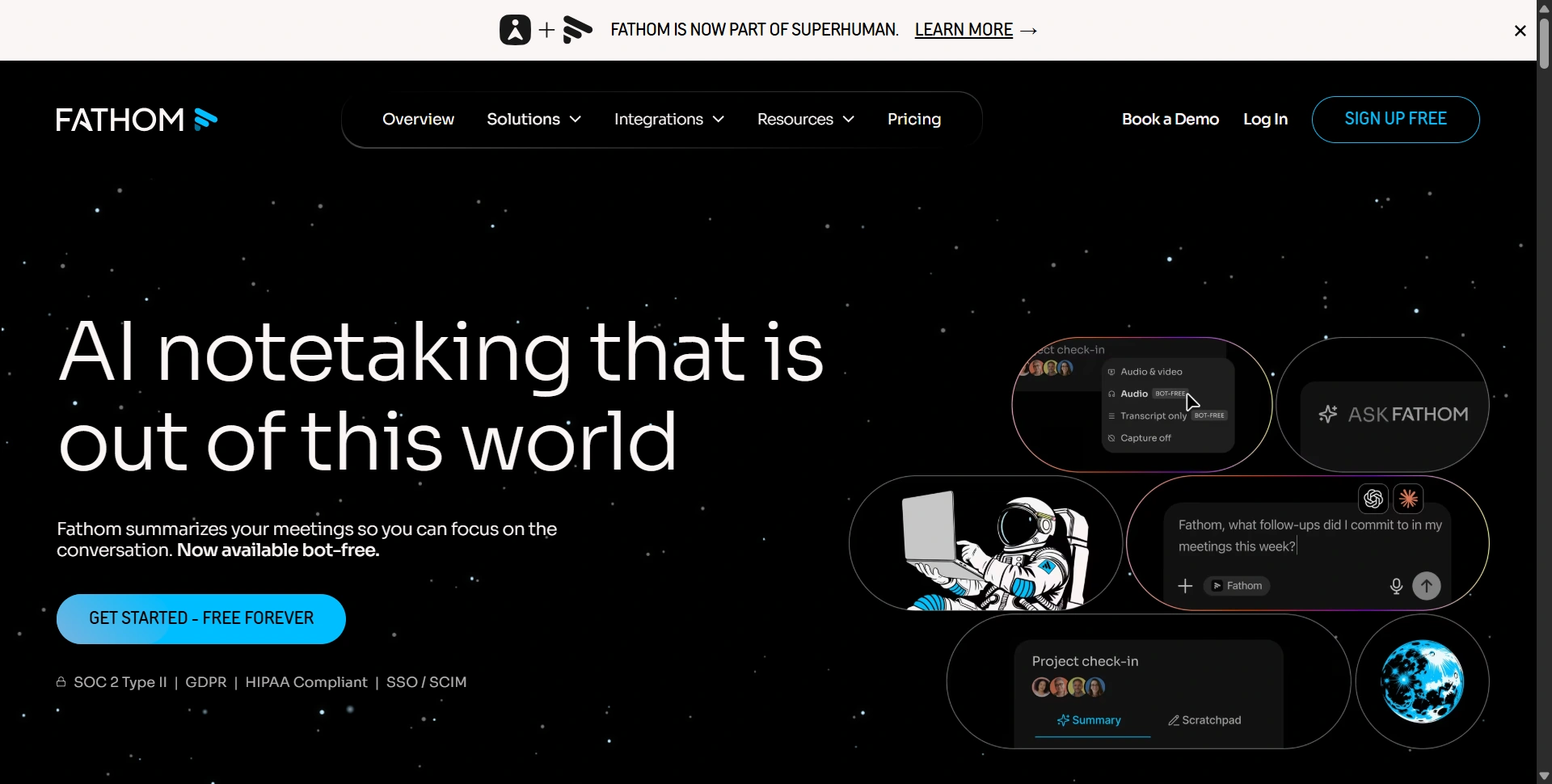
Best for: Individuals who want recordings and useful recaps with little setup.
Fathom is a practical starting point when you mainly need to remember what happened and share the relevant moment. Recording, transcription, summaries, and clips keep the original conversation available alongside the recap.
Strengths:
- Its free capture allowance is generous.
- Clips and searchable calls are useful when a colleague needs the exact exchange instead of your interpretation of it.
Weaknesses:
- Advanced summaries, action items, and conversational assistance have plan limits.
- Bot-free capture is advertised as a Mac beta, so check device support before depending on it.
Standout features:
- Instant summaries.
- Highlight playlists.
- Ask Fathom.
- CRM workflows on suitable paid plans.
We'd pay attention to how quickly you can find and share a decision.
Pricing: The Free plan includes unlimited recordings and transcriptions. Premium is $20/user/month or $16 with annual billing. Team pricing is $19/user/month monthly, with a two-user minimum. Advanced CRM features sit higher in the lineup.
2. Otter.ai
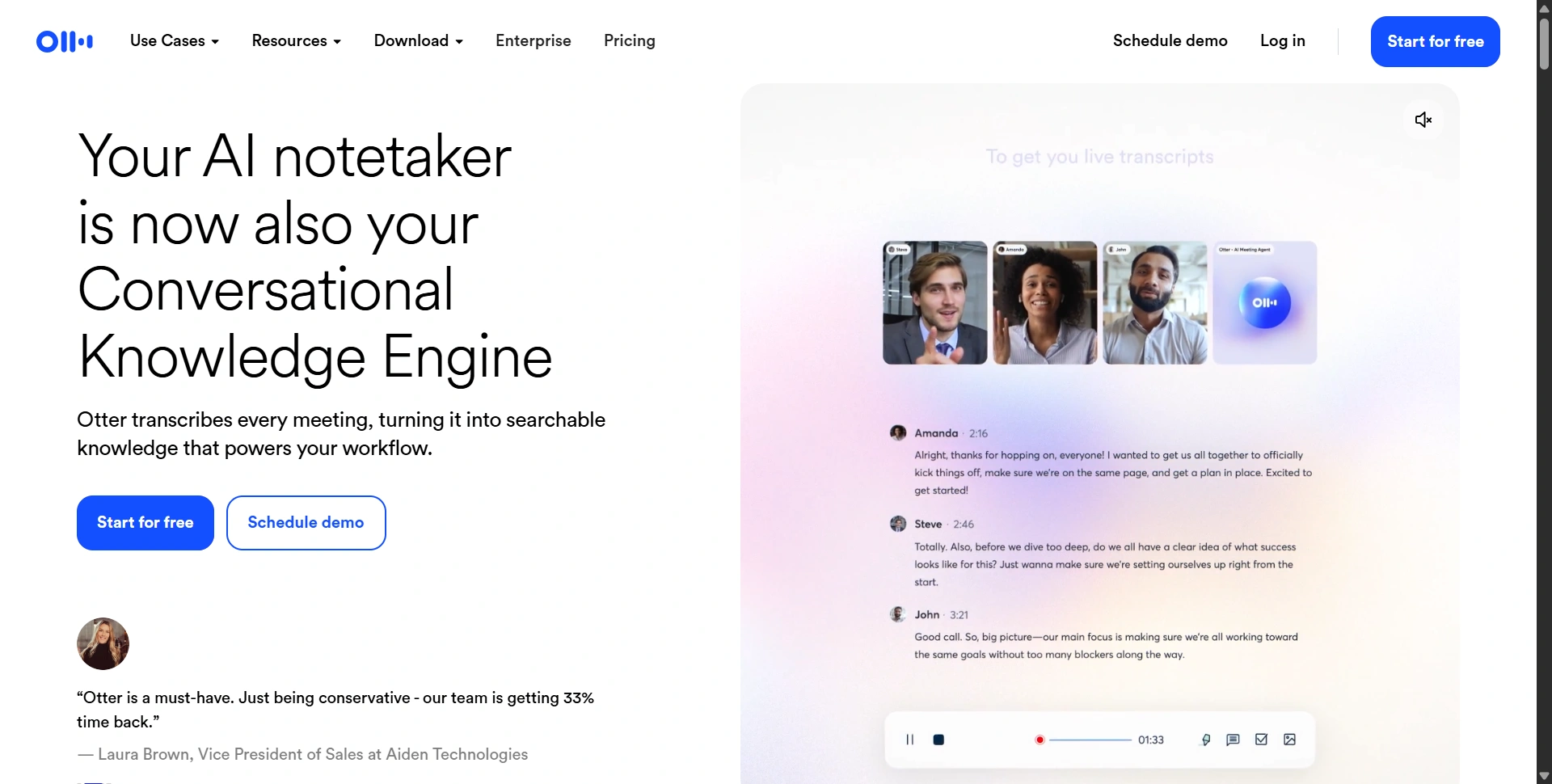
Best for: People who want a live transcript they can revisit and search.
Otter.ai is worth shortlisting when the transcript is central to your workflow. Live transcription, speaker identification, playback, and meeting chat provide several ways to review a conversation instead of relying only on a summary.
Strengths:
- Live text helps you follow the discussion as it happens.
- File imports are useful when you already have audio or video to process.
Weaknesses:
- Monthly minutes, conversation length, imports, and accessible history have separate limits.
- A free account can look sufficient until one of those restrictions interrupts your normal meeting schedule.
Standout features:
- Live transcription.
- Speaker labels.
- AI Chat.
- Automated meeting workflows.
Check whether task ownership survives the summary accurately.
Pricing: Basic includes 300 monthly transcription minutes, a 30-minute conversation limit, and three lifetime file imports. Pro is $16.99/user/month or $8.49 with annual billing, with higher allowances.
For turning an approved recap into a follow-up email, our AI writing tools guide compares the next editing step.
3. Fireflies.ai
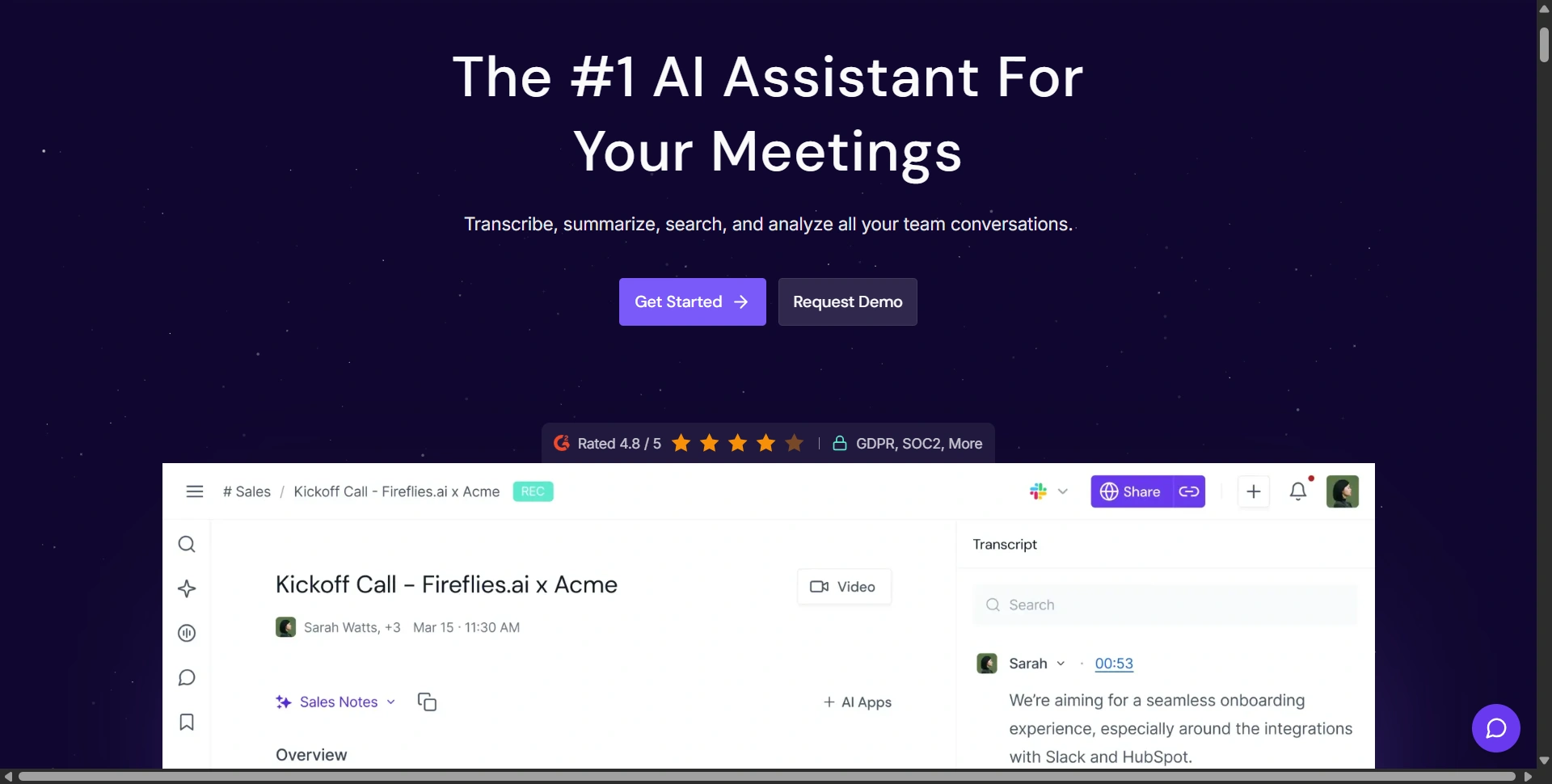
Best for: Teams building a searchable library of conversations and follow-ups.
Fireflies.ai makes sense when meeting notes need to feed a broader workflow. Search, AskFred, integrations, and task tools help turn recorded conversations into information your team can reuse.
Strengths:
- The connected workspace suits recurring customer calls and internal discussions.
- Its published transcription coverage spans 100+ languages.
Weaknesses:
- Unlimited transcription doesn't remove storage limits or AI-credit restrictions.
- Some analytics and multilingual capabilities need higher plans, so compare the specific workflow rather than the largest number on the pricing page.
Standout features:
- AskFred.
- Meeting search.
- Downloads.
- Task management.
- Integrations.
The practical benefit is retrieving a commitment and sending it to the right destination.
Pricing: The Free plan advertises unlimited transcription with conditions, limited AI summaries, and 400 minutes of team storage. Pro is $18/seat/month monthly or $10 annually, including unlimited AI summaries and 8,000 minutes of storage per seat.
4. Granola
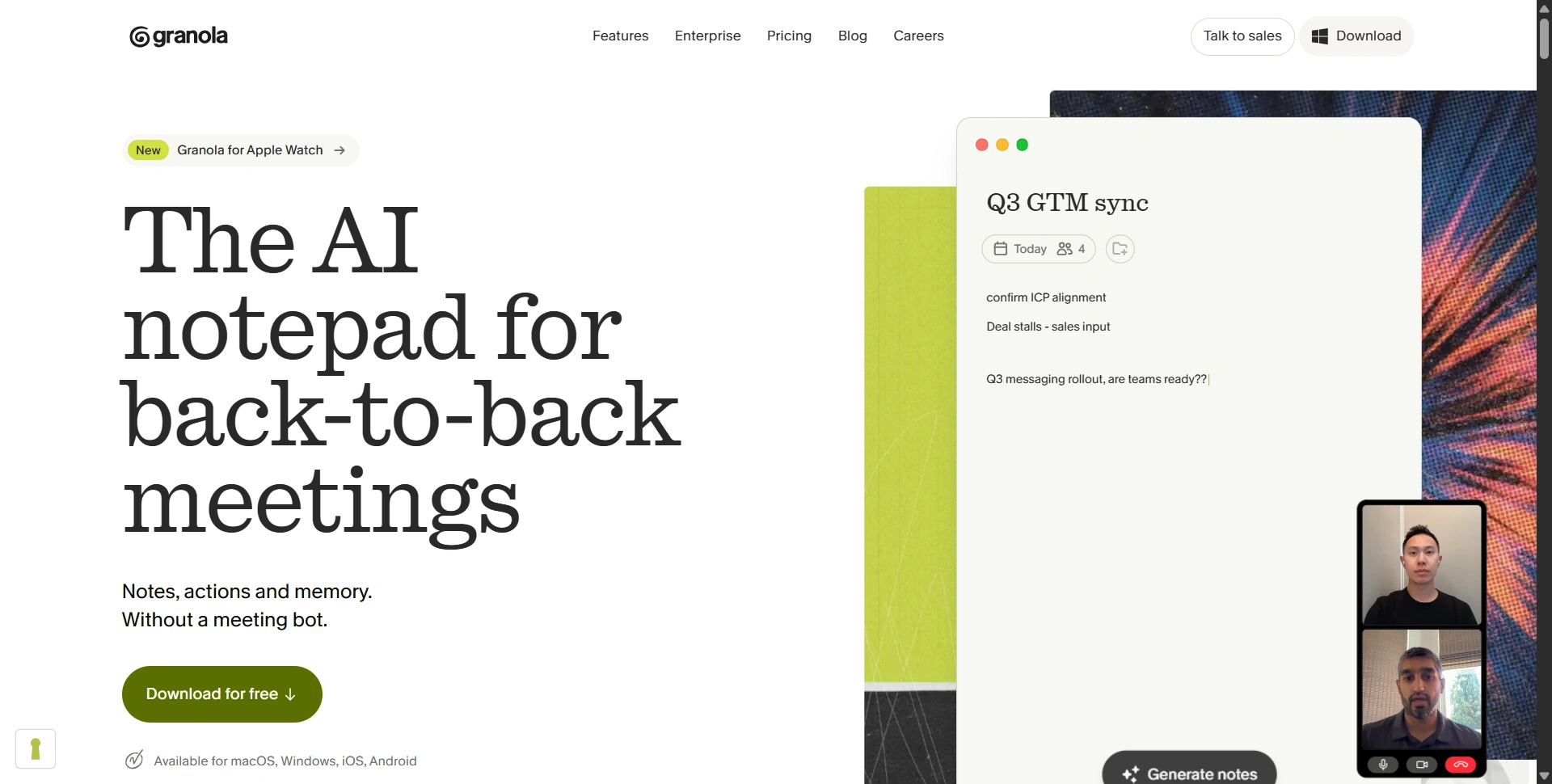
Best for: People who want AI to improve their notes without adding a meeting participant.
Granola combines the notes you type with meeting context captured from your device. That gives you a way to mark what matters while letting AI handle more of the organization afterward.
Strengths:
- Your own notes provide direction instead of leaving the entire recap to an automated template.
- Device-audio capture avoids inviting a bot into the call.
Weaknesses:
- You need to capture the conversation on a supported device.
- The free plan's limited history also matters if you expect to search older decisions regularly.
Standout features:
- Enhanced notes.
- Custom templates.
- Shared folders.
- Cross-meeting chat.
- Paid pre-meeting briefs.
We'd test whether the final notes preserve the priorities you wrote down during the discussion.
Pricing: Basic is free with 30 days of meeting history. Business is $14/user/month and adds unlimited notes and history, advanced integrations, and additional AI capabilities. Enterprise is listed at $35/user/month.
5. Krisp
Best for: People whose meetings need clearer audio as well as better notes.
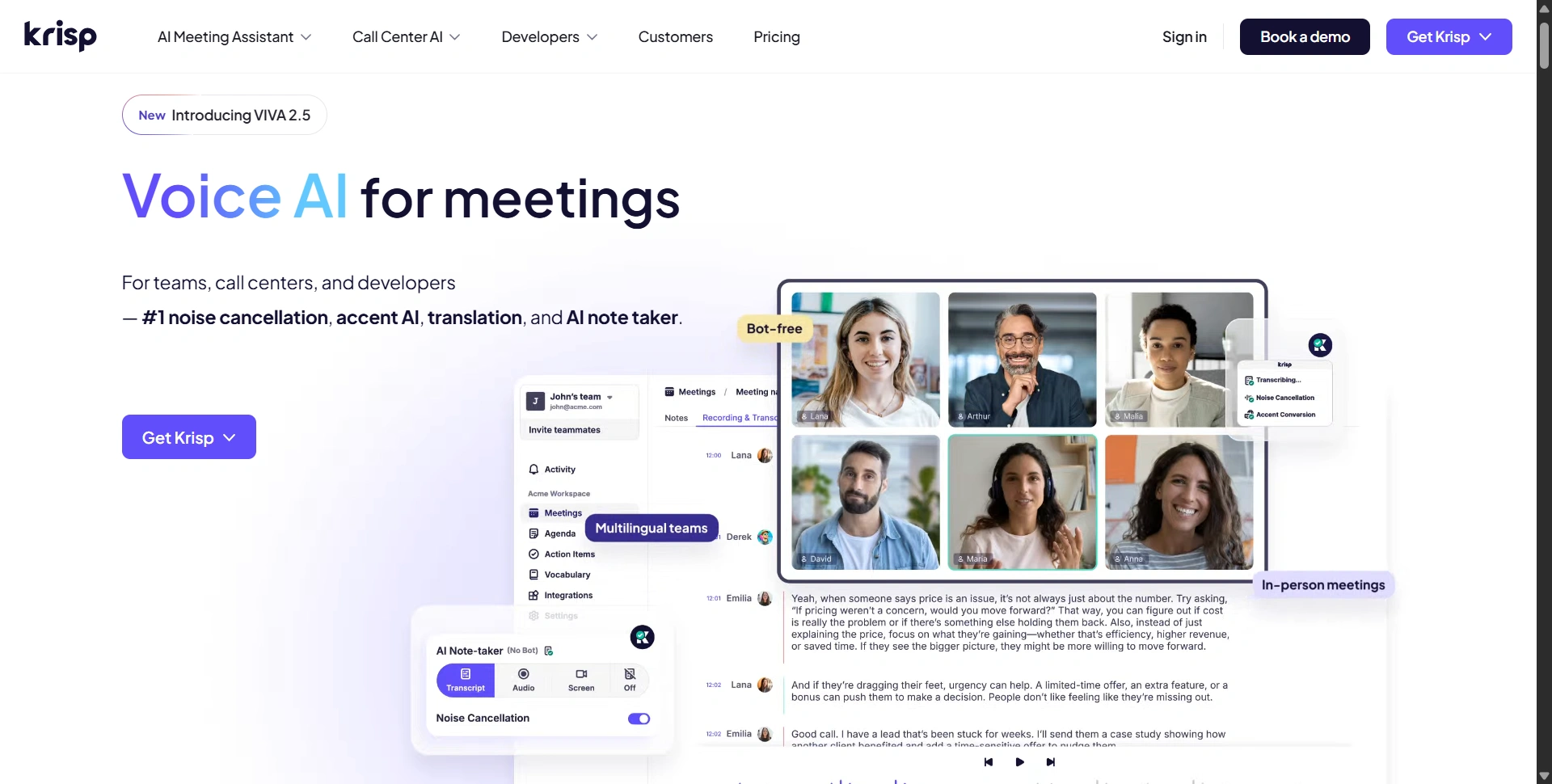
Krisp stands out because it works on the conversation before the recap. Noise cancellation can improve the call experience, while its meeting assistant captures transcripts, summaries, and action items.
Strengths:
- Audio cleanup is useful for remote work in noisy environments.
- Bot-free capture and in-person notes extend the workflow beyond a single video meeting platform.
Weaknesses:
- You need to configure the appropriate audio and capture settings.
- Accent features, storage, and advanced integrations have their own allowances and plan requirements.
Standout features:
- Noise cancellation.
- AI notes.
- Searchable transcripts.
- Recordings.
- Plan-dependent accent conversion.
Test speech clarity and note quality separately; solving background noise doesn't establish summary accuracy.
Pricing: Core is $16/user/month or $8 with annual billing. Advanced is $30 monthly or $15 annually. Krisp advertises a seven-day trial without a credit card, including premium features for evaluation.
6. tl;dv
Best for: Teams sharing meeting moments and reviewing calls for coaching.
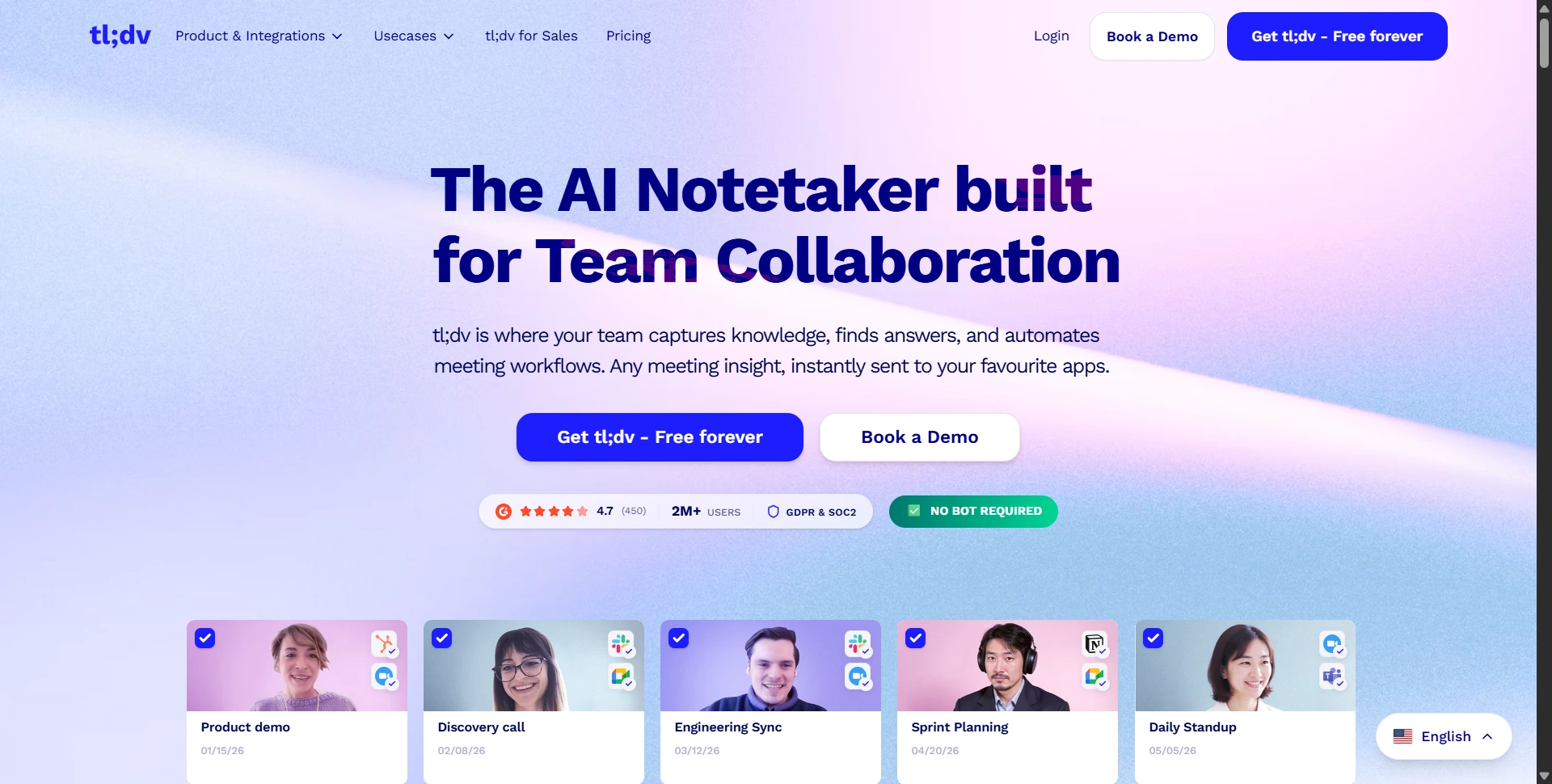
tl;dv is worth comparing when colleagues need to see the relevant part of a conversation. Clips, summaries, and call analysis suit sales reviews, customer feedback, and asynchronous handovers.
Strengths:
- Shareable moments provide context that a short written recap can lose.
- Its sales features support reviewing conversations against a team's playbook.
Weaknesses:
- Advanced AI, CRM integrations, and coaching are plan-dependent.
- A recording library still needs organization if you want teammates to find the useful material.
Standout features:
- Meeting clips.
- Customized AI notes.
- CRM updates.
- Sales coaching.
We'd evaluate the effort involved in turning a long call into a focused internal handover.
Pricing: Its help center confirms free unlimited recordings and transcripts with other feature limits. Pro and Business offer paid capabilities; use the current pricing selector for your regional currency and billing cycle.
For finishing shared clips into an internal update, our VEED review covers editing, captions, and resizing.
7. Read AI
Best for: People who want meeting reports connected with wider workplace context.
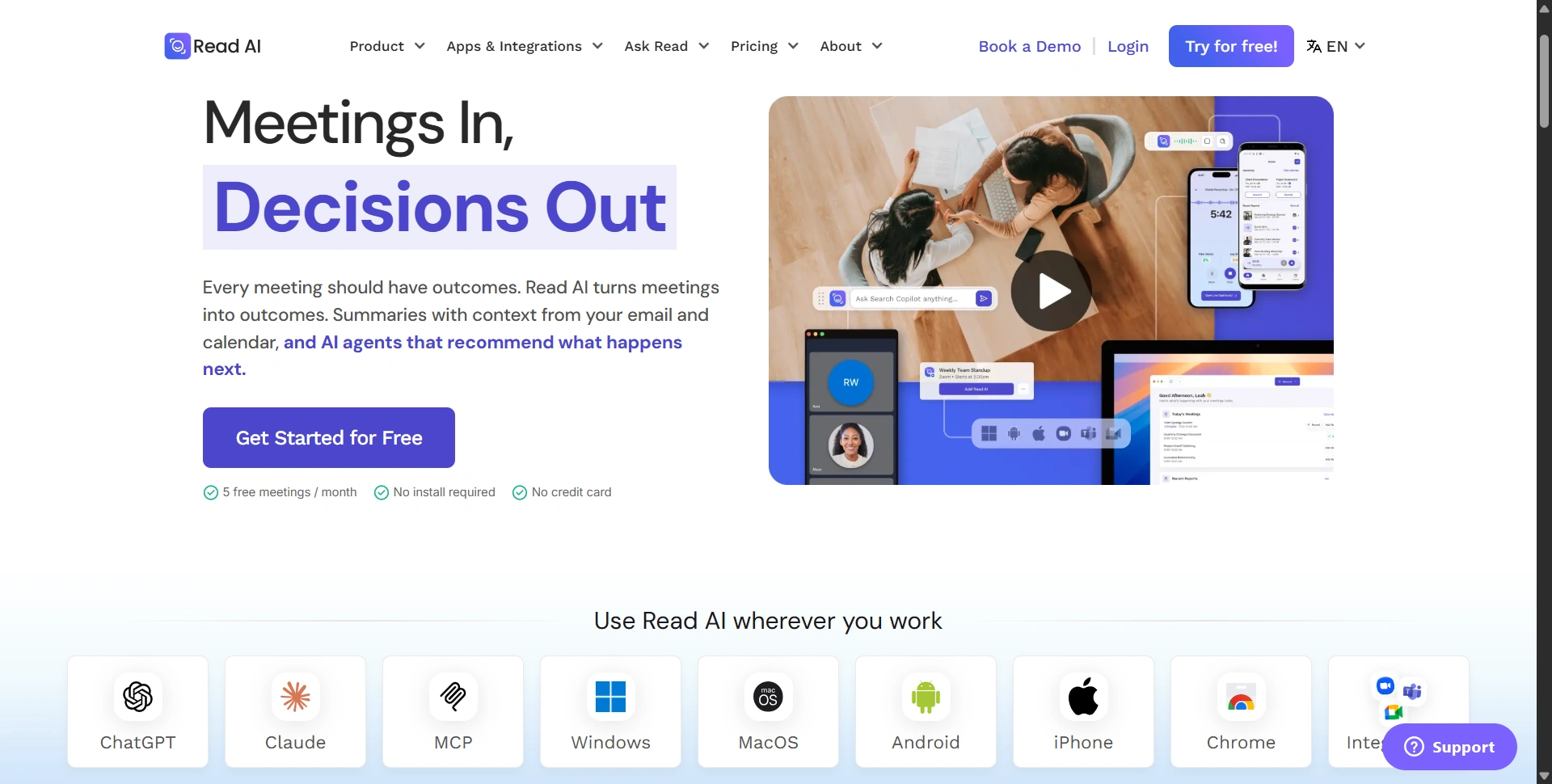
Read AI combines transcripts and summaries with search across connected work. That makes it interesting when a decision spans a meeting, an email conversation, and information in another tool.
Strengths:
- Search can reduce the need to remember where a discussion happened.
- Reports and coaching provide another lens on meetings beyond a basic transcript.
Weaknesses:
- Connected sources increase the importance of checking access and sharing settings.
- Coaching insights need context; don't treat an automated interpretation as a complete judgment of a conversation or participant.
Standout features:
- Search Copilot.
- Meeting reports.
- Topic readouts.
- Personalized coaching.
- Premium integrations.
We'd check whether answers point clearly to supporting context.
Pricing: Free includes five meeting transcripts per month and enterprise search. Pro is $19.75/user/month monthly or $15 annually, with unlimited meeting transcripts and additional integrations. Higher plans expand the available capabilities.
8. Jamie (MeetJamie)
Best for: Professionals capturing notes across online and in-person conversations.
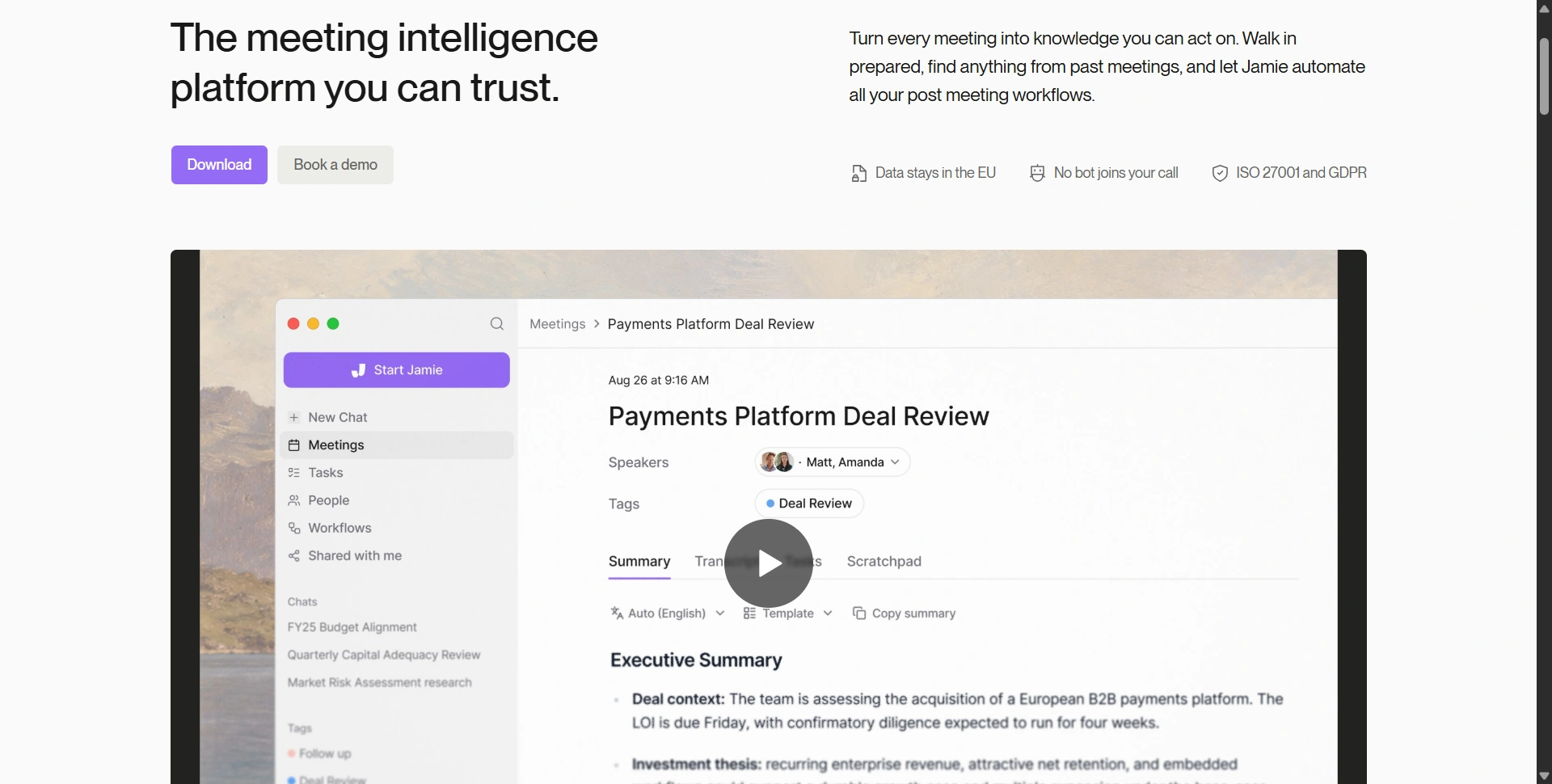
Jamie runs on your device rather than joining as a virtual meeting participant. Its focus is carrying meeting context into summaries, tasks, briefings, and follow-up workflows.
Strengths:
- The capture approach suits people moving between different meeting platforms.
- Templates and speaker recognition help organize recurring conversations.
Weaknesses:
- Free meeting-length limits can be restrictive.
- Device-based capture also needs a reliable setup, and integrations vary between the individual and team plans.
Standout features:
- Ask Jamie.
- Speaker recognition and memory.
- Task detection.
- Custom vocabulary.
- Connected workflows.
We would check names and action owners before syncing anything onward.
Pricing: The Free plan includes 10 AI notes monthly with a 30-minute meeting limit. The current USD page displays Pro at $46/month billed annually; Plus and team options also exist. Confirm the selected plan and currency before checkout.
Choose around the meeting you actually attend
Test two tools on the same type of discussion. Compare how they capture audio, identify speakers, summarize decisions, and handle corrections. Include at least one meeting with technical terms and a follow-up that somebody needs to complete.
Look beyond transcription minutes. Check meeting duration, history, storage, AI search, sharing controls, and the cost of every required seat. Tell participants when you're capturing a conversation and follow your team's policy, including for bot-free tools.
Check the decisions, not just the summary
A useful meeting recap should separate decisions from suggestions, name the person responsible, and preserve any conditions attached to a deadline. Suppose someone says they can ship Friday if a customer approves the design. A summary that records an unconditional Friday commitment has changed the meaning, even if the rest of the transcript looks accurate.
Check whether you can correct that mistake quickly and whether the correction reaches shared notes or connected tools. Test search with a question you need answered, then verify the supporting conversation. These checks reveal more about everyday usefulness than a polished demo. The feature worth paying for is the one that makes your handover clearer and reduces repeated questions afterward.
Turn one meeting into a useful follow-up
Start with an available free plan or trial. Finish one recap, verify the decisions, and send the next steps to the right people. Upgrade when the tool consistently reduces review and administration, rather than simply producing another document to read.