A voice can sound convincing in a demo and still struggle with your product name, awkward sentence breaks, or a paragraph that needs genuine enthusiasm.
The best AI voice generators in 2026 give you ways to improve that delivery. Some focus on expressive narration and voice cloning. Others offer a production studio, multilingual text to speech, or an API for applications.
Our quick answer: start with ElevenLabs for expressive narration, Murf for business voiceovers, Google Cloud for developers, and Hume for emotion-directed speech.
This VegaReview comparison uses official capabilities and published pricing. Ratings are editorial fit scores out of five, based on controls, workflow, value, and restrictions. Voice-quality notes describe intended strengths; we haven't conducted a listening benchmark. Audition your own script before deciding.
Best AI voice generators at a glance
| Tool | Best for | Voices and language coverage | Pricing snapshot | Rating |
|---|---|---|---|---|
| ElevenLabs | Expressive narration | 10,000+ library voices; v4 supports 90+ languages | Starter $6/month | 4.5/5 |
| Murf AI | Edited business voiceovers | 200+ voices; 35+ languages advertised | Creator listed at $29/month | 4/5 |
| Speechify Studio | Voiceovers and dubbing | 1,000+ voices; 60+ languages | Starter $100/year | 4/5 |
| Google Cloud TTS | Application speech | 380+ voices; 75+ languages/variants | Model-based usage billing | 4.5/5 |
| Hume AI | Emotional speech and voice agents | Designed/cloned voices; Octave 2 preview has 11 languages | Subscription plus usage | 4/5 |
| WellSaid Labs | Training and business narration | Hundreds of voices; global library covers 30+ languages | Starter $19/month | 4/5 |
| MiniMax Audio | Multilingual speech and cloning | 300+ voices; 50+ languages advertised | Starter $5/month in published terms | 4/5 |
| DupDub | Narrated social videos | 700+ voices; 90+ languages/accents | Personal $11/month, annual billing | 4/5 |
Community libraries, stock voices, and custom voices aren't equivalent counts. Coverage varies by model and plan; language totals sometimes include regional variants. Prices are USD examples checked in October 2026, excluding applicable taxes and temporary introductory discounts.
1. ElevenLabs
Best for: Storytelling, creator narration, and expressive synthetic speech.
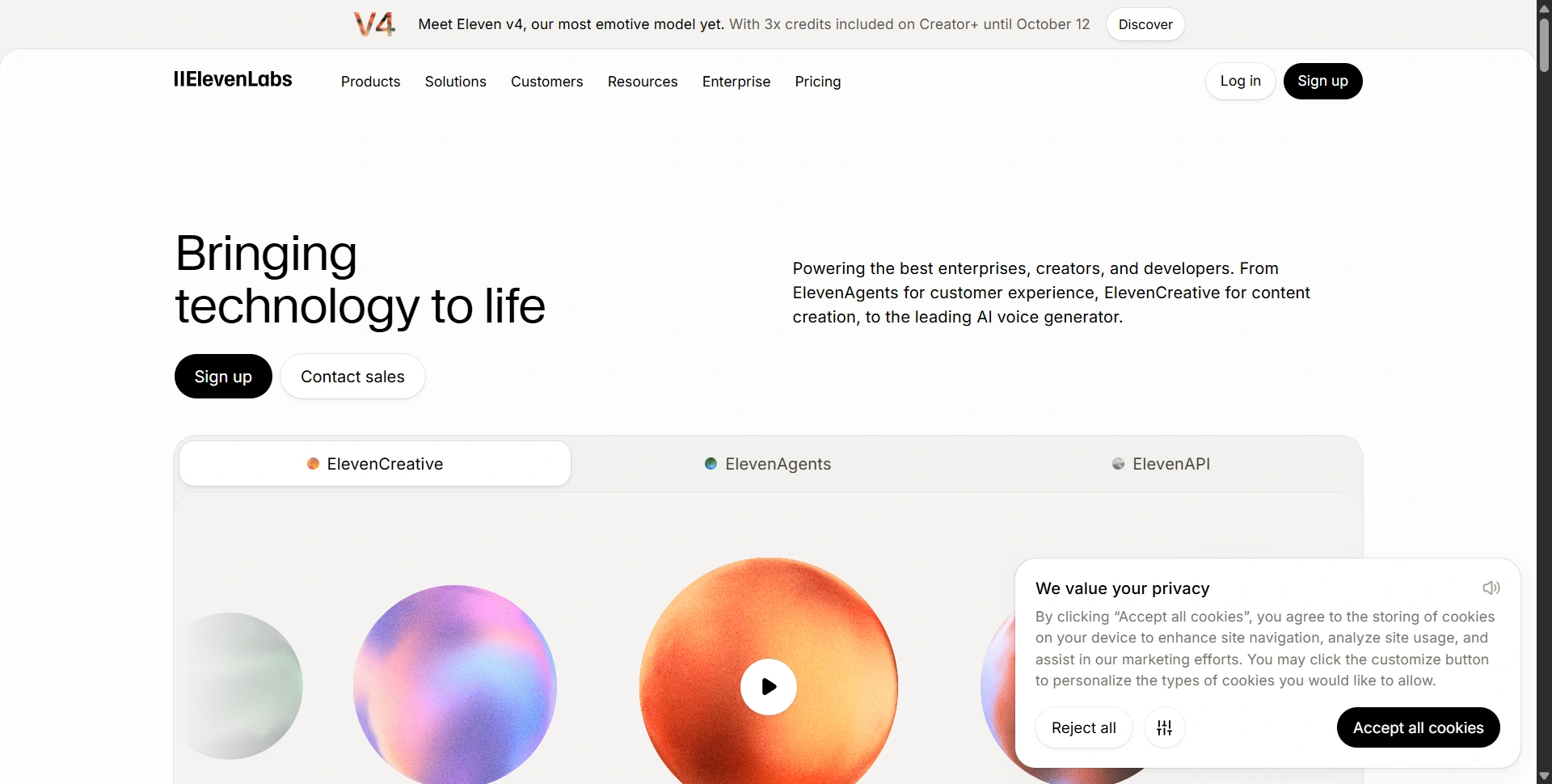
ElevenLabs is our first shortlist pick when delivery matters as much as getting the words right. Its ecosystem combines text-to-speech, voice design, cloning, dubbing, and tools for longer productions.
Voice quality and emotions: Eleven v4 emphasizes emotional range, multi-speaker dialogue, and expressive performance. We would audition dramatic passages and quiet explanations separately rather than assume one setting suits an entire script.
Voices and languages: Its Voice Library advertises 10,000+ voices; v4 supports 90+ languages. Coverage differs on older models.
Best features: Voice design, cloning, audio delivery controls, and Studio projects.
Pros: Broad voice discovery and expressive controls suit character-driven narration.
Cons: Regenerations consume credits; paid access is needed for a commercial license.
Price and free access: The Free plan includes 10,000 credits monthly and three Studio projects. Starter is $6/month with 30,000 credits, commercial licensing, and instant cloning. Creator is normally $22/month; compare ongoing prices rather than first-month promotions.
Editorial rating: 4.5/5.
2. Murf AI
Best for: Presentations, explainers, and business narration needing detailed adjustments.
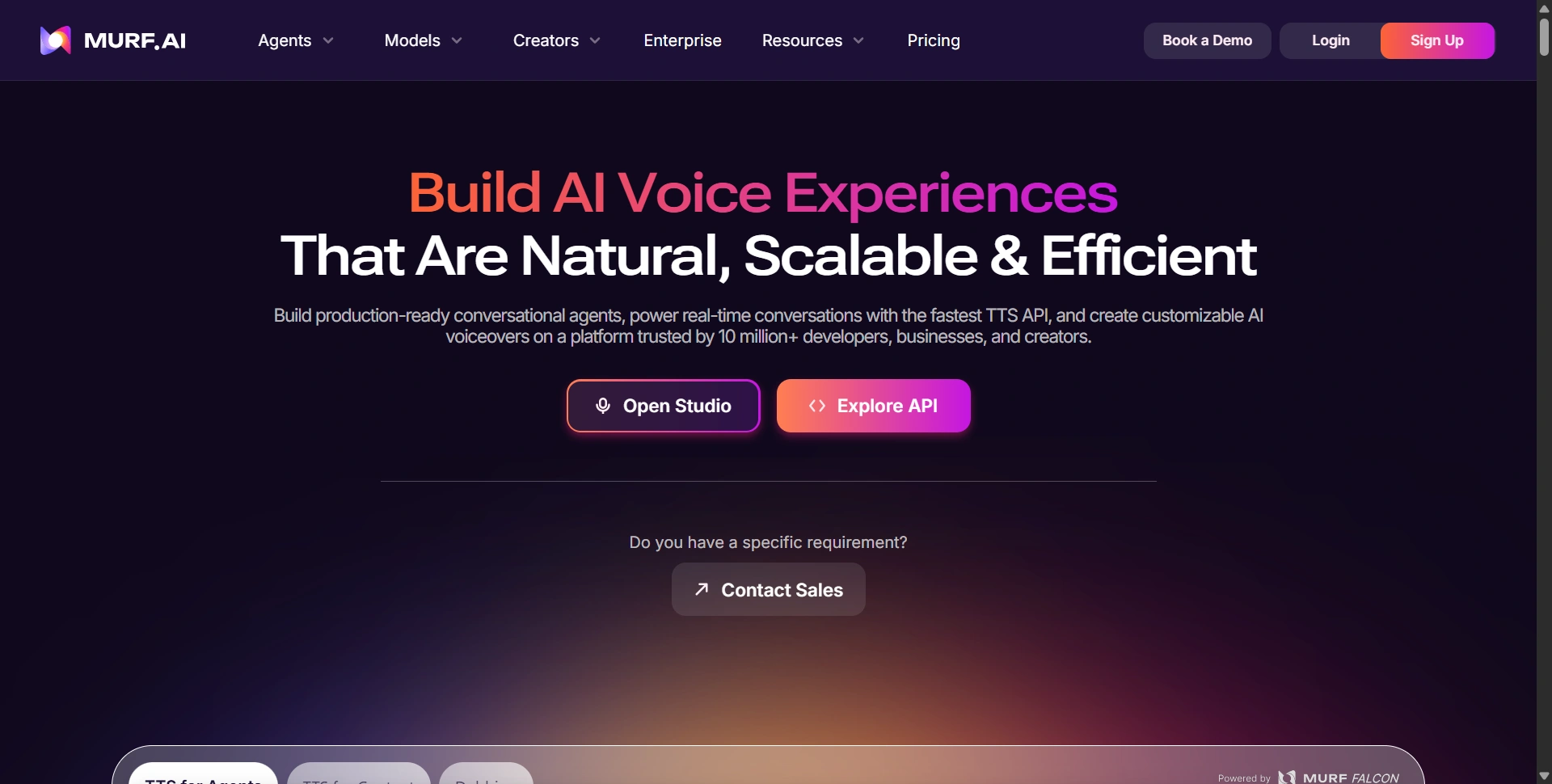
Murf is worth considering when your job involves editing a voiceover into a finished presentation. A production studio can be more useful than generating an impressive single sentence and handling all the timing elsewhere.
Voice quality and emotions: Its TTS tools emphasize intonation, pacing, pitch, and speaking styles. Test whether your preferred voice stays clear when you add emphasis or slow down technical explanations.
Voices and languages: The TTS page advertises 200+ voices and 35+ languages; individual Studio and API catalogs differ.
Best features: Pronunciation adjustment, pauses, timing controls, and voiceover editing.
Pros: Delivery controls suit business content that needs consistent pacing.
Cons: Generation-time allowances require budgeting; free trials don't include downloads.
Price and free access: Vendor-supplied pricing on G2 lists Creator at $29/month and Business at $99; confirm the current Studio quote. The trial provides 10 minutes of generation and 10 minutes of transcription, without downloads or a credit card requirement.
Editorial rating: 4/5.
Our AI writing tools guide helps with script preparation.
3. Speechify
Best for: Creators combining voiceovers, dubbing, and audio editing.
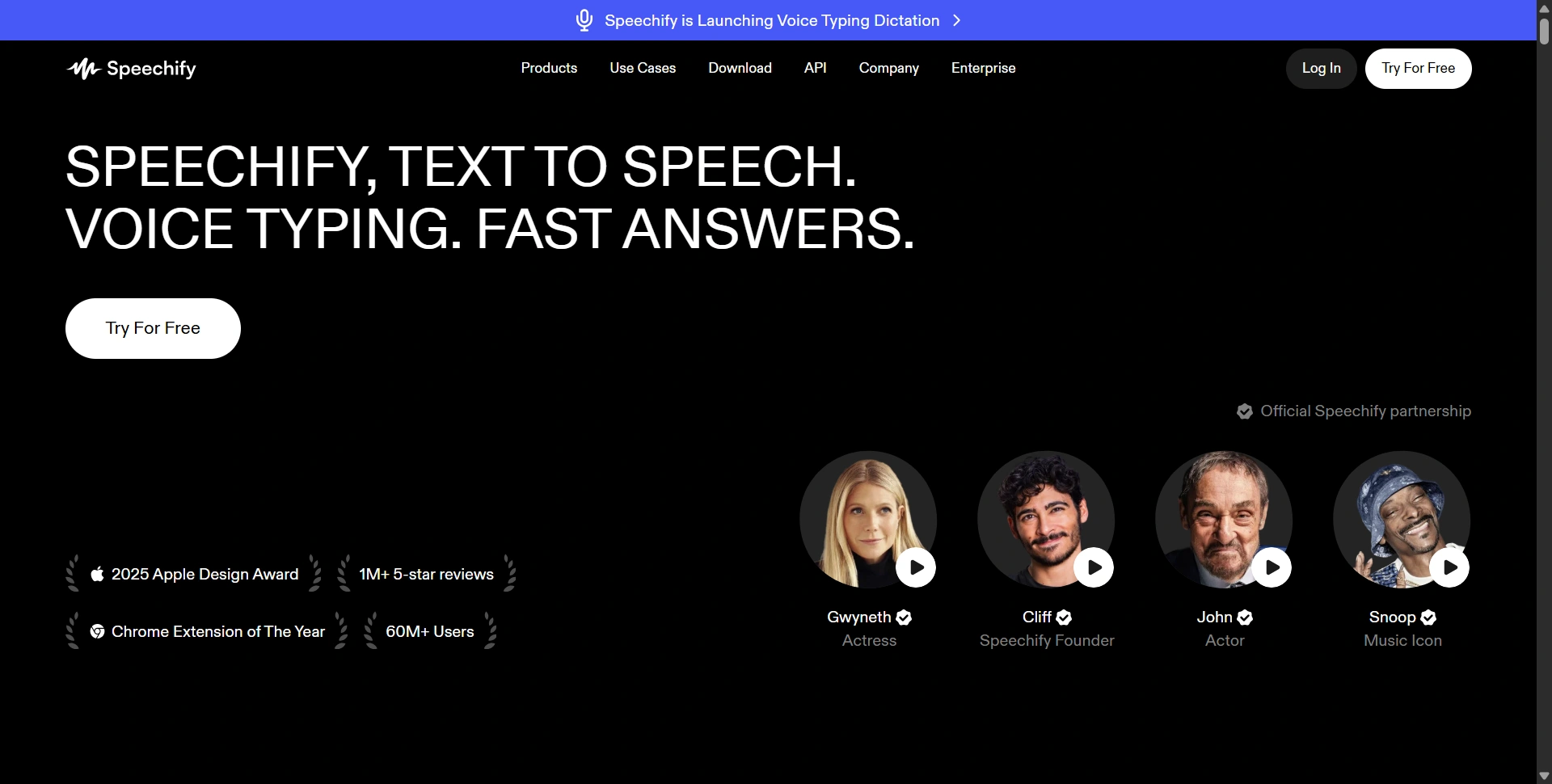
Speechify Studio is the relevant product here. Its voice-production tools are separate from Speechify's read-aloud subscription, so don't buy the reading app expecting the same export workflow.
Voice quality and emotions: Studio provides controls for pronunciation, speed, pitch, pauses, and emotional tone. We'd compare an energetic promotional read with a calmer educational passage before selecting a voice.
Voices and languages: Speechify advertises 1,000+ voices across 60+ languages, dialects, and accents.
Best features: Voiceover editing, dubbing, pronunciation libraries, and voice changing.
Pros: A broad library and connected editing tools support varied content formats.
Cons: Studio and Reader are different subscriptions; free access has publishing restrictions.
Price and free access: Studio Starter is $100/year. Free access includes 600 Studio credits and voice-library access, without commercial rights. The pricing FAQ says downloading finished work requires an upgrade.
Editorial rating: 4/5.
4. Google Cloud Text-to-Speech
Best for: Developers adding speech to apps, services, and automated workflows.
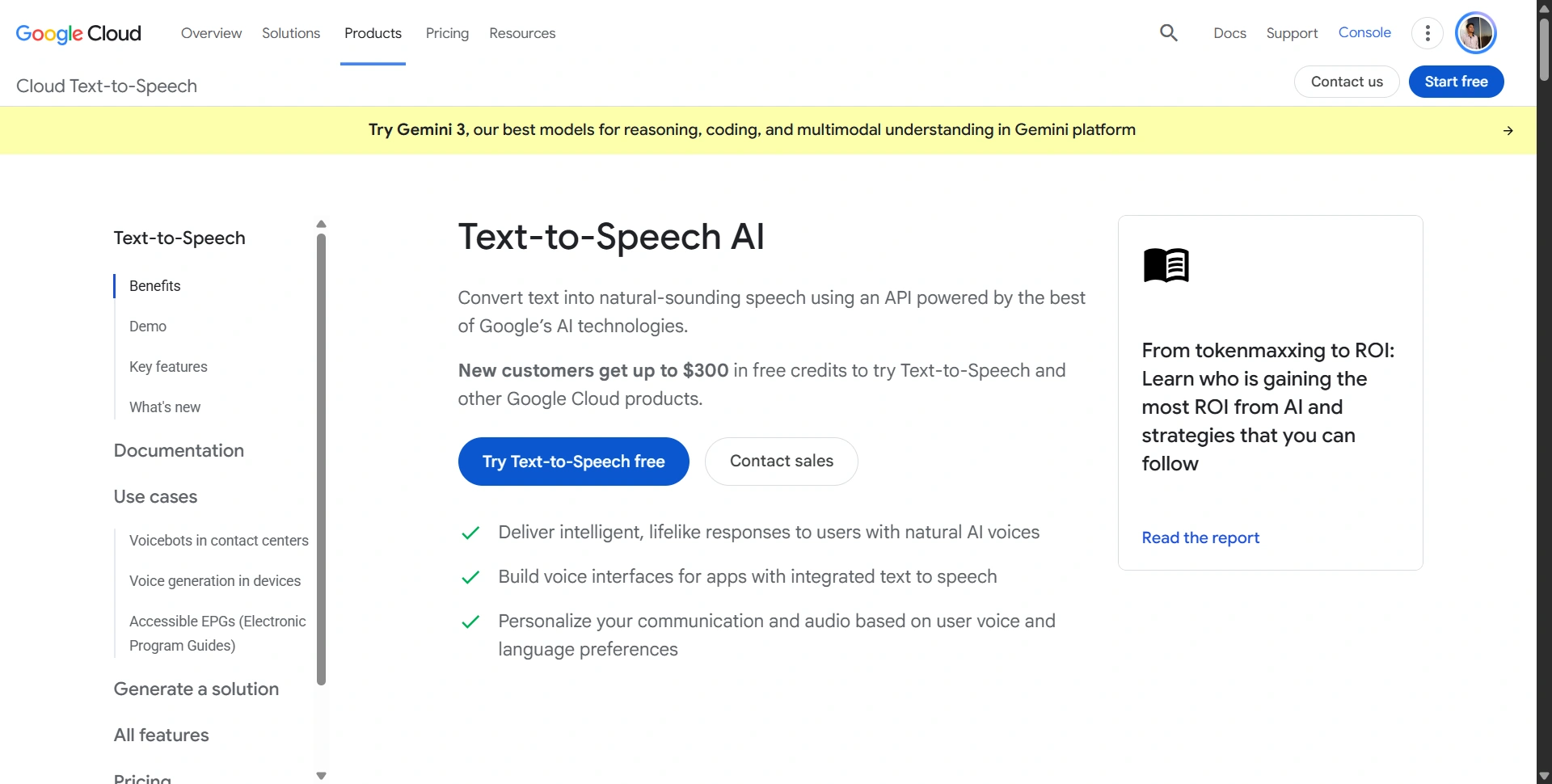
Google Cloud TTS makes more sense for an application than for someone wanting a simple drag-and-drop voiceover editor. You choose a speech model and integrate generation into your product.
Voice quality and emotions: Chirp HD targets conversational delivery; Gemini-TTS adds natural-language direction for style, pace, and emotion. SSML and prompt support depend on the selected model.
Voices and languages: Google advertises 380+ voices across 75+ languages and variants. That total doesn't describe every individual model's coverage.
Best features: APIs, streaming, pronunciation controls, SSML, and model-specific custom voices.
Pros: Flexible integration and multilingual coverage support application-scale production.
Cons: Requires Cloud setup; models have different controls and billing units.
Price and free access: Chirp 3 HD pricing includes a one-million-character free usage band, then $30 per million characters. Gemini-TTS uses token pricing instead. Enable billing and check the quota for your exact model rather than assuming all Google voices are free.
Editorial rating: 4.5/5.
5. Hume AI (Octave / EVI)
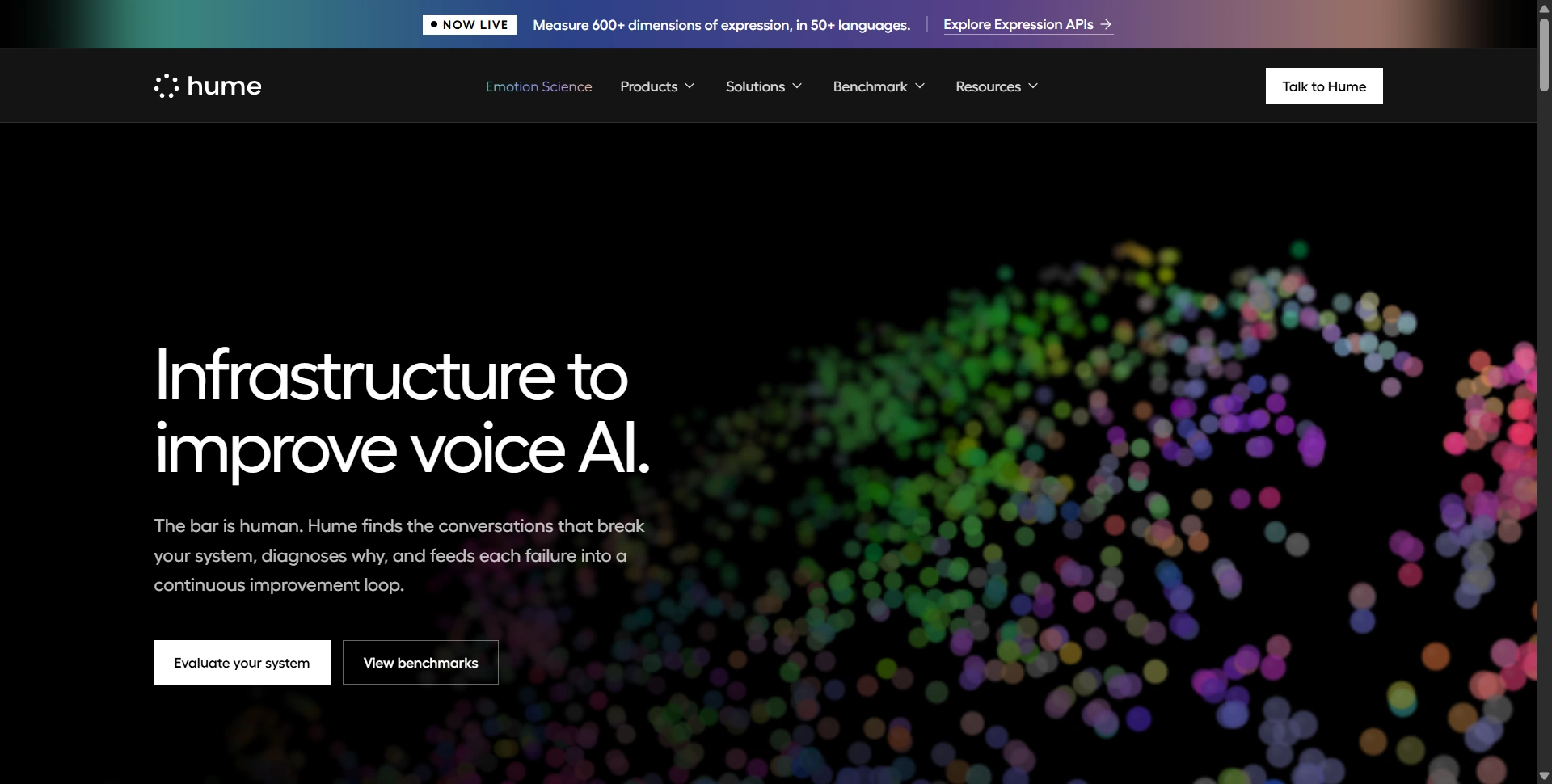
Best for: Emotion-directed narration and developers building conversational voice systems.
Hume AI offers different voice workflows. Octave generates speech from text; EVI handles speech-to-speech conversations. Choose the workflow before comparing it with a conventional voiceover studio.
Voice quality and emotions: Octave's documentation describes acting instructions and voices designed from natural-language descriptions. That makes it interesting when delivery needs more direction than a generic speaking style.
Voices and languages: Custom design and cloning make a fixed catalog count unhelpful. The FAQ lists 11 languages for Octave 2 preview; Octave 1 supports English and Spanish.
Best features: Acting instructions, voice design, cloning, and conversational voice APIs.
Pros: Detailed delivery direction suits character and conversational use cases.
Cons: Model versions differ; EVI can add external language-model usage charges.
Price and free access: Billing documentation states that new accounts receive $20 in credits. Paid subscriptions include usage with overages; confirm live rates in the billing portal. The public pricing route currently redirects, so we aren't presenting older tier prices as current quotes.
Editorial rating: 4/5.
6. WellSaid Labs
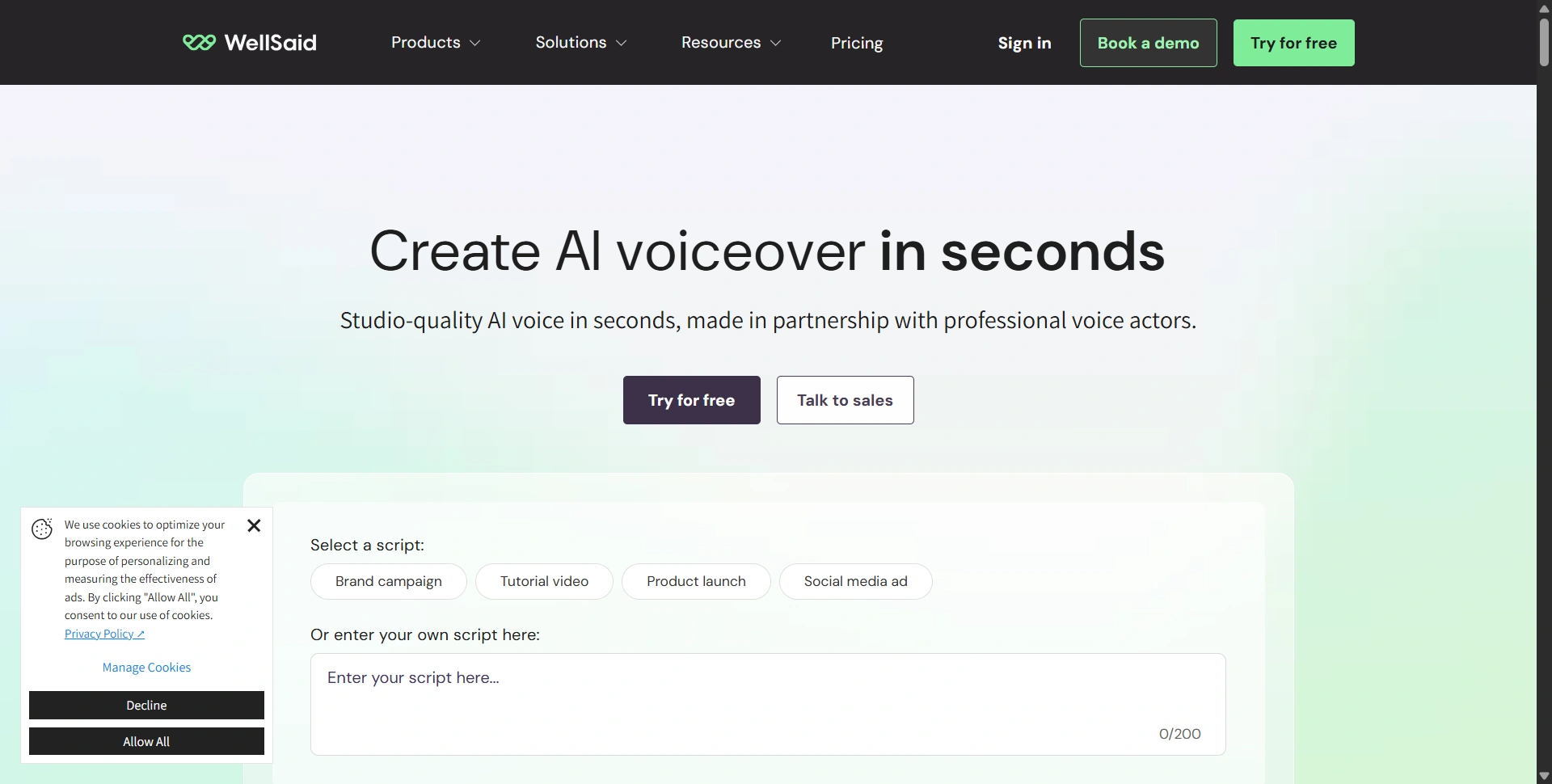
Best for: Training, onboarding, and professional business narration.
WellSaid is worth shortlisting when you want to revise narration repeatedly and pay attention to the finished audio you export. Its plans distinguish generation from downloaded minutes.
Voice quality and emotions: Studio offers tone, pitch, and emotional controls. Its voice styles include Narration, Conversational, Promo, and Character; availability differs between voices.
Voices and languages: WellSaid describes hundreds of voices. The global library covers 30+ languages, but individual Starter and Pro plans advertise English voices. Check the required language's plan access.
Best features: Unlimited generation on paid plans, retakes, pronunciation editing, and download-minute allowances.
Pros: Retakes support script revision without charging every attempt as a finished download.
Cons: Download limits still apply; global language access is plan-dependent.
Price and free access: Starter is $19/month with 20 download minutes; Pro is $49/month with 180. Annual rates are lower. The free option includes three download minutes per month without commercial rights.
Editorial rating: 4/5.
For presenter-led training, our Synthesia review covers a different route from producing a standalone audio track.
7. MiniMax Audio
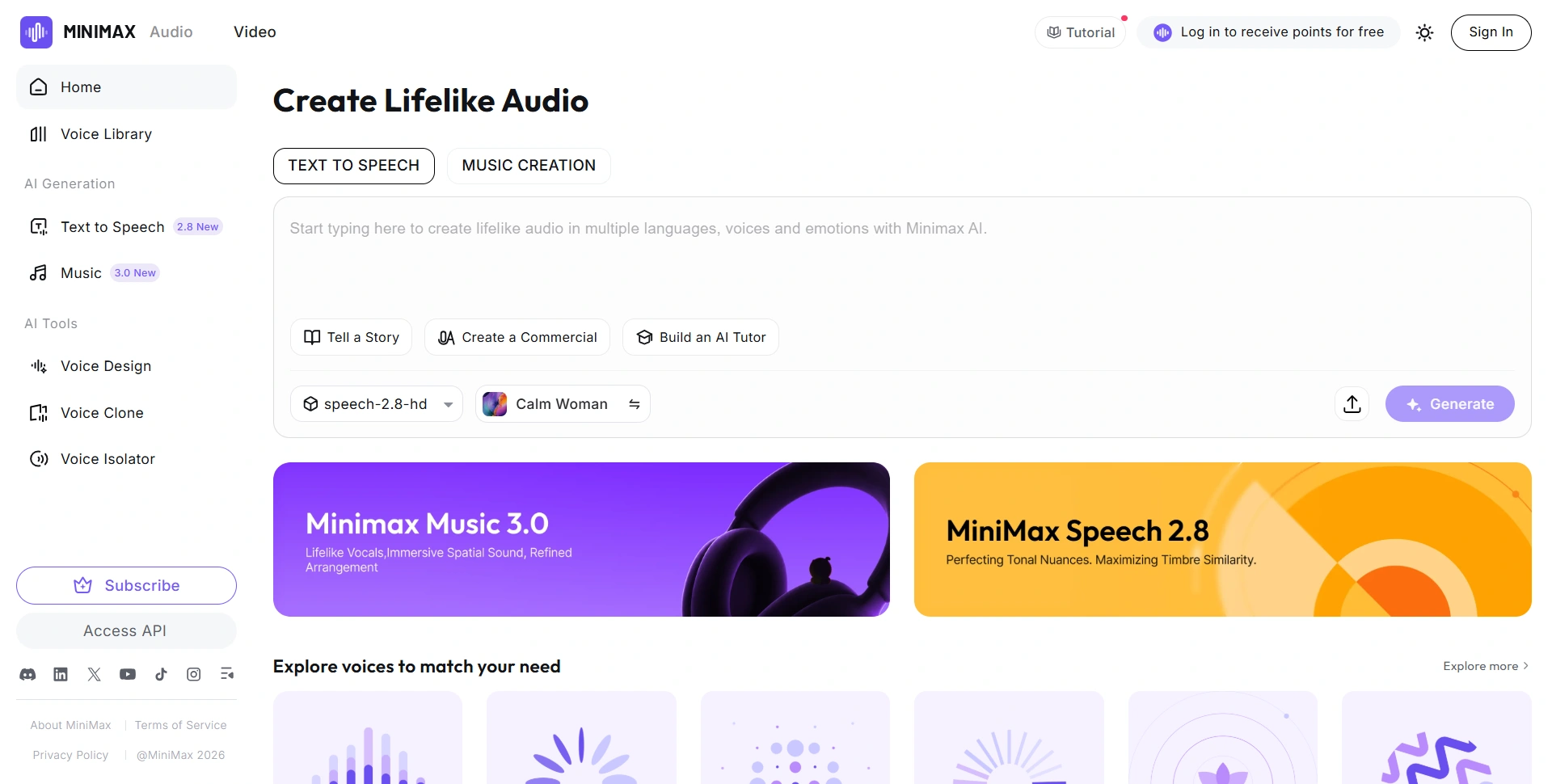
Best for: Multilingual narration, voice cloning, and developers comparing speech models.
MiniMax Audio offers browser-based speech tools alongside a separately billed developer platform. We'd compare it when you need both creative controls and a path toward automated generation.
Voice quality and emotions: Its voice generator advertises emotion control and customization. HD and Turbo models serve different quality, speed, and cost priorities; test your chosen model rather than the brand alone.
Voices and languages: The generator advertises 300+ voices and 50+ languages; confirm coverage on the model you're using.
Best features: Cloning, voice design, emotion controls, and long-form synthesis.
Pros: Browser and API workflows offer several routes into production.
Cons: Audio credits and API character billing aren't interchangeable; cloning adds costs.
Price and free access: Published Audio terms list Starter at $5/month. The generator offers five free generations. Speech 2.8 API pricing is $60 per million characters for Turbo and $100 for HD. Confirm checkout allowances separately.
Editorial rating: 4/5.
8. DupDub
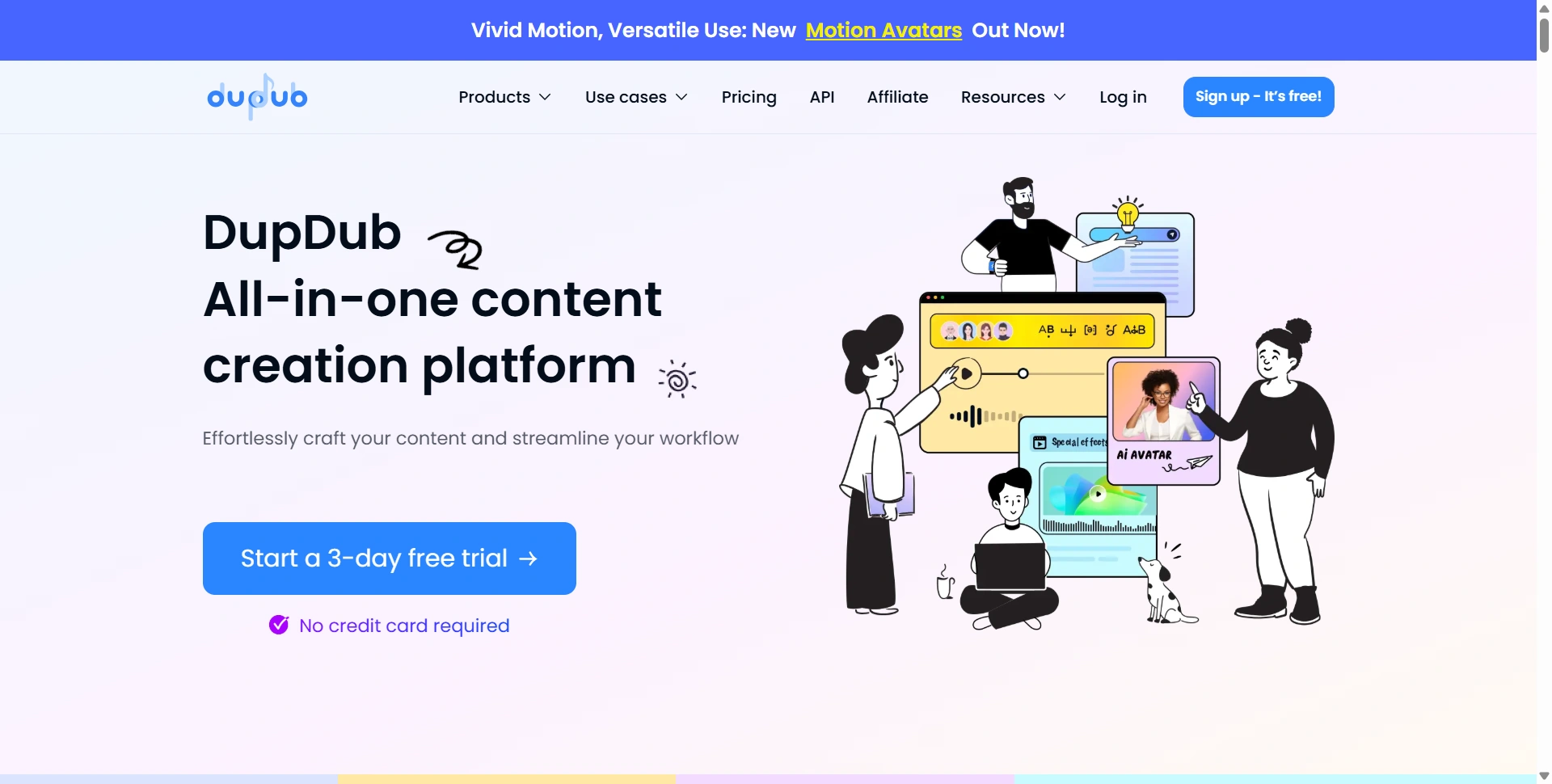
Best for: Creators turning scripts into narrated social content.
DupDub brings voiceovers together with tools for avatars, subtitles, and editing. That can reduce the number of applications involved in finishing a short video.
Voice quality and emotions: Its voice editor provides pauses, segment-level speed, pitch, and pronunciation controls. Emotion options depend on the selected voice; don't treat background music as a substitute for convincing delivery.
Voices and languages: DupDub advertises 700+ voices and 90+ languages and accents.
Best features: Pronunciation lexicons, voice cloning, subtitles, dubbing, and video exports.
Pros: Connected voice and video tools suit recurring social production.
Cons: Different engines consume credits differently; extra production features can complicate budgeting.
Price and free access: Its published plan guide lists Personal at $11/month billed annually, and Professional at $30/month annually. The three-day trial includes 10 starter credits. Confirm the current checkout and selected engine's consumption.
Editorial rating: 4/5.
Choose using your own script
Use the same short script in two tools: a product name, numbers, a question, and both calm and energetic sentences. Compare pronunciation, pauses, emotional transitions, and cleanup time. Include failed generations when calculating what a finished minute costs.
What voice quality actually means
Listen beyond the first sentence. A useful narrator should handle punctuation, keep a steady pace, and pronounce recurring terms consistently. Check whether questions sound like questions and whether an emotional line fits the surrounding passage. A dramatic performance can work for fiction and feel distracting in a software tutorial.
For multilingual work, ask a fluent speaker to review a sample. Accent labels and language support don't establish whether your specific terminology sounds natural. Save your approved pronunciations and delivery settings so future updates can match the original recording.
Compare the finished file too. Listen on headphones and ordinary speakers, with any intended background music. Check whether volume stays consistent between sections and whether editing introduces awkward gaps. The most useful voice is the one that works in your actual production, not simply the one with the biggest catalog.
Budget for finished audio
Characters, credits, generation minutes, and download minutes measure different things. A subscription with unlimited retakes may still limit exports. A low character rate may exclude cloning charges or other services. Work out the cost of your expected script volume and revision count, then compare the complete monthly spend. Keep annual commitments separate from monthly prices when making that comparison.
Make one publishable voiceover first
Start with a suitable free allowance and finish one real project. If it needs visuals, our AI video generators guide compares the next production step. Upgrade after checking delivery, export rights, and the cost of repeat work.