An impressive AI image isn't always a useful one. Your product might change shape, the headline might contain a typo, or the file might be unsuitable for the design you need to finish.
The best AI image generators in 2026 solve different parts of that problem. Some make editing feel like a conversation. Others focus on visual style, readable text, vectors, or production workflows.
Our quick answer: start with ChatGPT for everyday creation, Nano Banana for image edits, Midjourney for visual exploration, Ideogram for text-heavy graphics, and Recraft for vector assets.
This VegaReview shortlist compares official features, pricing, and practical tradeoffs. We've kept your intended workflow at the center of each recommendation, rather than treating every tool as interchangeable.
Best AI image generators at a glance
| Tool | Best for | Pricing snapshot | Main consideration |
|---|---|---|---|
| ChatGPT | Conversational generation and editing | Free; Plus $20/month | Usage limits and edit precision |
| Nano Banana | Reference-based image edits | Free; Google AI Pro $19.99/month | Model access varies by plan |
| Midjourney | Artwork and visual exploration | Basic $10/month | Private generation needs a higher plan |
| Adobe Firefly | Adobe creative workflows | Free; Standard $9.99/month | Adobe and partner models have different terms |
| Ideogram | Text-heavy graphics | Free; Plus $20/month | Free generations are public |
| Grok Imagine | Image and video experimentation | SuperGrok $30/month | Confirm your account's generation allowance |
| FLUX | Controlled generation and integrations | Pay as you go | Model and resolution affect cost |
| Recraft | Vectors and reusable design assets | Free; Basic $12/month | Free outputs aren't licensed commercially |
Prices are US-dollar examples checked in October 2026, using monthly billing unless stated otherwise. Taxes, regional pricing, promotions, and generation allowances can change the total.
1. ChatGPT
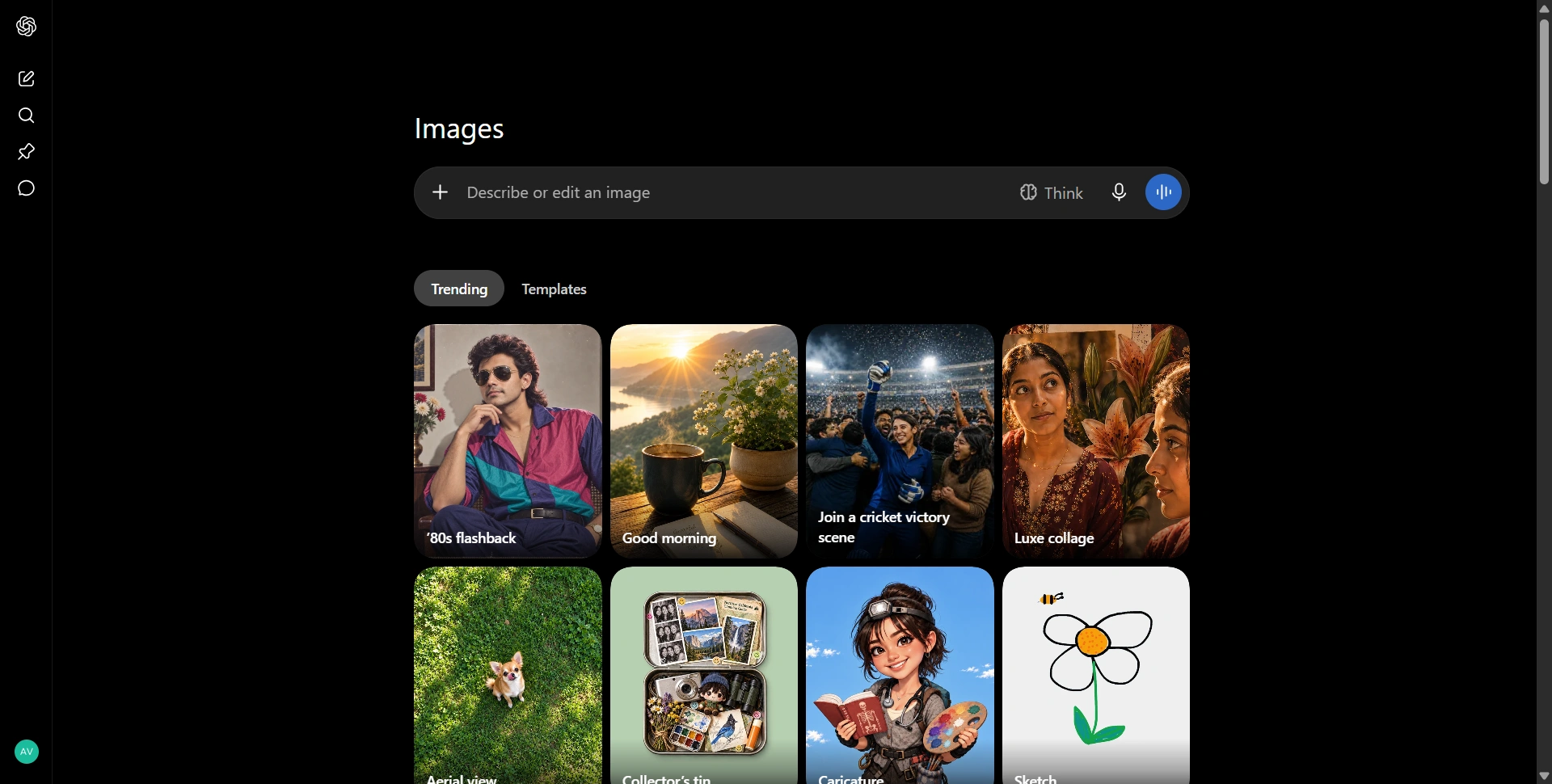
Best for: Beginners, marketers, and anyone who wants to refine images through conversation.
ChatGPT Images is a practical starting point because you can describe the asset, generate a draft, and explain changes in the same conversation. You don't need to learn a separate prompting syntax before getting started.
We'd consider it for campaign concepts, blog illustrations, social graphics, and edits to existing images. Being able to discuss the idea and the visual together is its main advantage.
Features: Image generation, uploads, follow-up edits, and a selection-based image editor.
Pros:
- Plain-language instructions make iteration approachable.
- Creation and editing sit alongside brainstorming and writing.
Cons:
- Usage limits can interrupt a batch of revisions.
- Selected-area edits can change details outside your intended region.
Pricing: Free access is limited. ChatGPT Plus costs $20/month with higher access. Check the image editor guidance before assuming every edit will preserve the surrounding image exactly.
2. Nano Banana
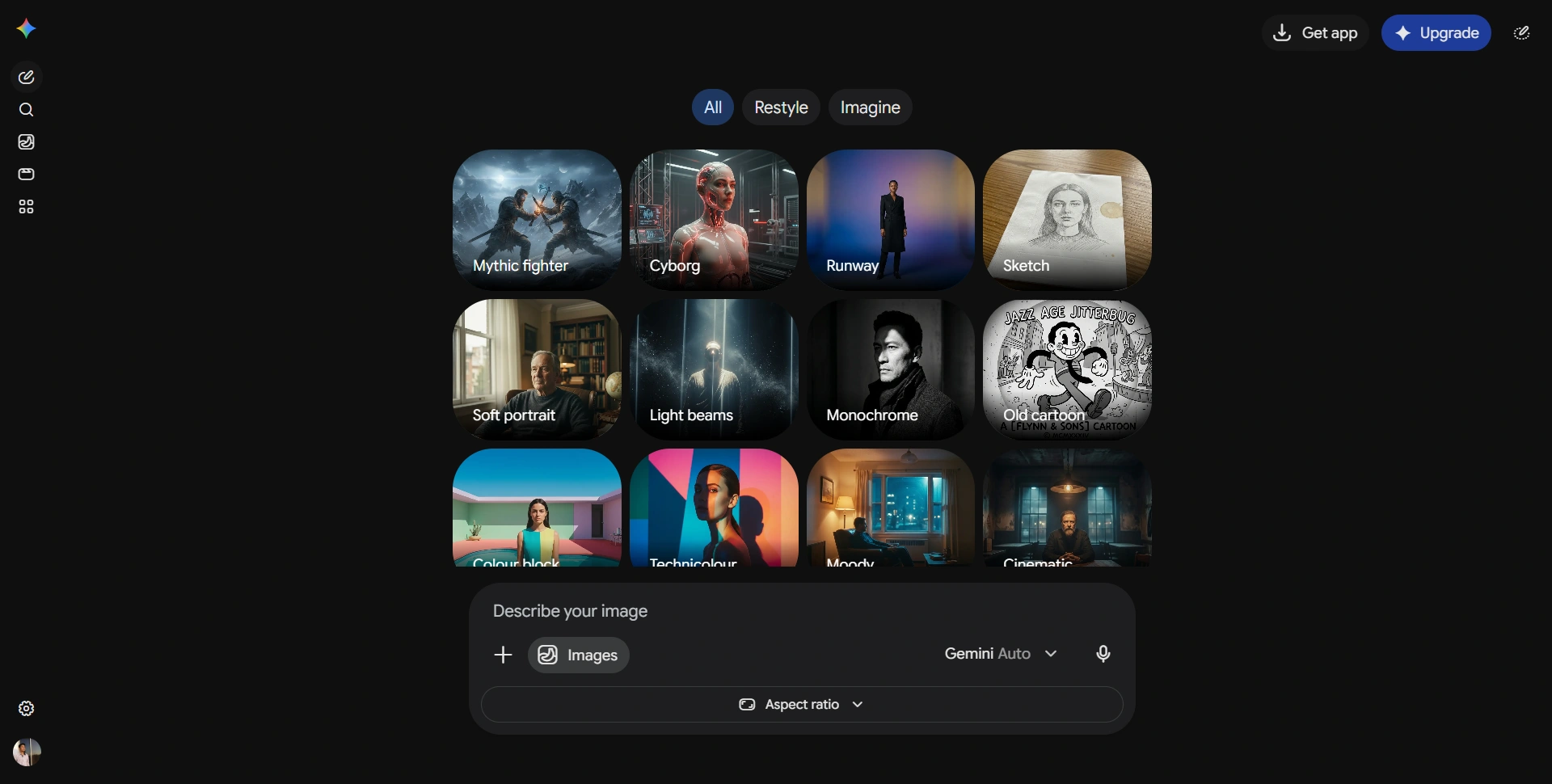
Best for: Editing reference images and developing consistent visual variations.
Nano Banana is Google's image generation and editing family inside Gemini. You can upload a picture, describe a change, combine references, or explore a different look without rebuilding the entire brief.
That suits product concepts, character variations, and changes to lighting or backgrounds. We'd shortlist it when you already have a useful starting image and want to develop it.
Features: Photo combination, reference-based styling, conversational edits, and text rendering. Google's current page distinguishes free Nano Banana access from paid Nano Banana 2.1 access.
Pros:
- References give you a clearer starting point than text alone.
- A familiar Gemini interface makes experimentation straightforward.
Cons:
- Model access and generation allowances differ between plans.
- Check repeated characters and product details across every variation.
Pricing: Free access is available. Google AI Pro is $19.99/month in the US and offers higher access; other Google AI plans also exist.
3. Midjourney
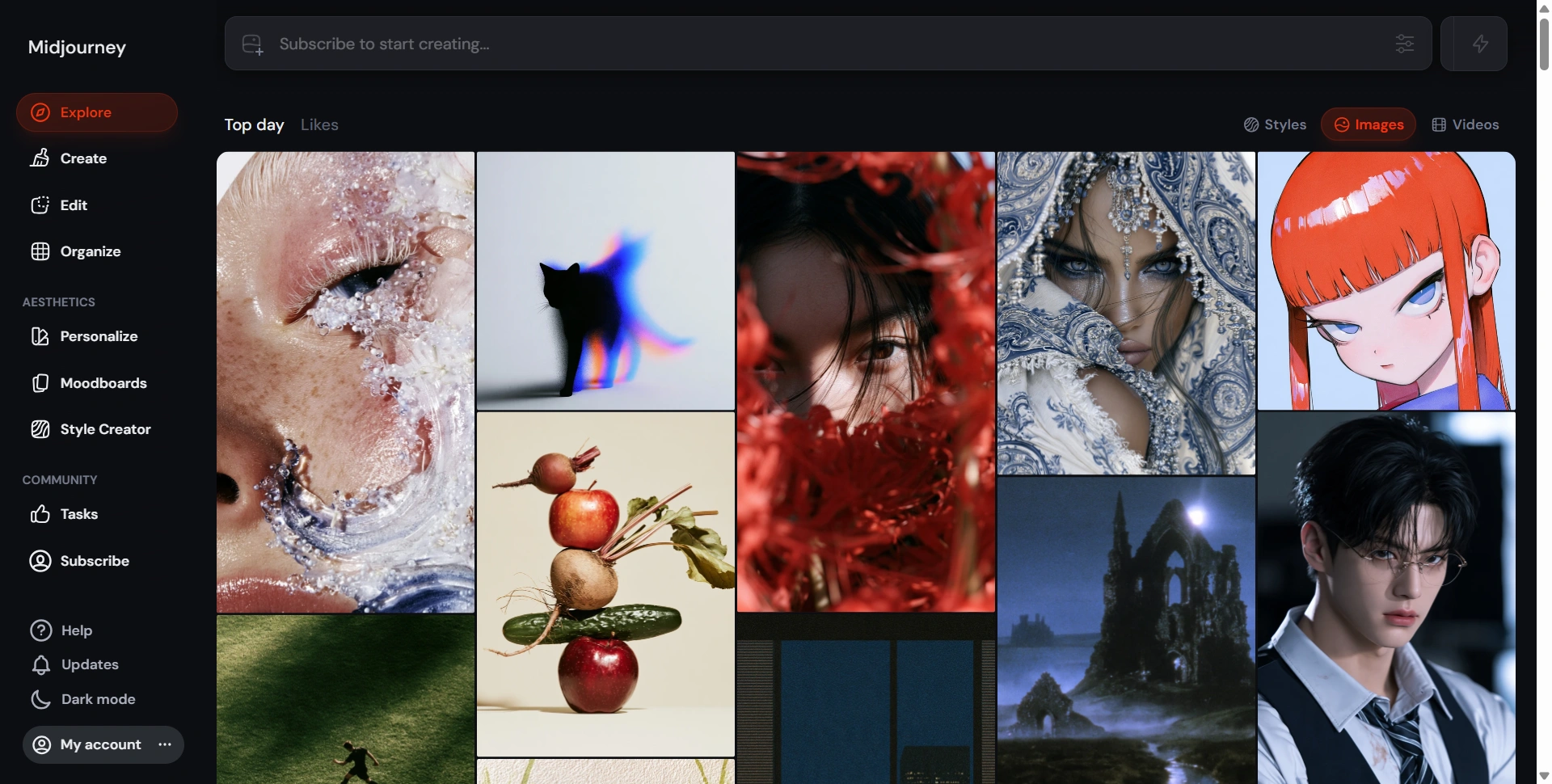
Best for: Artwork, moodboards, and exploring a strong visual direction.
Midjourney is worth considering when you're developing the look of a campaign rather than editing one existing photograph. Its creation workflow and community gallery give you room to explore different compositions and treatments.
We'd shortlist it for concept art, editorial illustrations, and visual references to share with a designer. Judge its output against your brief, rather than choosing a tool because its public gallery looks impressive.
Features: Prompt-based generation, variations, and different generation-speed modes.
Pros:
- Useful for comparing several visual directions before committing.
- Higher plans include unlimited image generation in Relax Mode.
Cons:
- Exact layouts still require careful checking and finishing.
- Private generation through Stealth Mode requires Pro or Mega.
Pricing: Monthly plans are Basic $10, Standard $30, Pro $60, and Mega $120. Annual billing is discounted. Choose according to speed, privacy, and workload, rather than only the entry price.
4. Adobe Firefly
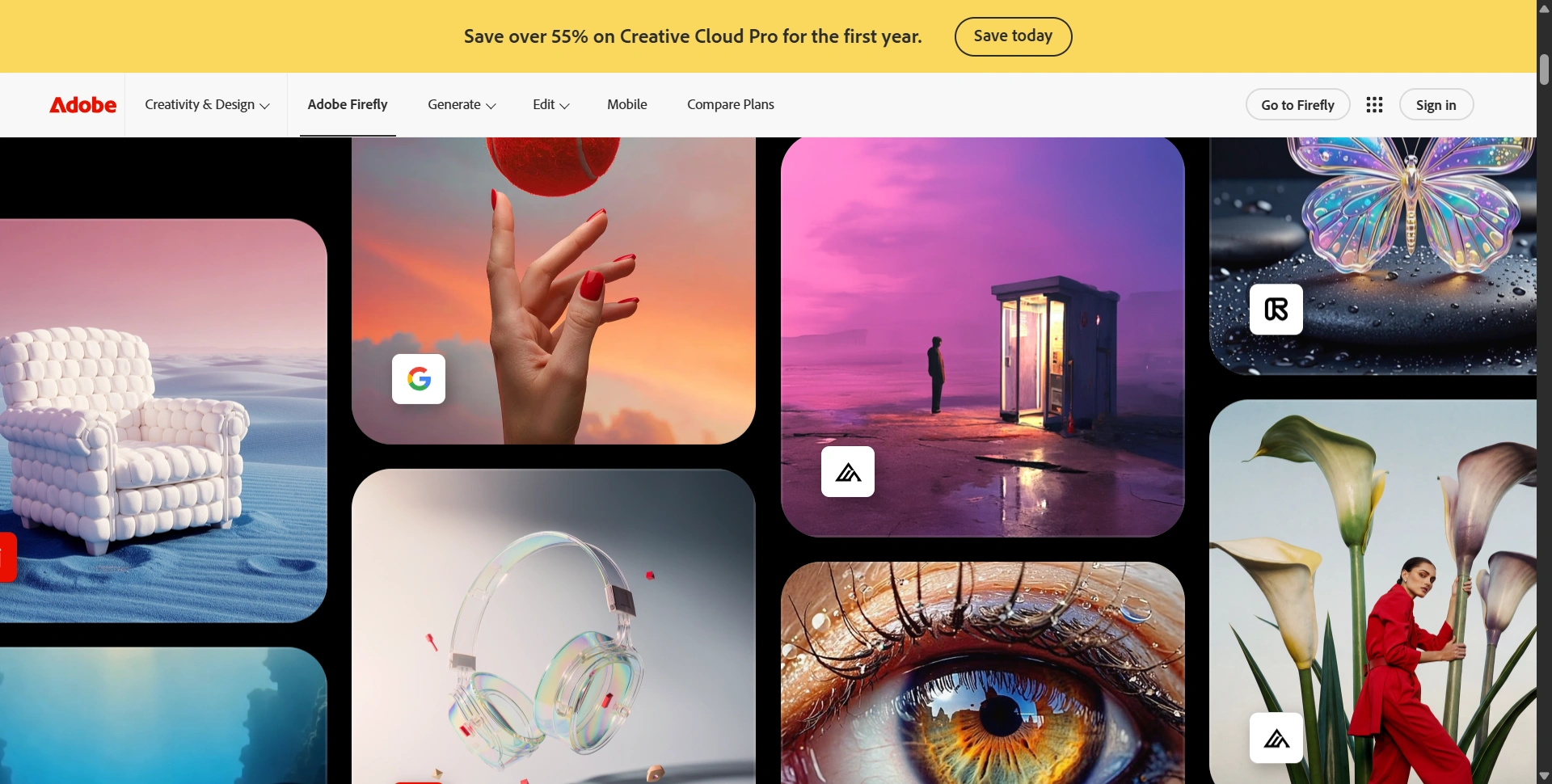
Best for: Designers and marketing teams already working with Adobe tools.
Adobe Firefly makes sense when image generation is one stage of a broader creative process. You can generate an asset and continue refining it through Adobe's editing ecosystem instead of treating the first output as finished.
Adobe says its own Firefly models are trained on licensed and public-domain content. That's a useful distinction for teams evaluating where their production assets come from.
Features: Text-to-image creation, generative editing, reference controls, and Adobe integrations.
Pros:
- Fits workflows that already include Photoshop or Adobe Express.
- Adobe documents the training approach for its own models.
Cons:
- Firefly also offers partner models; their conditions need separate checking.
- Included features and credit costs vary by model and subscription.
Pricing: Free access is available. Firefly Standard is listed at $9.99/month in the US, with Pro at $19.99. Check your existing Adobe subscription before paying for access you may already have.
5. Ideogram
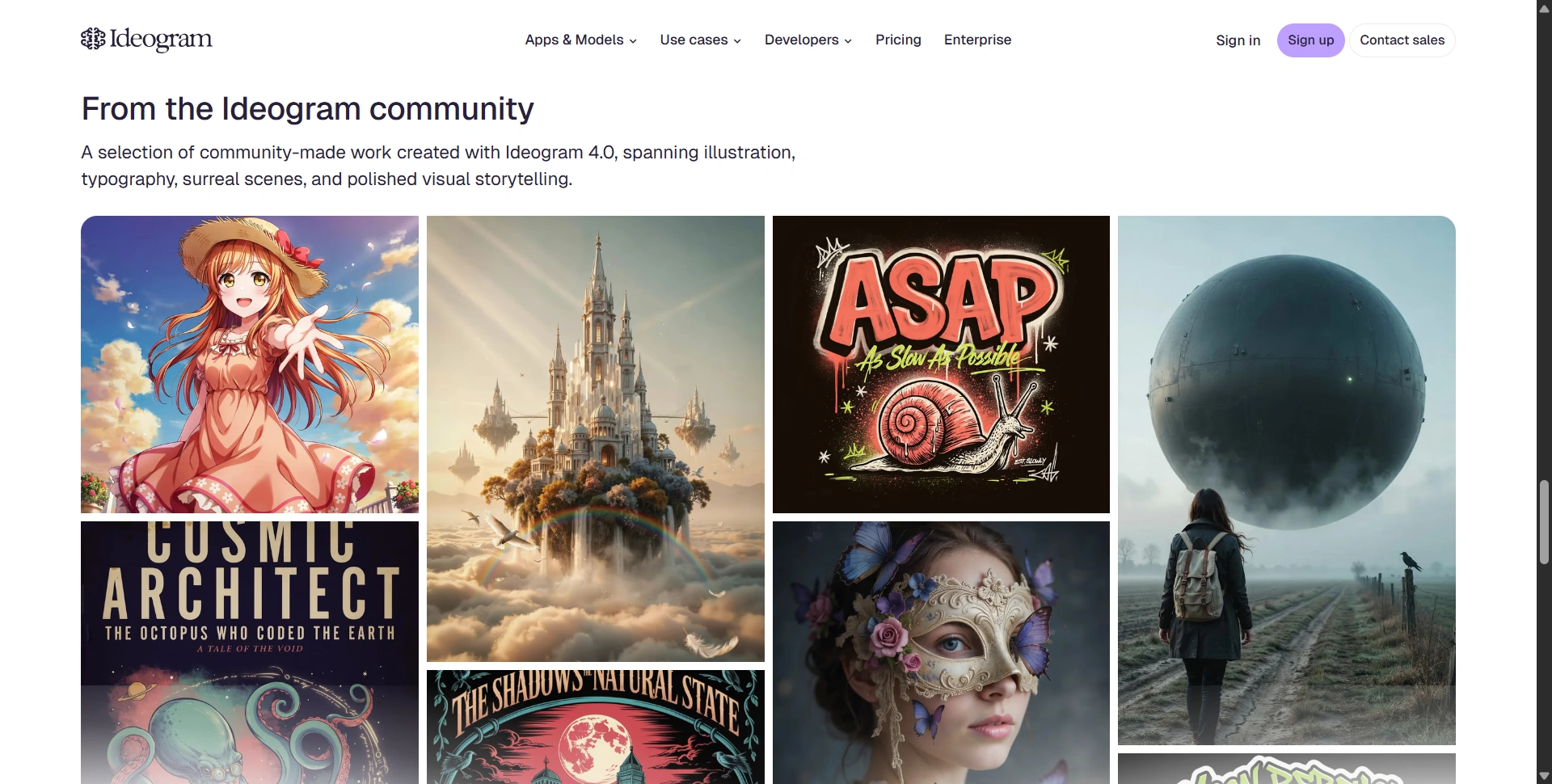
Best for: Posters, promotional graphics, and images containing important text.
Ideogram puts text rendering and prompt fidelity at the center of its image tools. That makes it worth comparing when a headline is part of the composition, rather than something you intend to add afterward.
We'd consider it for event posters, merchandise concepts, social announcements, and designs where the relationship between lettering and imagery matters.
Features: Image generation, editing, text-focused workflows, and apps for tasks such as background removal and resizing.
Pros:
- A useful shortlist option for typography-heavy concepts.
- Paid plans offer private generations and slower-queue access to Ideogram models.
Cons:
- Free outputs are public, which matters for unreleased campaigns.
- Edits, references, and partner models can keep consuming credits.
Pricing: The current plan guide lists Free, Plus $20/month, Pro $60/month, and Team $30/user/month. Plus is $15/month billed annually. Proofread names, dates, and small lettering before publishing any generated design.
6. Grok Imagine
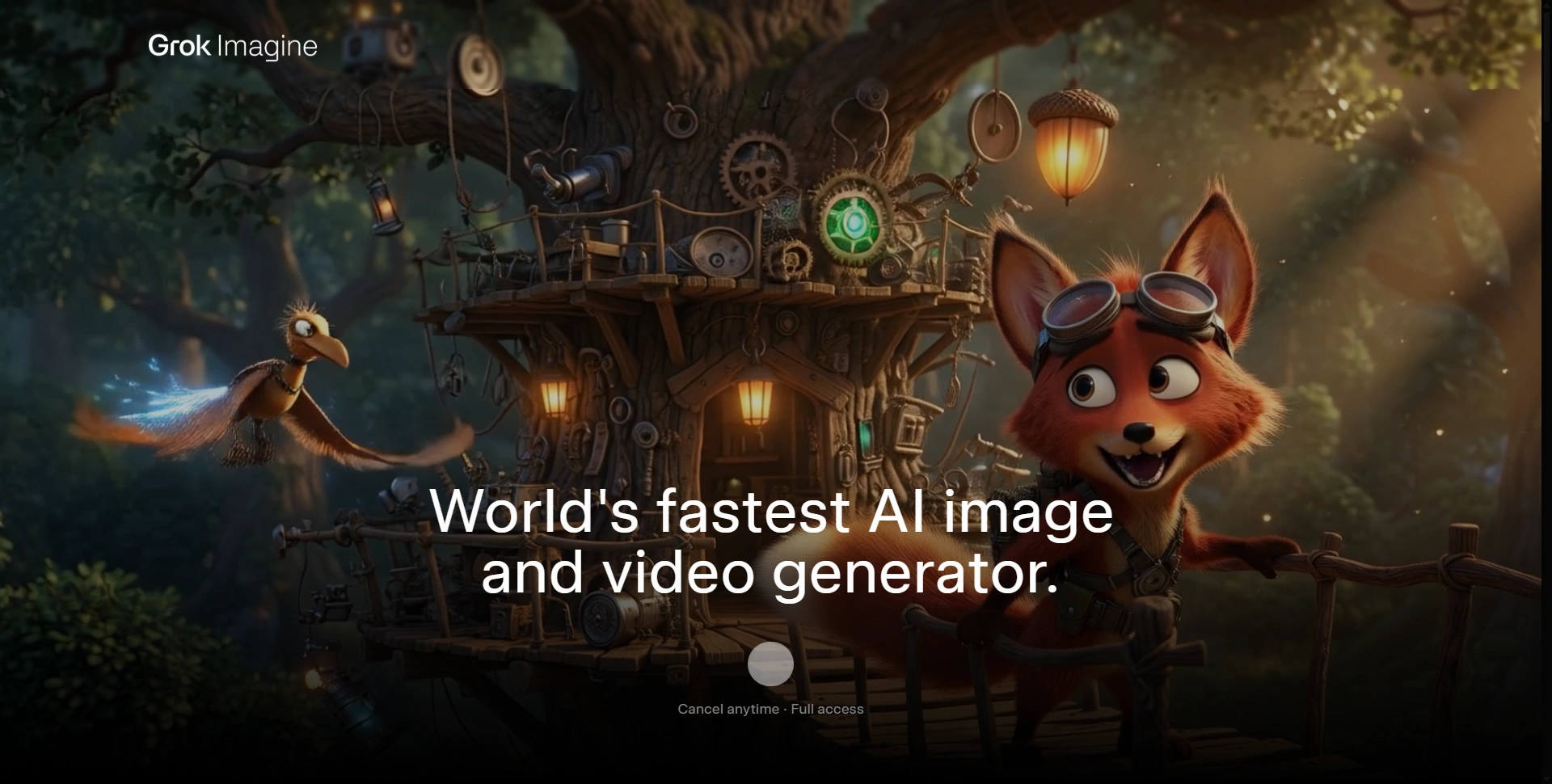
Best for: People who want image creation and video experimentation within Grok.
Grok Imagine is relevant if you already use Grok and want to add visual creation to that workflow. Its image and video capabilities let you explore an idea across more than one format.
We'd consider it for social concepts and creative experiments, especially when moving from a still image toward motion is part of the brief.
Features: Image generation and editing, alongside video-generation capabilities.
Pros:
- Keeps visual experimentation inside an existing Grok subscription.
- Offers both still-image and motion workflows.
Cons:
- A general chatbot allowance doesn't establish your image-generation allowance.
- Brand details and visual continuity still need manual review.
Pricing: The official pricing page includes image and video generation in SuperGrok at $30/month; SuperGrok Plus is $100/month with higher usage.
For a dedicated motion workflow, compare the options in our best AI video generators guide before choosing a subscription.
7. FLUX
Best for: Reference-led generation, production workflows, and developers integrating images.
FLUX is a model family from Black Forest Labs. That distinction matters: the model and the website giving you access aren't necessarily the same product.
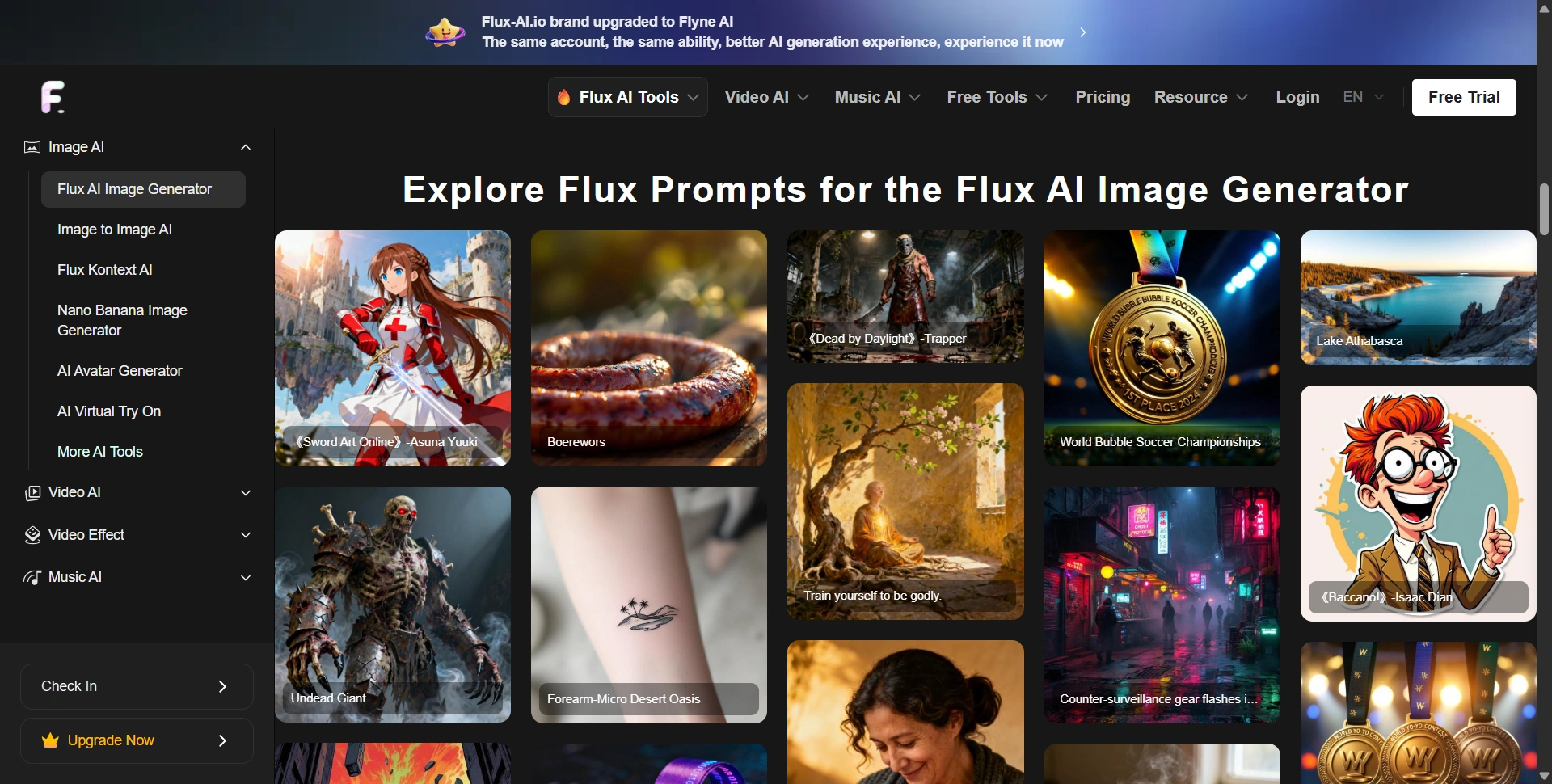
The supplied screenshot shows a third-party interface. For official capabilities and billing, start with Black Forest Labs. Its current FLUX 3 Image page describes multi-reference generation and controls for composing images.
Features: Image generation, reference-guided editing, and API access. Available controls depend on the model and provider.
Pros:
- References help guide subjects, styling, and composition.
- API access suits repeatable workflows and product integrations.
Cons:
- Different providers can offer different models and restrictions.
- Model choice and licensing require more attention than a simple app subscription.
Pricing: Black Forest Labs offers pay-as-you-go pricing. Use its calculator for your selected model and resolution. A third-party subscription is separate, so compare the actual access and output costs before paying.
8. Recraft
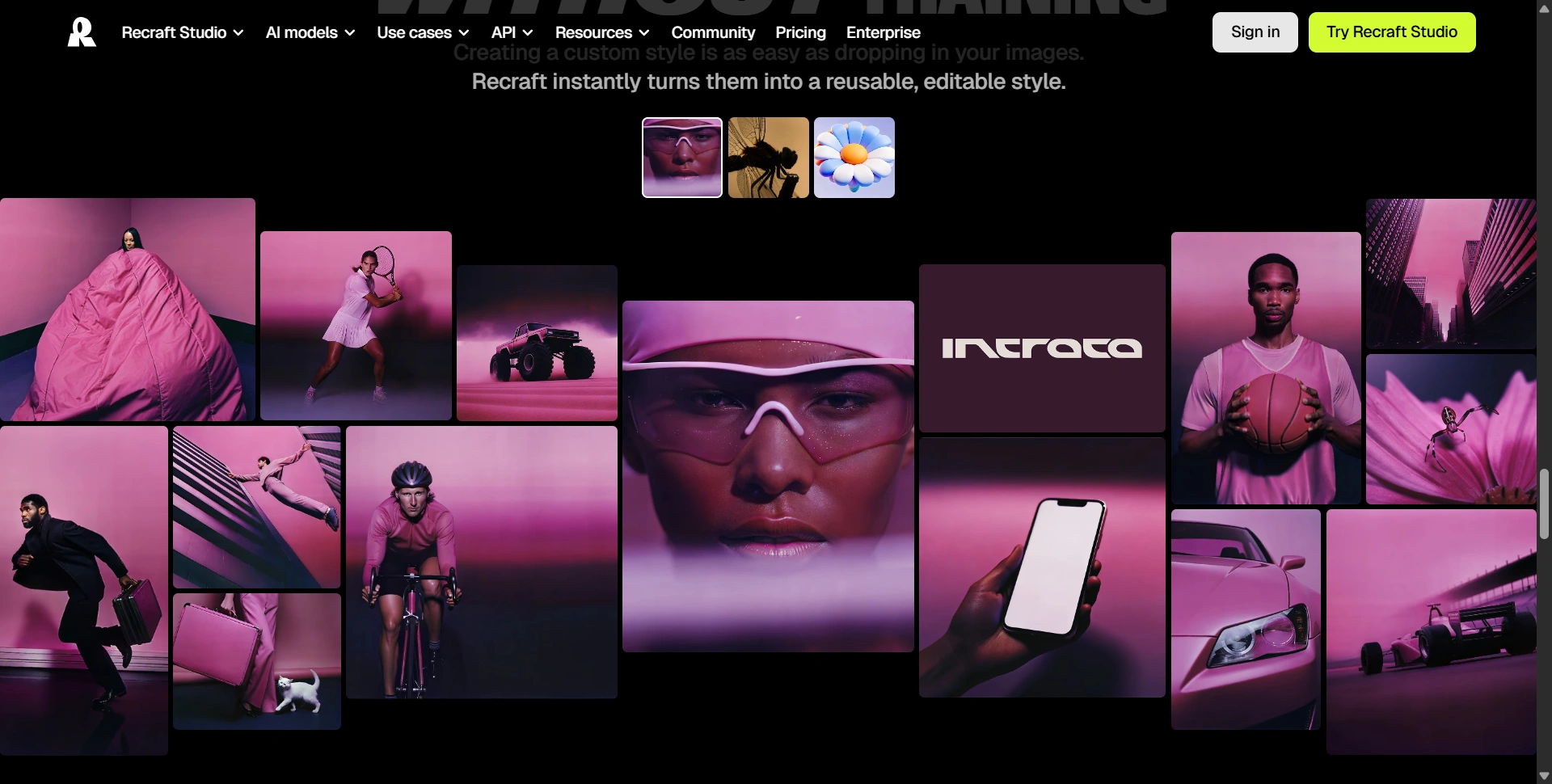
Best for: Vector graphics, coordinated design assets, and professional visual workflows.
Recraft is worth considering when you need assets that work together, not just an attractive standalone picture. Its vector capabilities are particularly relevant for icons and graphics that need to scale cleanly.
We'd shortlist it for brand concepts, illustration sets, and reusable website assets.
Features: Raster and vector generation, style controls, vectorization, background removal, and image editing.
Pros:
- Vector workflows help with scalable design assets.
- Style controls support coordinated sets rather than unrelated outputs.
Cons:
- Free images are public and aren't licensed for commercial use.
- Credit consumption depends on the action and selected model.
Pricing: Basic starts at $12/month for 1,000 credits; Pro starts at $20 for 2,000. Paid plans provide private generation and commercial usage rights. Check the free-plan restrictions before using an experiment in client work.
For final brand refinement, our Fiverr alternatives guide helps you compare places to hire a designer.
Choose around the asset you need
Test two shortlisted tools with the same brief, reference image, wording, and output format. Compare usable results, editing time, privacy, and cost after failed attempts. Check product shapes, spelling, and consistency at the size your audience will actually see.
Decide whether you need a finished illustration, a photo edit, or an asset a designer can keep modifying. A PNG preview doesn't give you the same flexibility as an editable vector. For recurring campaigns, test the same character or product in three separate images. Also check whether unused credits expire, whether your generations are public, and whether paid access includes the specific model you want. Those details can change which plan offers the best overall value.
Create one image before subscribing
Pick a real asset you need this week. Start with an available free plan or the smallest suitable paid option, finish the image, and check its usage terms. Upgrade when the workflow saves you time on real projects, rather than when a showcase image impresses you.