If you've ever tried to make a professional video for social media, YouTube, or your business, you already know where things get complicated.
You need footage, editing, subtitles, music, voiceovers, resizing, branding, and sometimes several versions of the same video for different platforms.
VEED puts most of that inside one browser-based editor.
You can start with a blank project, upload existing footage, use templates, or describe what you want to create. From there, VEED gives you tools for editing, subtitles, voice generation, avatars, translation, background removal, audio cleanup, and video creation.
But that raises a more useful question:
Is VEED actually worth paying for in 2026, or are you better off using a simpler video editor or a dedicated AI video tool?
We looked at VEED's current features, pricing, editing workflow, AI tools, and recent user feedback to find out where it works well and where it falls short.
Our short answer: VEED is a strong choice if you want one place to create, edit, caption, resize, and publish video content. It makes particular sense for creators, marketers, SaaS teams, social media managers, and businesses producing videos regularly.
What Is VEED?
VEED is an online video creation and editing platform built around a simple idea: you shouldn't need professional editing software just to produce a good business or social media video.
You can use VEED directly from a browser on Windows, Mac, Linux, iPhone, iPad, and Android. Its editor includes traditional tools such as trimming, cropping, text, audio, transitions, and video conversion alongside newer generation and automation features.
VEED currently covers several different jobs:
- Video editing
- Text-to-video
- AI video generation
- AI avatars
- Voice generation
- Voice cloning
- Automatic subtitles
- Video translation
- AI dubbing
- Screen recording
- Video compression
- Background removal
- Video templates
- Social media content
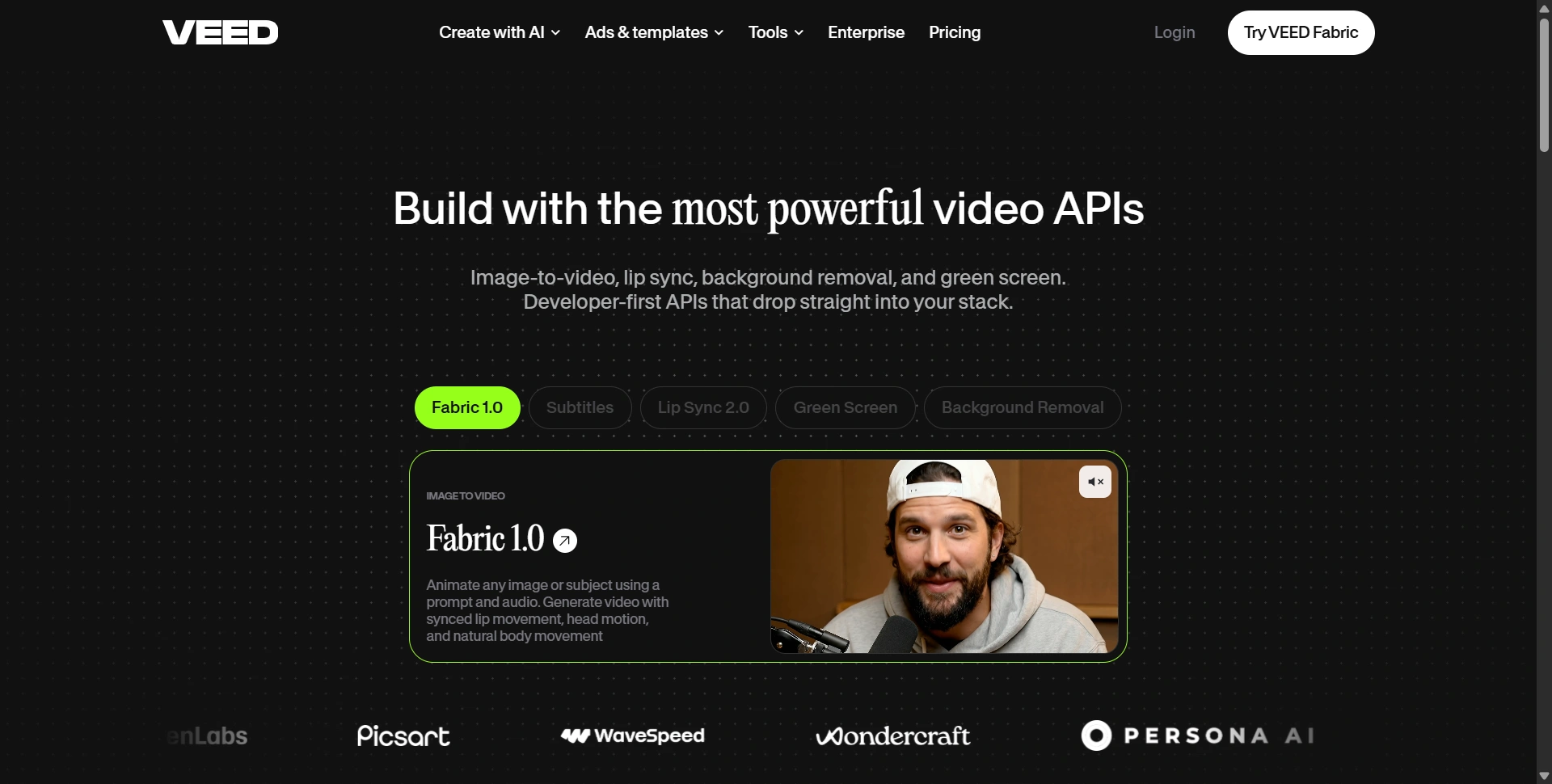
- Video APIs
That breadth is probably VEED's biggest selling point.
You don't have to generate a video in one application, move it into another editor, find a separate subtitle tool, and then use another service for resizing.
You can do most of it inside one project.
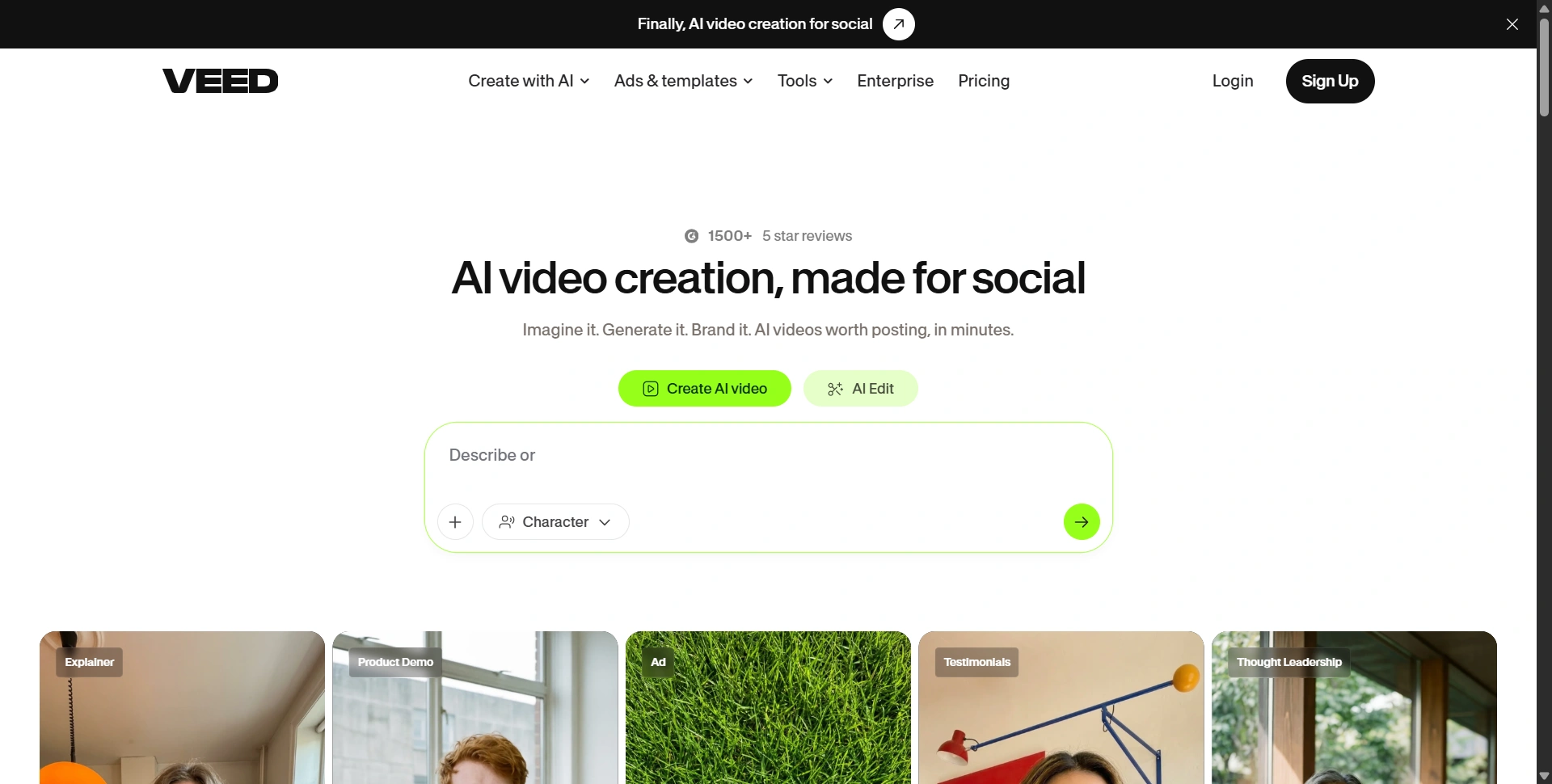
VEED AI Video Generator: How Good Is It?
VEED's video generation workflow is straightforward.
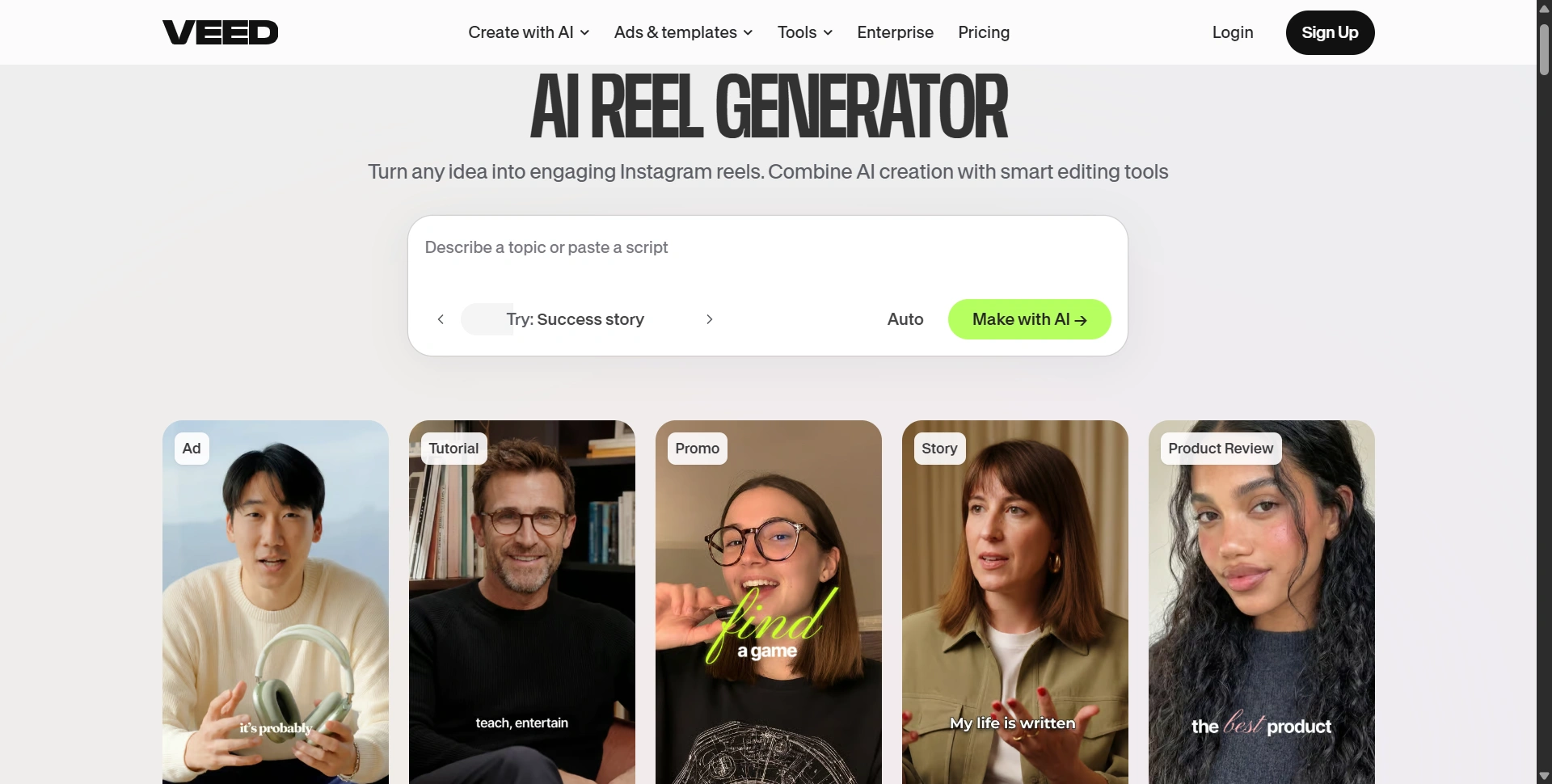
You describe what you want, select options such as format and style, and generate a starting video. You can also paste an existing script instead of starting with an idea. VEED then gives you an editable project rather than leaving you with a finished file that can't easily be changed.
That last part matters.
If you create a product demo and don't like one clip, you can replace it. If subtitle timing looks wrong, you can change it. If you want different music, you can swap it.
VEED also supports text-to-video workflows with voiceovers, captions, stock footage, avatars, and other media.
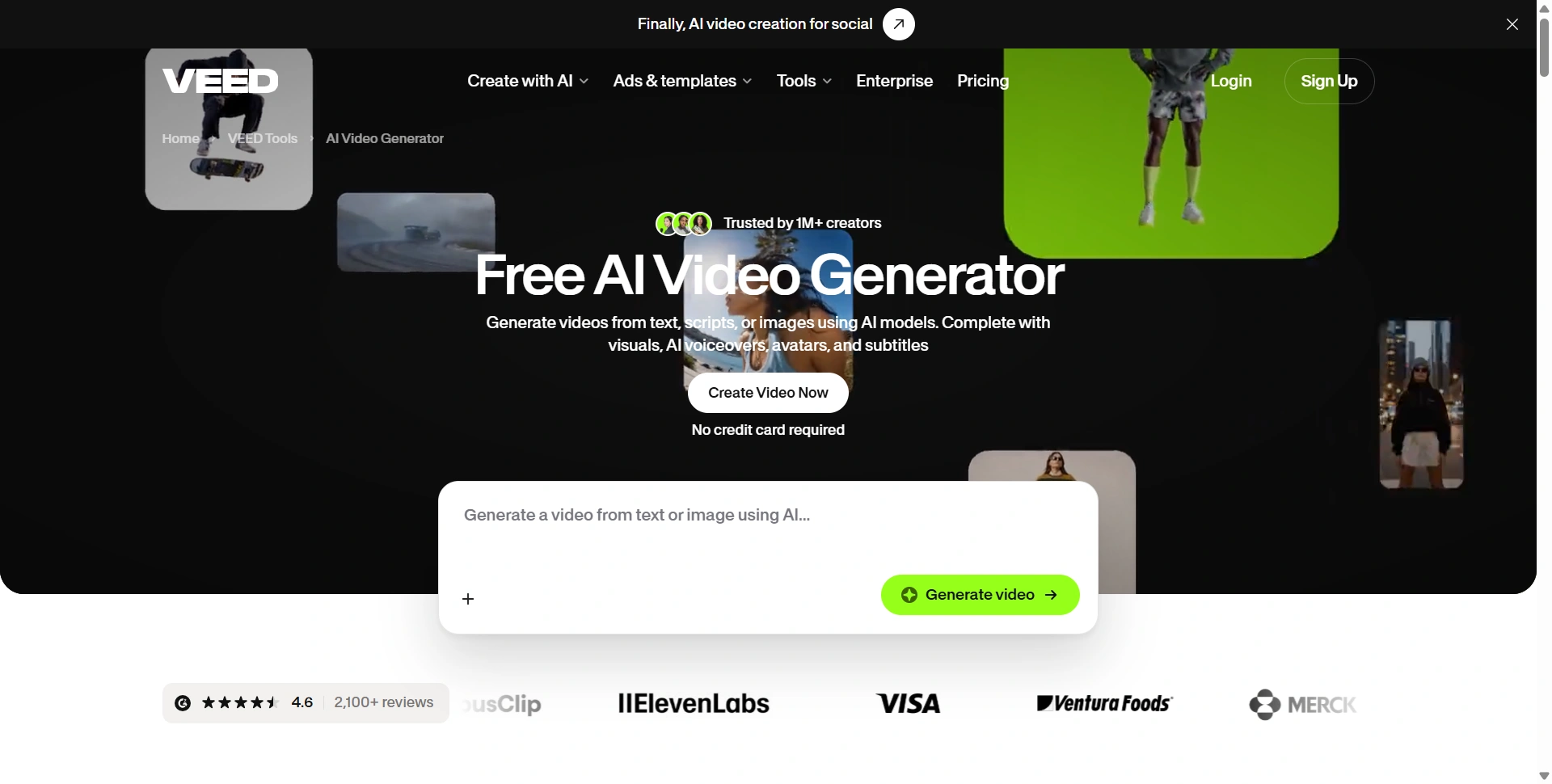
There is one important distinction worth knowing.
VEED isn't only a generative video model.
Some VEED workflows combine stock footage, voiceovers, avatars, music, captions, and editing rather than generating every frame from scratch. For marketers, that's often useful because you get a usable business video faster. For someone specifically looking for cinematic, fully generated footage, expectations should be different.
VEED also has an AI Playground where users can access multiple video-generation models, including models from Google, Luma, Kling, Minimax, PixVerse, and others. Credit requirements vary by model and generation.
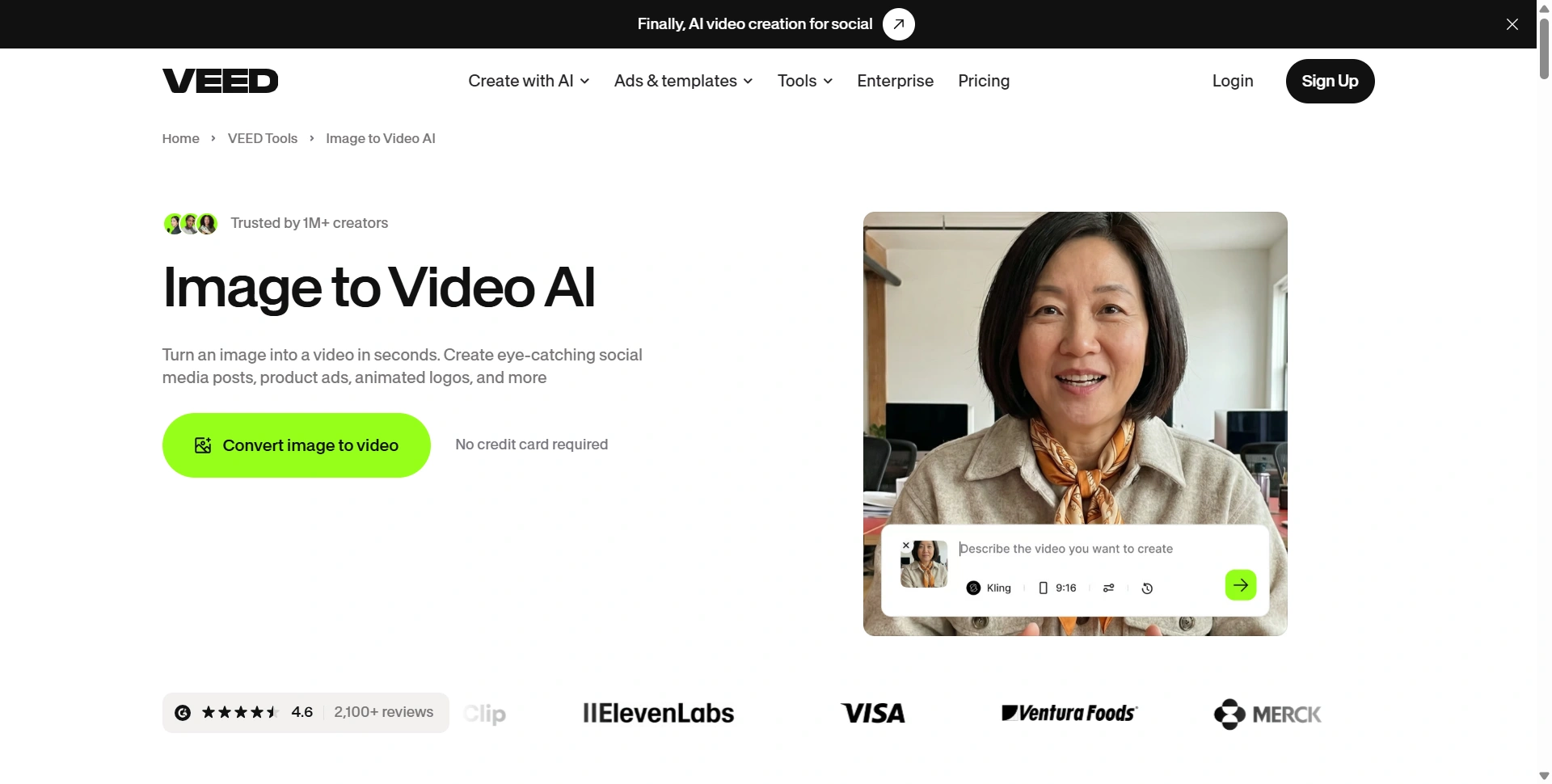
Our take: VEED's strength isn't just generation. It's what happens after generation.
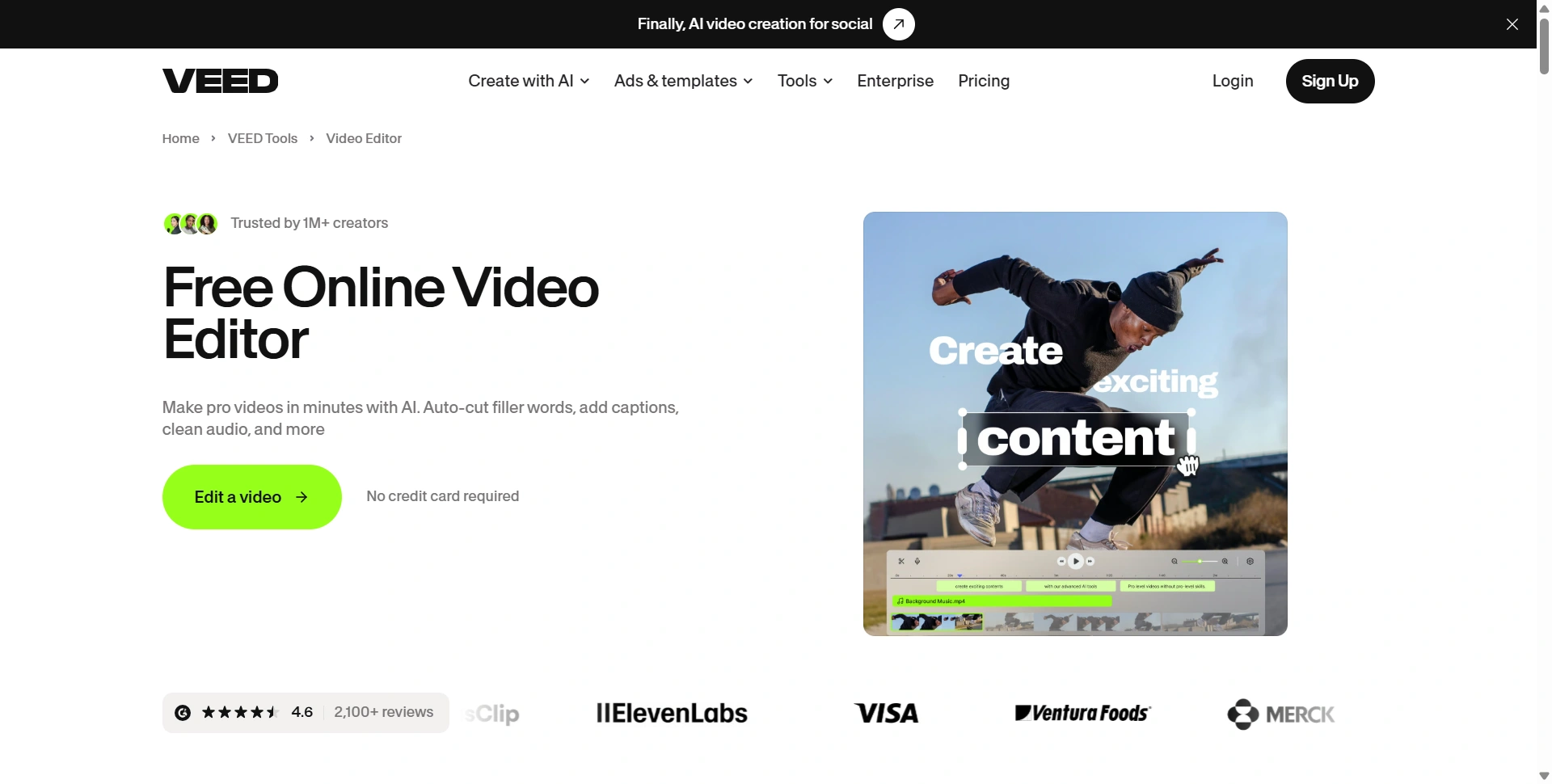
VEED Video Editor
This is where VEED becomes more interesting than a basic video generator.
You can take generated content, uploaded footage, screen recordings, stock clips, or existing videos and continue editing everything in the same workspace.
Common editing tasks include:
- Trim and cut clips
- Add text
- Add music
- Add voiceovers
- Add subtitles
- Remove background noise
- Remove filler words
- Add B-roll
- Resize for different platforms
- Add branding
- Compress videos
- Convert video formats
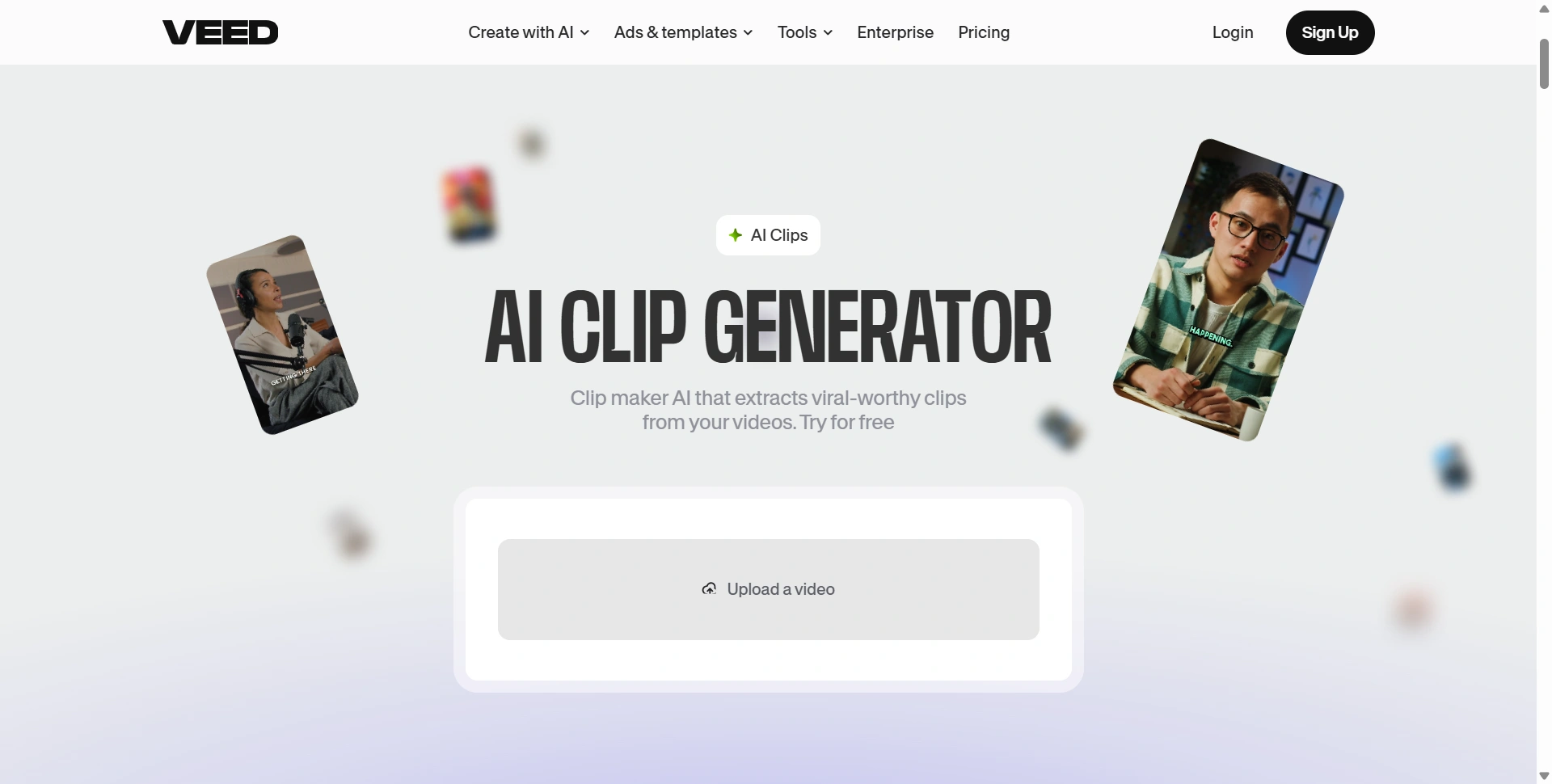
VEED's current editor also supports automatic editing features that can remove unwanted pauses, clean audio, add subtitles, and insert B-roll.
That can save a surprising amount of time if you're regularly turning long recordings into short-form content.
For example, imagine recording a 20-minute product discussion.
Instead of manually watching everything again, you can use VEED's editing tools to clean up the recording, create captions, remove pauses, and then turn sections into shorter clips.
VEED for Social Media
Social media is probably one of VEED's strongest use cases.
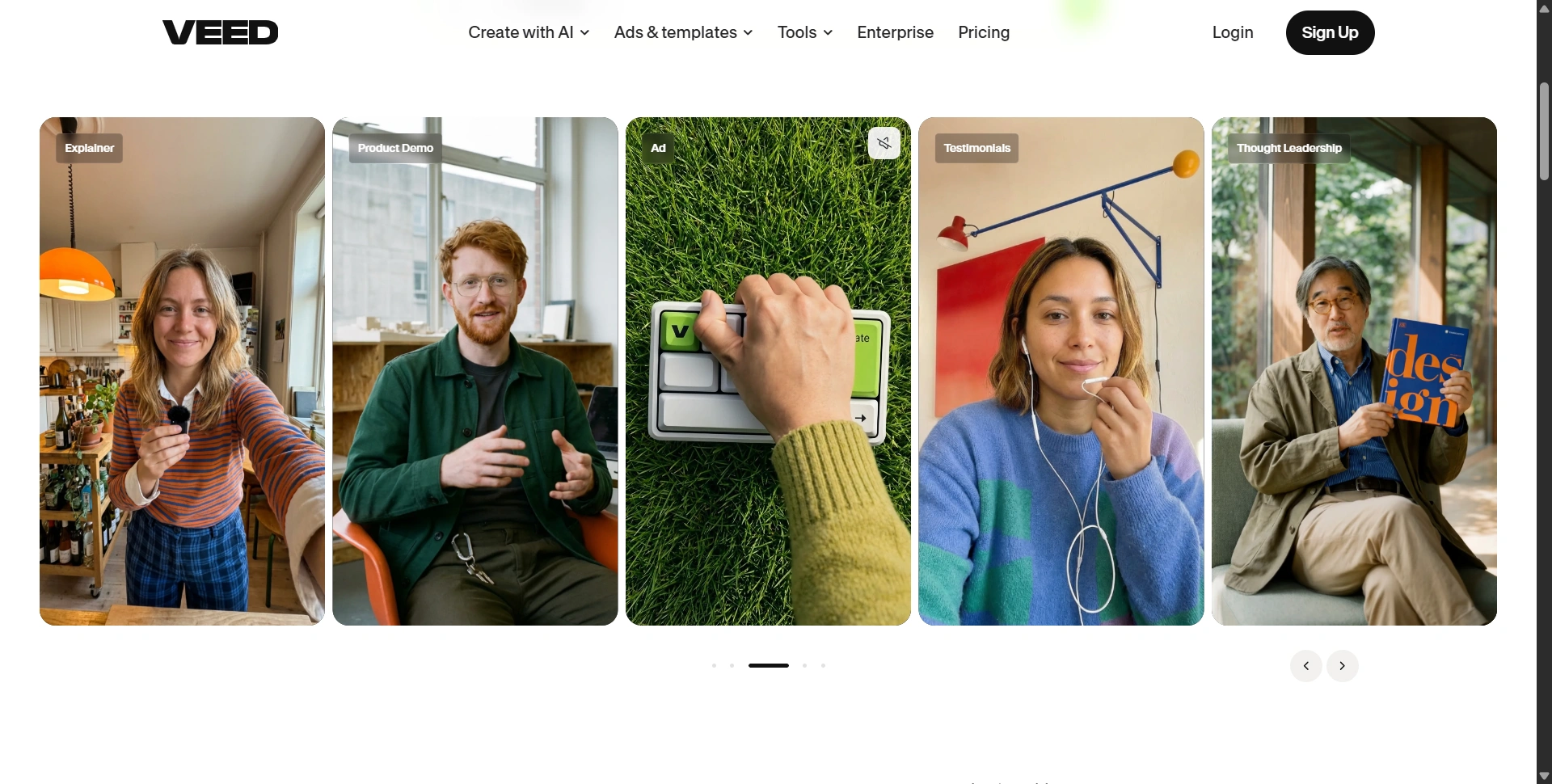
VEED has dedicated workflows around Instagram, TikTok, YouTube, ads, UGC, product demos, testimonials, explainers, and thought-leadership videos.
You can also choose different aspect ratios and continue editing after generation. VEED specifically supports vertical formats for platforms such as TikTok and Instagram Reels.
That makes it easier to take one piece of content and adapt it for several channels.
A SaaS company could create a product demo, for example, then turn it into:
- YouTube video
- LinkedIn post
- Instagram Reel
- TikTok video
- Product advertisement
- Short customer testimonial
You don't need to rebuild each version from scratch.
AI Avatars and Voice Tools
VEED also covers presenter-led video creation.
You can use avatars to create talking-head-style videos without recording yourself. Scripts can be paired with generated voices, while existing footage can still be used when you want a more personal presentation.
Voice tools include text-to-speech and voice cloning, while translation and dubbing can help turn one video into multiple language versions. VEED currently promotes subtitle translation across more than 125 languages.
This can be useful for:
- Product tutorials
- Training videos
- Customer onboarding
- Internal communication
- Marketing videos
- Product announcements
- Multilingual content
For businesses, this is more practical than it might initially sound.
A company that regularly publishes the same product explanation in English, Spanish, French, and other languages can reuse its original content instead of producing every version manually.
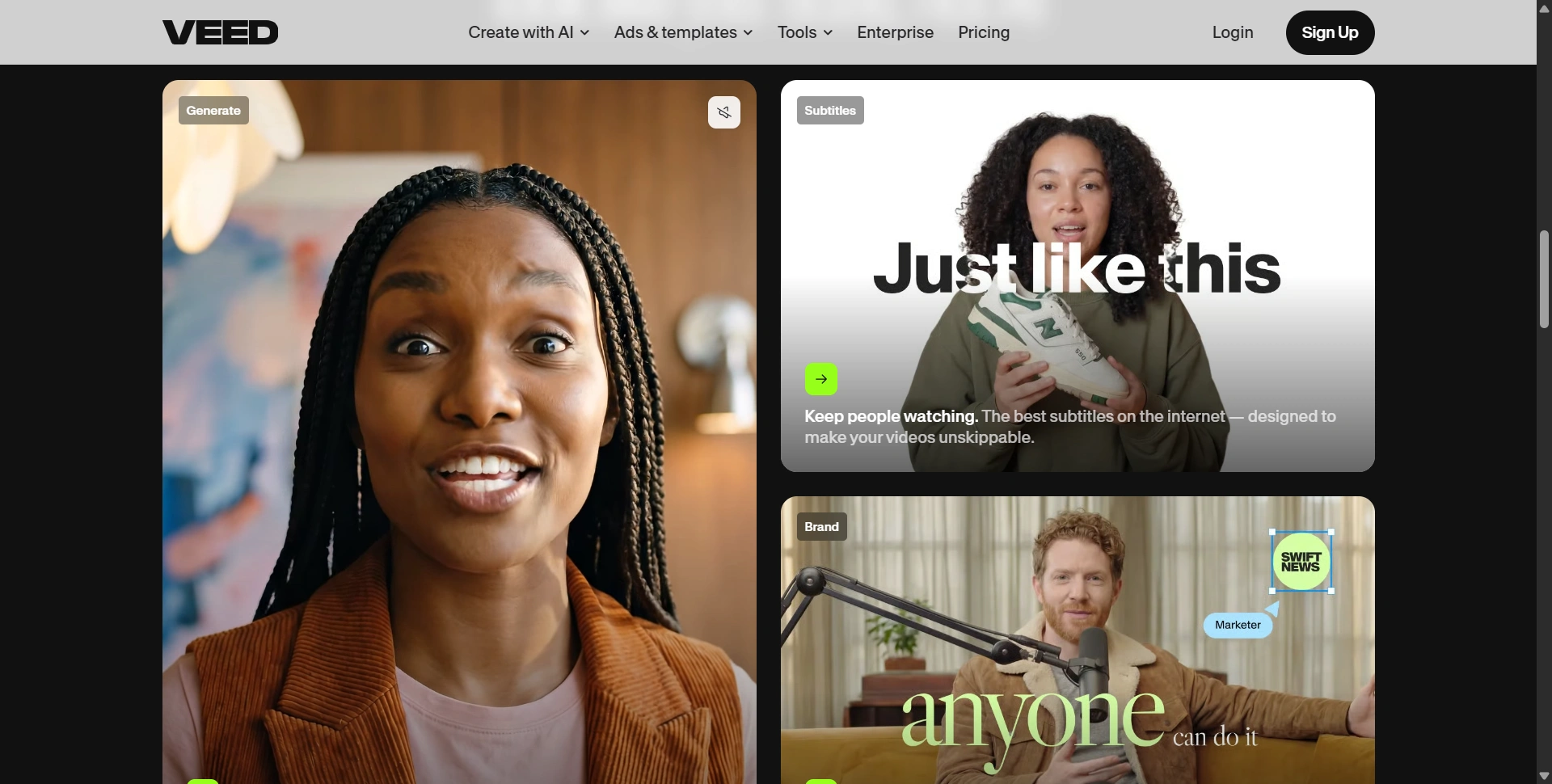
Subtitles Are One of VEED's Best Features
If you create social content, subtitles aren't optional anymore.
VEED has automatic subtitle generation built into its editing workflow, along with styling and translation.
You can also edit video using its transcript-based workflow. VEED says users can delete words from a transcript and have the corresponding section removed from the video.
That's useful for talking-head videos, interviews, podcasts, testimonials, and educational content.
One recent G2 reviewer specifically highlighted subtitles, downloading video sections based on subtitles, removing silent pauses, and cleaning videos as useful parts of VEED's workflow.
For anyone publishing several short-form videos each week, these small time savings add up.
VEED Pricing in 2026
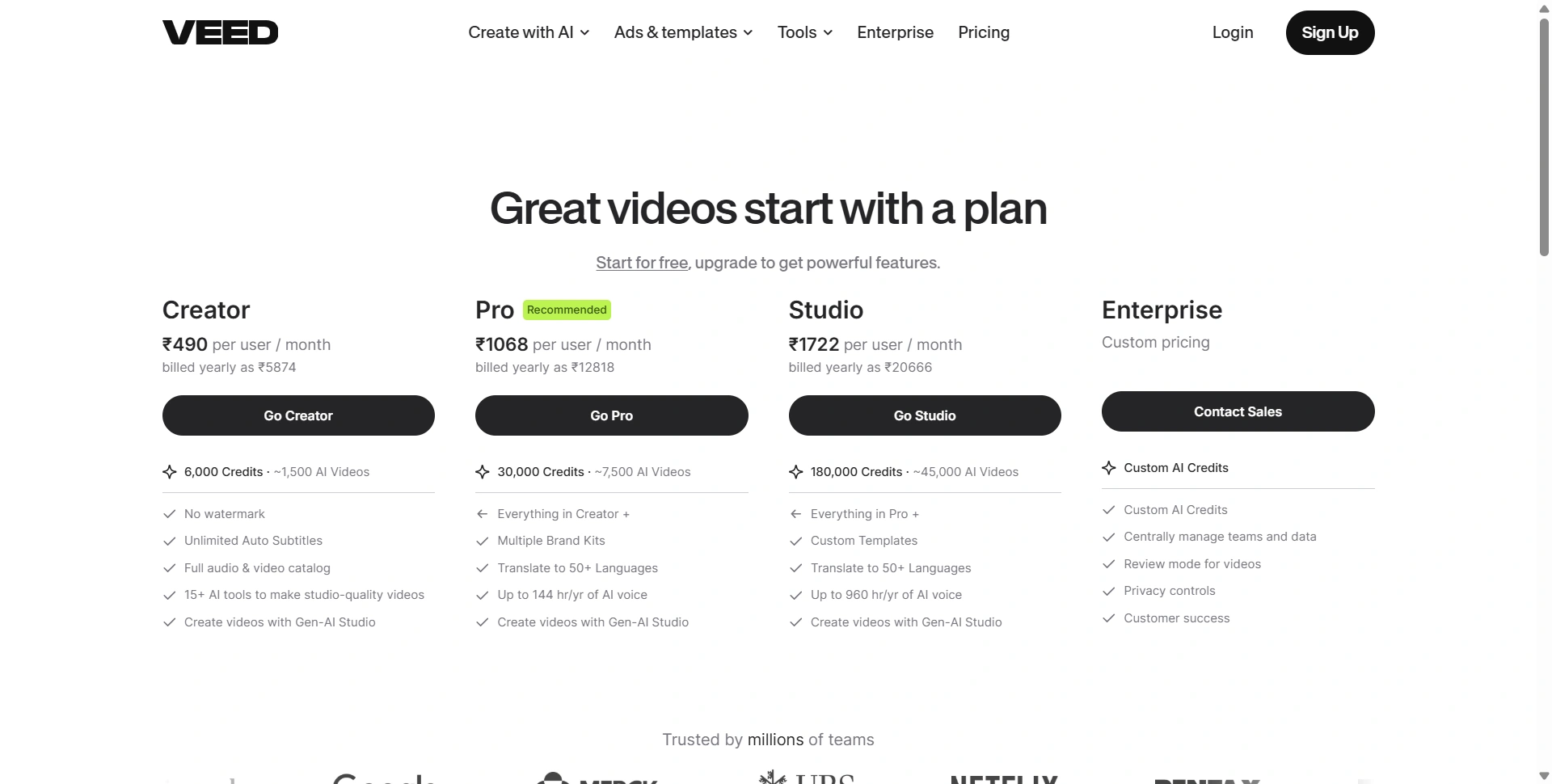
VEED has a free plan followed by paid Creator, Pro, Studio, and Enterprise plans.
At the time of our review, VEED's pricing page displayed these annual-billing prices in India:
| Plan | Price shown | Credits |
|---|---|---|
| Free | ₹0 | Limited |
| Creator | ₹490/user/month | 6,000 |
| Pro | ₹1,068/user/month | 30,000 |
| Studio | ₹1,722/user/month | 180,000 |
| Enterprise | Custom | Custom |
Creator includes features such as watermark-free exports, unlimited automatic subtitles, the full audio and video catalog, 15+ AI tools, and Gen-AI Studio.
Pro increases the credit allowance substantially and adds features such as multiple brand kits and higher voice allowances.
Studio increases credits again and adds custom templates and higher usage limits.
Enterprise is aimed at larger teams and includes custom AI credits, team and data management, privacy controls, review workflows, and customer-success support.
VEED's official pricing page also lists FAQs covering AI credits, paid-plan trials, cancellation, additional credits, subtitles, translations, and multiple users.
One thing to watch: credits
Don't look only at the monthly subscription price.
AI features consume credits, and different generations can have different costs. VEED's AI Playground shows the credit cost before generation, while successful generations consume credits.
If you create videos occasionally, this probably won't be a major issue.
If you're generating content every day, credit usage deserves more attention.
What We Like About VEED
Everything is in one place
Editing, subtitles, voice, avatars, templates, screen recording, translation, and generation all live inside one platform.
Easy learning curve
You don't need years of experience with professional editing software to start producing useful videos.
Strong social workflow
VEED makes sense for Reels, TikTok, YouTube Shorts, ads, product demos, and other short-form formats.
Good subtitle workflow
Automatic captions, transcript editing, styling, and translation make VEED particularly useful for talking-head content.
Browser-based
Projects don't require a traditional desktop editing setup. VEED works across modern browsers and devices.
What We Don't Like About VEED
Advanced editing isn't its main strength
Professional editors who need extremely precise control over complex timelines may eventually want dedicated editing software.
AI usage can get expensive
Heavy users need to pay attention to credits rather than simply looking at the subscription price.
Large projects can be frustrating
Some recent Capterra reviewers mention problems with larger files, crashes, lost work, and more advanced editing workflows. Those are individual reports rather than evidence that every user will experience the same problems, but they're worth knowing about.
Value depends heavily on usage
One recent Capterra reviewer liked VEED's tools but criticized the number of credits available on a lower-priced plan. Another reviewer described VEED as useful for quick edits while finding more advanced editing harder to manage.
What Do Users Say About VEED?
Recent reviews are mixed, which is actually useful when evaluating software.
Capterra's September 2026 review page lists 63 reviews and shows a 3.2 overall score on its platform. Positive reviews mention ease of use, quick editing, and creating training or property-tour videos. Negative reviews include complaints around pricing, billing, larger projects, and customer support.
G2 reviews show a different side. Recent reviewers have praised VEED's ease of use, subtitles, removing pauses, and extracting clips from longer videos. Pricing has also been mentioned as a concern, particularly for users paying in currencies such as INR.
So there isn't a simple "everyone loves it" story here.
VEED's usability is consistently one of its more attractive qualities, while pricing, credits, advanced editing, and occasional technical issues are areas worth considering before committing.
Who Should Use VEED?
VEED makes sense for you if you:
- Create social media videos regularly
- Run a SaaS or startup marketing team
- Produce product demos
- Make YouTube Shorts or Reels
- Need automatic subtitles
- Create multilingual content
- Want browser-based editing
- Need quick marketing videos
- Work with several people on video projects
It may be less suitable if your main requirement is advanced professional post-production with highly detailed timeline control.
VEED vs Other Video Tools
VEED sits somewhere between a traditional online editor and a modern AI video platform.
You can use it as a straightforward video editor.
You can also use it to generate videos from text.
You can use avatars.
You can record your screen.
You can create subtitles.
You can translate videos.
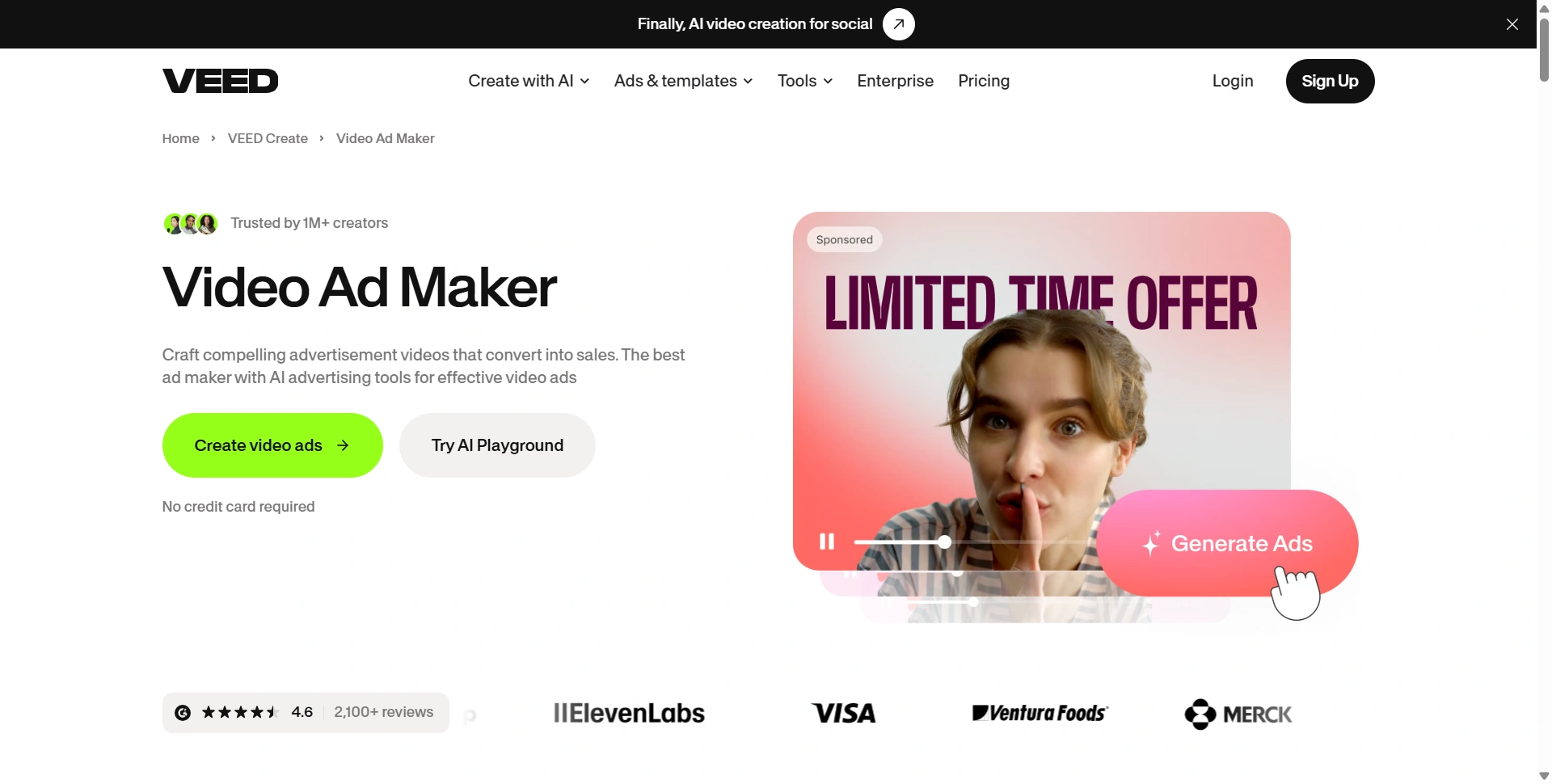
You can produce social ads.
That range is what makes VEED different from tools focused on only one part of video production.
If you need one specialized tool for cinematic generative video, you may want something more focused.
If you want one workspace for turning an idea or recording into a finished marketing video, VEED makes much more sense.
Is VEED Worth It in 2026?
For regular content production, VEED can be worth it.
Biggest advantage is convenience.
You can record something, clean it up, remove pauses, add subtitles, add B-roll, resize it, translate it, and export it without moving between five different applications.
That workflow becomes particularly valuable for marketing teams and creators publishing frequently.
Free users can also test basic editing before paying, although free exports include a watermark and paid plans unlock higher-quality exports and broader functionality.
I'd pay particular attention to your expected monthly usage before choosing a plan.
If you make two videos a month, a large subscription probably isn't necessary.
If you're producing several videos every week, VEED's combination of editing, captions, generation, translation, and social workflows becomes much more useful.
Final Verdict
VEED is more than an AI video generator. It's a complete browser-based video production tool with AI built throughout the workflow.
Its strongest areas are:
- Social media videos
- Fast editing
- Automatic subtitles
- AI-assisted creation
- Product demos
- Marketing videos
- Video repurposing
- Multilingual content
- Browser-based collaboration
Biggest drawbacks are pricing at higher usage levels, AI credit consumption, and limitations compared with professional editing software.
For a creator or marketing team that wants to go from idea → video → captions → edits → multiple formats without constantly switching tools, VEED is a compelling option in 2026.
For someone who only needs basic video trimming, or a professional editor who needs deep post-production control, value becomes less obvious.
Bottom line: VEED is worth considering if speed and having a complete video workflow matter more to you than having the deepest editing controls possible.
VEED Review 2026: Quick Summary
| Feature | Our assessment |
|---|---|
| Ease of use | Excellent |
| Video editing | Very good |
| AI video creation | Very good |
| Subtitles | Excellent |
| Social media content | Excellent |
| AI avatars | Very good |
| Voice tools | Very good |
| Translation | Very good |
| Templates | Very good |
| Professional editing | Good |
| Pricing | Depends on usage |
| Best for | Creators, marketers & businesses |