Posting is only part of managing social media. You also need approvals, replies, reporting, and a calendar that survives a busy week.
The best social media management tools in 2026 solve different parts of that workload. Buying the biggest platform makes little sense if you mainly need three reliable publishing queues.
Our quick answer: choose Buffer for straightforward scheduling, Sprout Social for customer care, SocialPilot for affordable team capacity, and Meta Business Suite for free Facebook and Instagram management. The remaining picks suit more specific workflows.
Best social media management tools at a glance
| Tool | Best use case | Starting price | Our rating |
|---|---|---|---|
| Sprout Social | Social customer care | $79/seat/month annually | 4.5/5 |
| Hootsuite | Publishing and monitoring | $99/user/month annually | 4.3/5 |
| Buffer | Solo creators | Free; $5/channel/month annually | 4.6/5 |
| SocialPilot | Small teams and agencies | $25.50/month annually | 4.5/5 |
| FeedHive | AI and publishing automation | $15/month annually | 4.2/5 |
| SocialBee | Evergreen content | $29/month | 4.4/5 |
| Sendible | Client workspaces | $35/month | 4.5/5 |
| Meta Business Suite | Facebook and Instagram | Free; ads extra | 4.2/5 |
Prices are USD, checked October 17, 2026, before taxes. Annual prices are monthly equivalents paid yearly. Feature access varies by plan.
1. Sprout Social
Platforms: Web · iOS · Android
Best for: Brands handling substantial customer conversations across social networks.
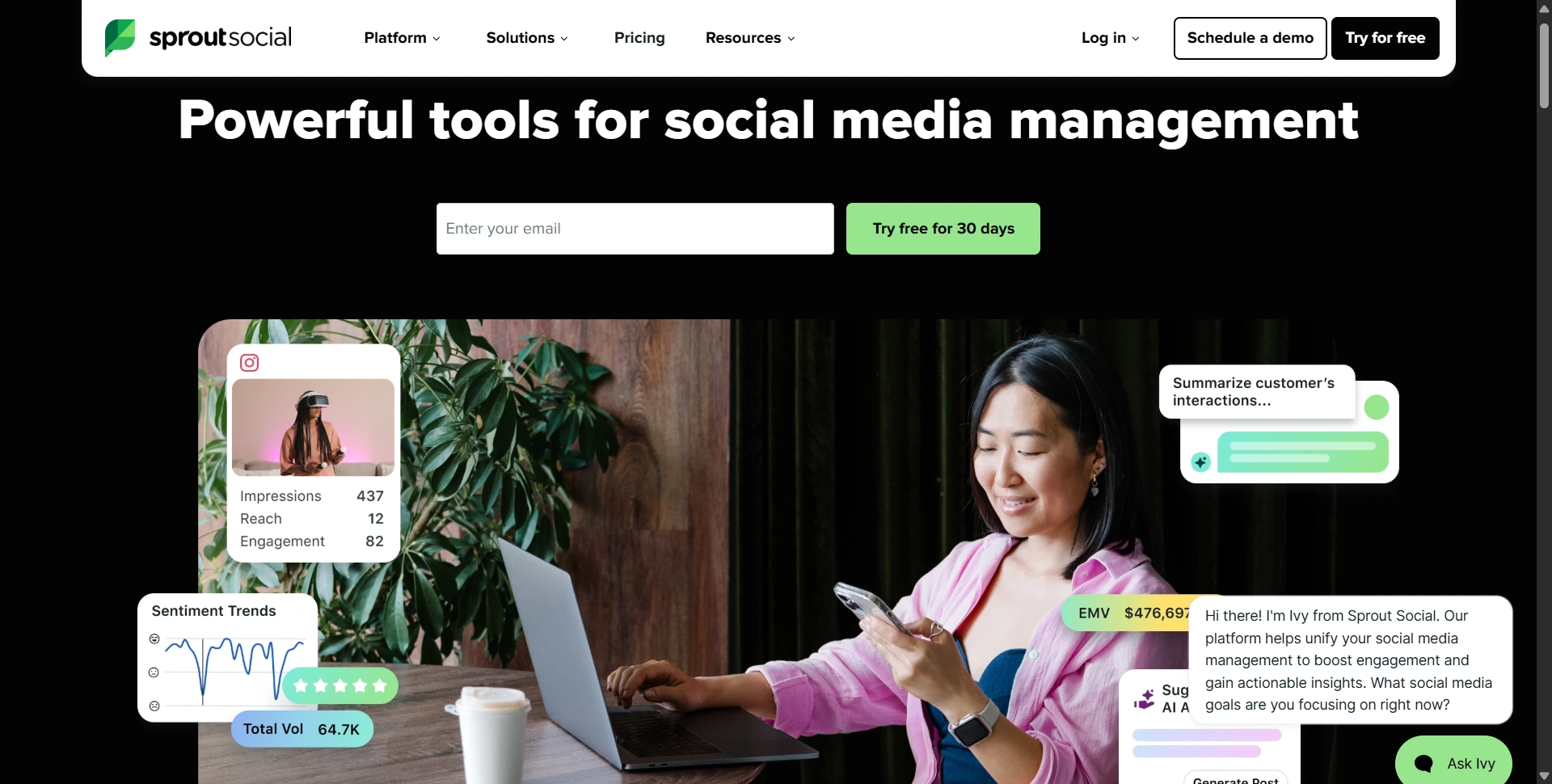
Sprout Social earns its place when social media becomes a support channel. Its Smart Inbox helps people work through incoming conversations together instead of repeatedly checking separate apps.
Key features:
- Publishing and optimal send times.
- Profile reports and AI assistance.
- Consolidated inbox and collaboration on Standard and above.
- Deeper reporting and workflows on higher tiers.
Customer-loved highlight: The Smart Inbox, which brings messages and conversation context together. In a published internal case study, Sprout's own team reported a 55% decrease in average response time. That involved staffing changes too, so it isn't a software-only result or promise.
Pros:
- Shared inbox workflows suit coordinated customer care.
- Reporting supports discussions beyond follower counts.
Cons:
- Per-seat pricing becomes expensive as teams grow.
- Premium Analytics and Listening cost extra.
Pricing: Essentials starts at $79/seat/month annually, or $99 monthly, with five profiles. Standard starts at $199/seat/month annually.
Our judgment: 4.5/5. A strong support-focused choice. Budget for Standard or above when the inbox is your reason for buying.
2. Hootsuite
Platforms: Web · iOS · Android
Best for: Marketing teams combining publishing, engagement, and competitor monitoring.
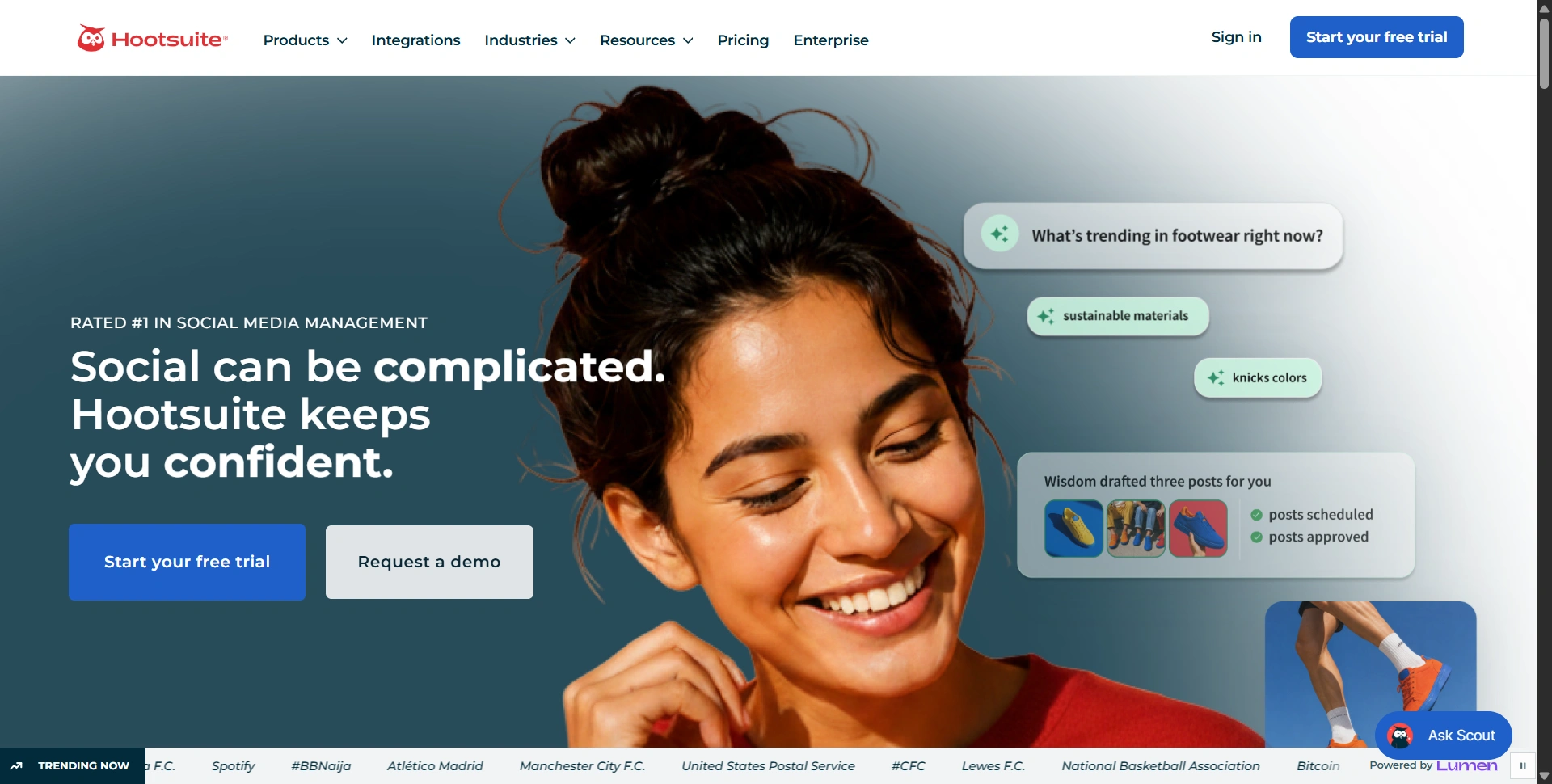
Hootsuite suits a broader daily workload than filling a calendar. You can plan content, respond to messages, and review performance in one environment.
Key features:
- Unlimited scheduling and a unified inbox.
- AI content creation and analytics.
- Plan-dependent social listening.
- Expanded automation on Professional and above.
- Approval workflows on Advanced and above.
Customer-loved highlight: The shared publishing calendar. Our pick is its practical value when several campaigns compete for attention: seeing the schedule makes gaps and overlaps easier to catch.
Pros:
- Combines publishing and monitoring in one subscription.
- Supports ten social accounts on Standard.
Cons:
- Seats multiply the subscription cost.
- Content approvals require the much pricier Advanced tier.
Pricing: Standard starts at $99/user/month, Professional at $199, and Advanced at $399 on annual billing. Enterprise pricing is custom.
Our judgment: 4.3/5. Worth shortlisting when monitoring matters. A creator who only needs post scheduling will probably get better value elsewhere.
3. Buffer
Platforms: Web · iOS · Android
Best for: Creators, freelancers, and small businesses building a consistent posting habit.
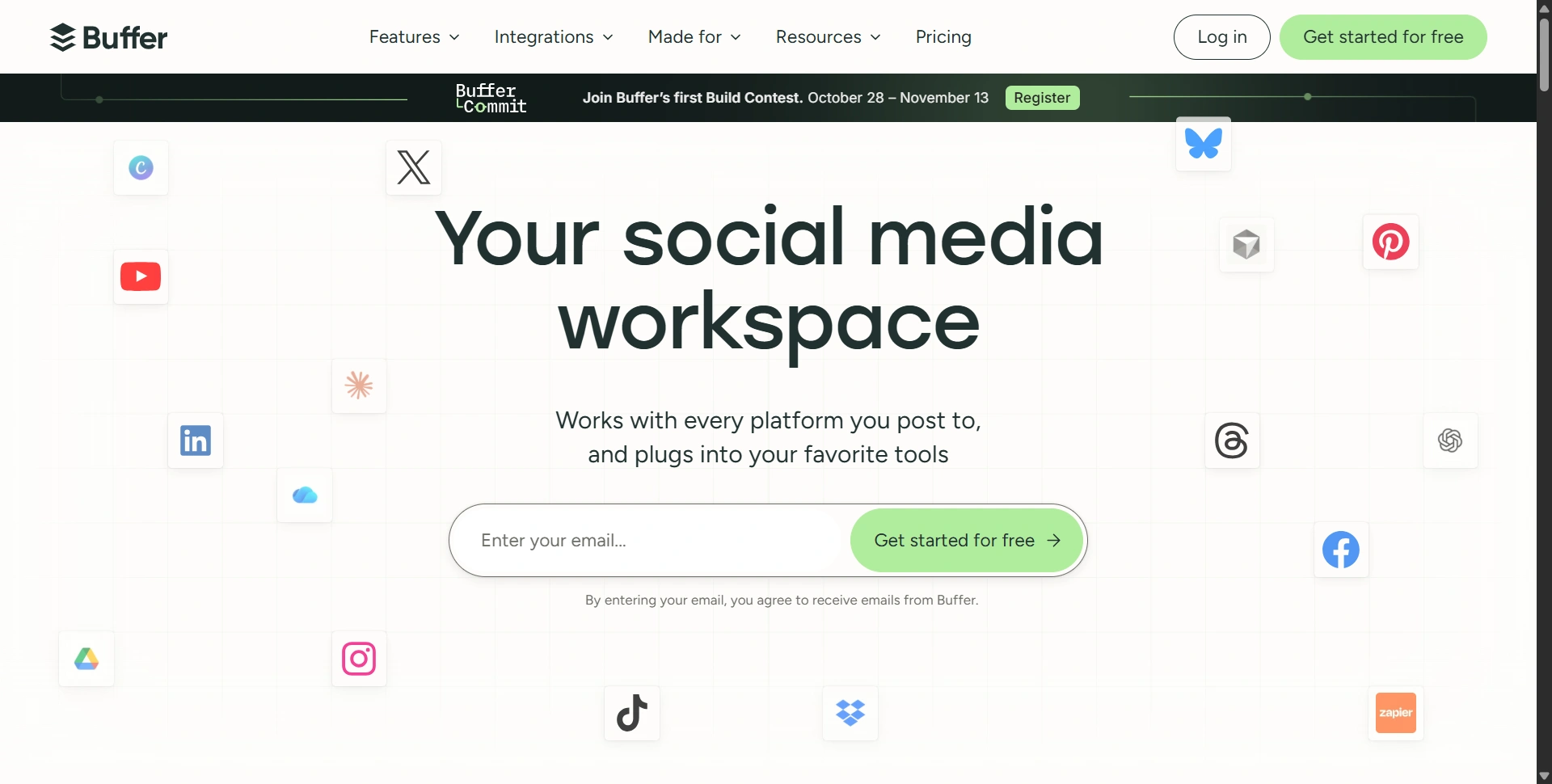
Buffer keeps the decision manageable: connect your channels, prepare posts, and fill your queue. We'd start here when publishing consistency matters more than elaborate team controls.
Key features:
- Scheduling queues and an ideas workspace.
- AI assistance and community inbox.
- Advanced analytics on paid plans.
- Access levels and content approvals on Team.
Customer-loved highlight: Flexible channel pricing. A customer example on Buffer's pricing page describes removing a client's channel when their contract ends. That's useful for freelancers whose account count changes throughout the year.
Pros:
- A permanent free plan makes starting easy.
- You can pay for a small number of channels.
Cons:
- Each connected channel increases the bill.
- Essentials includes one user; approvals need Team.
Pricing: Free covers three channels with ten queued posts each. Essentials is $5/channel/month annually; Team is $10/channel/month annually. Monthly billing costs more.
Our judgment: 4.6/5. Our strongest starting recommendation for a modest publishing workload.
Need help preparing captions first? Our best AI writing tools guide compares drafting and repurposing options.
4. SocialPilot
Platforms: Web · iOS · Android
Best for: Small teams managing several brands without enterprise pricing.
SocialPilot packages account capacity and team features together. It's worth comparing when per-channel or per-seat charges make a growing client list difficult to budget.
Key features:
- Bulk scheduling and content library.
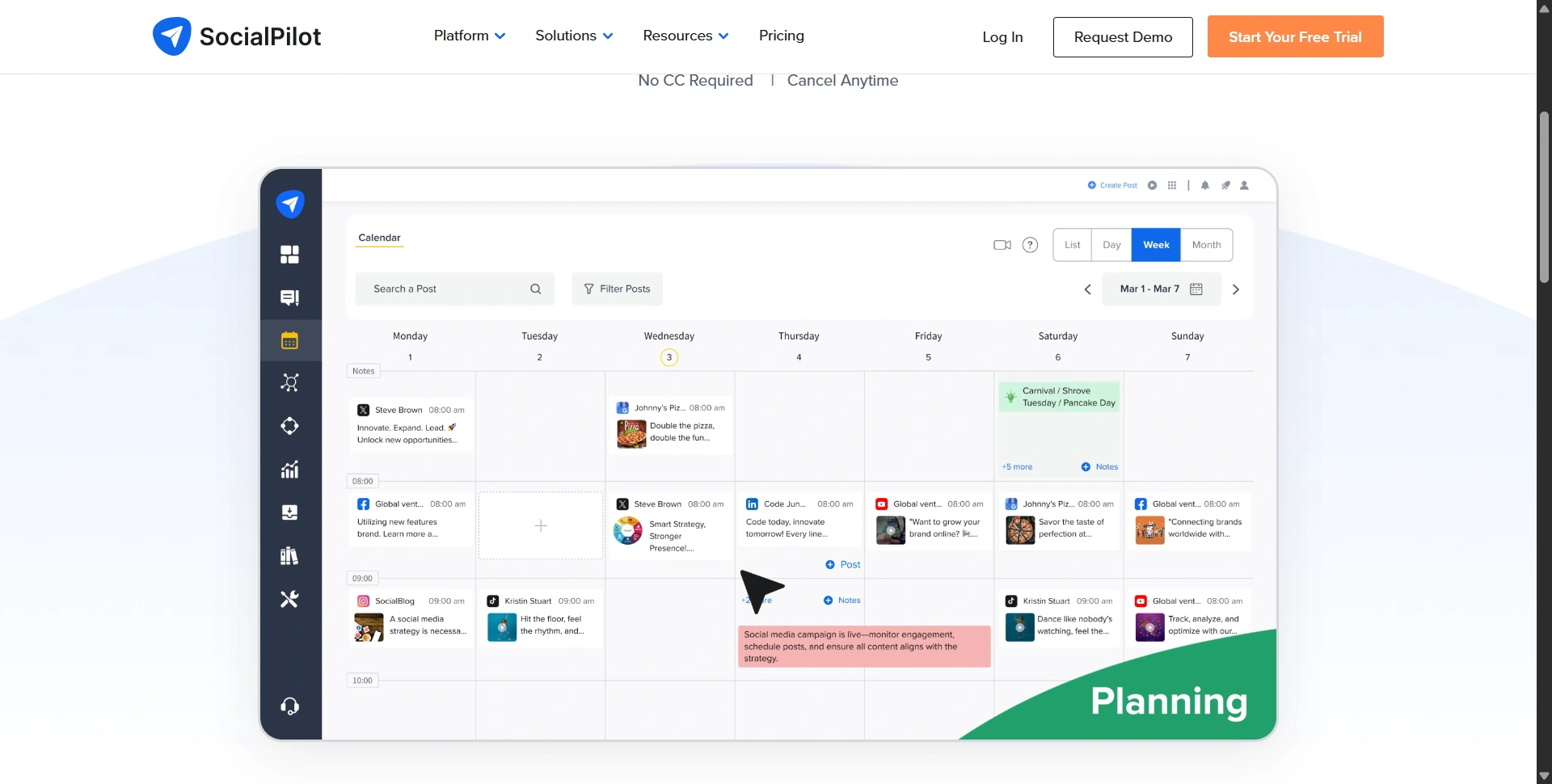
- AI Pilot and publishing calendar.
- Plan-dependent inbox, analytics, and approvals.
Customer-loved highlight: Bulk publishing, advertised for 500-plus posts at once. Our practical use case is loading an approved campaign calendar instead of entering every update individually.
Pros:
- Bundled accounts help make costs predictable.
- Standard includes three users and fifteen accounts.
Cons:
- Essentials lacks Standard's inbox and collaboration package.
- Extra accounts and users still add costs.
Pricing: Essentials starts at $25.50/month annually for seven accounts and one user. Standard is $42.50/month annually; Premium is $85.
Our judgment: 4.5/5. Good value for repeatable agency publishing. We'd compare Standard against your real team requirements before choosing the cheaper entry tier.
5. FeedHive
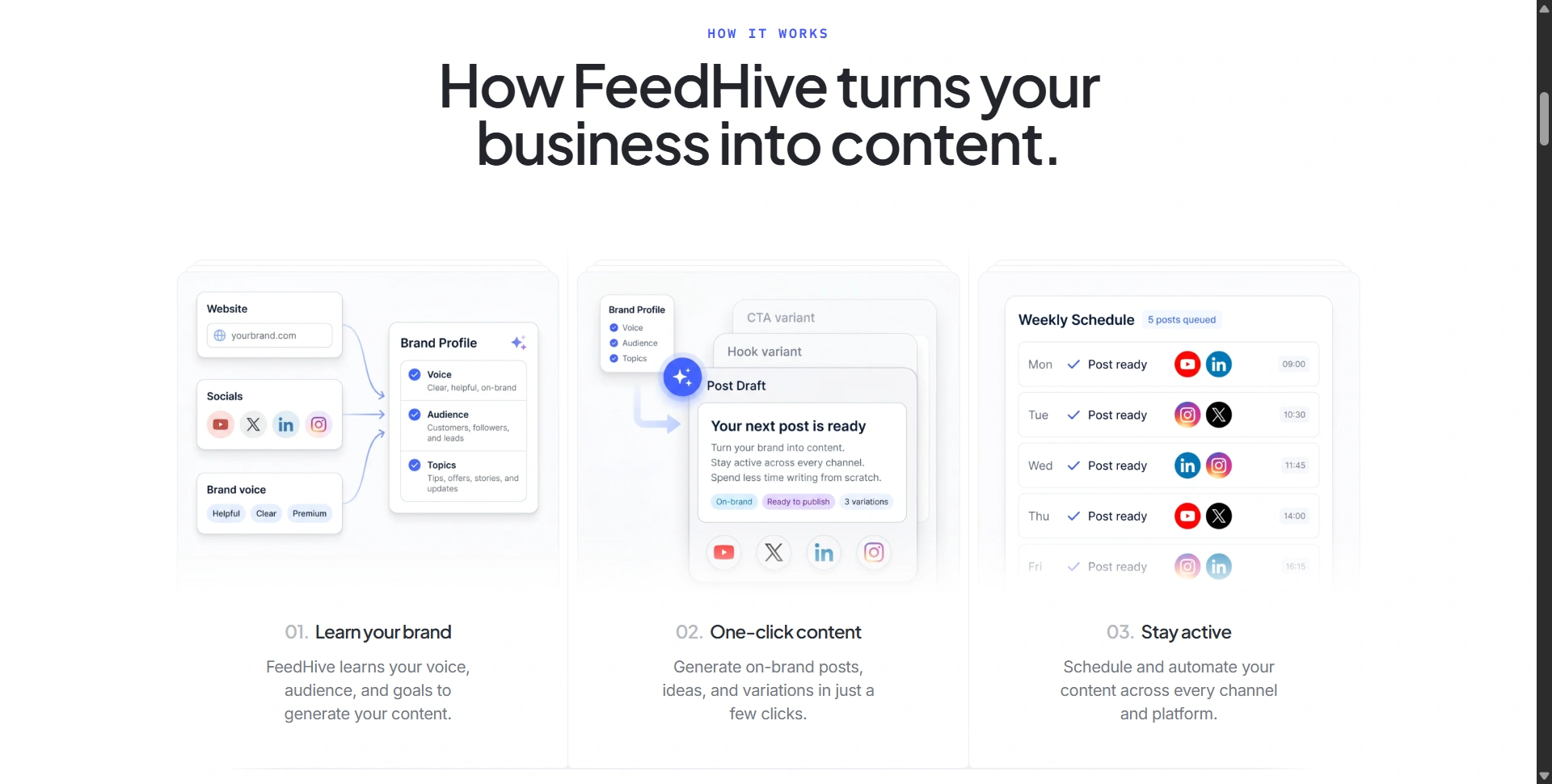
Platforms: Web · iOS: browser access · Android: browser access
Native iOS and Android apps weren't verified in the official material reviewed.
Best for: Creators and small teams building repeatable publishing workflows.
FeedHive centers on AI-assisted content and automation. We'd consider it when turning ideas into scheduled variations takes more time than responding to customers.
Key features:
- AI writing and smart scheduling.
- Post templates and workspaces.
- Plan-dependent approval workflows.
- Automation allowances that vary by plan.
Customer-loved highlight: Publishing automation. Our pick is the ability to connect repeatable steps rather than manually rebuild the same workflow for every campaign.
Pros:
- Combines drafting assistance with publishing workflows.
- Business offers much more scheduling capacity.
Cons:
- Creator only schedules fourteen days ahead.
- AI credits, automation runs, and history have separate limits.
Pricing: Creator is $15/month annually, with four accounts and thirty scheduled posts. Brand is $22 and Business $69/month annually.
Our judgment: 4.2/5. Promising for automation, but the entry plan needs close inspection. A month-long campaign can exceed its scheduling horizon even before you hit account limits.
6. SocialBee
Platforms: Web · iOS companion · Android companion
Best for: Businesses rotating educational posts, testimonials, and evergreen promotions.
SocialBee helps organize a content mix around categories. That's useful when you want a repeatable balance of helpful posts and promotional updates throughout the month.
Key features:
- Category scheduling and evergreen recycling.
- AI content generation and analytics.
- Plan-dependent approvals and collaboration.
- Mobile companion apps primarily for reminder publishing.
Customer-loved highlight: Category-based recycling. Published entrepreneur testimonials specifically praise recycling and category scheduling, while acknowledging the initial learning curve.
Pros:
- Reuses useful content across a structured schedule.
- Categories make your posting mix easier to manage.
Cons:
- Setting categories up takes planning.
- Bootstrap has one user and limited analytics history.
Pricing: Bootstrap costs $29/month for five profiles. Accelerate is $49 and Pro $99 monthly; annual billing is discounted.
Our judgment: 4.4/5. A sensible evergreen-content specialist. Review recycled posts regularly so expired offers and outdated advice don't return to your feed.
For fresh campaign assets, explore our AI image generators comparison.
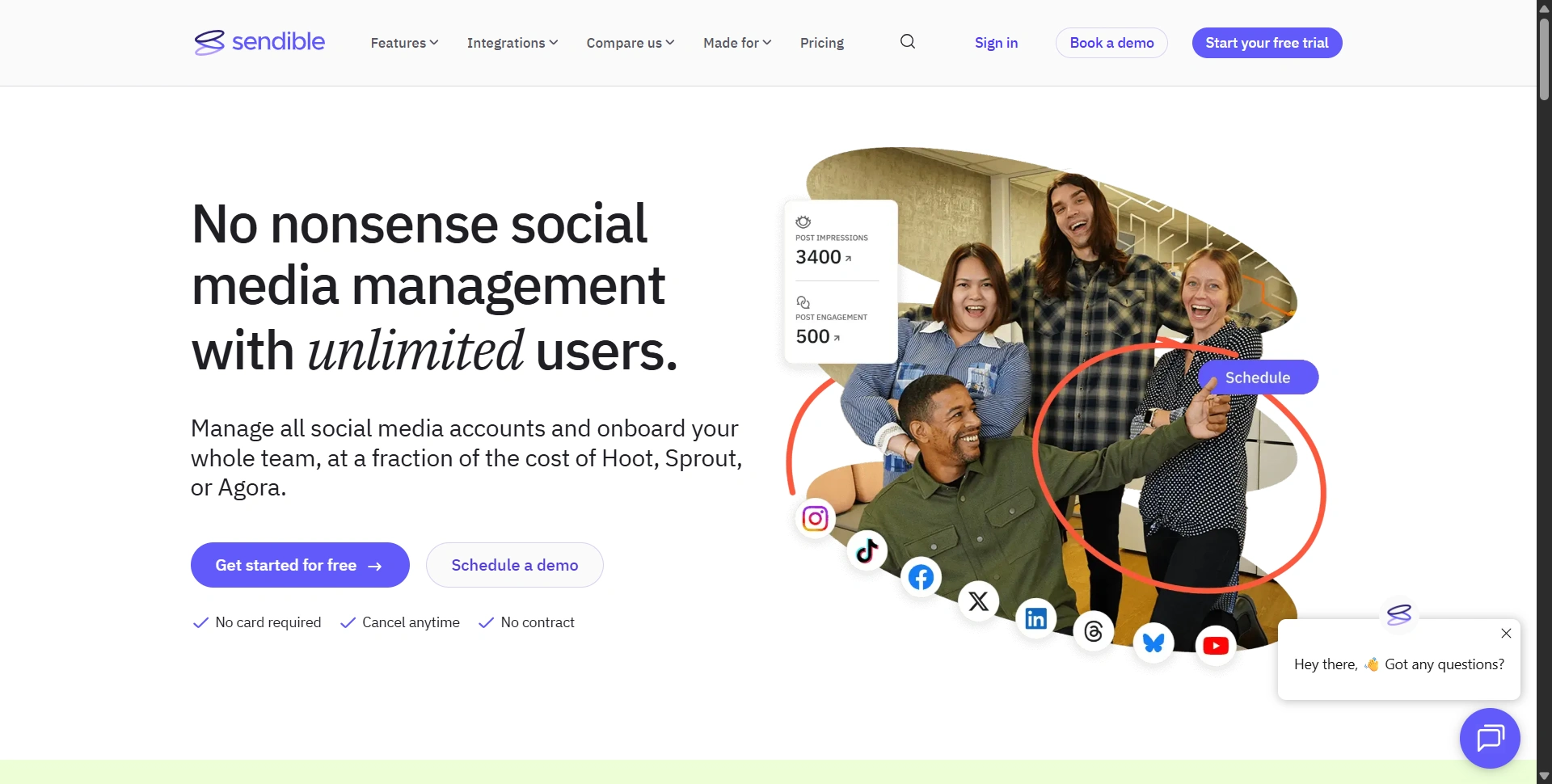
7. Sendible
Platforms: Web · iOS · Android
Best for: Agencies separating client content, permissions, and reporting.
Sendible's workspaces give each brand a distinct home. We'd shortlist it when client coordination is becoming harder than producing the posts themselves.
Key features:
- Bulk publishing and client workspaces.
- Inbox and standard reports.
- Unlimited users on all plans.
- Approvals on Plus and above.
- Custom branded reports on Premium and above.
Customer-loved highlight: Bulk scheduling across clients. In a vendor-published customer example, Amelia Rose Media's founder described loading a month's content across four platforms in 35 minutes. That's one customer's experience, not a typical-time guarantee.
Pros:
- Unlimited users avoid an extra charge for every collaborator.
- Dedicated workspaces help organize several brands.
Cons:
- Core has only one workspace and six profiles.
- Approvals and branded reporting require upgrades.
Pricing: Sendible's homepage lists Core at $35/month, Plus at $99, and Premium at $199. Its current plan comparison replaces older Creator and Traction packages.
Our judgment: 4.5/5. Strong agency value when several people need access. Count workspaces and profiles before comparing its headline price with per-seat alternatives.
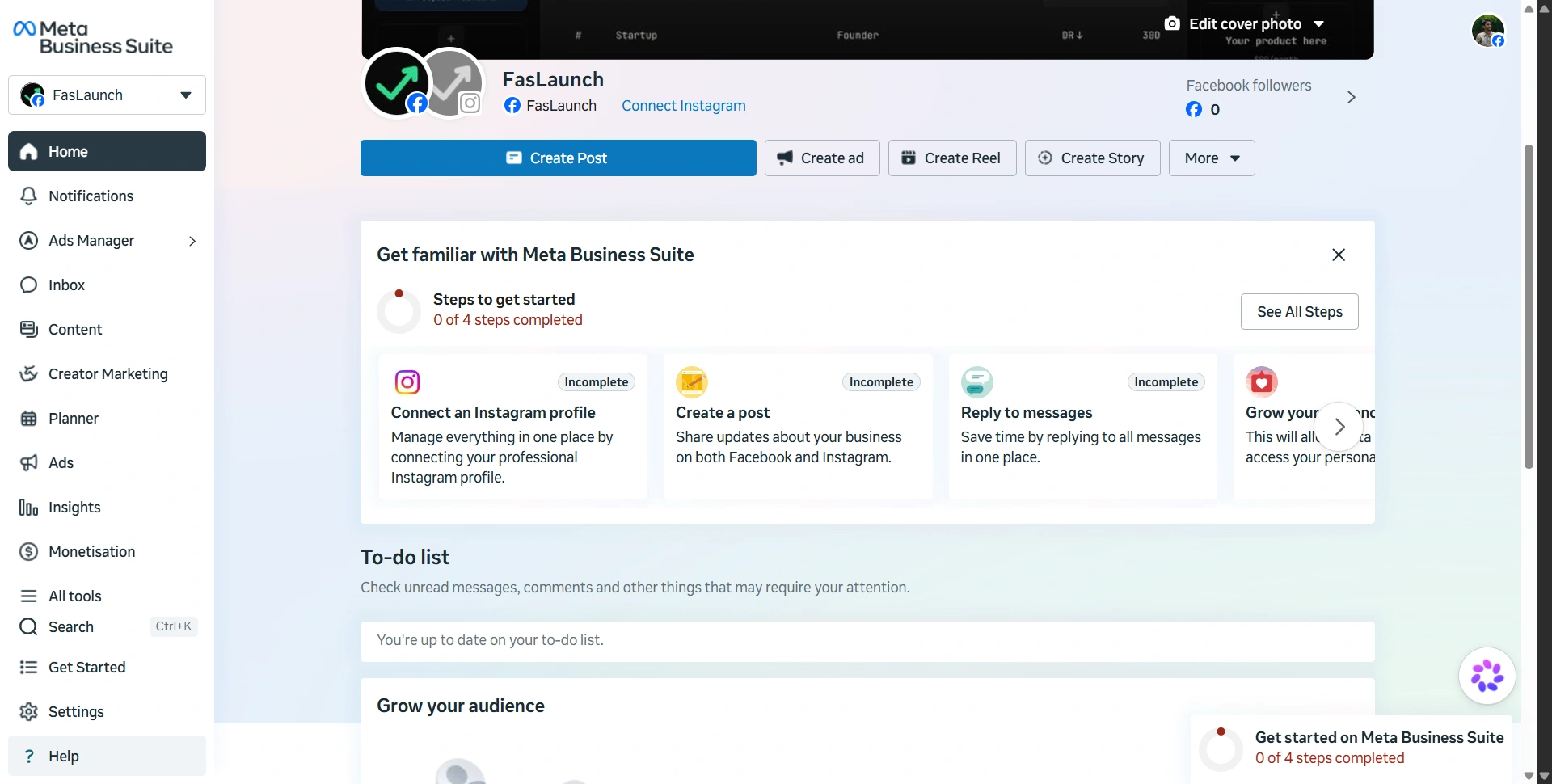
8. Meta Business Suite
Platforms: Web · iOS · Android
Best for: Local businesses and shops focused on Facebook and Instagram.
Meta Business Suite is the practical place to start when those networks cover your audience. You can handle publishing and customer conversations without adding another software subscription.
Key features:
- Post planning and scheduling.
- Messages and comments for connected Meta business accounts.
- Performance insights.
- Advertising tools for connected Meta business accounts.
Customer-loved highlight: Free scheduling alongside a shared inbox. Our pick is the immediate budget benefit for a shop managing its own Facebook Page and Instagram account.
Pros:
- Core management tools have no subscription charge.
- Publishing and replies sit close to your business accounts.
Cons:
- Doesn't replace a scheduler for LinkedIn, TikTok, or Pinterest.
- Business permissions and account connections need careful setup.
Pricing: Free to use; advertising spend is separate. Meta's Business Suite introduction explains desktop and mobile access.
Our judgment: 4.2/5. Excellent value for a Meta-focused business. Add a cross-network platform when managing separate calendars becomes a recurring problem.
How to choose the right social media management tool
Start with your accounts, collaborators, and recurring tasks. Five Buffer Essentials channels cost $25/month annually; three Sprout Standard seats cost $597/month annually. The price difference reflects different workflows, so test the functions you actually need.
During a trial, schedule a real campaign, request an approval, answer a message, and export a report. Check whether your required formats publish directly or need mobile reminders. Measure enquiries and sales alongside engagement; our startup SEO tools guide explains where GA4 fits into website measurement.
Choose the platform that removes your biggest weekly bottleneck, then expand when the workload justifies it. Start with its free plan or trial and bring one real campaign.