Our honest take after trying HeyGen: HeyGen is one of the more complete AI video platforms we've tested. It is no longer just an "AI avatar generator." The product now brings together AI avatars, Digital Twins, video generation, translation, voice, AI-powered apps, integrations, brand tools, and an AI Video Agent in one workspace.
What stood out to us most is how much of the video workflow HeyGen tries to handle for you. You can start with a prompt, script, presentation, audio file, avatar, or existing video and build from there. The platform also has a surprisingly broad app and integration ecosystem.
That said, HeyGen isn't automatically the best choice for everyone. The credit-based pricing model, the sheer number of features, and the fact that some of the most advanced generation capabilities consume credits are worth understanding before you subscribe. HeyGen officially moved toward credit-based plans in 2026.
Our rating: 8.8/10
Best for: AI avatar videos, marketing videos, training, localization, social content, product videos, and businesses creating video at scale.
Not ideal for: People looking for a traditional video editor or highly cinematic, completely manual video production.
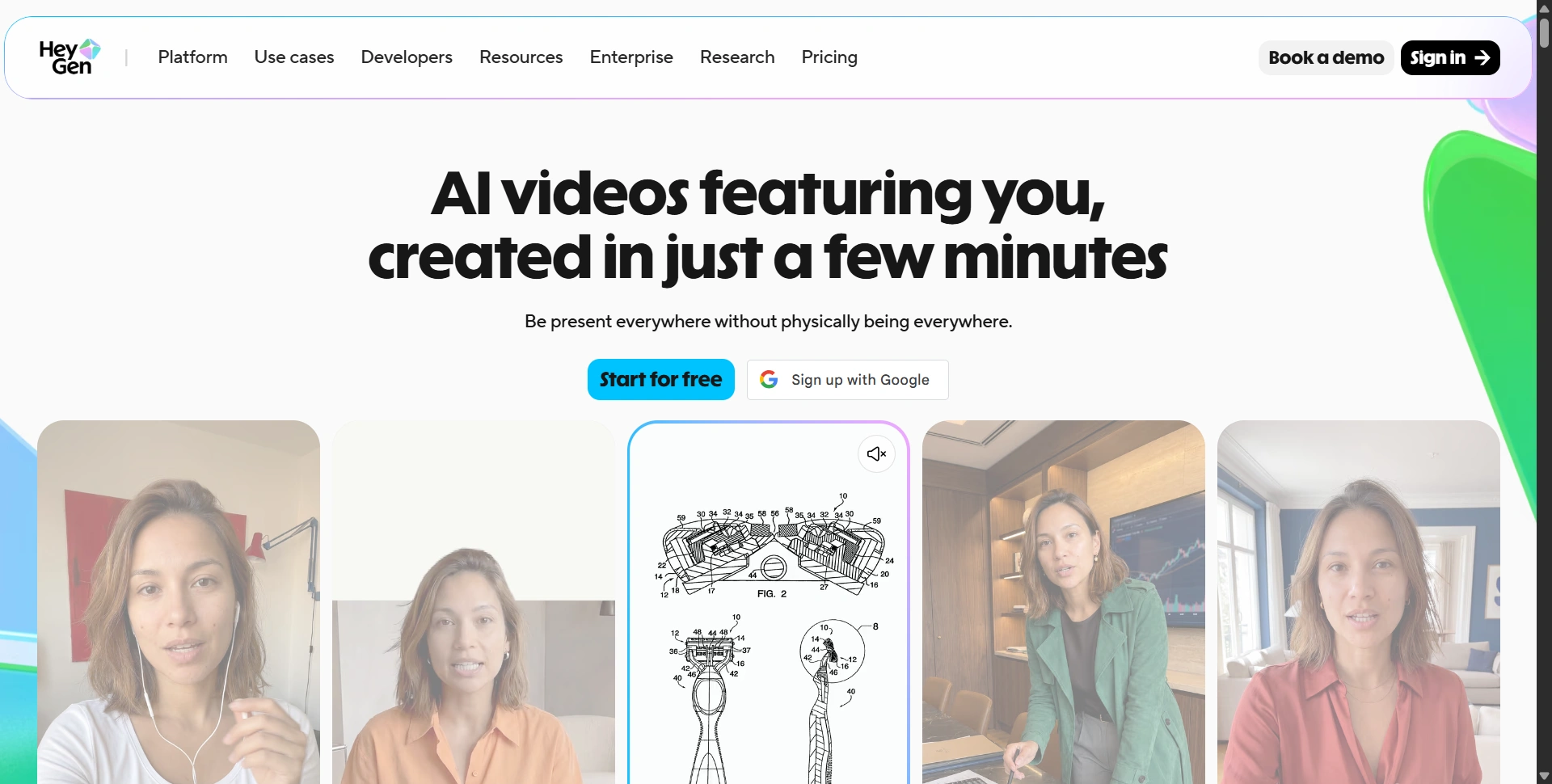
What is HeyGen?
HeyGen is an AI video creation platform designed to help individuals and businesses create professional-looking videos without traditional filming equipment, actors, studios, or complicated editing workflows.
During our testing, it was clear that HeyGen is trying to become much more than an avatar tool.
The main product experience includes areas for creating videos, managing avatars, building brand systems, using AI-powered apps, managing projects, and connecting external tools.
Its AI Video Generator can take text, images, or audio and turn them into videos with narration, visuals, captions, animations, and AI avatars.
The platform also supports AI Video Agent functionality, where you can start with an idea or prompt rather than manually constructing every part of the video.
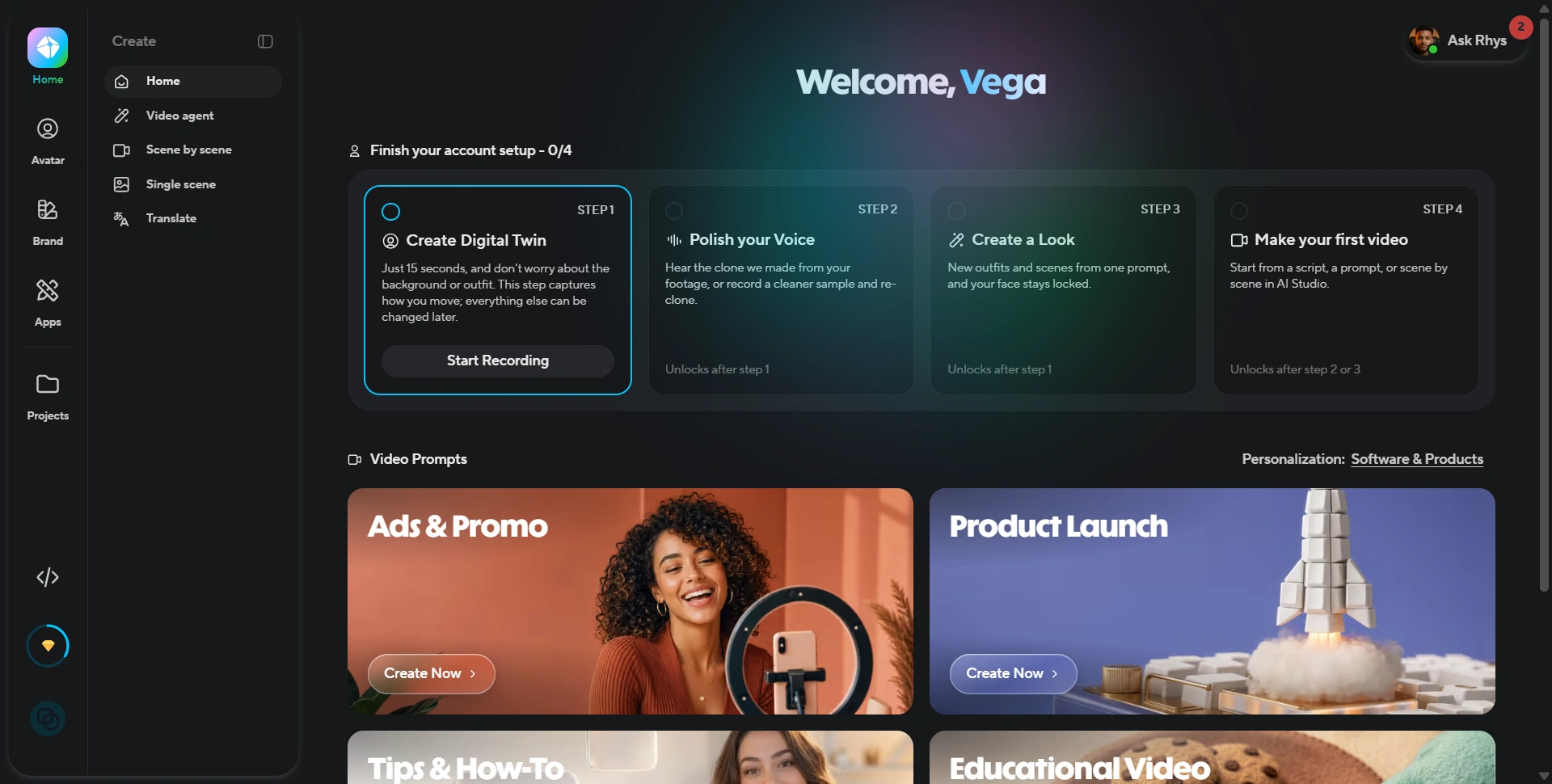
Our first impression of HeyGen
Our first impression was that HeyGen has become a full AI video production platform, rather than a single-purpose AI avatar tool.
The interface is relatively structured. Instead of putting every feature into one editor, HeyGen separates major workflows into areas such as:
- Create
- Avatars
- Brand
- Apps
- Projects
That separation makes sense because there is a lot going on inside the product.
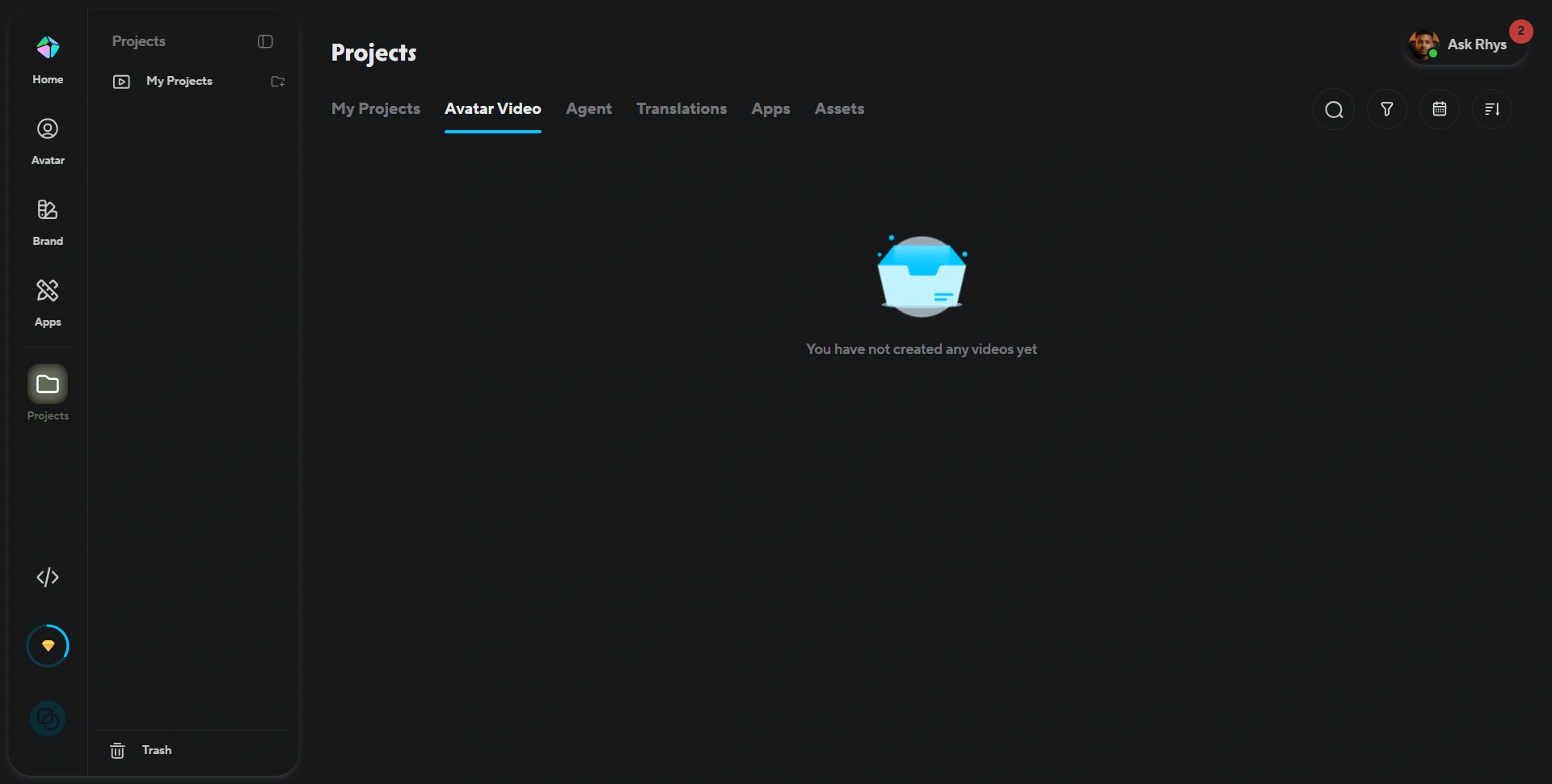
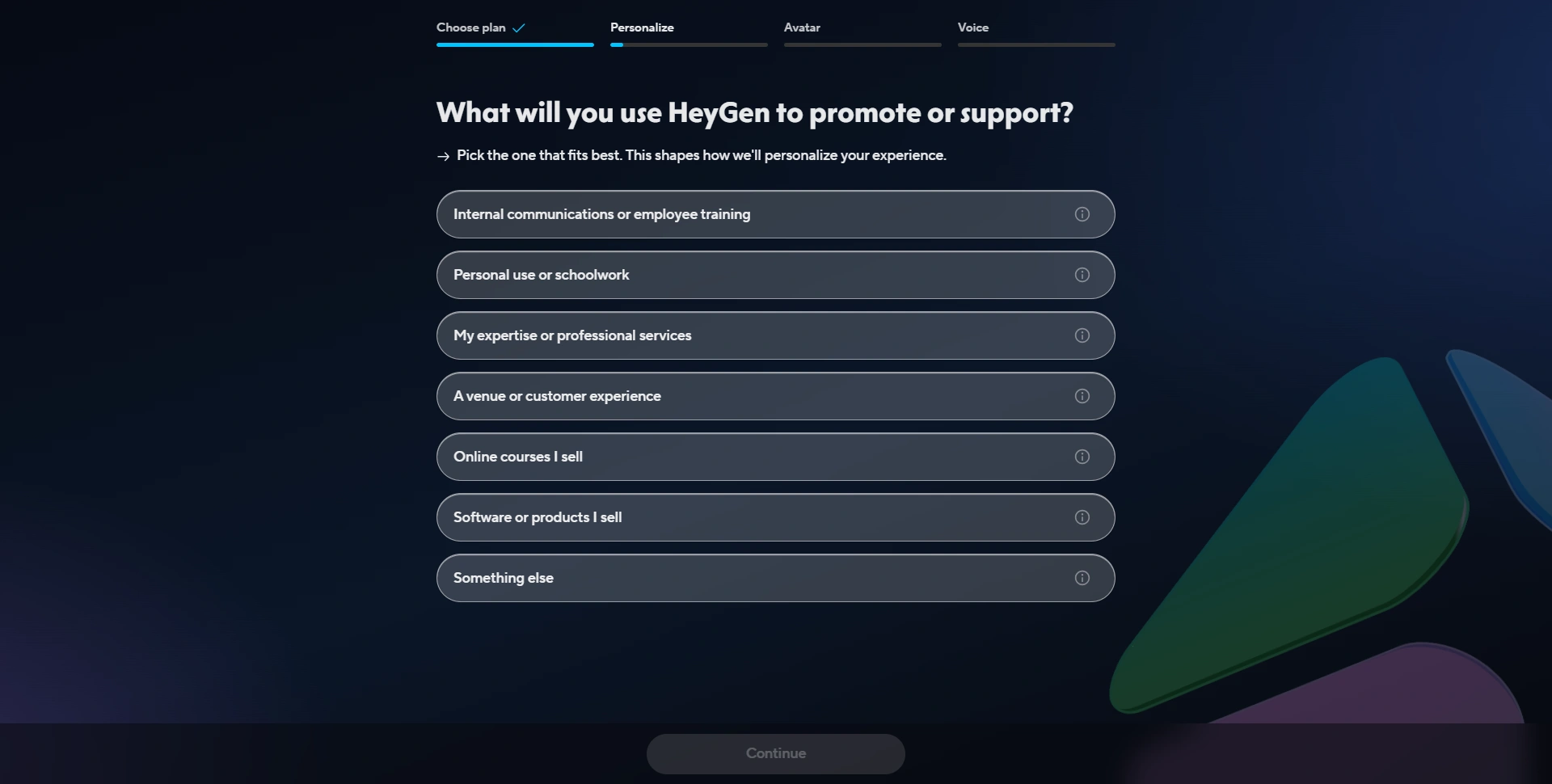
The onboarding experience also attempts to personalize the platform around what you actually want to create. HeyGen asks what you intend to use it for, including internal communications, professional services, courses, software/products, and other use cases.
That is a good onboarding approach because the platform can feel overwhelming if you see every feature at once.
HeyGen's AI avatars are still one of its biggest strengths
If you are evaluating HeyGen specifically for AI avatars, this is where the platform becomes particularly interesting.
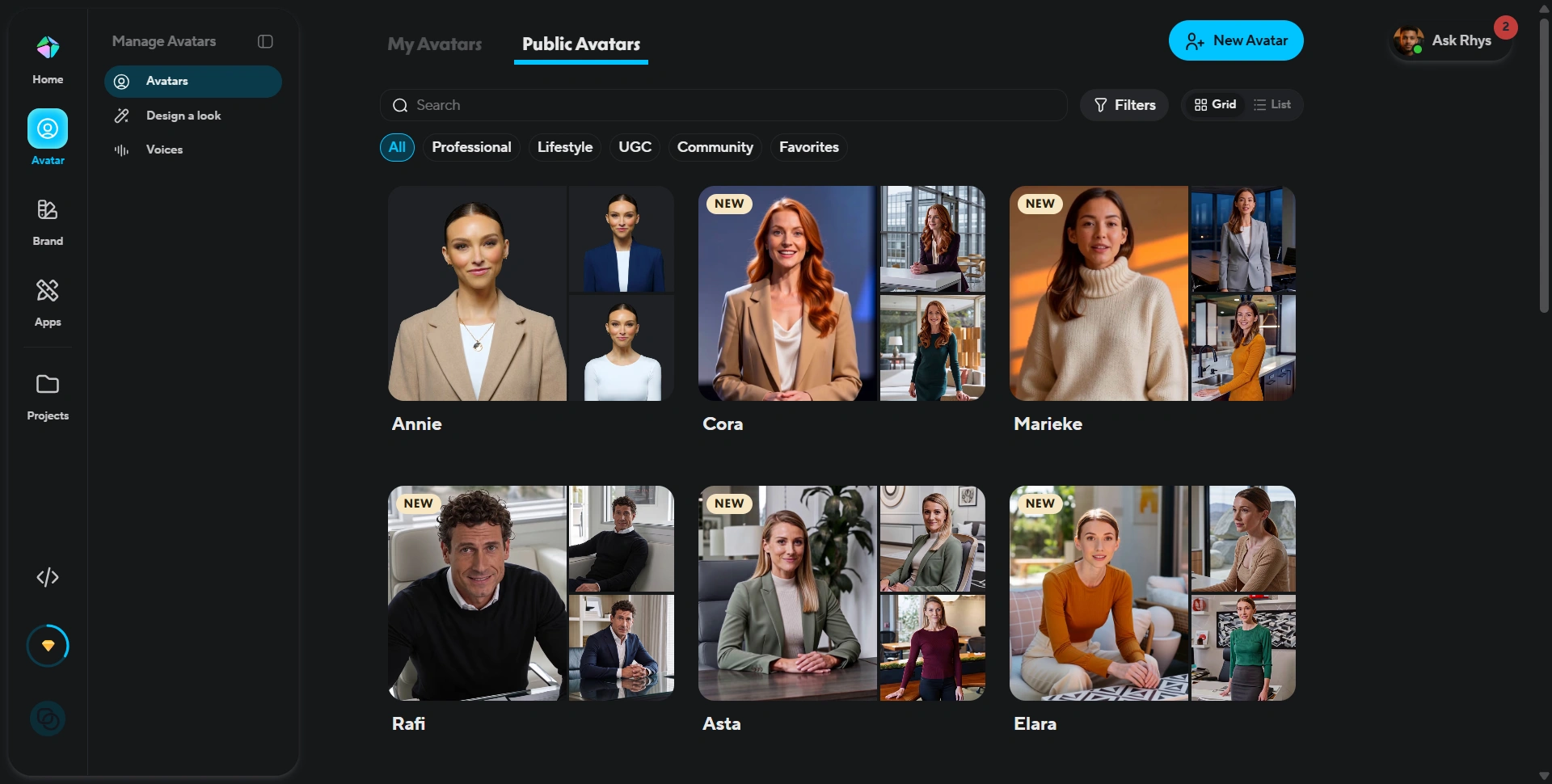
The avatar library contains a large selection of ready-made presenters with different appearances, styles, and use cases. You can browse public avatars and create your own avatar rather than being limited to a generic AI presenter.
We particularly liked that HeyGen separates My Avatars and Public Avatars, making it easier to think about the difference between your own digital identity and stock presenters.
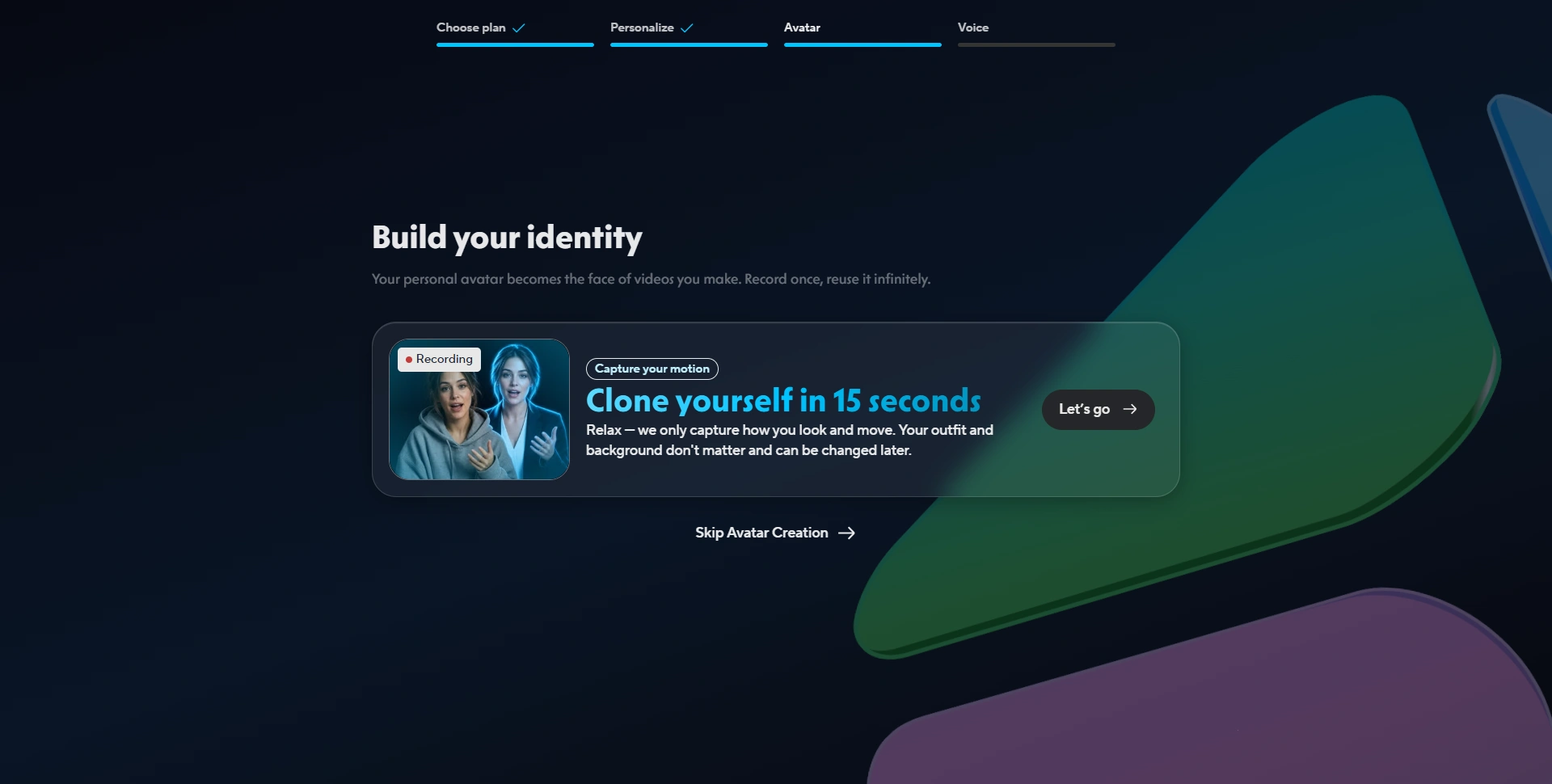
HeyGen also supports Digital Twins, allowing users to create a reusable digital version of themselves.
The onboarding flow shown in our testing asks users to create a Digital Twin and explains that a short recording can capture how they move, while things such as the outfit and background can be changed later.
That is a useful approach for creators and businesses that expect to produce dozens or hundreds of videos using the same person.
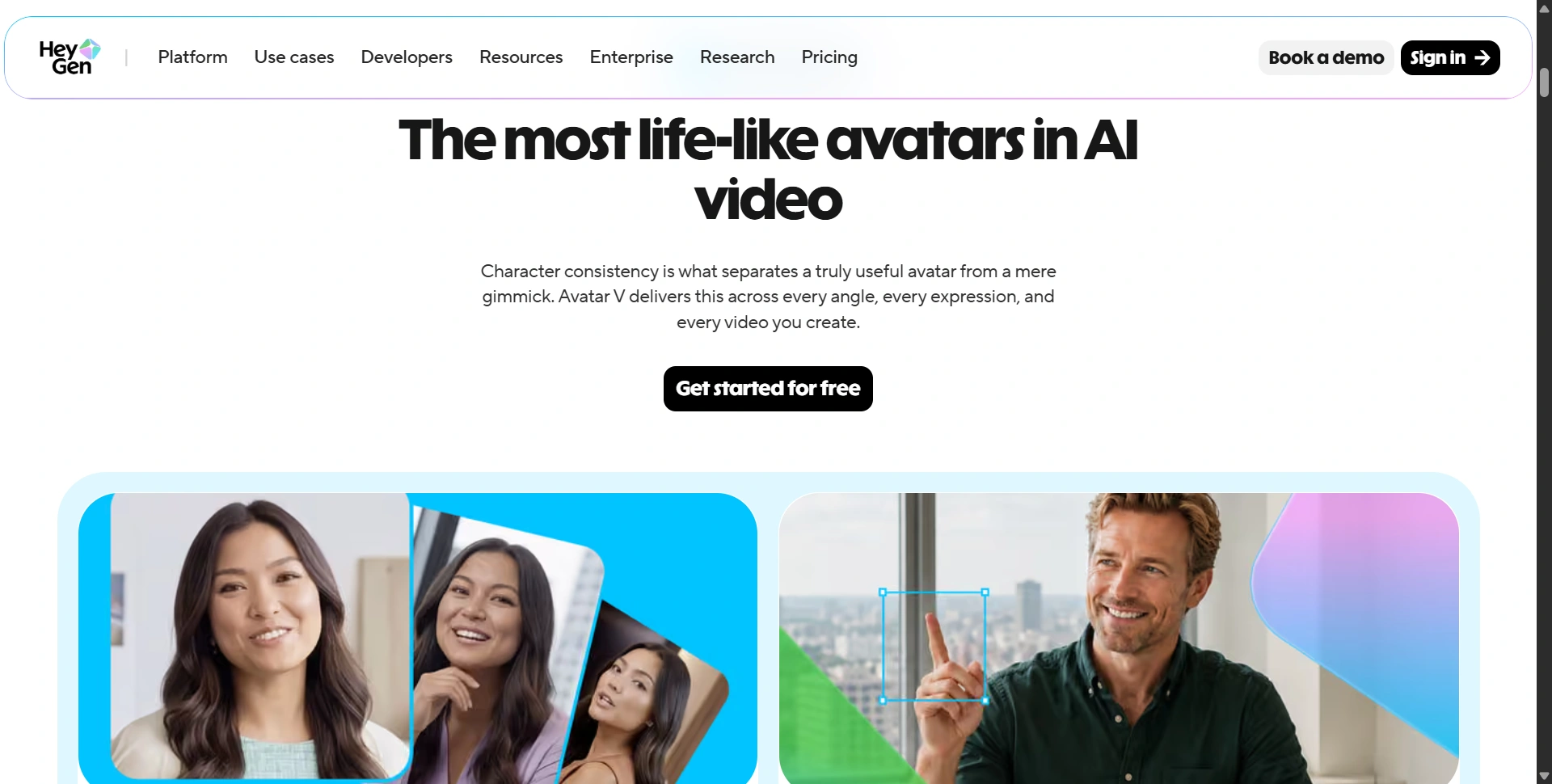
HeyGen's current Avatar IV product can also create a talking avatar from a single photo, with lip-sync, facial expressions and gestures.
Video creation goes beyond talking avatars
This is probably the biggest change in how we'd describe HeyGen in 2026.
You can use HeyGen to create videos from more than just an avatar and script.
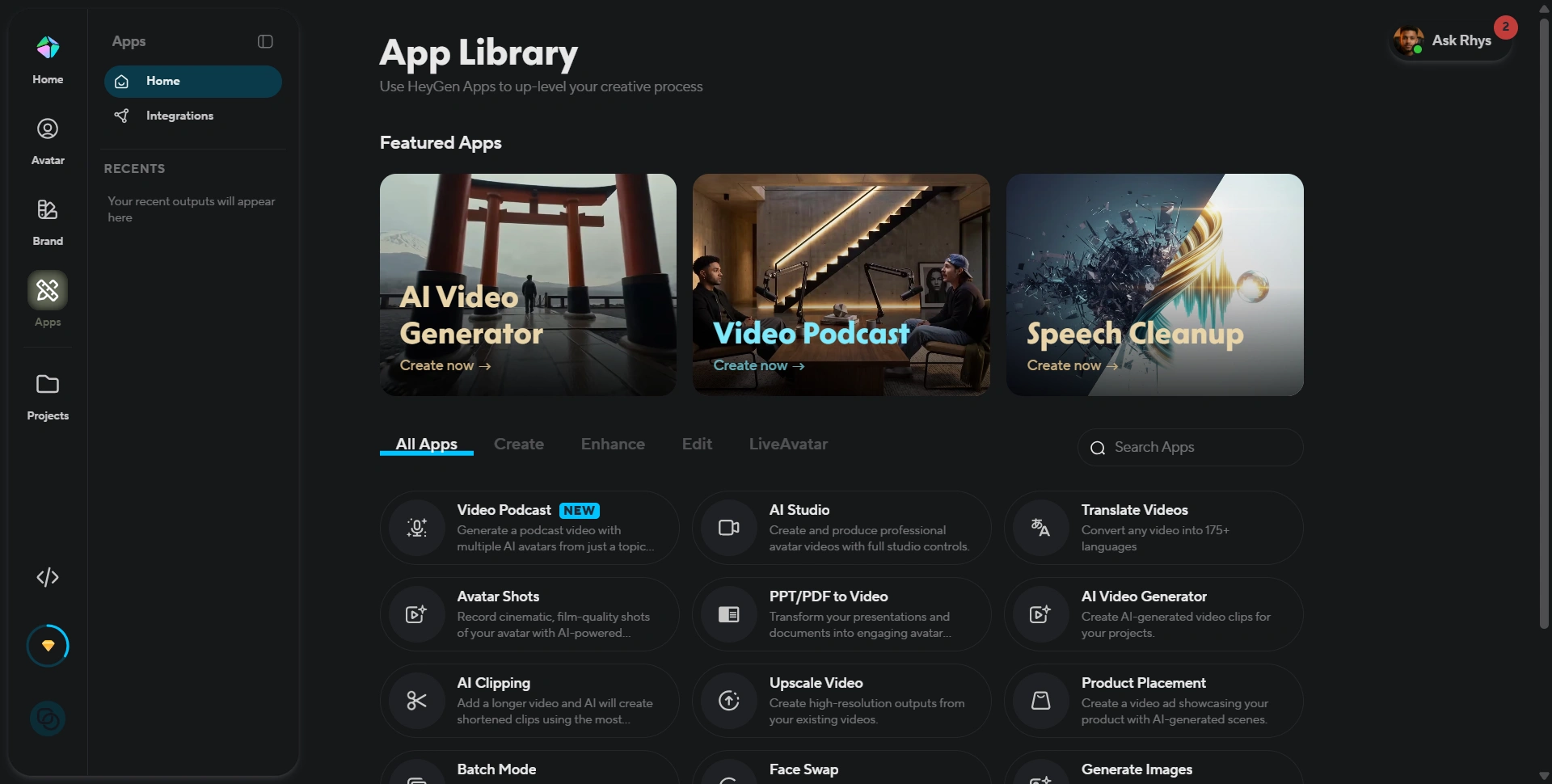
Its app library includes tools for:
- AI video generation
- AI Studio
- Video Podcast
- Translate Videos
- Avatar Shots
- PPT/PDF to Video
- AI Clipping
- Upscale Video
- Product Placement
- Face Swap
- Image generation
The platform therefore covers several stages of the video-production process rather than forcing you to jump between multiple AI tools.
For example, PPT/PDF to Video can be useful for turning existing presentations or documents into video content, while AI Clipping can help turn longer videos into shorter clips.
We think this breadth is one of HeyGen's strongest advantages.
The AI Video Agent is an interesting addition
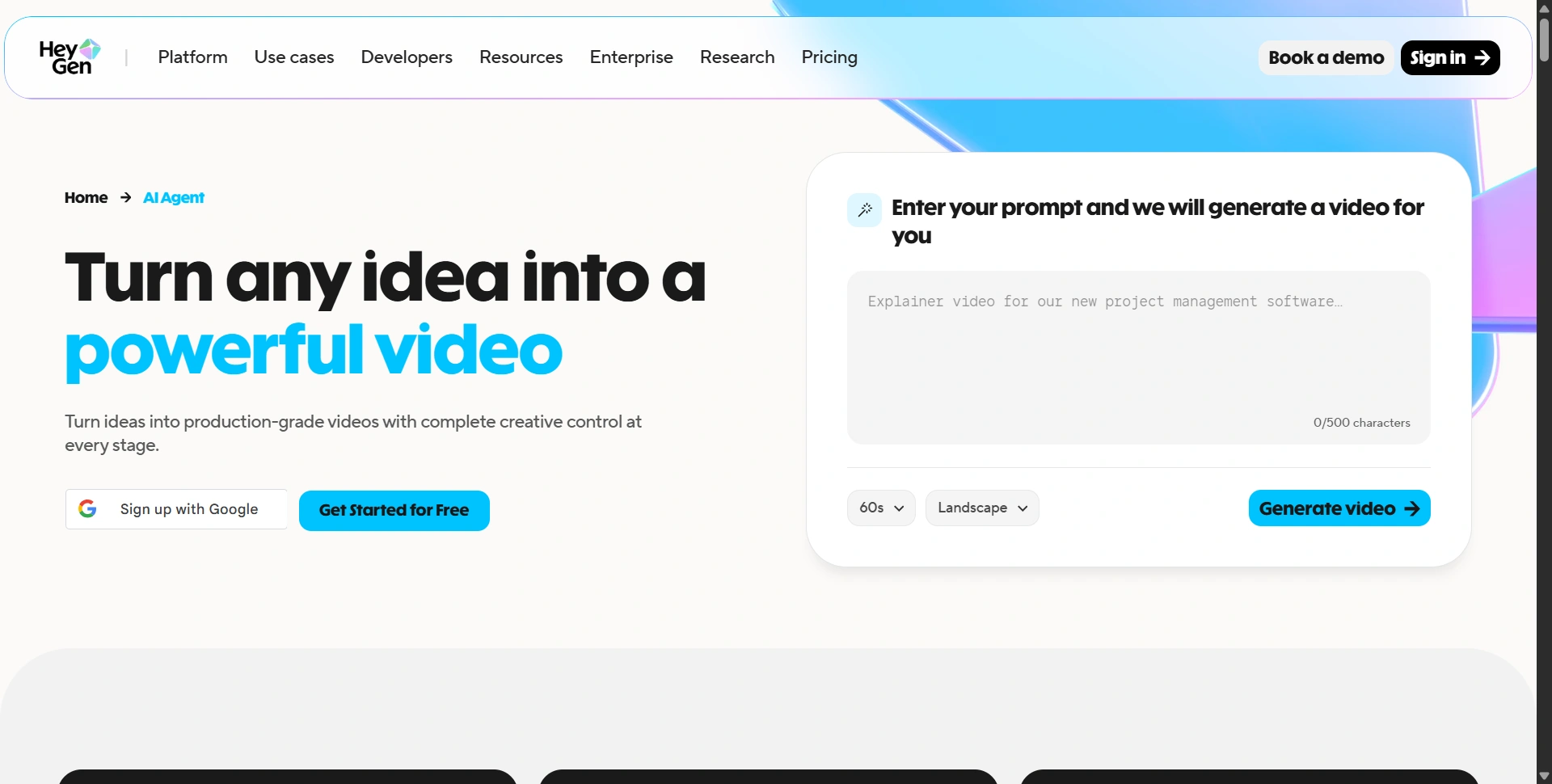
Another feature worth highlighting is HeyGen's AI Video Agent.
The idea is simple: instead of manually setting up every component of a video, you provide a prompt and let HeyGen generate the video.
The public AI Agent page describes the workflow as turning an idea into a production-grade video while retaining creative control.
We think this direction is important because AI video tools are moving away from requiring users to understand every production step.
For example, instead of thinking:
Avatar → script → voice → scenes → visuals → transitions → export
the user can increasingly think:
"Create a 60-second product explainer for my SaaS."
and let the platform handle much of the initial production.
Translation and localization are a major advantage
One of the areas where HeyGen becomes particularly useful for businesses is localization.
HeyGen supports video translation across 175+ languages and dialects on its current Creator plan, along with voice cloning.
That means a company can potentially create one core video and then adapt it for different markets without recording the same presentation repeatedly.
For global SaaS companies, education businesses, agencies, and marketing teams, this can be much more valuable than simply generating another English AI avatar video.
It also changes the economics of video production.
Instead of producing:
1 video → 1 audience
you can potentially produce:
1 core video → multiple languages → multiple markets.
That's one of the strongest business cases for HeyGen.
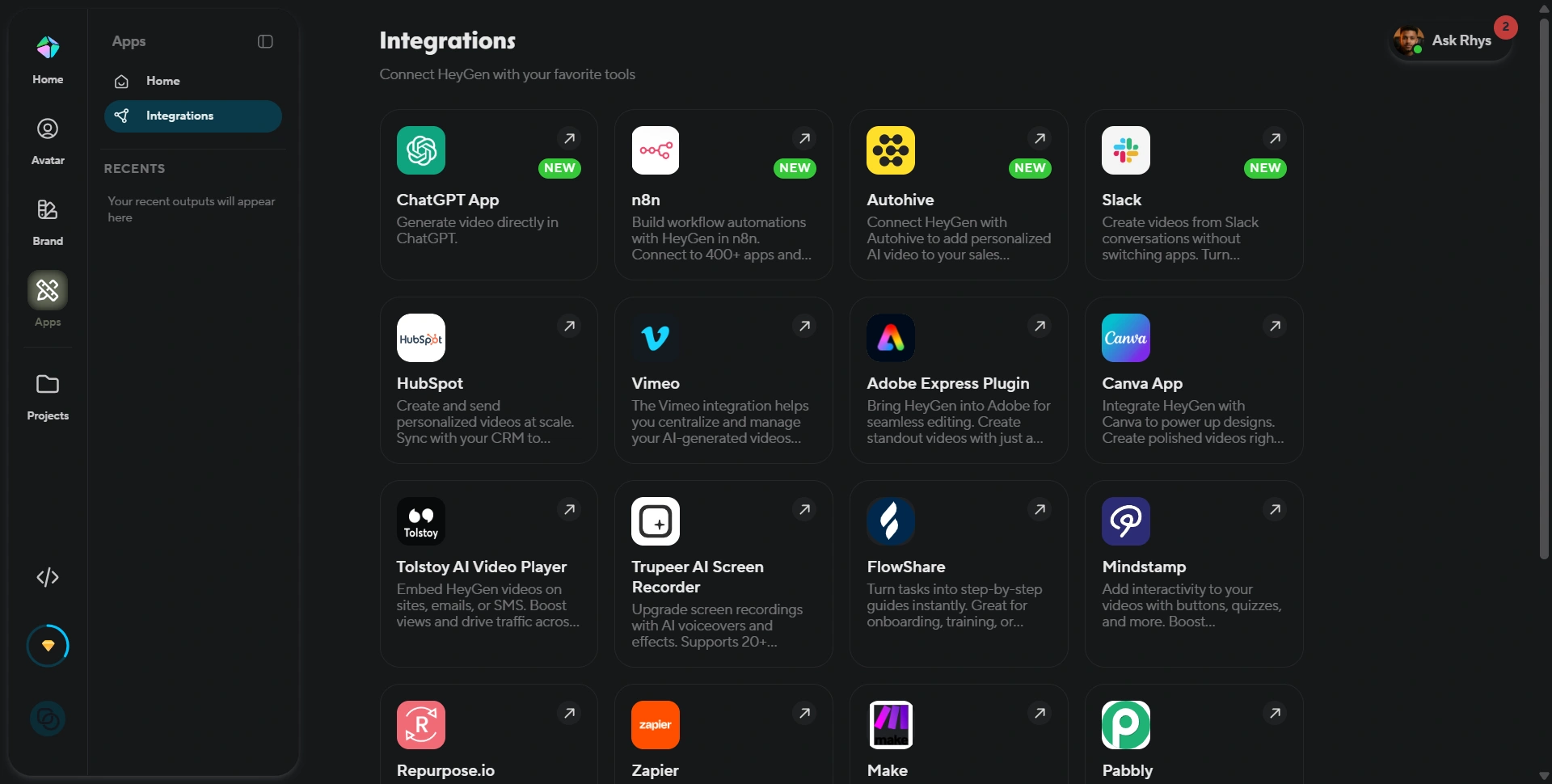
HeyGen's integrations are surprisingly extensive
Another area that impressed us was the integrations section.
HeyGen currently shows integrations with tools including ChatGPT, n8n, Slack, HubSpot, Vimeo, Adobe Express, Canva, Zapier, Make, Pabbly and others.
This matters because video creation becomes much more useful when it can happen as part of an existing workflow.
For example, a business could potentially connect video creation with CRM, automation, collaboration, design, or communication tools rather than treating HeyGen as an isolated application.
HeyGen also offers an API, including video generation, Video Agent, text-to-speech, video translation, photo avatars, templates and other developer functionality. Its current API pricing starts with pay-as-you-go access from $5.
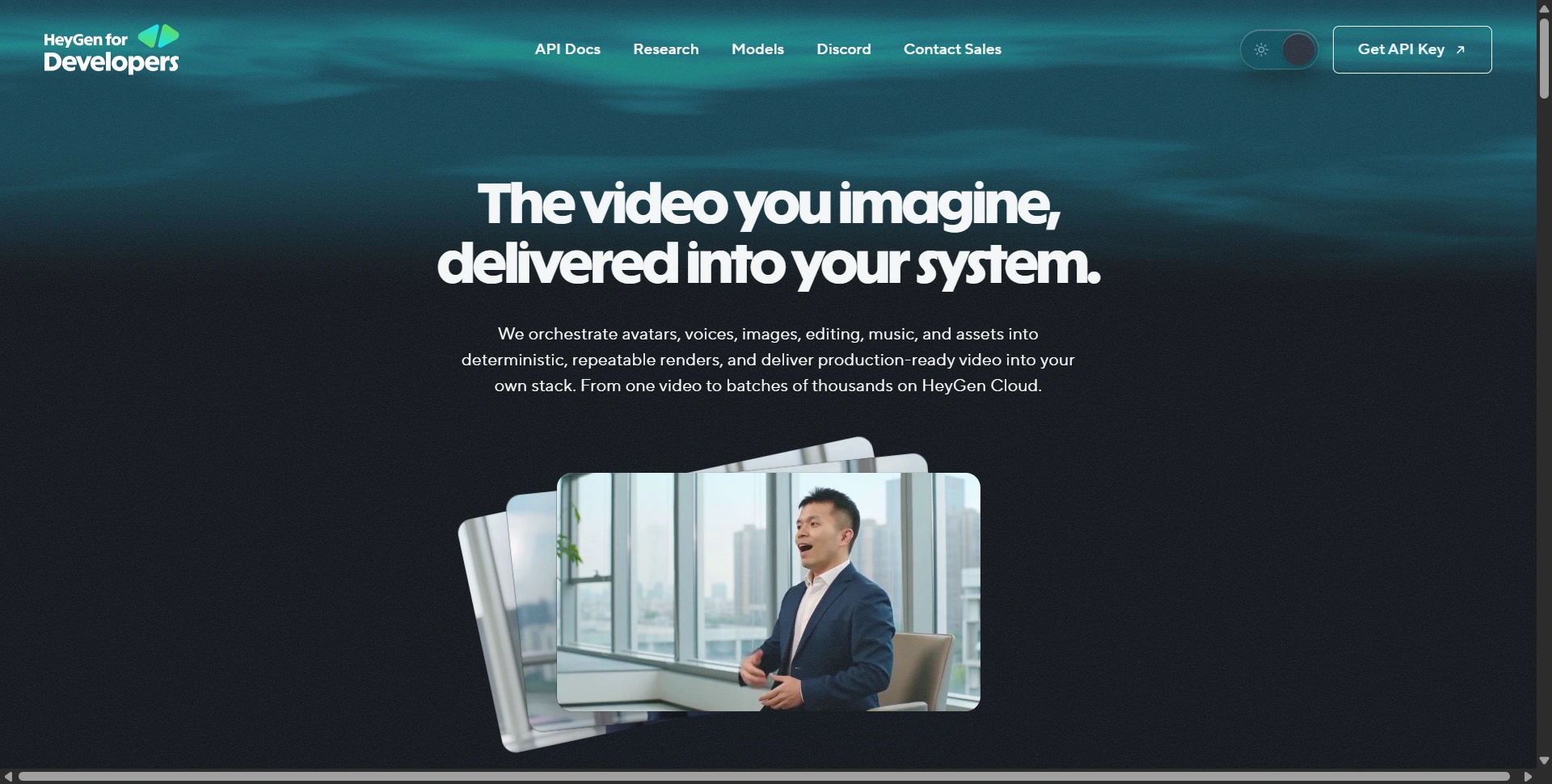
For developers and SaaS companies, that opens another layer of potential use cases.
Brand management is useful for businesses
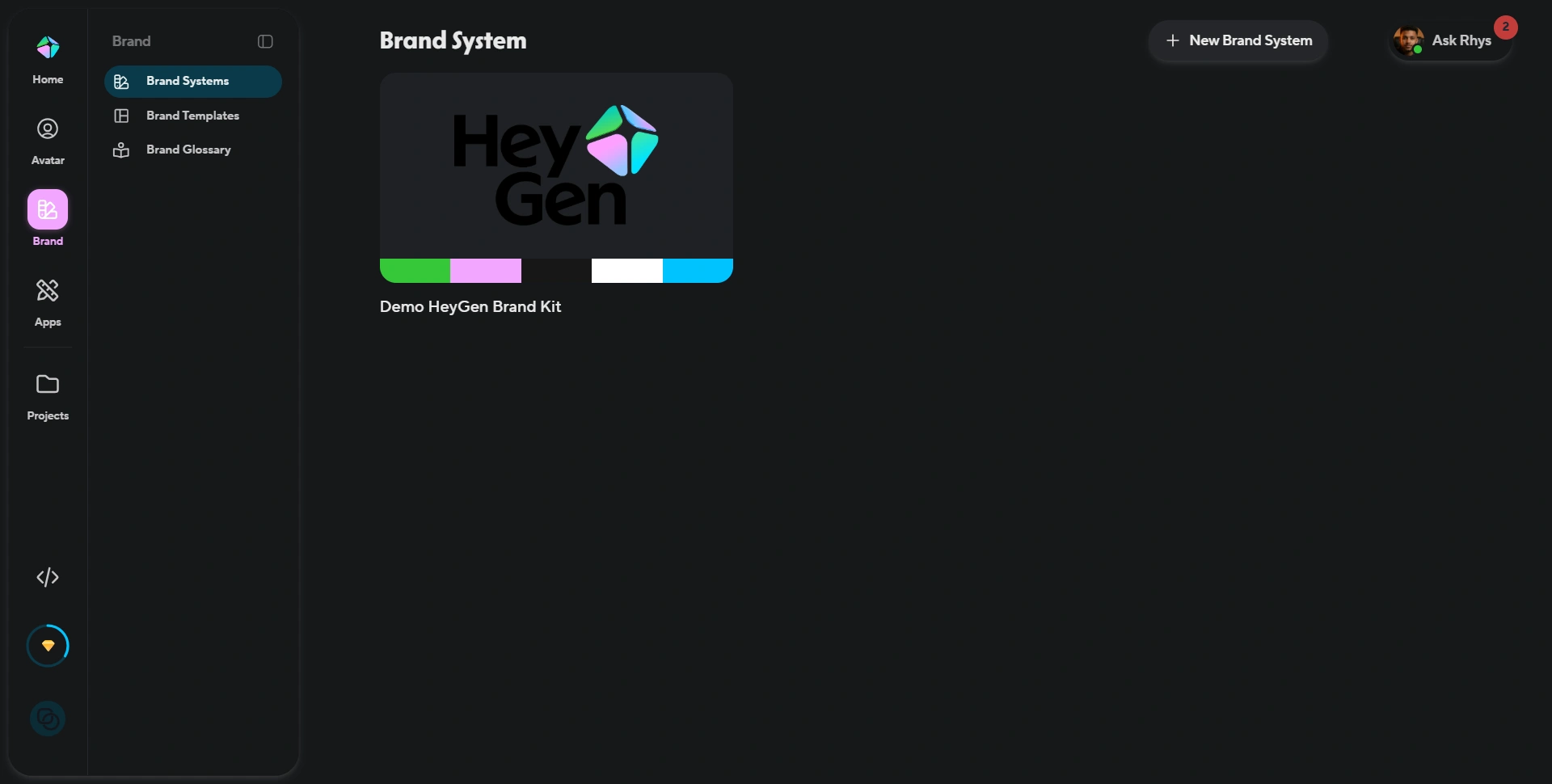
HeyGen also includes a dedicated Brand System.
During our testing, the brand area included brand systems, brand templates, and a brand glossary.
This is a small detail, but it is important for teams.
If you're creating videos regularly for a company, you don't want every video to feel like it was produced by a different person.
Having a centralized brand system can help maintain consistency across:
- Visual identity
- Templates
- Terminology
- Video production
HeyGen pricing: is it worth it?
Pricing is one area where you need to pay attention.
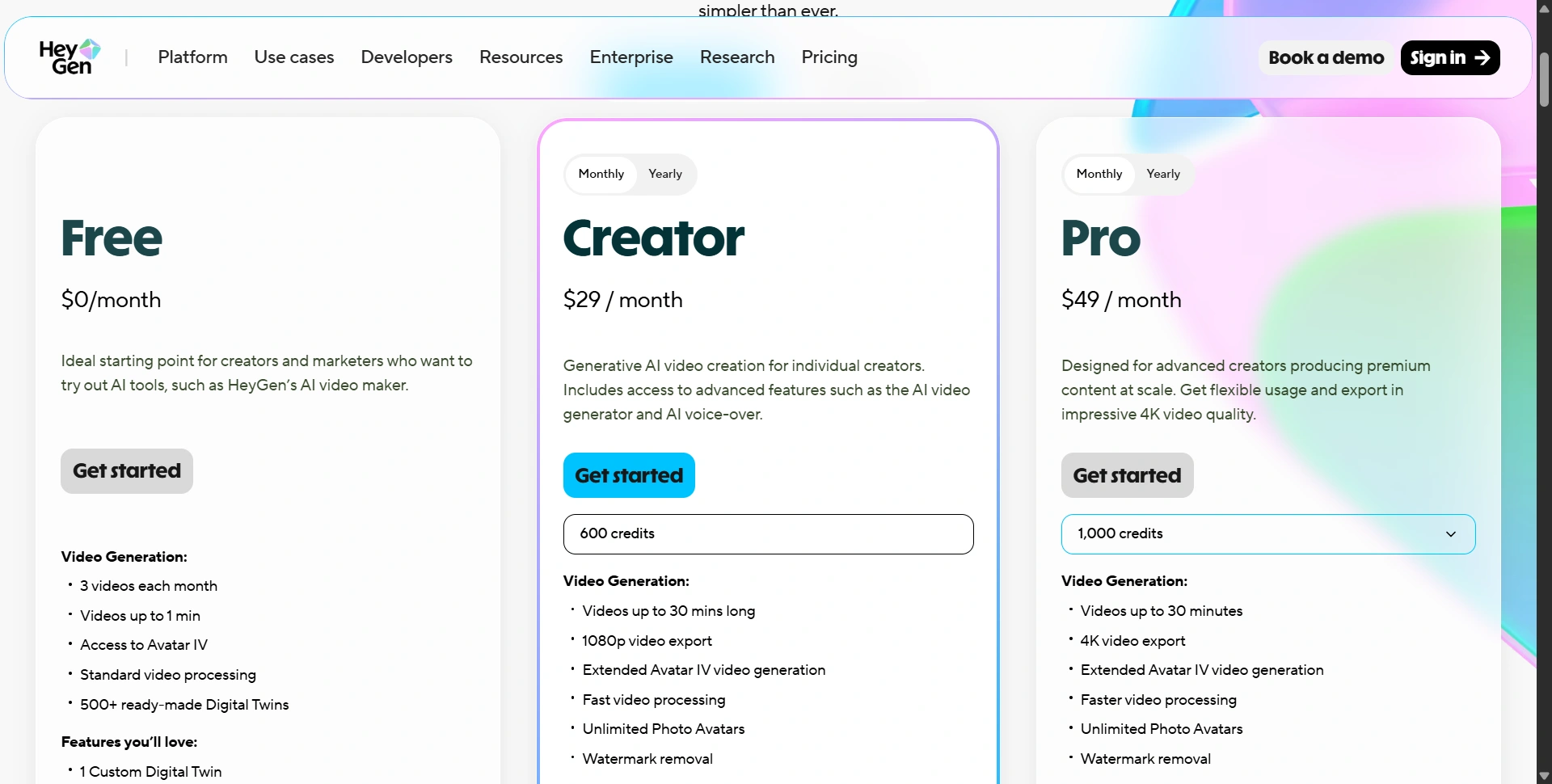
At the time of our review, HeyGen's current pricing page shows:
| Plan | Monthly price | Key points |
|---|---|---|
| Free | $0 | 3 videos/month, up to 1 minute |
| Creator | $29/month | 600 credits, 1080p |
| Pro | $49/month | 1,000 credits, 4K |
| Business | $149/month | Business/team features |
| Enterprise | Custom | Enterprise requirements |
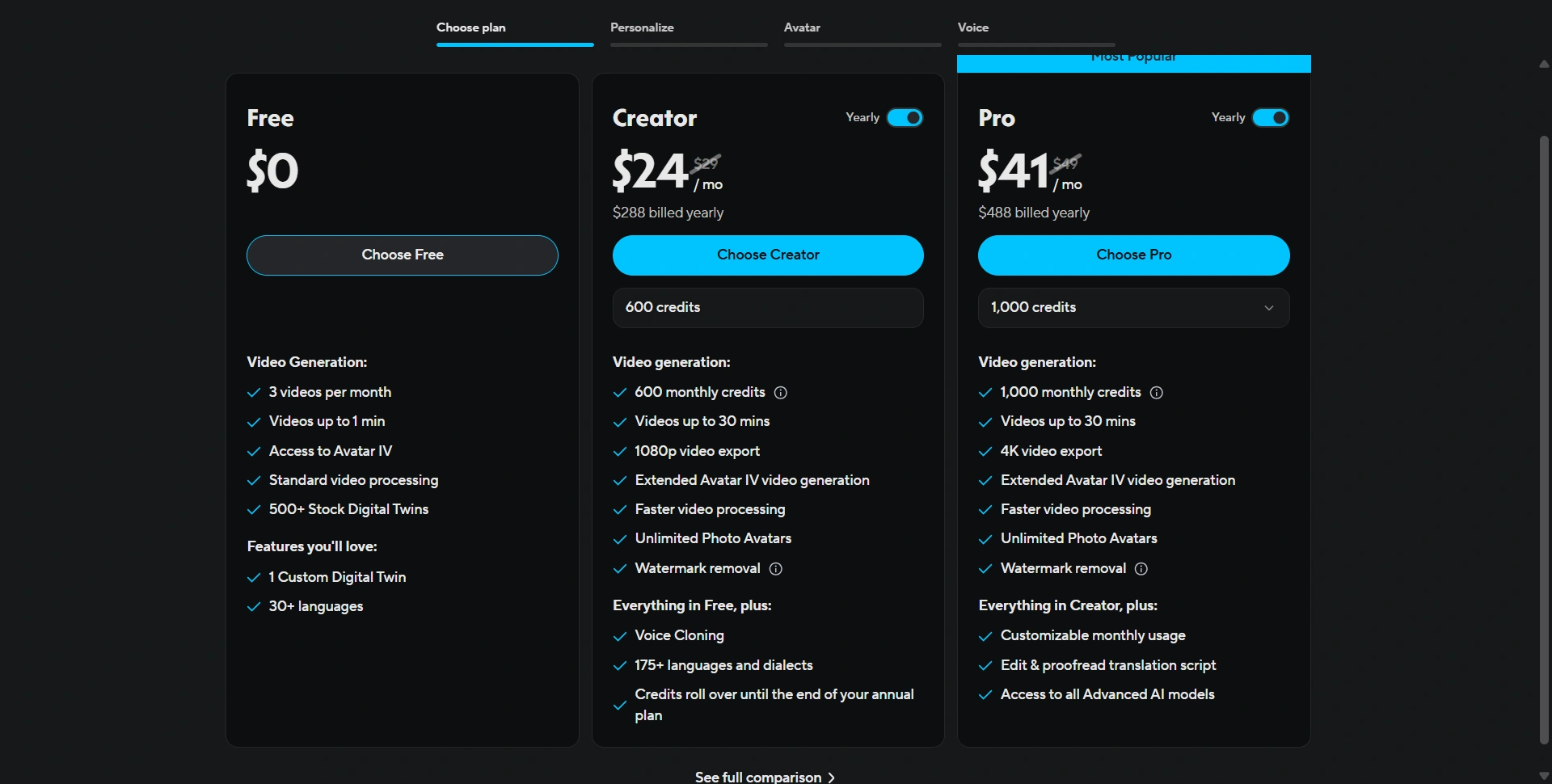
The annual pricing shown in the interface we tested was lower: Creator at $24/month billed annually and Pro at $41/month billed annually.
The Free plan includes three videos per month, videos up to one minute, Avatar IV access, Video Agent access, 500+ ready-made Digital Twins, one custom Digital Twin, and 30+ languages.
Creator adds 600 monthly credits, videos up to 30 minutes, 1080p export, extended Avatar IV generation, unlimited Photo Avatars, watermark removal, voice cloning and 175+ languages/dialects.
Our take on the pricing
For someone creating occasional videos, the Free plan is enough to understand the product.
For a serious individual creator or marketer, Creator is probably the sweet spot.
Pro makes more sense if 4K export, additional credits and advanced usage are important.
The biggest thing to understand is that HeyGen has moved toward a credit-based model. Premium features such as Avatar IV, lip-synced video translation, Video Agent and some generative features can consume credits. HeyGen says the credit system is intended to make usage clearer as more AI video features are added.
So don't judge the subscription only by the headline monthly price. Look at how many credits your actual workflow consumes.
Building something like this? Get your own product reviewed, compared, and permanently indexed on VegaReview.
See pricing →What we liked about HeyGen
After going through the product, these are the areas we liked most:
1. It's much more than an avatar generator
The combination of avatars, video generation, translation, apps, branding and integrations makes HeyGen feel like a complete video platform.
2. The avatar workflow is easy to understand
The public avatar library and Digital Twin workflow make it straightforward to create reusable presenters.
3. Localization is genuinely useful
175+ languages and dialects make HeyGen particularly attractive for global content production.
4. The ecosystem is getting stronger
The integrations and API make HeyGen more useful for businesses than a standalone AI video generator.
5. The free plan is actually useful
You can experiment with the platform before paying.
What we didn't like
An honest review also needs to cover the limitations.
1. There are a lot of features
This is both a strength and weakness.
If you're simply looking for "make an AI talking-head video," HeyGen can initially feel like too much.
2. Credit usage requires attention
The credit system makes sense for expensive generative features, but users need to understand what consumes credits before scaling production.
3. It isn't a replacement for every type of video production
HeyGen is excellent for AI-presenter videos, explainers, training, marketing and localization.
But if you need a highly cinematic production with real locations, physical actors, complex camera work or complete frame-by-frame creative control, traditional production or a dedicated video editor can still make more sense.
4. The best experience depends on your use case
A creator making occasional social clips and an enterprise producing thousands of localized training videos are going to get very different value from HeyGen.
Who should use HeyGen?
We'd recommend HeyGen if you're:
- A content creator producing videos regularly
- A marketer creating product or promotional videos
- A SaaS company creating demos and explainers
- A training or L&D team
- A business creating internal communications
- A global company localizing video
- A sales team creating personalized videos
- An agency producing videos for multiple clients
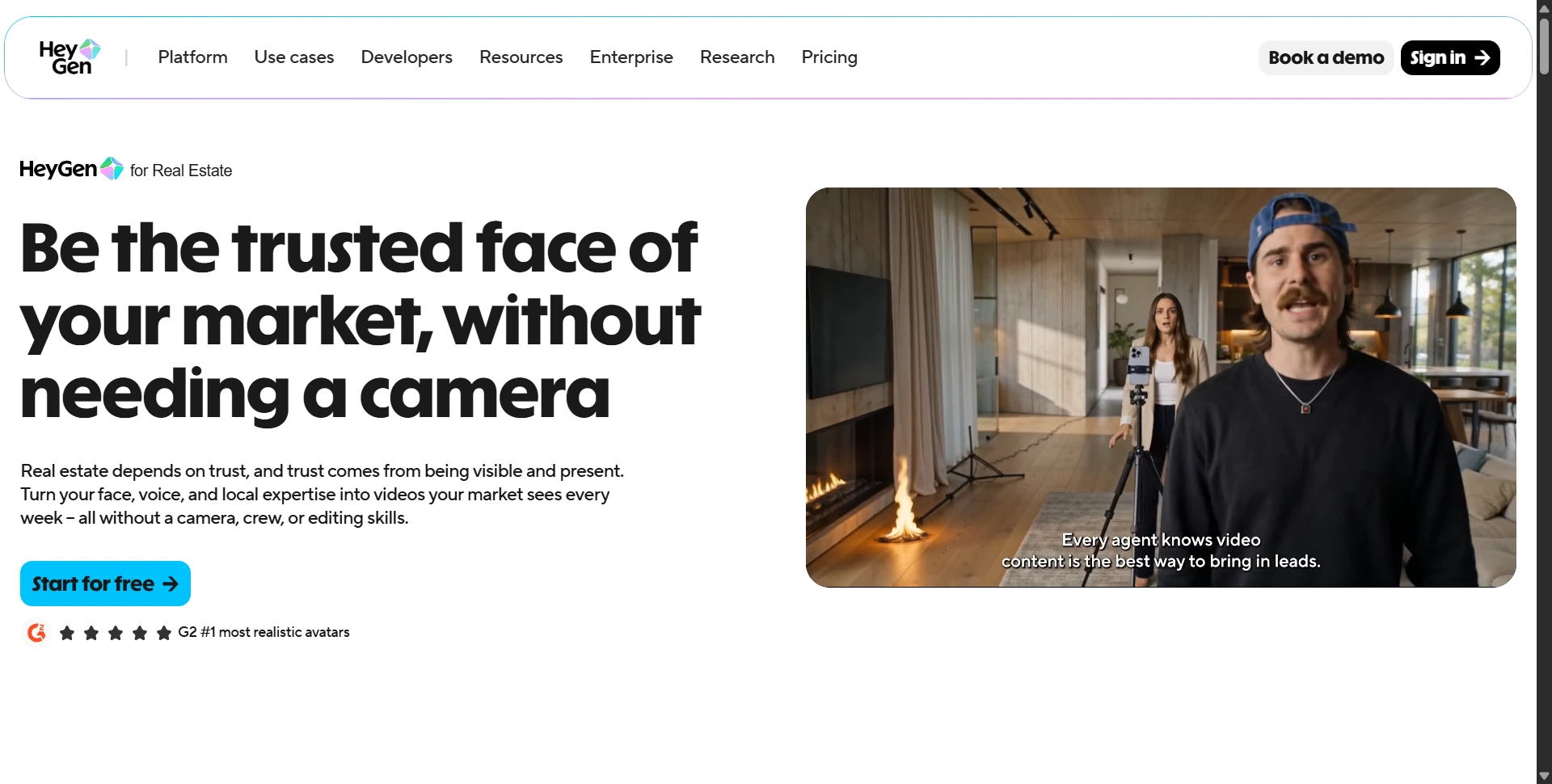
HeyGen itself also showcases industry-specific use cases, including real estate, where the platform positions AI video around becoming the "trusted face" of a market without needing to film every week.
Who should skip HeyGen?
We wouldn't recommend it as the first choice if you:
- Rarely create video
- Need advanced traditional video editing
- Primarily produce cinematic live-action content
- Need highly complex manual compositing
- Don't benefit from AI avatars or automated video production
In those cases, a conventional editor or specialized production workflow may be more appropriate.
Final verdict: Is HeyGen worth it in 2026?
Yes, for the right user.
After trying the platform and going through its current workflow, our biggest takeaway is that HeyGen has evolved beyond the AI avatar category.
It's becoming an AI video production platform.
You can create videos, build Digital Twins, use AI avatars, generate content from prompts, translate videos, create clips, use AI-powered apps, manage brand assets, connect external tools and even build programmatic video workflows through its API.
That's a lot of functionality in one product.
The biggest question isn't really whether HeyGen can create an AI video. It obviously can.
The more important question is:
Will you create enough video to justify having all of these capabilities in one platform?
If the answer is yes, HeyGen is easy to recommend.
For creators and marketers, the Creator plan is the one we'd start with. For heavier production and higher-quality exports, Pro becomes more interesting. And businesses with larger teams, security requirements and workflow needs should look at Business or Enterprise.
The biggest thing we'd watch is credit consumption. As HeyGen adds more advanced generative features, understanding which features consume credits becomes increasingly important.
Our final score: 8.8/10
Best overall for: AI avatar videos, business video, marketing, training and multilingual content.
Our verdict: Worth trying, especially if you create video regularly.
Start Creating With a Free HeyGen Account
Test the platform on a real script or Digital Twin before deciding whether the credits justify the upgrade: the free plan is enough to see exactly how it handles your video workflow.