LaraCopilot is one of the more interesting AI development platforms for Laravel developers in 2026. Its biggest advantage isn't simply that it can generate code from prompts: it tries to cover the entire workflow around a Laravel application: generating an app, iterating on it, managing projects and teams, connecting GitHub, configuring payments and integrations, and deploying to infrastructure.
We tried LaraCopilot ourselves and explored the builder, pricing, credits, projects, API tokens, version control, payment gateways, integrations, deployment options, team management, documentation, and its developer/agency marketplace. The experience is promising, but it's important to understand what LaraCopilot is, and what it isn't.
What Is LaraCopilot?
LaraCopilot is an AI-powered application builder specifically focused on the Laravel ecosystem.
The basic idea is straightforward: instead of starting with a blank Laravel project, installing dependencies, creating migrations, building authentication, writing controllers and views, and configuring deployment manually, you describe what you want in natural language. LaraCopilot's own workflow is essentially describe → generate → iterate → deploy, with the generated application running on a live URL as soon as it's built.
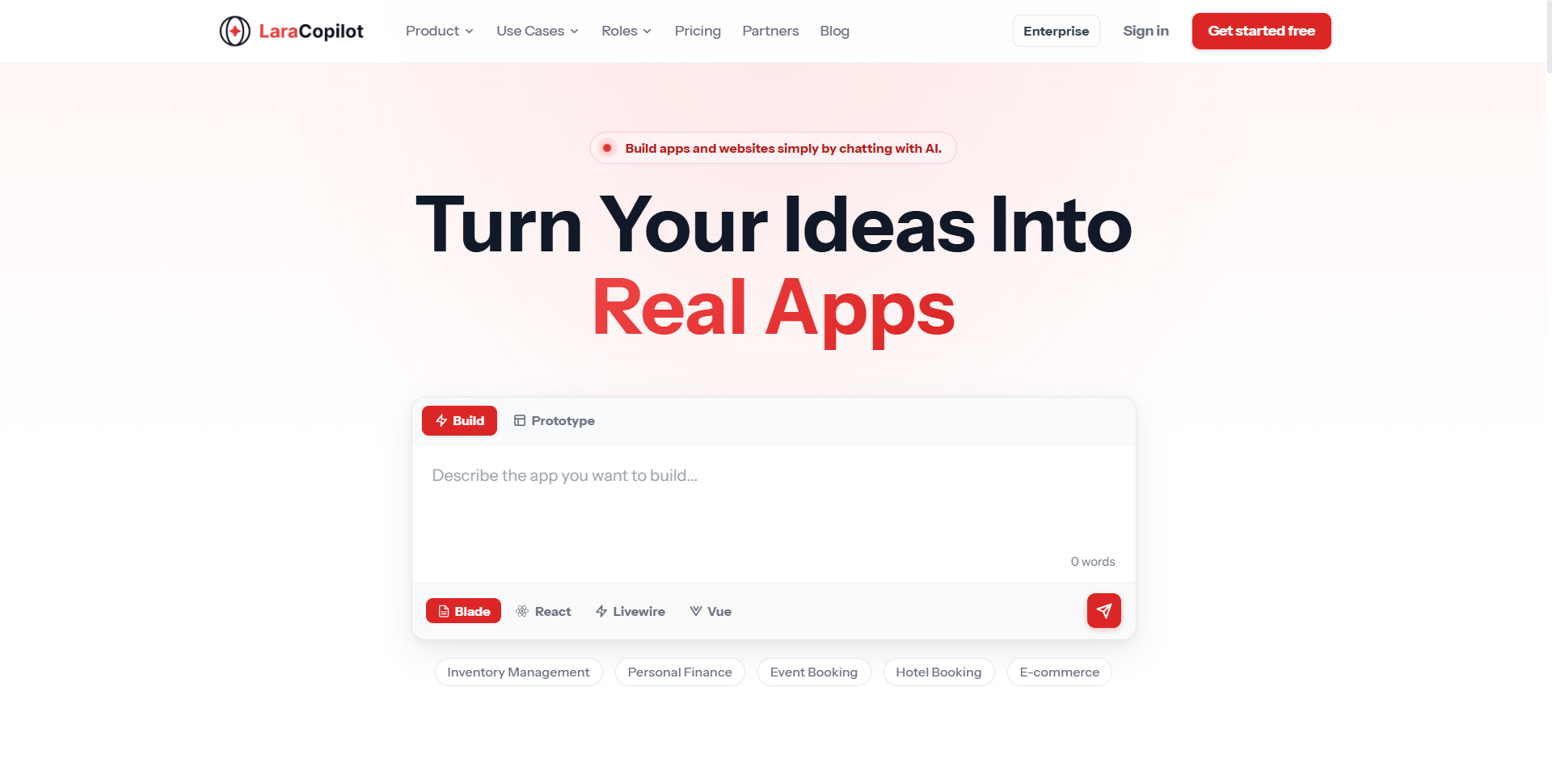
That Laravel-specific focus matters. There are plenty of AI app builders that try to support multiple frameworks and languages at once. LaraCopilot takes the opposite approach: it's built around Laravel and the PHP ecosystem specifically, which makes it particularly interesting for Laravel developers, agencies, freelancers, and founders who already know they want to build with Laravel.
Our First Impression of the Builder
The main builder interface is clean and relatively easy to understand. The central experience revolves around a large prompt box where you describe the application or feature you want to build.
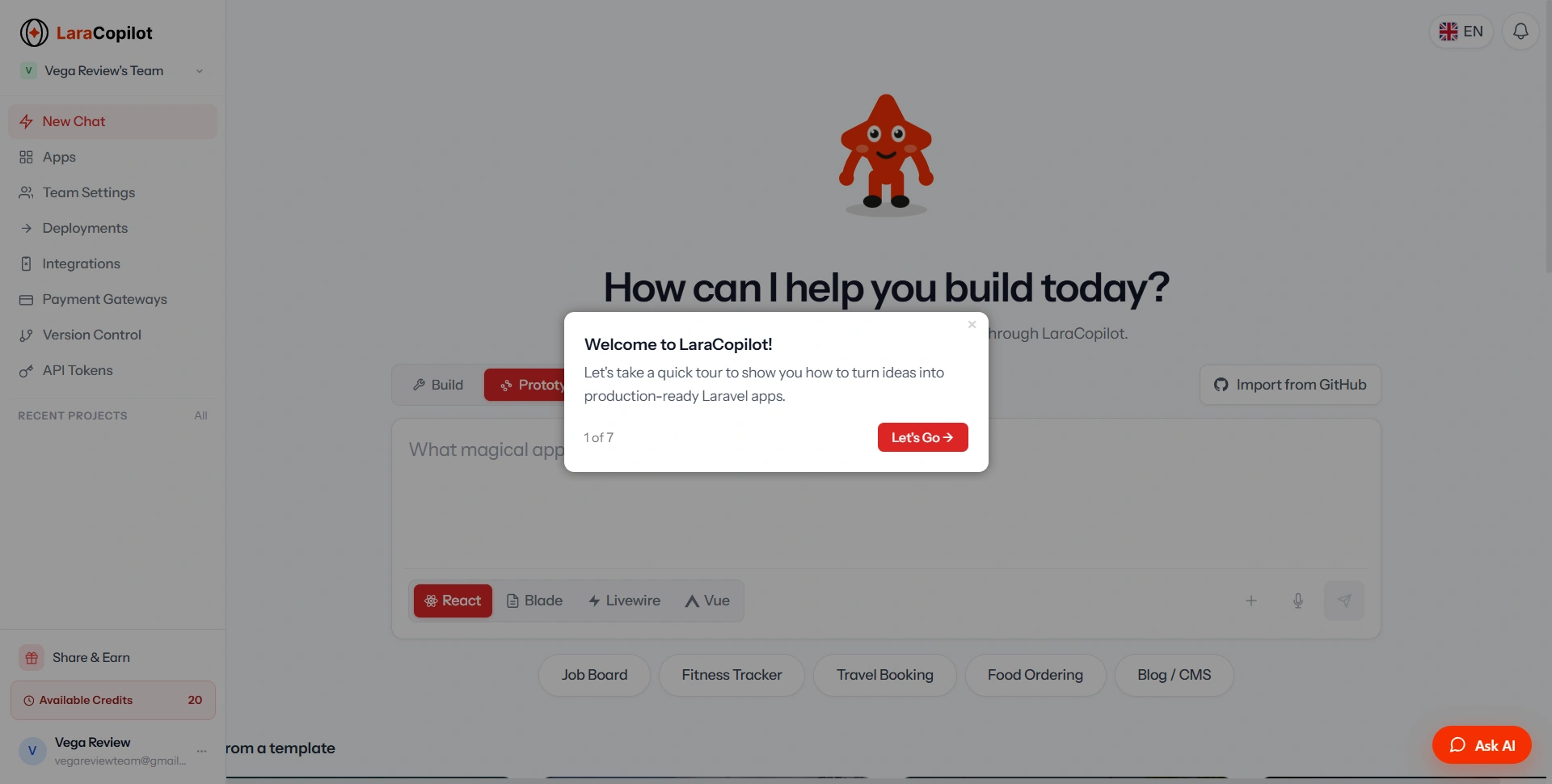
The builder also lets you choose the application stack, including React, Blade, Livewire, and Vue. That's a useful touch, because Laravel developers don't all build applications the same way: a Livewire developer works differently from someone building a Laravel API with a React frontend, and having these options available directly in the builder makes the product more flexible.
We also liked that the interface doesn't force you to understand a complicated configuration process before starting. LaraCopilot's own "how it works" walkthrough reinforces that philosophy: describe the feature, watch it get generated, and ship it.
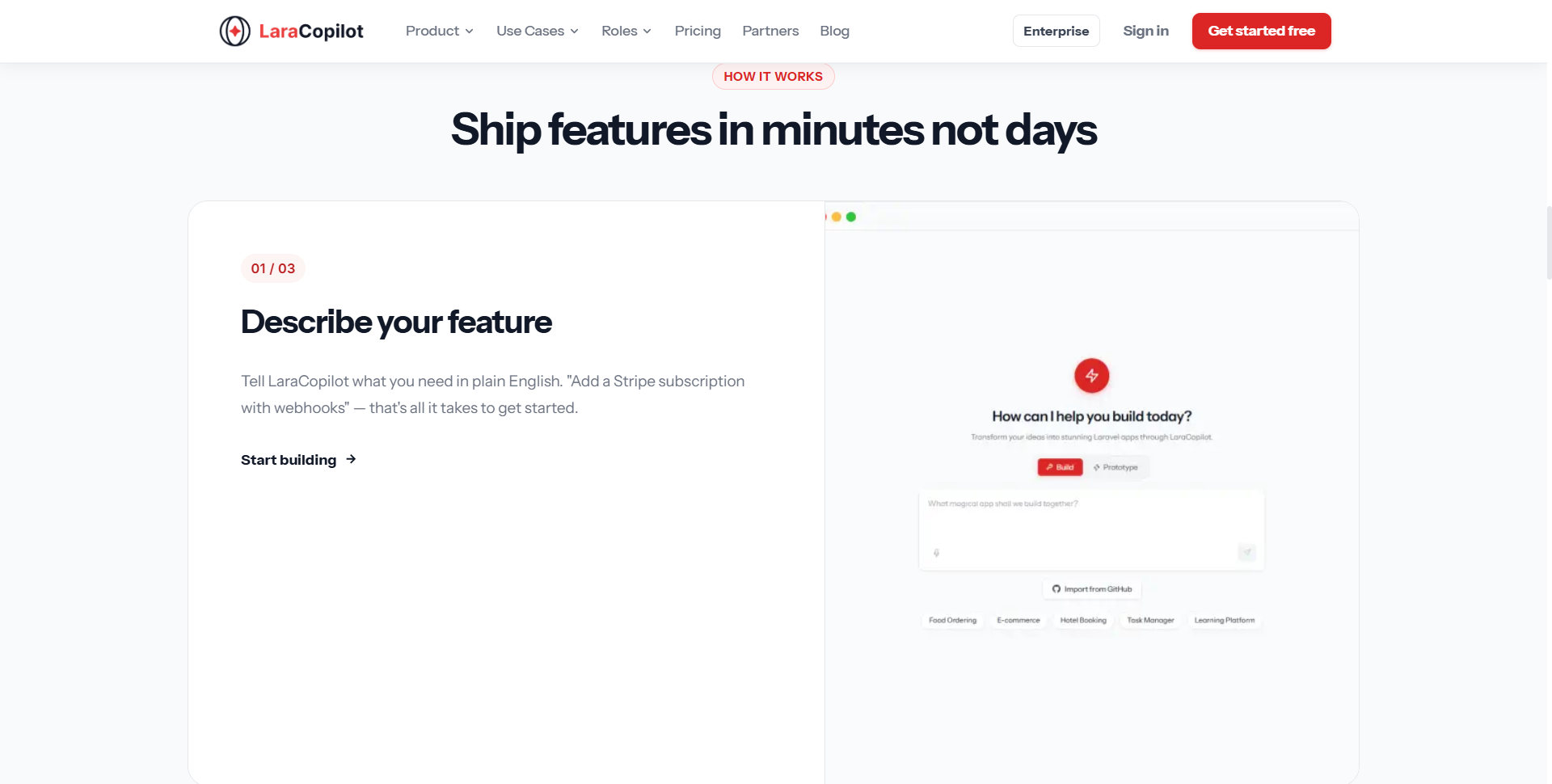
The basic message is clear: tell LaraCopilot what you want and let the platform handle much of the initial setup.
What Can You Actually Do With LaraCopilot?
The interesting part of LaraCopilot is that the product goes considerably beyond a prompt-to-code interface. Generated projects can be edited inside a browser IDE, previewed on a live URL, pushed to GitHub, and deployed: to Laravel Cloud or several other targets.
That creates a much more complete workflow. Instead of:
AI → code → copy/paste → local setup
the intended workflow becomes:
AI → application → browser IDE → live preview → GitHub → deployment
That's a significant difference. For a developer, it can remove a lot of repetitive setup work. For a non-technical founder, it potentially makes the first version of a product much more accessible.
The Project and Workspace Experience
The Apps section is where your generated applications are organized.
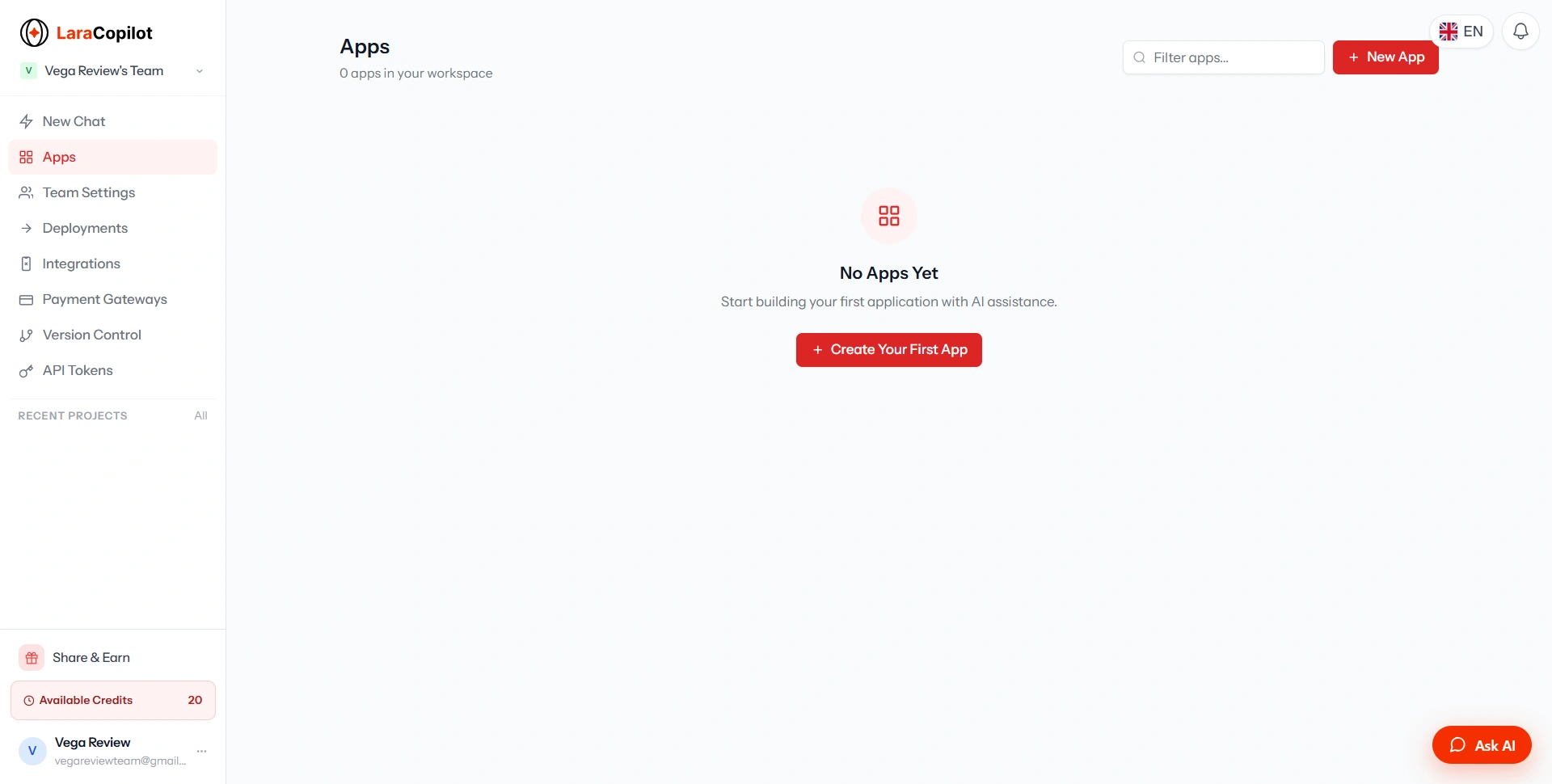
LaraCopilot also provides team settings rather than treating every project as an isolated personal experiment: you can invite team members, manage the team, and control project access.
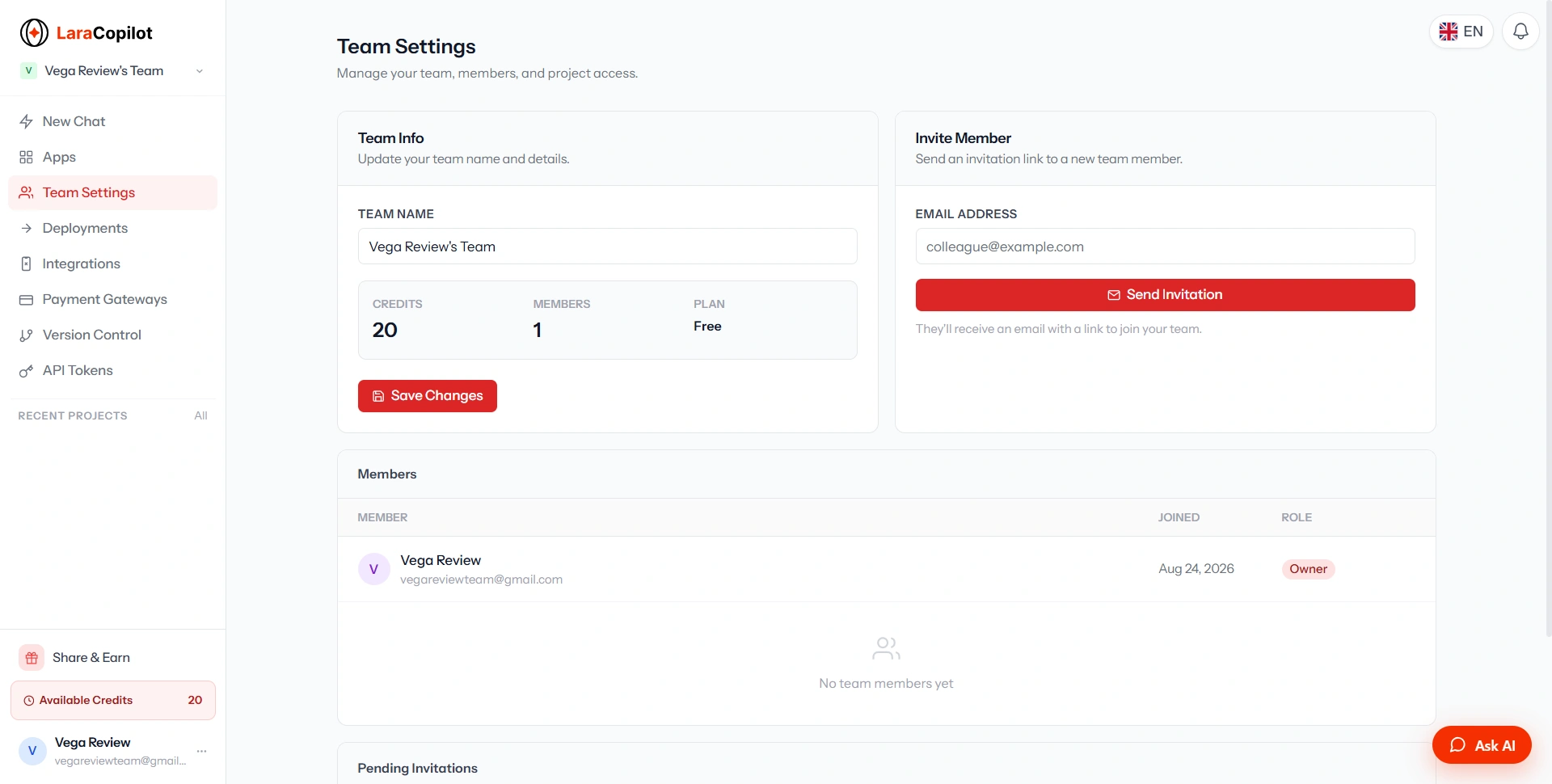
This becomes particularly relevant for agencies and small development teams. For an individual developer, this might not matter much. For an agency working on multiple Laravel applications, it matters considerably more.
GitHub Integration Is an Important Advantage
One feature we'd pay particular attention to as developers is version control. LaraCopilot currently provides GitHub integration, while Bitbucket and GitLab are shown as coming soon in the interface we tested.
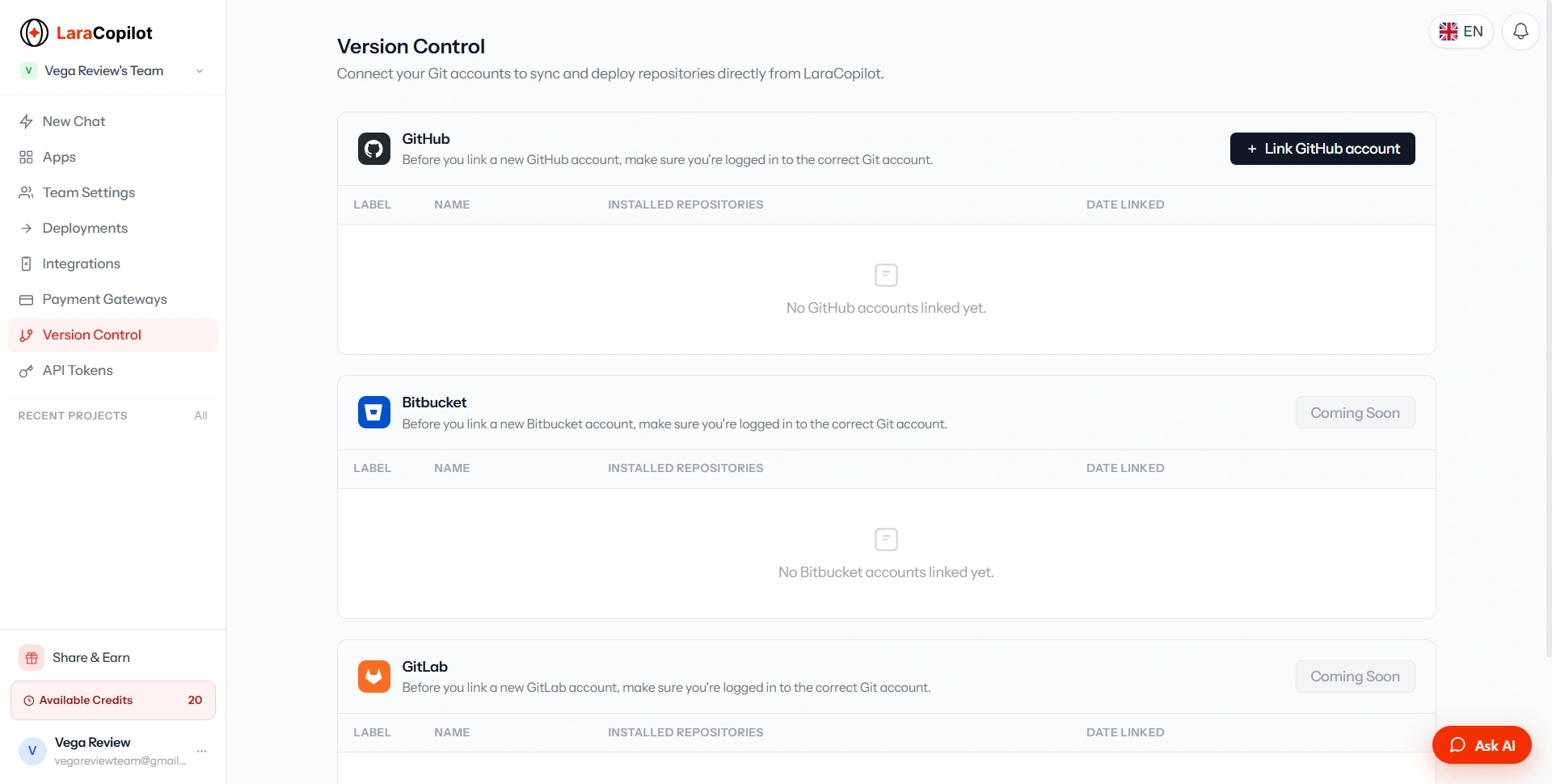
The important thing here is that LaraCopilot isn't positioning itself as a place where your application has to live forever. Generated projects can be pushed to GitHub, and the company says users own their generated code and can export and self-host it. That's a major consideration when evaluating AI coding platforms: nobody wants to build a business on top of an AI tool and later discover the application can't be moved elsewhere.
Integrations: One of LaraCopilot's Strongest Areas
The integrations screen was one of the more interesting parts of our exploration. We found integrations including Telegram, Figma, Supabase, Twilio, Google Analytics, and WhatsApp, with a few additional integrations such as Slack and Discord marked as coming soon.
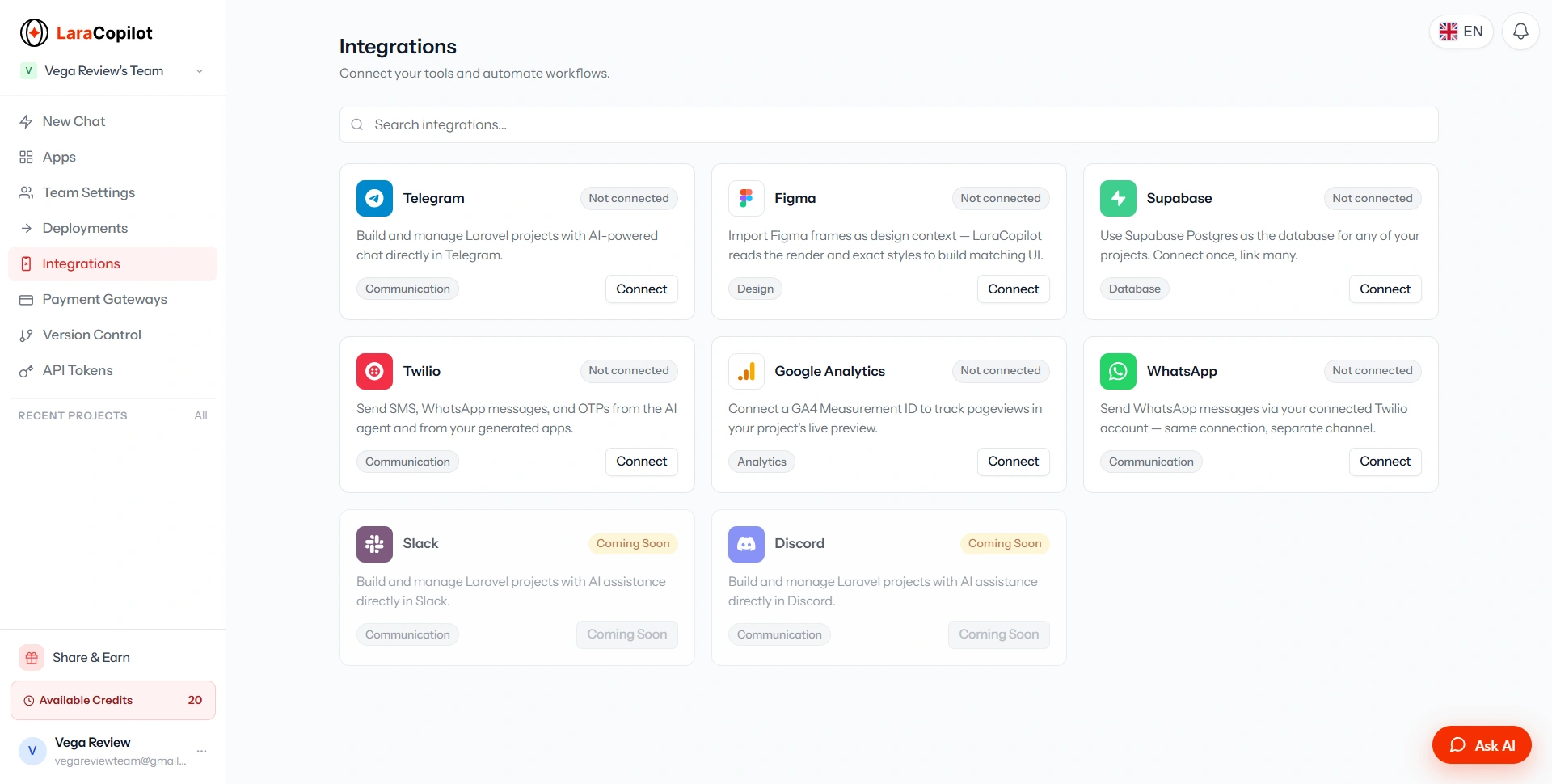
This matters because integrations are often where AI-generated applications become difficult. Generating a login page is relatively straightforward. Generating a real application that communicates with payment providers, messaging services, analytics platforms, and external APIs is much more useful. That said, we'd still recommend testing every integration carefully before putting it into production: an integration being available in the UI doesn't automatically mean every possible workflow will work perfectly.
Payment Gateways
Payment support is another area where LaraCopilot is clearly trying to move beyond simple prototypes. In our testing, Stripe was available to connect, while PayPal, Razorpay, Paddle, Adyen, Square, and several others were marked as coming soon.
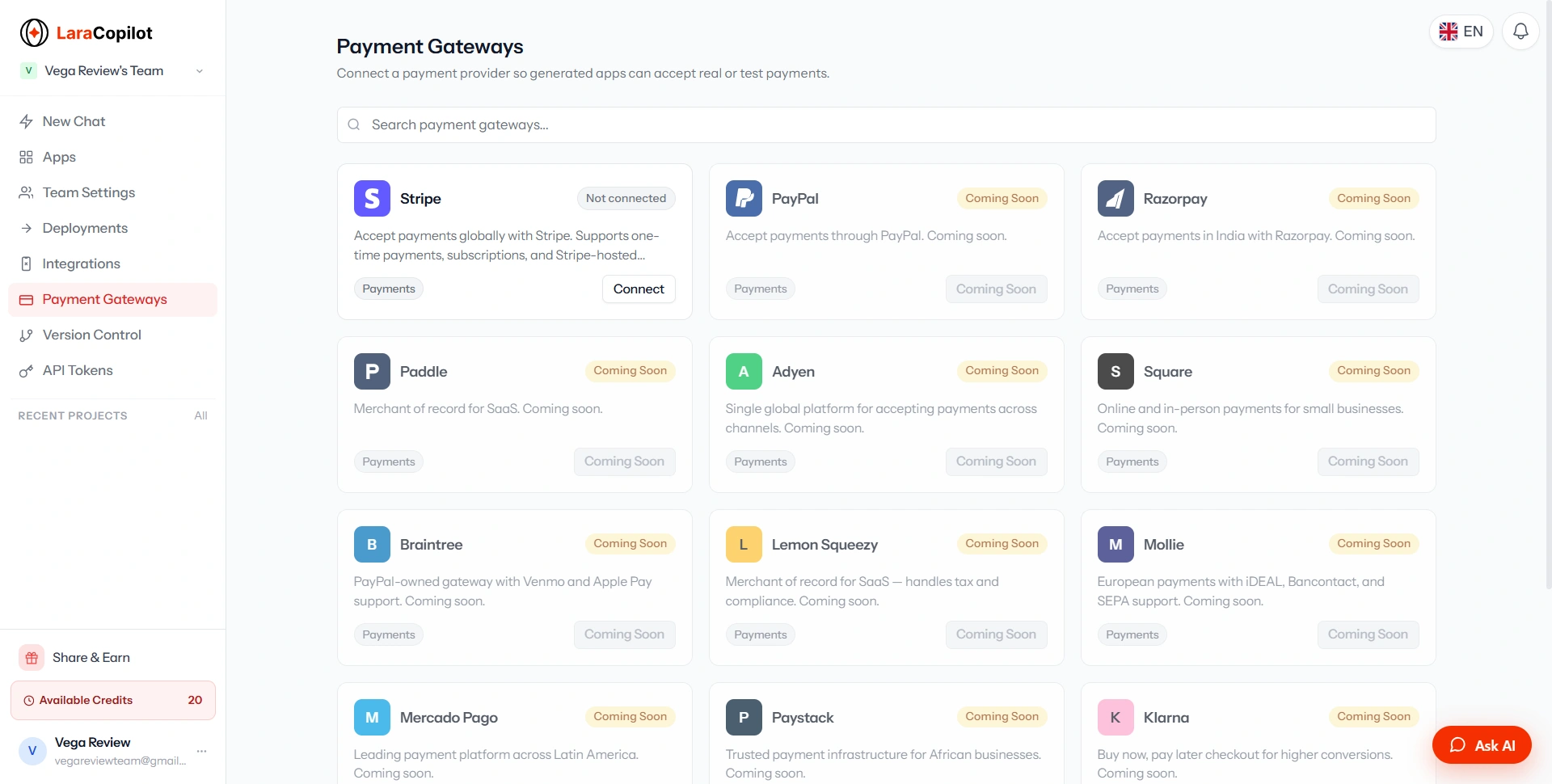
This is particularly interesting for SaaS builders: think Stripe subscriptions, webhooks, usage limits, team workspaces, and plan management. For someone building a SaaS MVP, this could potentially save significant setup time.
However, payments are one area where we would never recommend blindly trusting generated code. Always test webhook handling, failed payments, refunds, subscription cancellation, plan upgrades/downgrades, authentication, authorization, duplicate events, and production secrets. AI can accelerate implementation, but payment infrastructure still needs human review.
Deployment Is Where LaraCopilot Becomes More Interesting
LaraCopilot provides a dedicated deployment section with multiple hosting targets. The interface we tested included Laravel Cloud, Laravel Vapor, Laravel Forge, Ploi, Cleavr, Coolify, RunCloud, Railway, Render, Cloudways, DigitalOcean, and Hetzner Cloud.
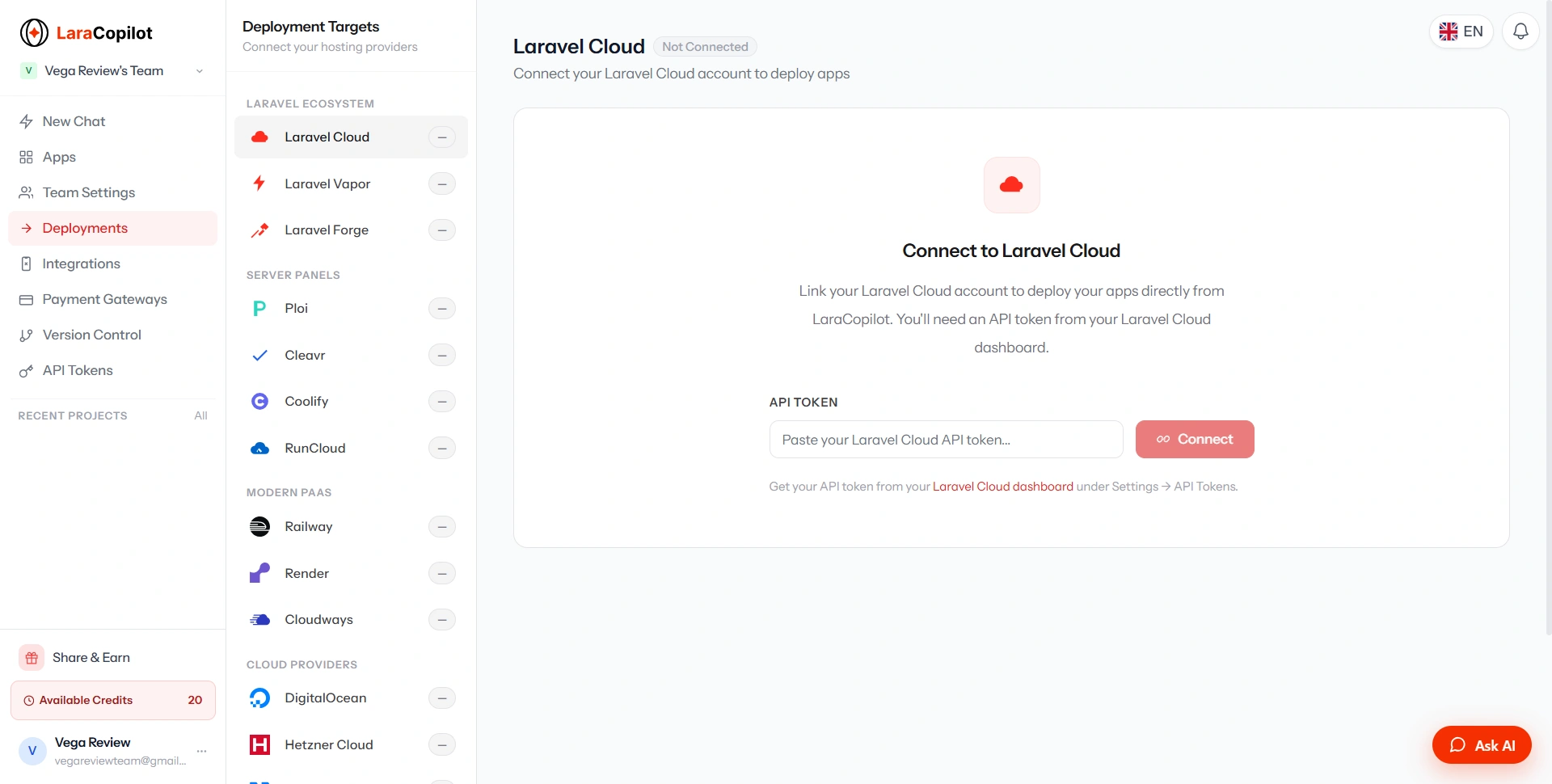
This is one of LaraCopilot's strongest ideas. A developer doesn't necessarily want another AI coding playground. They want to get an application running. LaraCopilot is clearly trying to shorten the distance between "I have an idea" and "I have a deployed Laravel application."
One thing to remember: deployment infrastructure can have its own costs. Laravel Cloud, for example, has separate hosting pricing and usage charges, so the LaraCopilot subscription shouldn't be considered your complete application hosting bill.
API Access for Automation
LaraCopilot also exposes an Agent API. The API token screen lets teams create tokens for programmatic access.
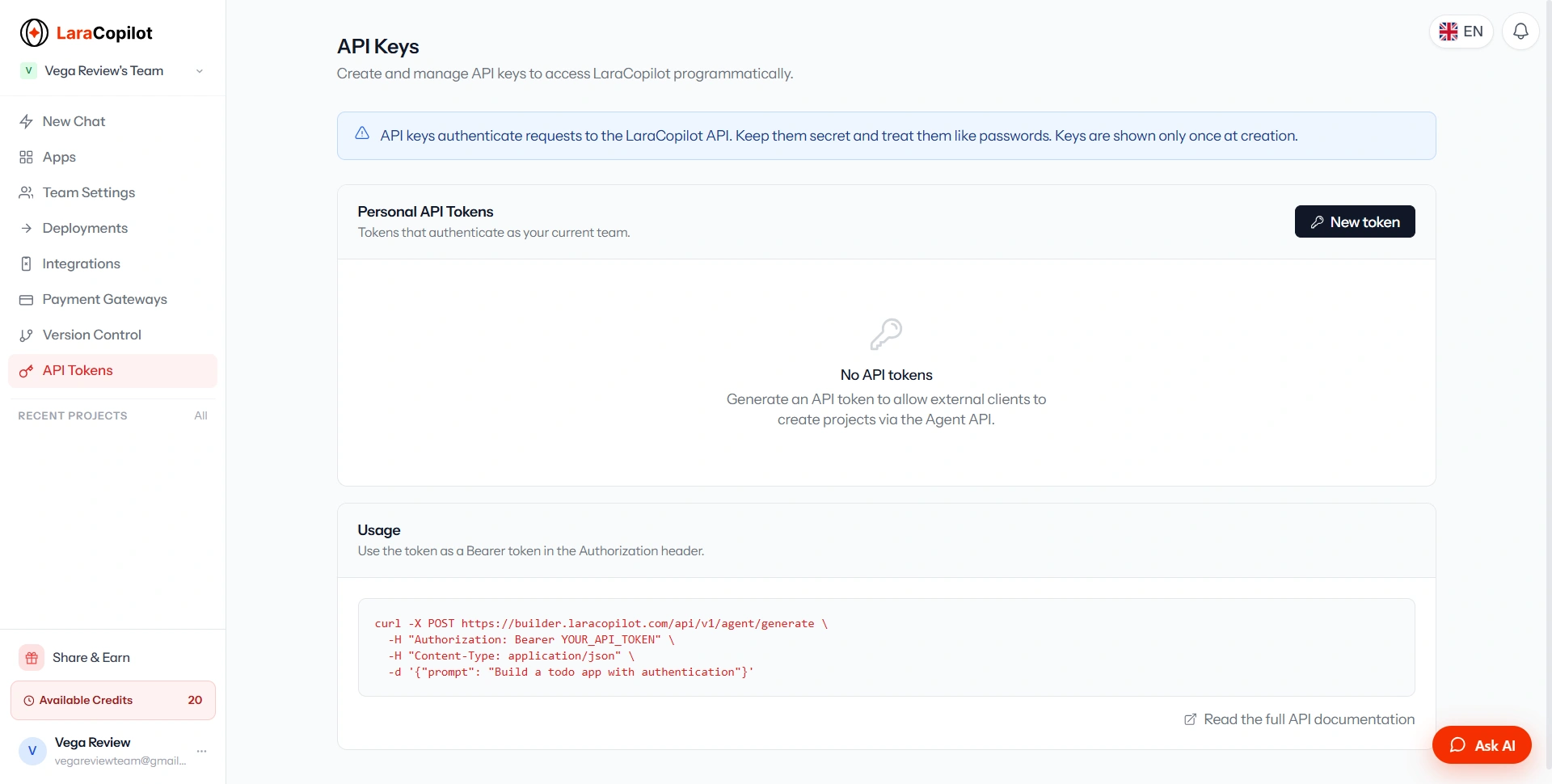
API tokens can be used to generate projects programmatically from scripts, tools, or CI pipelines, and API usage consumes credits from the team's balance the same way building in the chat interface does. This opens up some interesting possibilities: an agency could potentially build internal workflows where a standardized application specification triggers LaraCopilot programmatically, which moves the platform beyond being simply an AI chat interface.
Pricing: Is LaraCopilot Expensive?
The current plans we saw are:
| Plan | Price | Credits | Projects | Seats |
|---|---|---|---|---|
| Free | $0 | 10 | 2 | 1 |
| Starter | $29/mo | 150/mo | Unlimited | 2 |
| Pro | $79/mo | 350/mo | Unlimited | 5 |
| Agency | $199/mo | 1,800/mo | Unlimited | 10 |
You can check the current pricing page for the latest numbers. Yearly billing offers a 20% saving on top of these monthly rates.
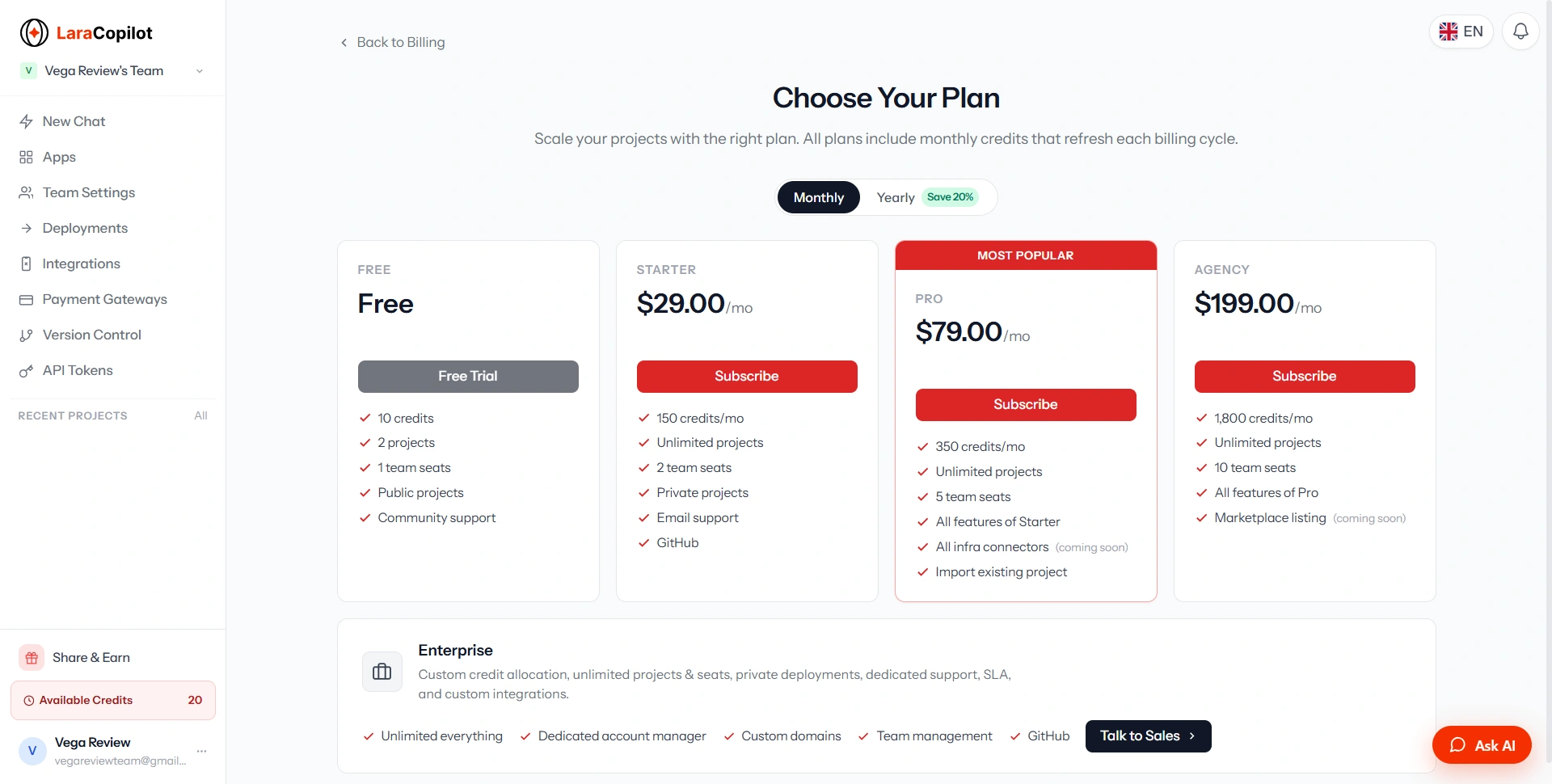
The free plan is particularly useful because you can evaluate the platform before paying. There's also a credit system, and it's worth understanding upfront.
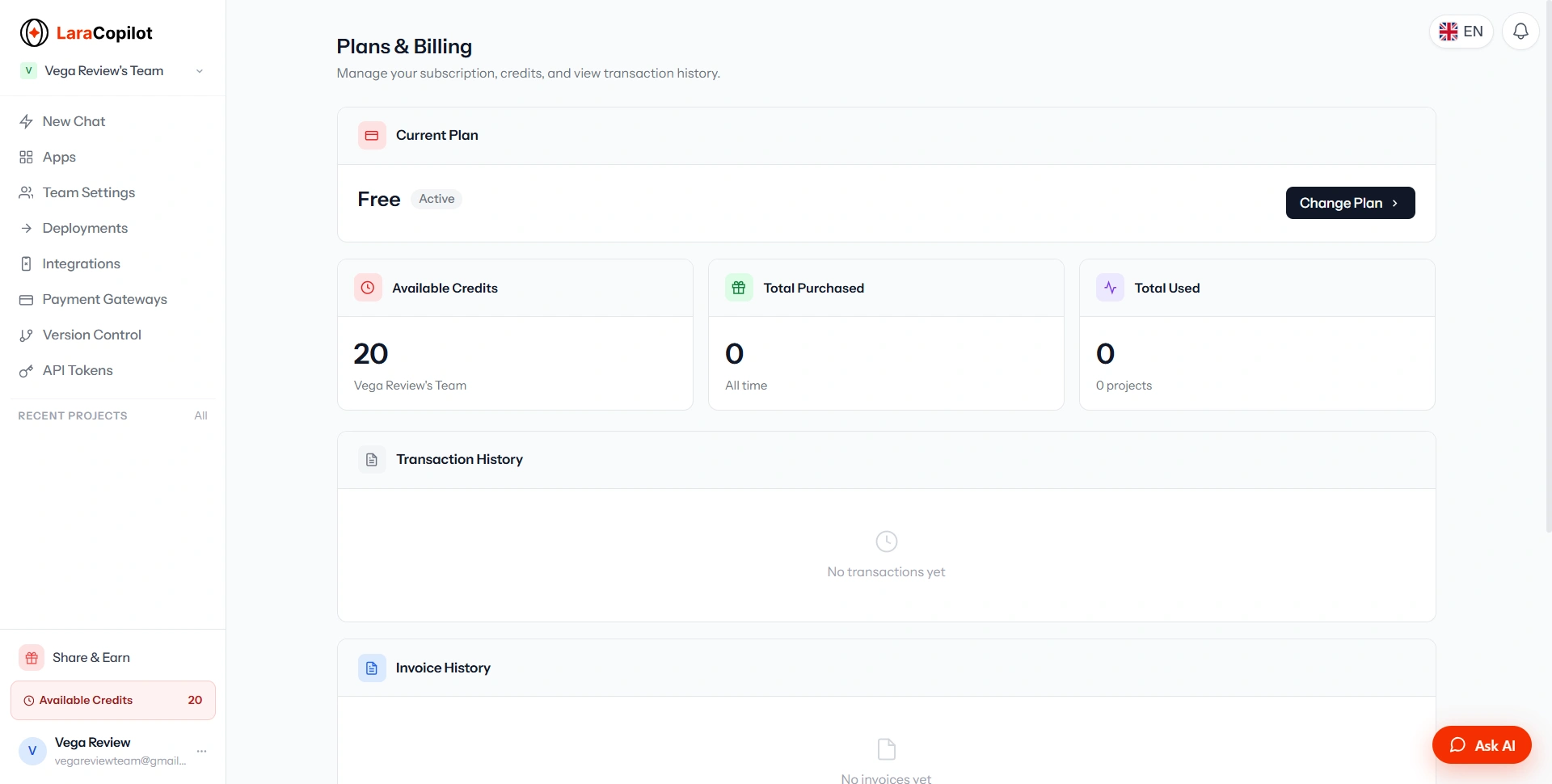
The important thing to understand is that credits are consumed when the AI actively generates or modifies application code, rather than simply browsing the dashboard. For occasional experimentation, Free may be enough. For someone building continuously, Pro is probably the more interesting tier. For agencies, the Agency plan makes more sense because of the much larger credit allocation and additional seats.
Building something like this? Get your own product reviewed, compared, and permanently indexed on VegaReview.
See pricing →Documentation Is Surprisingly Important Here
AI development tools often focus heavily on the flashy builder and neglect documentation. LaraCopilot has a dedicated documentation site covering introduction, quick start, features, deployment, integrations, billing, and API reference, and a separate support center for account and billing questions.
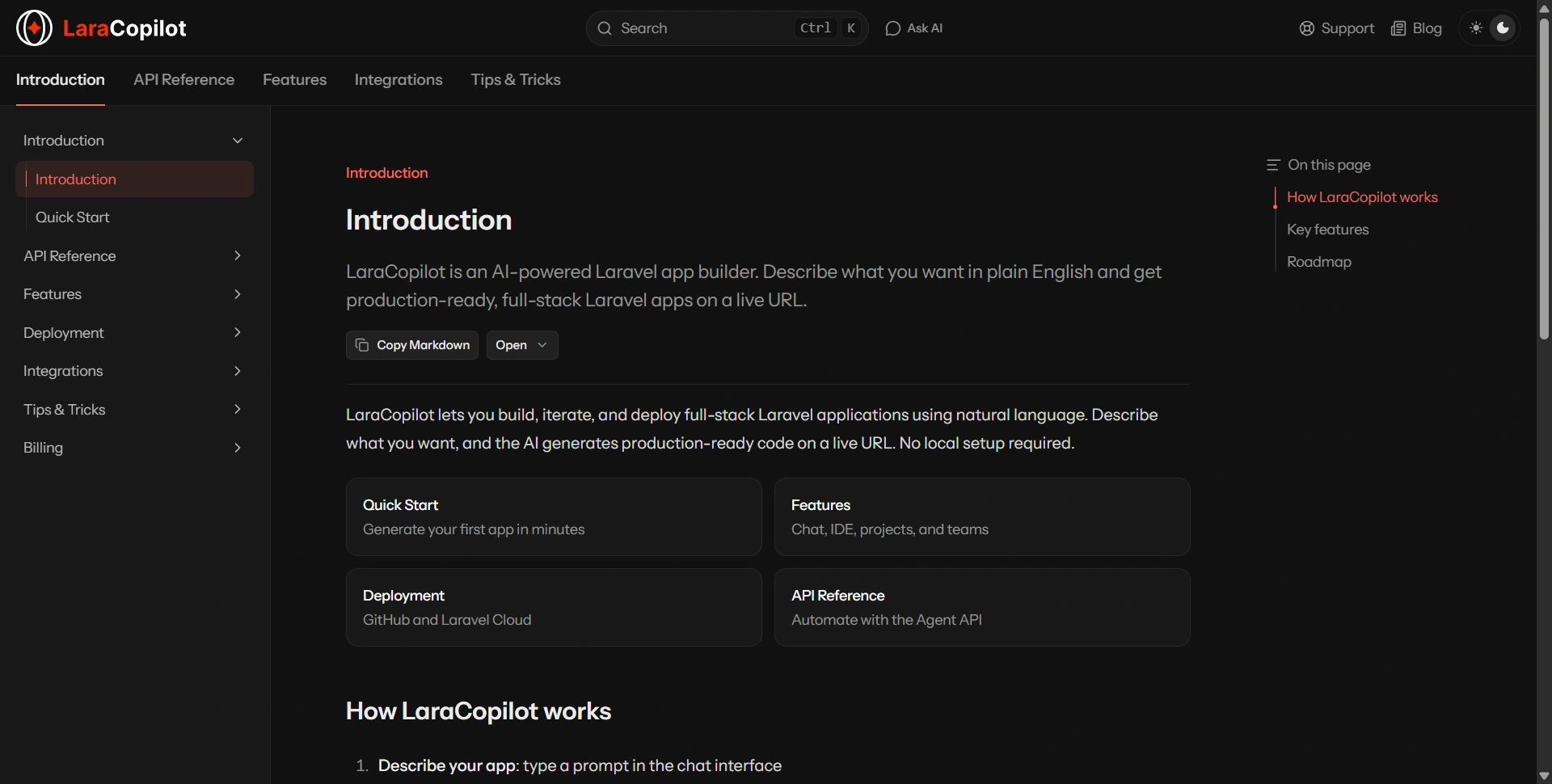
That's good, because once you move beyond simple prompts, you'll need to understand how the platform actually works.
Marketplace and Partner Ecosystem
LaraCopilot is also building an ecosystem around its platform. Its marketplace is designed to connect customers with Laravel developers and agencies.
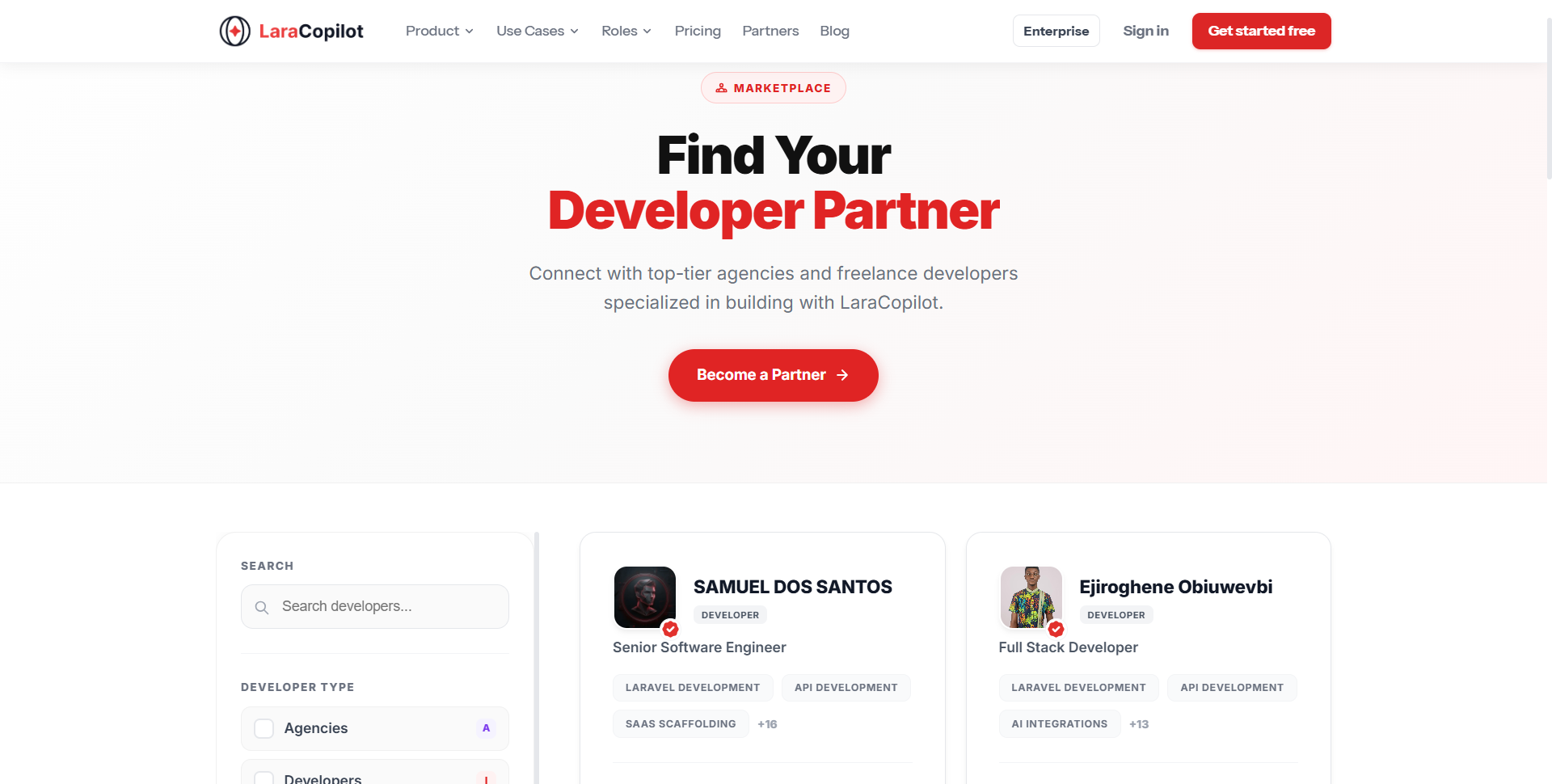
The partner network takes this further, letting developers and agencies apply as partners and potentially receive client work. The company says there's no upfront fee to join, and that it earns a platform fee on successfully completed projects instead. LaraCopilot also runs a separate affiliate program for anyone who just wants to refer customers without taking on the client work itself.

This is an interesting direction because it creates a potential loop: AI builds faster, developers deliver faster, customers get applications, and developers get more projects. Whether that ecosystem becomes a meaningful source of leads will depend on how much customer demand LaraCopilot ultimately generates.
What We Liked
After exploring the platform, these are the things that stood out to us.
1. Laravel-first approach
This is probably the biggest differentiator. LaraCopilot isn't trying to be everything for everyone: it's focused heavily on Laravel.
2. End-to-end workflow
The combination of generation, browser editing, projects, GitHub, integrations, and deployment makes it much more complete than a basic AI code generator.
3. Good integration direction
Stripe, Telegram, Figma, Supabase, Twilio, WhatsApp, and analytics integrations show that the platform is thinking about real applications rather than static demos.
4. Free tier
The free plan makes experimentation relatively low-risk.
5. API access
The Agent API makes LaraCopilot potentially useful for developers and agencies building their own automation around it.
What We Didn't Like
There are also areas where we think buyers should be cautious.
1. AI-generated code still needs review
This is the biggest point. "Production-ready" shouldn't be interpreted as "no developer review required." Security, authorization, database queries, payment workflows, validation, and edge cases still deserve human attention.
2. Some integrations are still incomplete
Several integrations shown in the dashboard are marked coming soon. The same applies to some deployment and ecosystem capabilities.
3. Credits require attention
The credit system is reasonable, but heavy users will need to understand how quickly their particular workflow consumes credits: a complex application can involve many iterations.
4. The ecosystem is still developing
The marketplace and partner network are promising, but their long-term value will depend on adoption.
Final Verdict
If you're a Laravel developer who spends a lot of time creating boilerplate, CRUD functionality, authentication flows, dashboards, and integrations, LaraCopilot is worth testing. If you're a founder who wants to validate a Laravel-based SaaS idea without immediately hiring a development team, it's also interesting. And if you're an agency, the combination of AI generation, team collaboration, GitHub, integrations, deployment, and the partner ecosystem makes the product more compelling.
We wouldn't recommend treating LaraCopilot as a replacement for experienced developers: the better way to think about it is as a force multiplier for Laravel development, not a magic replacement for engineering. The platform's biggest strength is that it tries to compress the entire development cycle, from an idea in your head to a working Laravel application on the internet, which is a much more ambitious proposition than simply generating code. That's what makes LaraCopilot worth watching in 2026.
Start Building With a Free LaraCopilot Account
Test the platform on a real small project before deciding whether the paid credits justify the upgrade: the free plan is enough to see exactly how it handles your Laravel workflow.