Most AI app builders generate code you have to hand off somewhere else to actually run. Bolt.new does something different: it runs the application directly inside your browser while you're still typing the prompt. That's not a small technical detail: it's the reason Bolt built its reputation as one of the fastest tools in the AI development category. This Bolt.new review covers what that speed actually buys you, what it costs, and where the platform's limits show up in practice.
What Is Bolt.new and How Does It Work?
Bolt.new is an AI software development agent that lets you build, run, edit, and deploy full-stack websites and applications directly in the browser. You describe what you want in plain language, Bolt writes the code, and, unlike tools that only generate a preview, the application actually executes live as it's built.
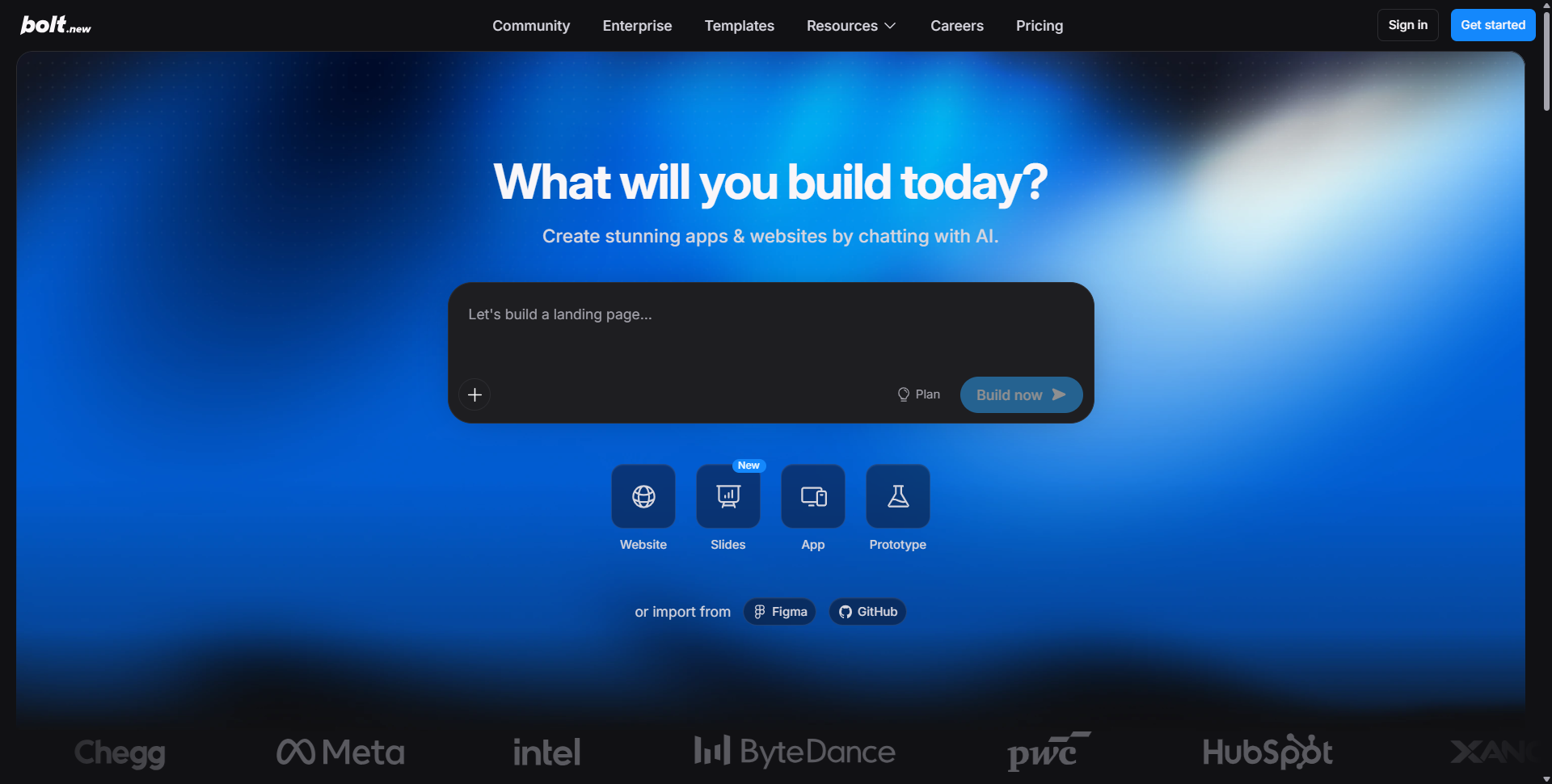
That live-execution model comes from StackBlitz's WebContainers technology, which runs a real Node.js environment inside the browser instead of spinning up a remote server. Bolt is built on top of that infrastructure, which is why builds render almost instantly compared to cloud-based alternatives. The company reports more than 10 million users building their own tools on the platform, with over half describing themselves as non-technical founders or business owners.
Inside the Dashboard: From Empty Workspace to Live App
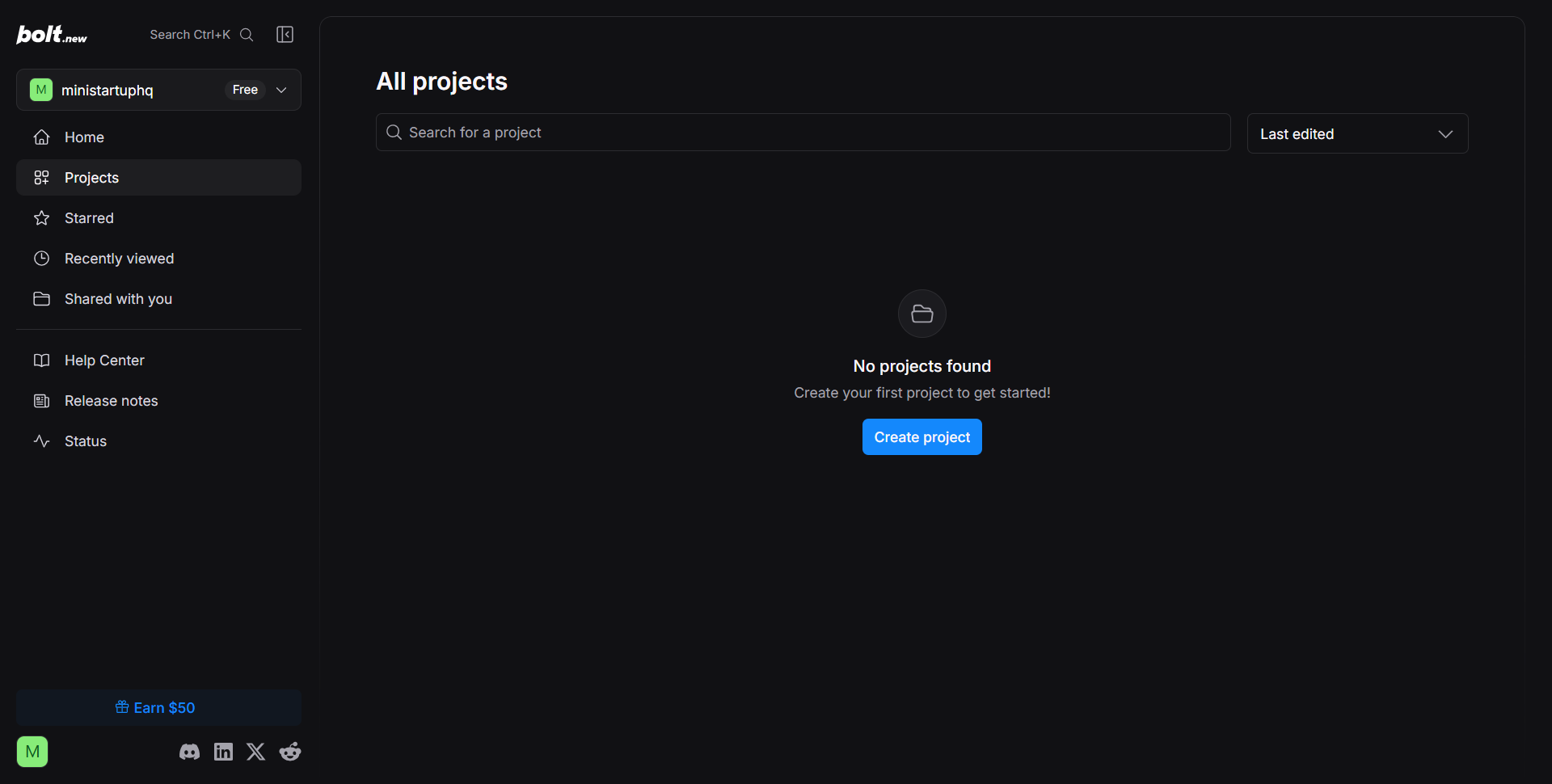
The first time you land in Bolt, the workspace is intentionally sparse. A new account shows "No projects found" and a single Create Project button: there's no clutter to work through before you start building.
Click through, and the real interface shows up: "What will you build today?" with a prompt box and four build modes (Website, Slides, App, and Prototype) plus the option to import directly from Figma or GitHub.
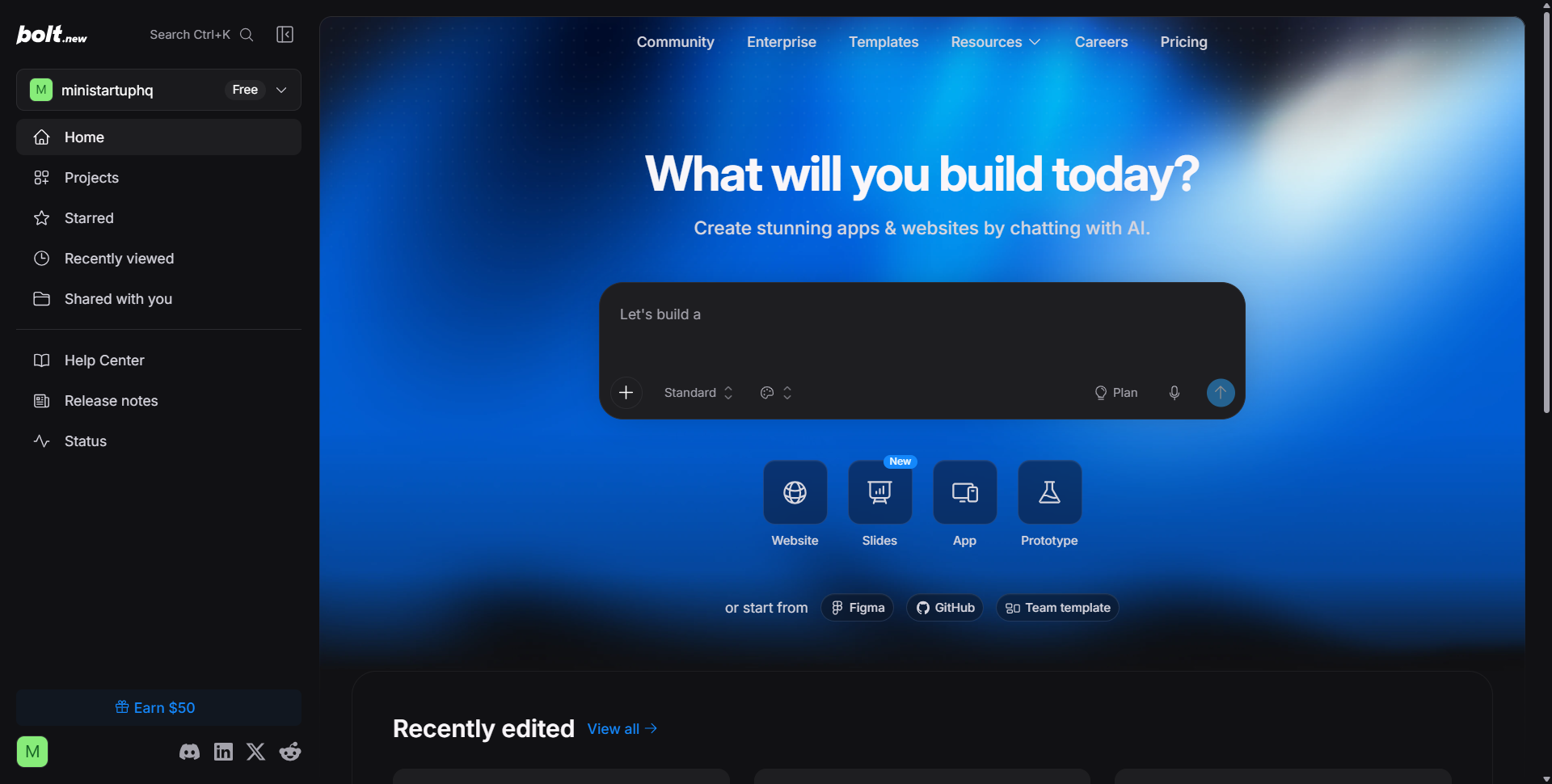
That four-way split is a meaningful product decision. Most competitors treat every request the same way; Bolt asks you to declare intent up front, which shapes how much backend logic and infrastructure it generates. A "Website" request behaves differently from an "App" request, and that distinction saves token usage on projects that don't need a full backend.
Getting Help When You're Stuck: Docs and Support
Bolt's Help Center is genuinely well organized, split into "Get started with Bolt," "Planning and prompting," and "Building" sections that map to the actual lifecycle of a project rather than a generic FAQ dump.
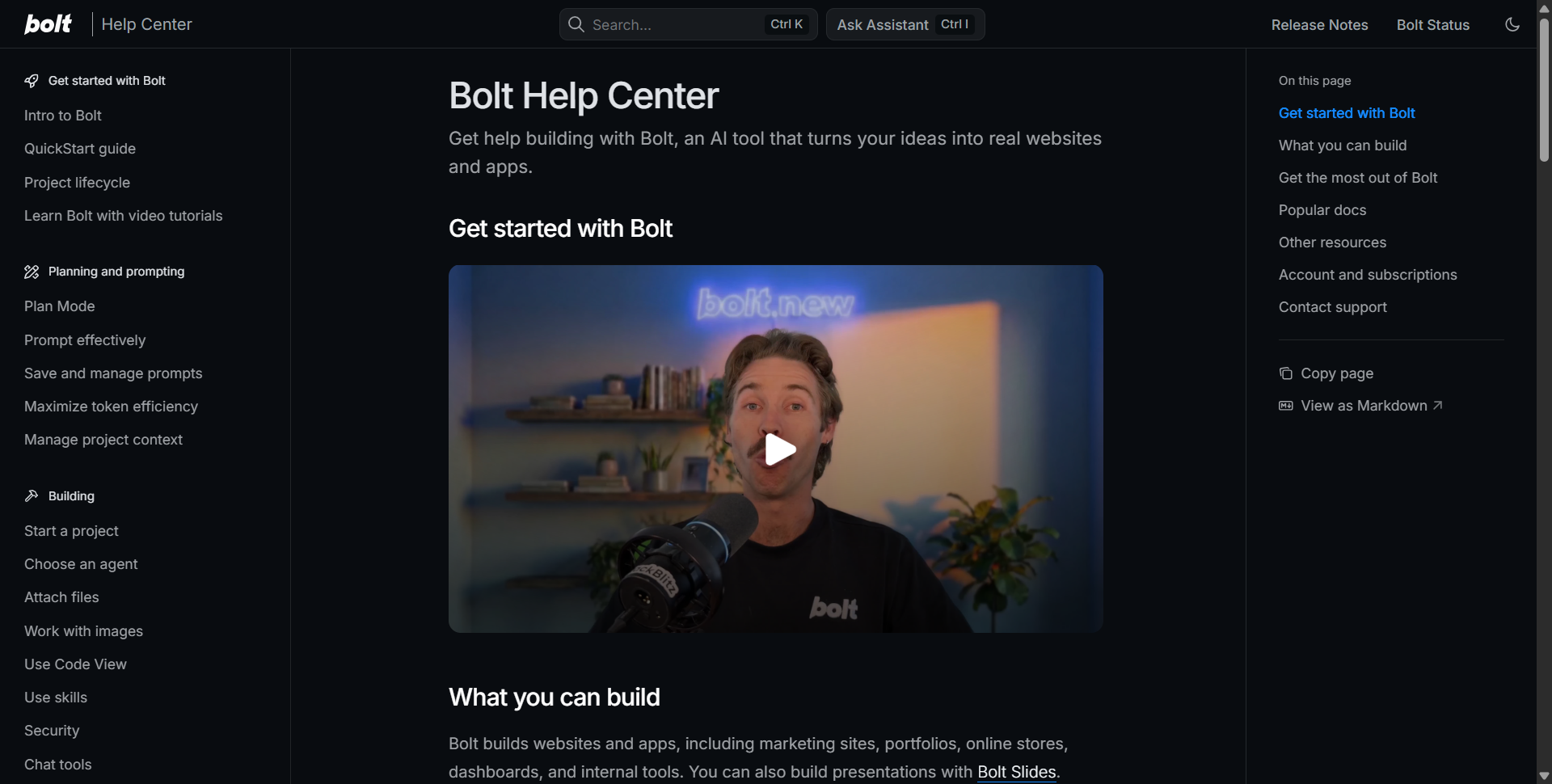
Sections like "Maximize token efficiency" and "Manage project context" stand out: they're the kind of practical, cost-conscious guidance you don't usually see from a vendor upselling usage-based credits. If you're serious about controlling spend on a token-based platform, this is the first place to read before you build anything complex.
Templates: A Faster Starting Point Than a Blank Prompt
Bolt's template library is one of the more visually confident parts of the product. It's organized into Websites, Apps, Portfolio, SaaS, Blog, Internal Tools, Editorial, Ecommerce, and Travel categories, and the design quality on display is closer to a boutique studio's portfolio than a typical SaaS template gallery.
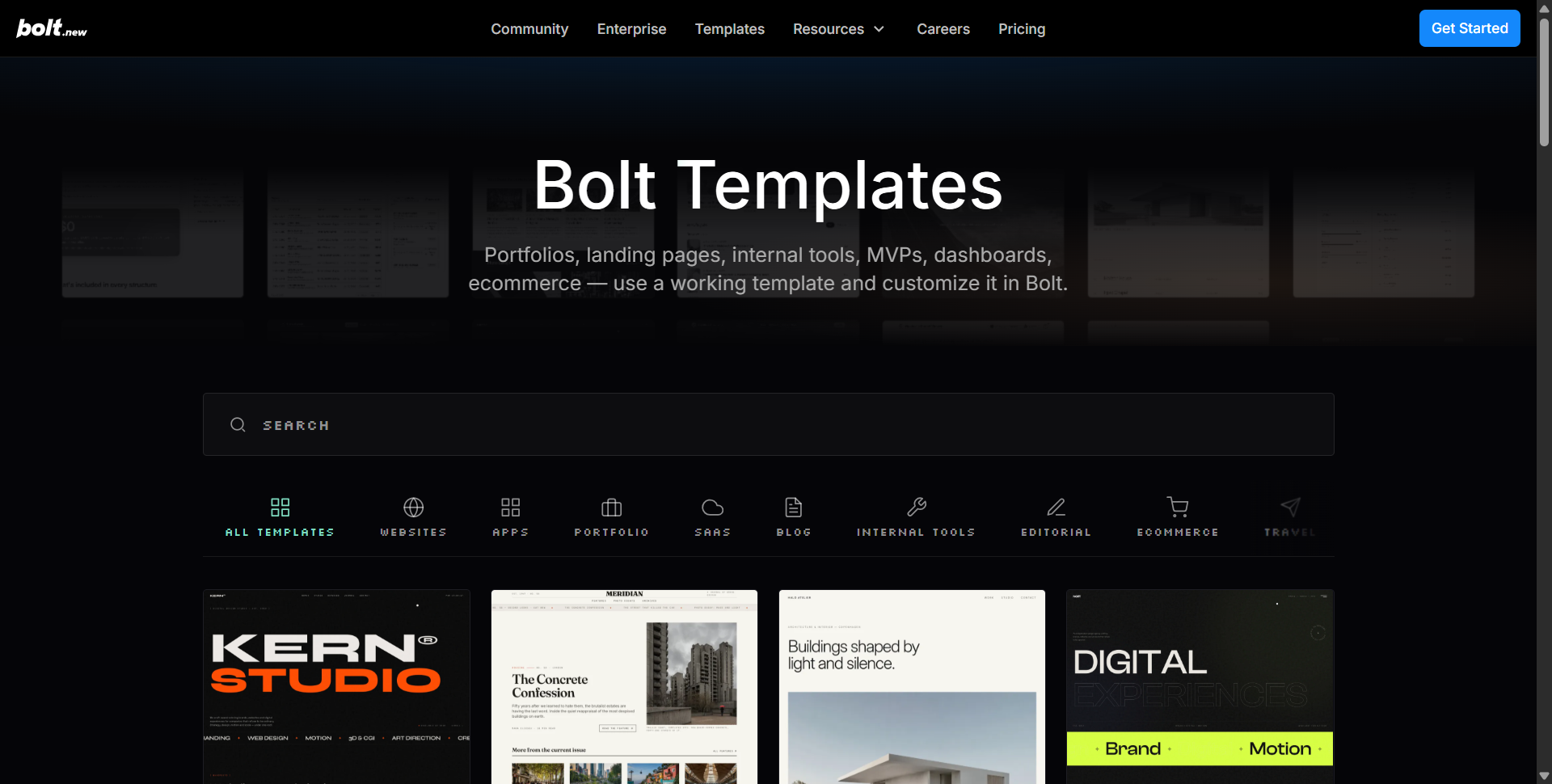
The pitch is direct: "use a working template and customize it in Bolt." For anyone who has ever stared at a blank prompt box unsure how to phrase their first request, starting from a template and editing it conversationally is a much lower-friction entry point than describing an entire app from scratch.
What You Can Actually Build
Bolt's own documentation is specific about scope: websites and apps, including marketing sites, portfolios, online stores, dashboards, and internal tools, plus presentations built with Bolt Slides. Real-world usage backs that up. Digital Virgo used Bolt.new as its primary development platform for a cross-platform application, cutting launch time from twelve months to three or four while relying on one primary architect instead of a four- to five-person team.
That's the kind of proof point worth taking seriously in a Bolt.new review: it's not a marketing claim about hypothetical speed, it's a specific before-and-after on headcount and timeline. Bolt has also pushed into vertical use cases, reporting more than 120,000 AI-built real-estate projects on the platform, and it recently expanded further with Design System Agents and Skills aimed at repeatable, production-grade workflows rather than one-off prototypes.
Enterprise Readiness: Prototype to Production
For teams evaluating whether Bolt can move past individual prototyping, the Enterprise page makes the pitch directly: "Prototype to Production: join leading companies transforming their development workflow."
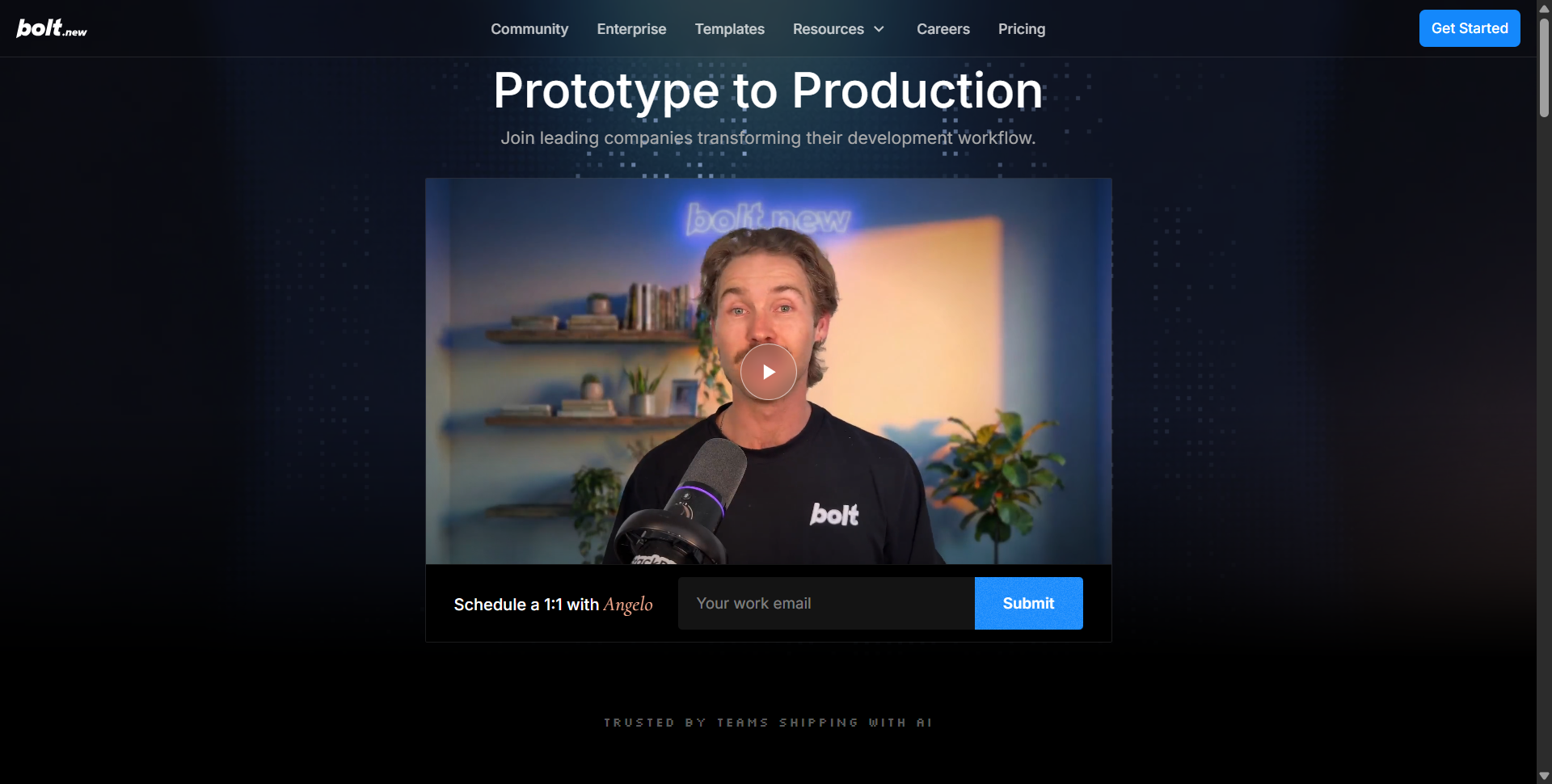
The page leads with a direct scheduling option rather than a self-serve signup, which signals Bolt treats enterprise as a sales-assisted motion, not a plan you just click into. That tracks with its broader enterprise push, including a Microsoft Azure and Microsoft 365 partnership that brings the platform into procurement environments larger organizations already trust.
Bolt.new Pricing: What Free, Pro, Teams, and Enterprise Get You
Pricing is where a lot of Bolt.new reviews get hand-wavy about the token system, so here's the current breakdown from the official pricing page.
| Plan | Price | Usage Limit | Best For |
|---|---|---|---|
| Free | $0/month | 300K tokens/day, 1M tokens/month | Testing the platform, small builds |
| Pro | $25/month | 10M tokens/month, no daily cap | Individuals building real projects |
| Teams | $30/month per member | Everything in Pro + centralized billing | Small teams needing shared access |
| Enterprise | Custom | Scalable for high-volume usage | Large orgs needing SSO, compliance, SLAs |
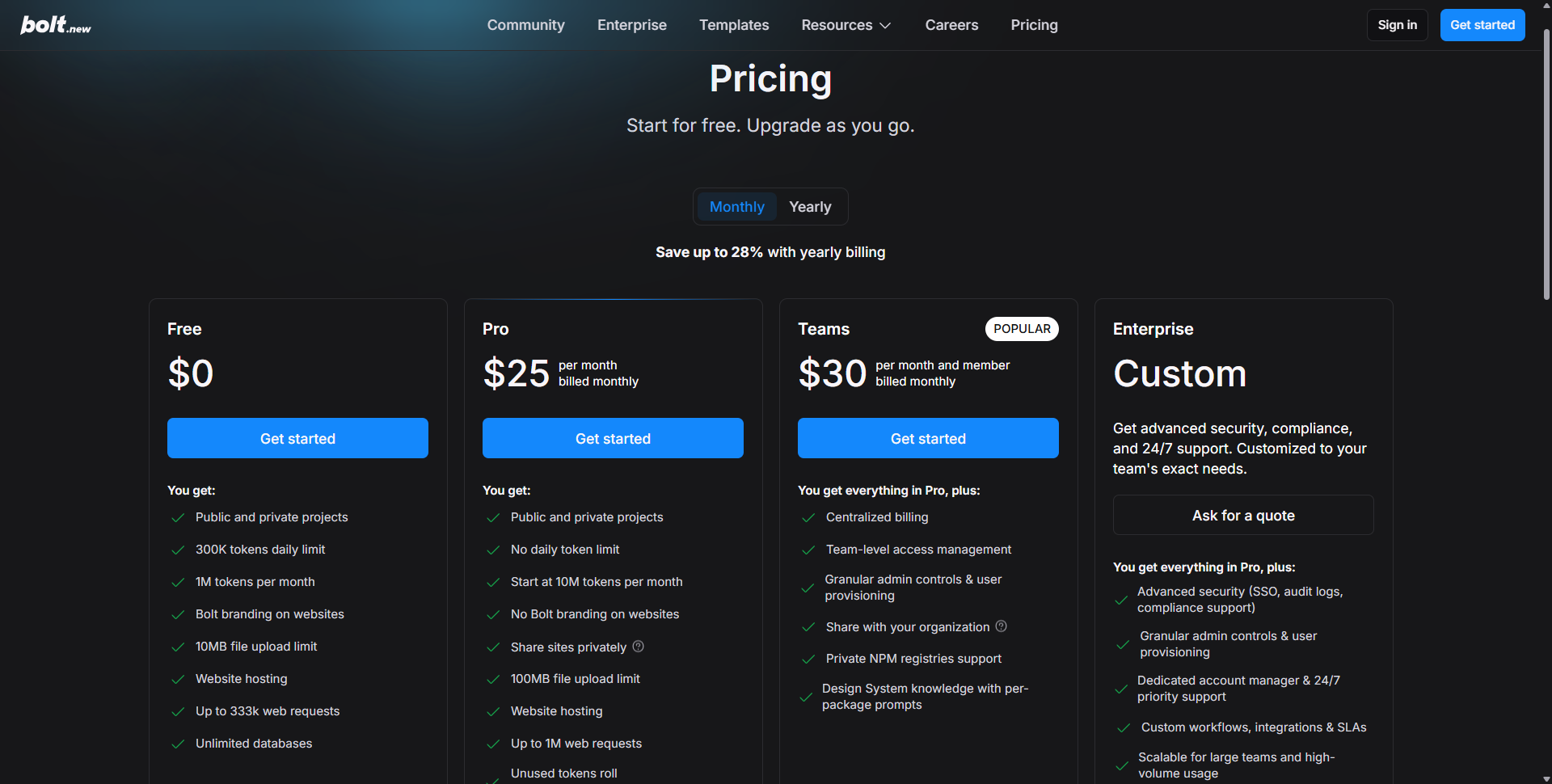
Yearly billing saves up to 28%. The free plan is more generous on paper than many competitors: 1 million tokens a month with no credit card required. But the daily 300K token cap means heavy building sessions can hit a wall mid-project. Pro removes that daily ceiling entirely, which is the real reason most serious builders upgrade, not just the higher monthly total.
One detail worth calling out: unused tokens roll over for an additional month on paid plans, which softens the sting of a slow month where you didn't build much. It's a small feature, but it's the kind of detail that suggests Bolt's pricing team thought about real usage patterns instead of just maximizing upgrade pressure.
Building something like this? Get your own product reviewed, compared, and permanently indexed on VegaReview.
See pricing →Bolt.new vs. Lovable vs. Replit vs. v0: How It Compares
No Bolt.new review is complete without placing it against the tools people actually cross-shop before buying.
| Tool | Strength | Where It Falls Short vs. Bolt |
|---|---|---|
| Lovable | Polished, non-technical-friendly UI and visual editing | Slower in-browser execution, less developer control |
| Replit | Mature cloud IDE, broad language support | No WebContainers-style instant in-browser execution |
| v0 (Vercel) | Excellent UI component generation | Weaker on full backend, database, and auth generation |
Bolt's real edge isn't polish. Lovable often wins that comparison. It's raw execution speed and the fact that you're working with a genuine development environment, not an abstraction layered over one. Developers and technical founders who want to see and touch the actual code tend to prefer Bolt; non-technical builders who want the smoothest possible on-ramp often lean toward Lovable instead.
Pros, Cons, and Who Should Actually Use Bolt.new
An honest review means naming the trade-offs plainly, not just listing features.
Where Bolt.new genuinely delivers:
- Live, in-browser execution means near-instant previews with zero deployment wait
- The token system is transparent, with rollover and clear per-tier limits
- Templates and the four build modes (Website, Slides, App, Prototype) reduce blank-page friction
- Real enterprise traction, including a Microsoft Azure/M365 partnership
Where it falls short:
- Token costs on complex, multi-session projects can be harder to predict than flat-credit systems
- The interface leans more technical than Lovable's, which can intimidate first-time non-coders
- Free tier's daily token cap interrupts long build sessions
- Highly specialized infrastructure needs will still outgrow what any AI builder supports
If you're a developer or technical founder who wants speed and real code access without giving up control, Bolt is one of the strongest options on the market right now. If you're a complete beginner who wants the gentlest possible learning curve, it's worth also testing a more visually guided competitor before committing.
Final Verdict
Bolt.new earns its place near the top of the AI app builder category on the strength of one thing most competitors can't fully replicate: applications that actually run the instant they're generated. For developers, technical founders, and teams who want speed and real code control, it's worth testing against your own project before you commit to a paid plan.
Start Building With a Free Bolt.new Account
Test the platform on a real project before upgrading: the free plan's 1M monthly tokens are enough to see exactly how it handles your use case.